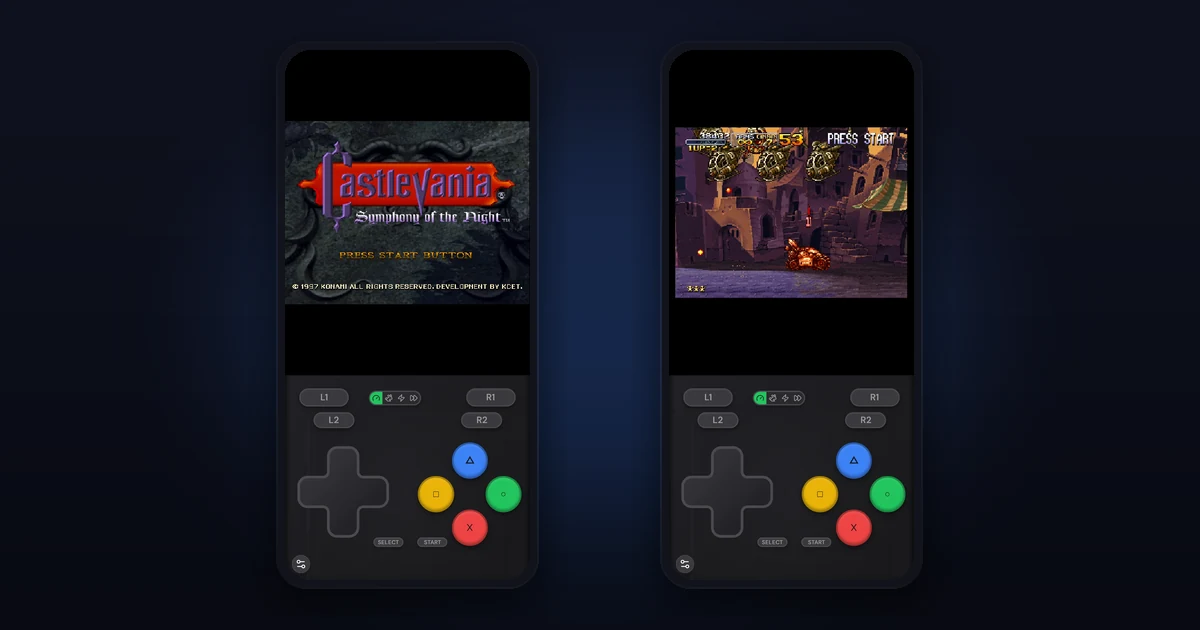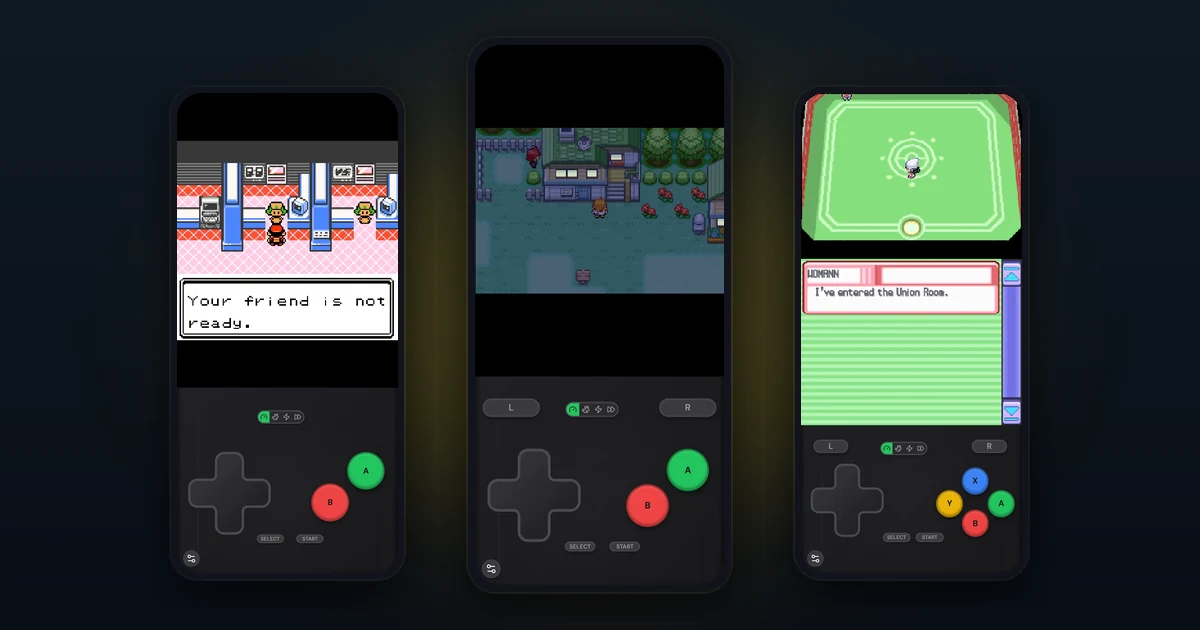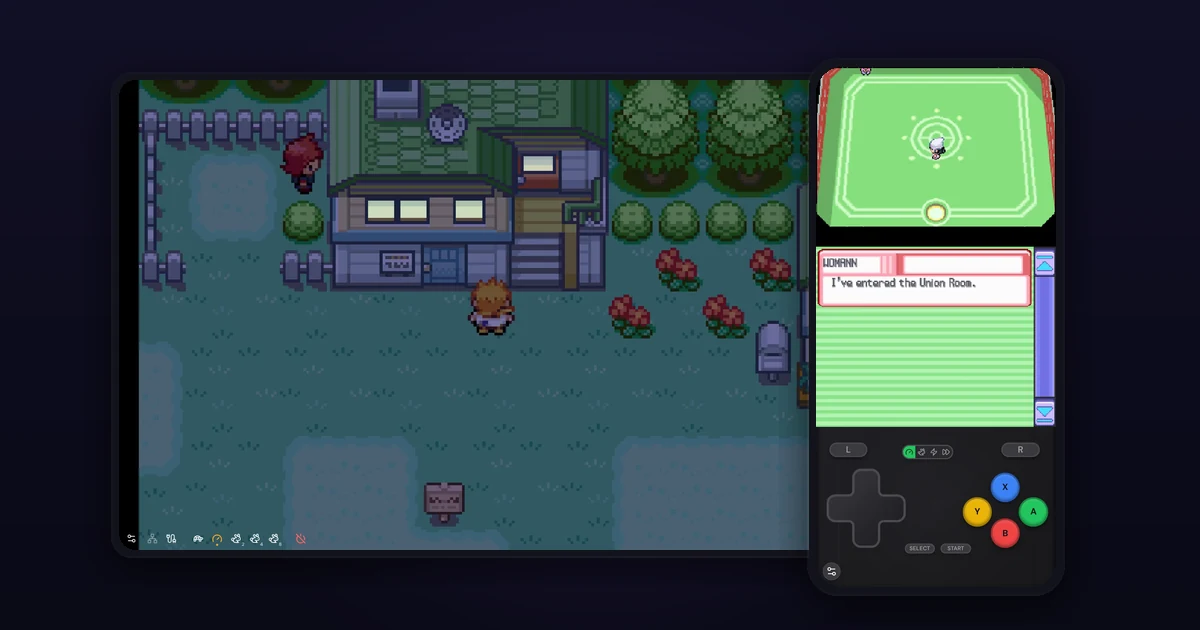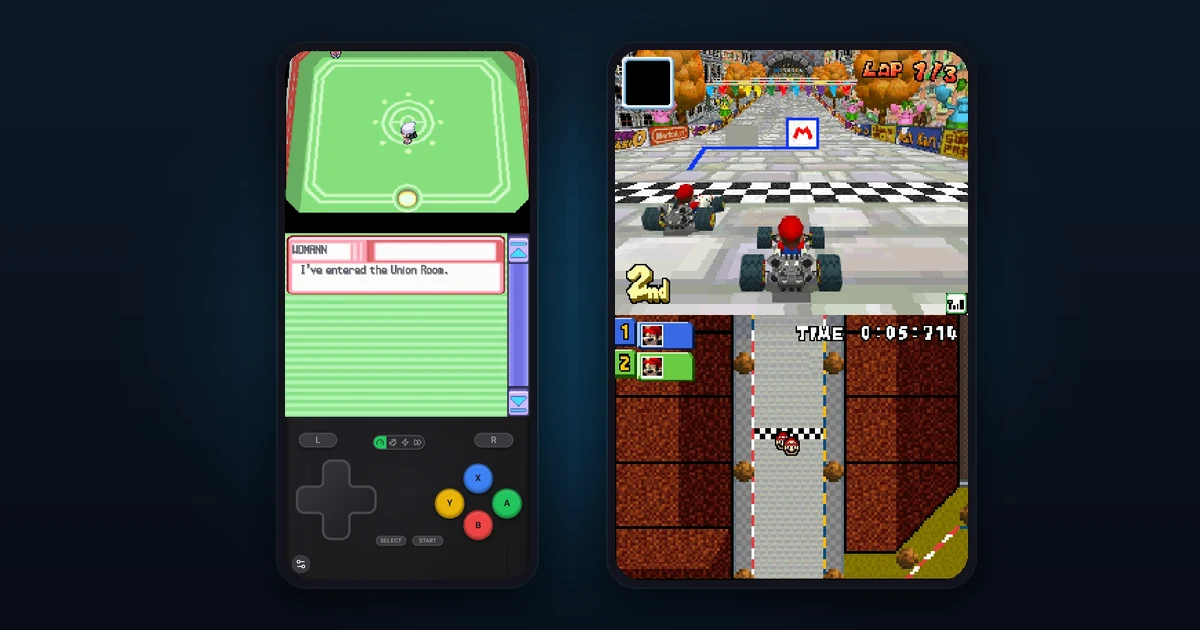
If you want the best Nintendo DS emulator for iPhone (or iPad) in 2026, Rebit (powered by melonDS) is the easiest way to play .nds games with native portrait touch controls, Nintendo WFC online multiplayer, an optional on-screen Blow mic button, and automatic cloud saves that sync between your iPhone, iPad, PC, and Android. If you strictly want an offline iOS-only DS app with custom skins, Delta is a great offline alternative, while RetroArch offers melonDS/DeSmuME cores for local tinkerers.
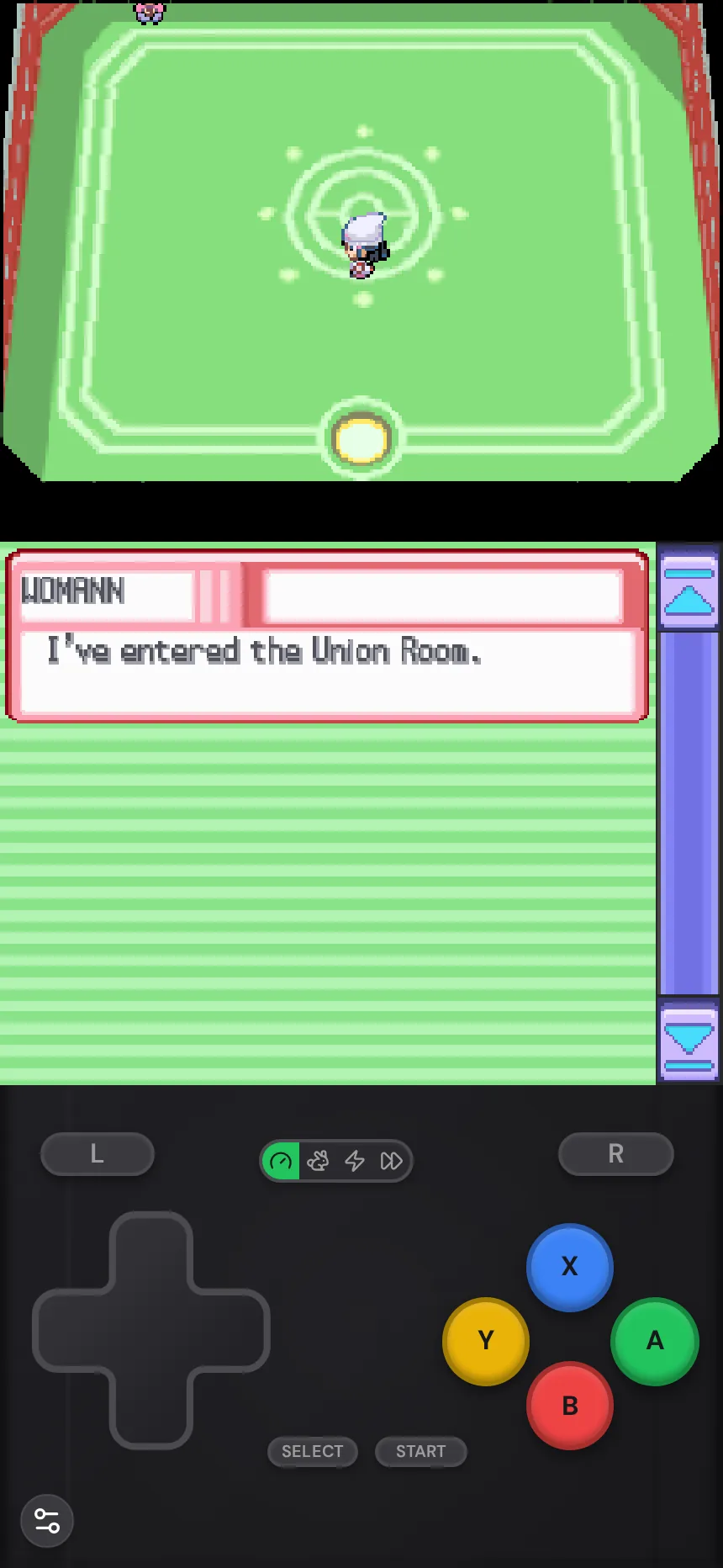
There is a case to be made that the Nintendo DS was accidentally designed for the modern iPhone. Think about it: a tall OLED smartphone held vertically in portrait mode is literally the exact dual-screen silhouette of a Nintendo DS Lite—except brighter, sharper, and already sitting in your pocket. The top screen displays crisp gameplay while the bottom screen sits right under your thumb for Pokémon Platinum battle menus, Chrono Trigger DS combat, Castlevania: Dawn of Sorrow magic seals, Professor Layton puzzles, and Phoenix Wright cross-examinations.
Yet a few classic DS quirks can ruin a playthrough if your emulator isn’t dialed in: microphone puzzles that expect you to blow into the console, awkward screen swapping on wide games, Nintendo Wi-Fi Connection (WFC) online setup, and keeping 50-hour .dsv / .sav RPG saves safe across devices. Here is how to get the best Nintendo DS experience on iPhone and iPad in 2026.
Quick comparison: best Nintendo DS emulators for iPhone & iPad
| Emulator | DS Core | Online WFC Multiplayer | Microphone Support | Cloud Sync (iPhone ↔ PC) |
|---|---|---|---|---|
| Rebit | melonDS | Yes (Mario Kart DS, Pokémon Gen 4/5 trading & battles) | On-screen Blow mic button + real mic support | Automatic cloud autosaves across iOS, PC browser & Android (2 GB free) |
| Delta | melonDS | Yes | Real microphone | Google Drive / Dropbox (iOS-to-iOS only; no PC/web client) |
| Manic EMU | melonDS-based | Limited | Supported | iCloud (Apple devices only) |
| RetroArch (iOS) | melonDS / DeSmuME | Complex manual setup | Core-dependent | Manual iOS Files folder sync |
Why melonDS on Rebit feels native on iPhone & iPad
Nintendo DS emulation has come a long way from the glitchy, laggy days of early mobile ports. Running melonDS inside Rebit solves the four biggest pain points for iPhone DS players:
1. Portrait touch controls + instant screen layout & swap
In portrait mode on iPhone, your top and bottom DS screens stack naturally with zero squinting, and tapping directly on the bottom touchscreen feels just like using a stylus (minus hunting under the couch for a lost plastic pen). On iPad—or when playing landscape action games like New Super Mario Bros. or Mario Kart DS—you can switch layouts or swap screens cleanly whenever a game puts the main action on the bottom display. For a full walkthrough of touch, swap, and gamepad tweaks, read our Nintendo DS emulator controls guide.
2. Built-in “Blow mic” button for DS microphone puzzles
Remember blowing into your DS Lite on a crowded bus to clear dust in The Legend of Zelda: Phantom Hourglass, blow out candles in Mario Party DS, or solve puzzles in Bowser’s Inside Story and Pokémon Diamond/Pearl?
Looking silly blowing at your iPhone in public isn’t required anymore. In Rebit’s in-game Settings, you can toggle on the optional Blow mic button—just press and hold it whenever a game asks for microphone noise, and it feeds clean mic noise straight into melonDS. (You can also use your real microphone if you prefer!)
3. Nintendo WFC online multiplayer on iPhone (Mario Kart DS & Pokémon!)
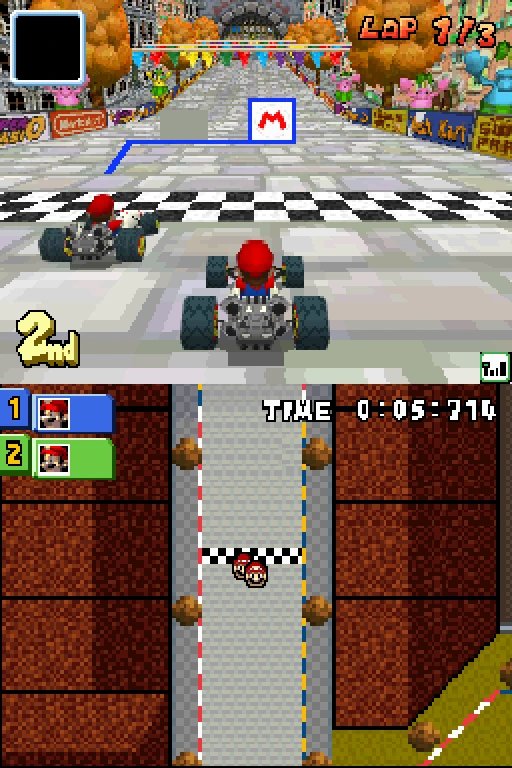
Nintendo shut down the official DS Wi-Fi servers back in 2014, but community WFC servers brought online races and Pokémon trading back to life—and Rebit supports Nintendo WFC directly on iPhone, iPad, and desktop browsers.
That means you can race Mario Kart DS online or trade/battle in Pokémon Diamond, Pearl, Platinum, HeartGold, SoulSilver, and Black/White straight from your phone. Check our step-by-step Mario Kart DS online WFC guide and Nintendo DS online multiplayer guide to connect in under two minutes.
4. What about DSi games? (DSi emulator for iPhone explained)
Lots of players search for a DSi emulator for iPhone because late-era hits like Pokémon Black, Pokémon White, Pokémon Black 2, Pokémon White 2, Solatorobo, and Sonic Classic Collection were DSi-enhanced cartridges. The good news: standard DSi-enhanced .nds retail dumps boot and play smoothly in DS mode inside melonDS on Rebit—no separate DSi NAND image required. (Only standalone digital DSiWare titles require full DSi NAND setups, which almost nobody needs for the core DS library.)
5. Automatic iPhone ↔ iPad ↔ PC cloud saves
DS RPGs are massive—Pokémon HeartGold, Dragon Quest IX, Radiant Historia, Chrono Trigger DS, Final Fantasy Tactics A2, The World Ends with You. With Rebit, your .nds library and cloud autosaves (every minute free, every 10 seconds on Pro) sync automatically between your iPhone, your iPad, and your Windows/Mac browser. Grind a few battles on your iPhone in line for coffee, then open app.rebit.cc on your laptop at home and keep going on the exact same save.
How to set up Nintendo DS games on iPhone in 2 minutes
- Install the Rebit iOS app from the Rebit Download page or open app.rebit.cc in Safari (zero jailbreaking or AltStore sideloading).
- Tap Add Game and select an
.ndsROM dump you own from your iPhone’s Files app (or upload from your PC—it syncs to your iPhone immediately). - Tap Play. Rebit pairs the game with melonDS, turns on touch input for the bottom screen, and activates cloud autosaves automatically.
- Speed up slow Gen 4 battle animations: Pokémon Diamond, Pearl, and Platinum are famous for sluggish HP bars—toggle Rebit’s 4× fast-forward (free; up to 8× on Pro) and Sinnoh immediately feels twice as snappy.
Best Nintendo DS games to play on iPhone (touch-friendly picks)
Some DS games are practically tailor-made for an iPhone touchscreen—no controller required:
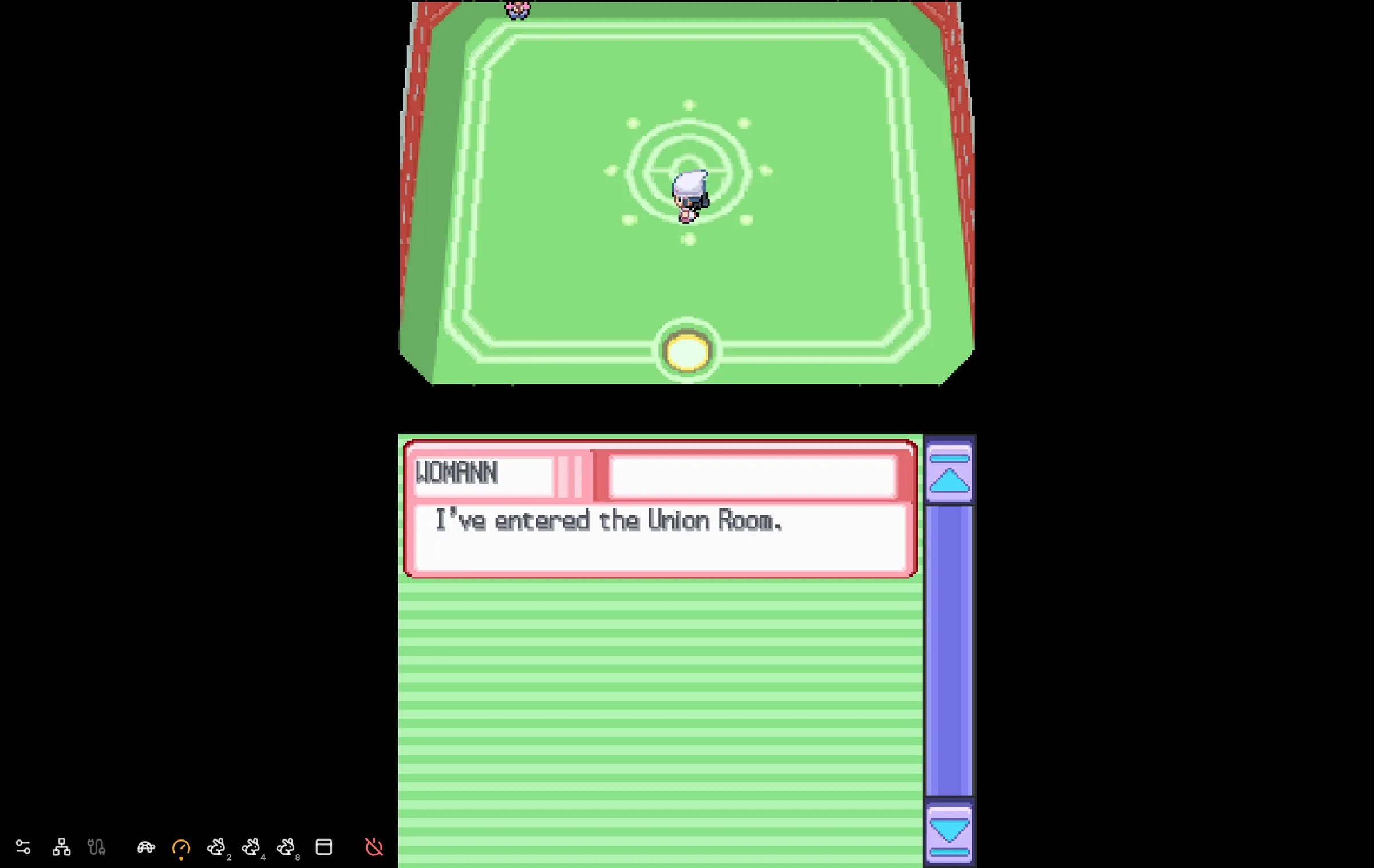
- Pokémon Platinum & HeartGold / SoulSilver: Portrait layout + bottom-screen touch menus + 4× fast-forward + WFC online trading = pure perfection.
- Chrono Trigger DS: The definitive version of the greatest JRPG ever made, with a clean touch battle menu on the bottom screen.
- Phoenix Wright: Ace Attorney & Professor Layton: Tap-driven visual novels and puzzles that feel 100% like native iOS games.
- Radiant Historia & Advance Wars: Dual Strike: Deep turn-based tactics where a touchscreen is arguably better than a D-pad.
- Mario Kart DS & Castlevania: Order of Ecclesia: Amazing when you clip on a Backbone One, GameSir G8 Galileo, or pair an 8BitDo / DualSense controller over Bluetooth.
Moving your DS saves from Delta to Rebit
Already 25 hours into Pokémon SoulSilver or Dragon Quest IX on Delta? You don’t have to start over:
- In Delta, long-press your DS game → Manage Save File → Export Save File to save the
.dsv/.savfile to iOS Files. - Upload your
.ndsROM to Rebit and attach that save file on the game’s page. - Hit Play—your in-game save loads immediately and starts syncing across your iPhone, iPad, and PC. (As always, migrate in-game battery saves rather than emulator-specific save states.)
Legal note on Nintendo DS ROMs
Rebit never hosts, bundles, or links to copyrighted Nintendo DS ROMs or BIOS files. Always upload legal backups of DS cartridges you own.
Frequently asked questions
What is the best free DS emulator for iPhone?
Rebit (powered by melonDS) is free to start with 2 GB of cloud storage, 4× fast-forward, Nintendo WFC online multiplayer, on-screen Blow mic, and automatic iPhone ↔ PC cloud saves. For strictly offline iOS-only play with custom skins, Delta is the top offline option.
Can I play Nintendo DS games online on iPhone?
Yes. Rebit’s melonDS core supports Nintendo WFC online multiplayer directly on iPhone, iPad, and desktop browsers—so you can race Mario Kart DS or trade/battle in Gen 4 and Gen 5 Pokémon games online.
How do I pass DS microphone puzzles on iPhone without blowing into my phone?
Open Rebit’s in-game Settings and turn on the Blow mic button. Whenever a game like Zelda: Phantom Hourglass or Mario Party DS asks you to blow into the mic, just press and hold the on-screen button.
Do I need DS BIOS files to play on Rebit?
No. Standard .nds games boot directly in Rebit with melonDS—no hunting for bios7.bin, bios9.bin, or firmware.bin files required.
Ready to turn your iPhone or iPad into a dual-screen DS with cloud saves and WFC online? Grab Rebit on the Rebit Download page or visit play Nintendo DS games online. For every other iOS console, check our best emulator for iPhone & iPad in 2026 roundup.