Fuse
Play ZX Spectrum games online
Jet Set Willy, Manic Miner, Sabre Wulf, and modern Spectrum homebrew—Rebit plays your own ZX Spectrum .tzx, .tap, .z80, and disk images in a browser or on your phone with Fuse.
Upload your own .tzx, .tap, .z80, .rzx, .scl, or .trd backup. Rebit supplies no games.
- Core
- Fuse
- Files
- TZX, TAP, Z80, RZX, SCL, TRD
- Saves
- Cloud save states
From tape image to title screen
Upload a tape or snapshot backup you own and start playing without waiting five minutes for a cassette.
-
01
Upload your tape or snapshot
Add a .tap, .tzx, .z80, .rzx, .scl, or .trd file to your Rebit library under ZX Spectrum.
-
02
Play with keyboard, Kempston joystick, or pad
Use your keyboard or map Kempston/Sinclair joystick controls on a gamepad or phone screen.
-
03
Save states in the cloud
Keep your run saved across browser and mobile sessions.
Instant tape load. No cassette hiss.
ZX Spectrum games in public libraries
Titles from players’ ZX Spectrum collections, not ROM downloads.
-
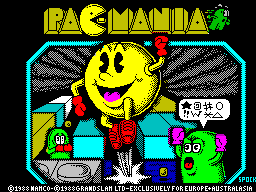
Pac-Mania (ZX Spectrum)
-
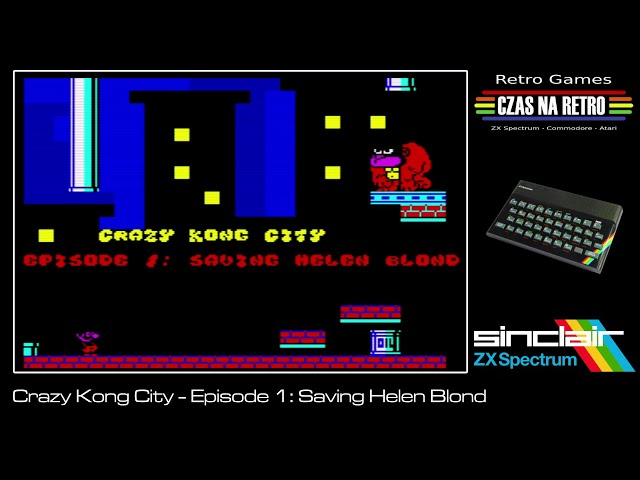
Crazy Kong City - Episode Crazy Kong City - Saving Helen Blond
-
No box art yet Cobra (Ocean)
-
No box art yet Emlyn Hughes International Soccer (Audiogenic)
-
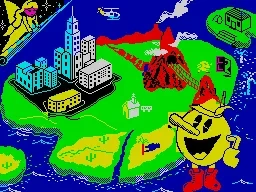
Pac-Land (ZX Spectrum)
Rebit does not provide game files or download links. These names come from public library activity.
ZX Spectrum emulator questions
Which ZX Spectrum file formats work on Rebit?
Rebit supports .tzx and .tap tape images, .z80 snapshots, .rzx recordings, and .scl/.trd disk images on Fuse.
Which format loads fastest?
Snapshots (.z80) and standard .tap tape images load almost instantly, while .tzx preserves custom tape loaders.
Related guides
Other systems
Play your ZX Spectrum library
Open Rebit and add a .tap, .tzx, or .z80 game you own. Start free and upgrade only when your library grows.