ProSystem
Play Atari 7800 games online
Arcade-faithful ports like Food Fight, Centipede, and Robotron 2084 plus modern 7800 homebrew—Rebit runs your own Atari 7800 .a78 and .bin cartridge backups in a browser or on your phone with ProSystem.
Upload your own .a78 or .bin cartridge backup — no BIOS needed. Rebit supplies no games.

- Core
- ProSystem
- Files
- .a78 and .bin cartridges
- Saves
- Cloud save states
From .a78 file to title screen
Upload a cartridge backup or homebrew .a78 file and start playing right away.
-
01
Upload your .a78 or .bin file
Add your Atari 7800 cartridge dump to your library. Headered .a78 files auto-detect cleanly.
-
02
Play with 2-button controls
ProSystem maps the D-pad, both fire buttons, Select, Reset, and Pause for touchscreens and controllers.
-
03
Save states across devices
Keep your high-score runs synced to your Rebit account.
Arcade ports at home. Now in your browser.
Atari 7800 games in public libraries
Titles from players’ Atari 7800 collections, not ROM downloads.
-
No box art yet Trashy Battle
-
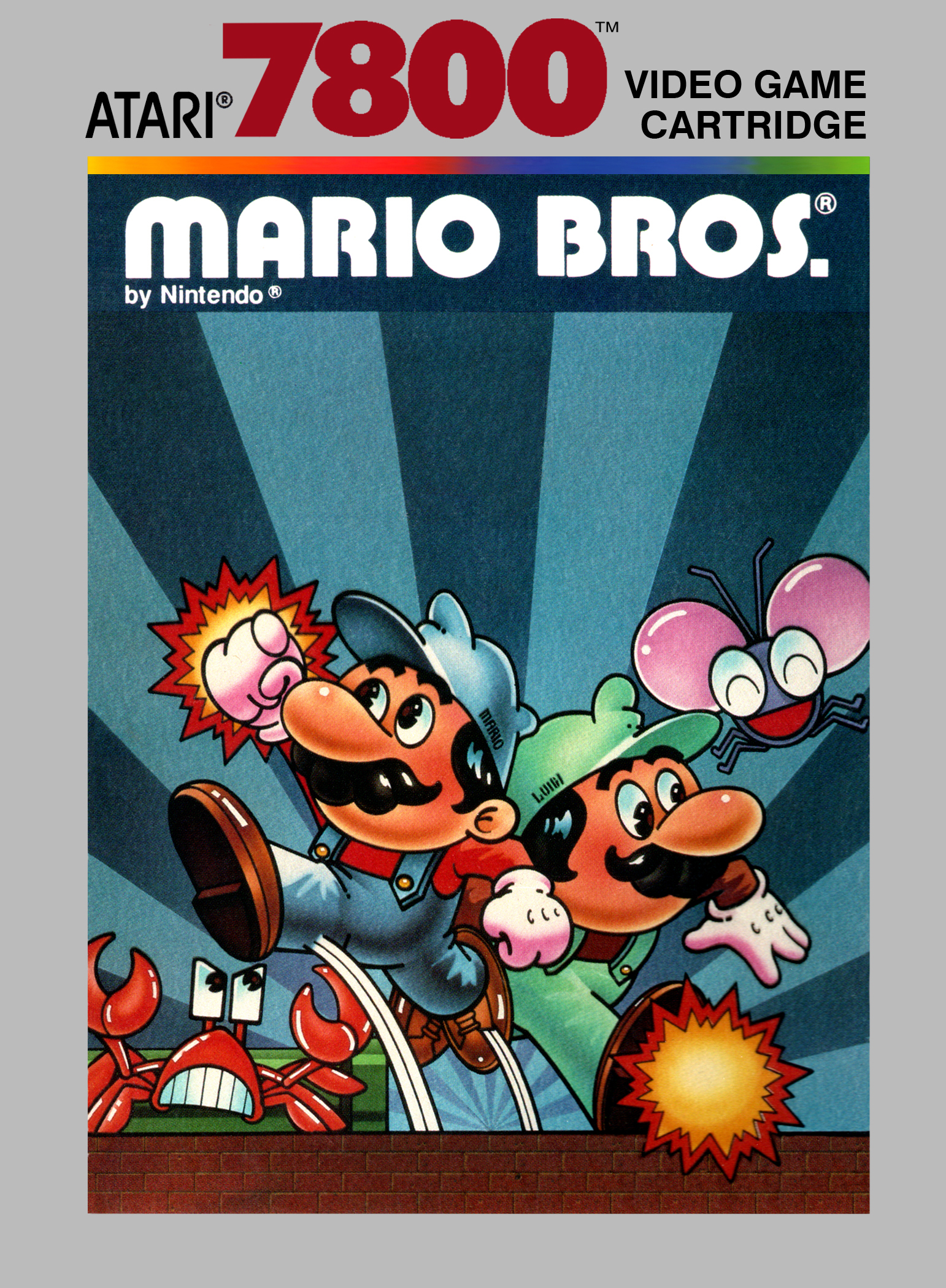
Mario Bros. (Atari) (Alt 1)
Rebit does not provide game files or download links. These names come from public library activity.
Atari 7800 emulator questions
Should I upload .a78 or .bin for Atari 7800?
Use .a78 whenever possible—it carries the cartridge header ProSystem expects and auto-detects cleanly as Atari 7800.
Do I need an Atari 7800 BIOS?
No. ProSystem boots your .a78 cartridges directly with no BIOS upload required.
Related guides
Other systems
Play your Atari 7800 library
Open Rebit and add an .a78 cartridge backup you own. Start free and upgrade only when your library grows.