1
Arcade energy on demand
Genesis and Mega Drive games are brilliant for a quick platforming run, a fighter rematch, or one more high score.
Your retro library
Bring that fast, crunchy Genesis sound to the browser with the proper six-button layout and Genesis Plus GX under the hood.
No copyrighted games provided. Bring your own legally owned files and keep your saves organized in your account-backed library.
Genesis and Mega Drive games are brilliant for a quick platforming run, a fighter rematch, or one more high score.
Rebit maps Genesis games to A, B, C, X, Y, Z, Start, and Mode while keeping controller input compatible with the libretro runtime.
Sega Genesis support uses Genesis Plus GX, a mature libretro core with broad compatibility for the Genesis and Mega Drive library.
Public library activity
Recent public play and library activity, cleaned up into readable game names.
Rebit does not provide game files or download links. These names come from public library activity.
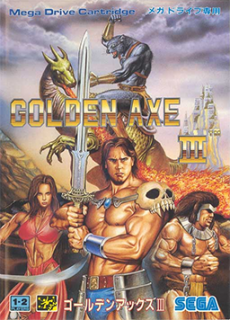 01
01
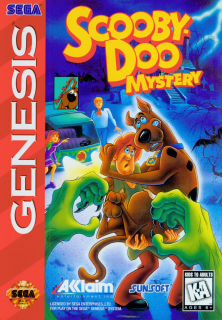 02
02
 03
03
 04
04
 05
05
Feature
Use a six-button face layout for games that need X, Y, Z, and Mode.
Feature
Keep Genesis games beside the rest of your Rebit library without separate emulator setup on each device.
Step 1
Use a legally owned Genesis or Mega Drive ROM and add it to your private Rebit library.
Step 2
Rebit detects common Genesis formats such as .md, .gen, and .smd, and lets you choose Sega Genesis for ambiguous .bin files.
Step 3
Launch from the browser, use save tools when the game supports progress, and keep the game in your account library.
Yes. Rebit supports Sega Genesis and Mega Drive uploads for legally owned game files.
Common supported Genesis formats include .md, .gen, .smd, .bin, .68k, and .sgd. For .bin files, choose Sega Genesis if auto detection cannot identify the file.
No. Genesis uses A, B, C, Start on the original pad, and X, Y, Z plus Mode on the six-button pad.
No. Rebit does not provide copyrighted game downloads. Bring your own legally owned files.
Upload your own Genesis or Mega Drive file and launch from your Rebit library.