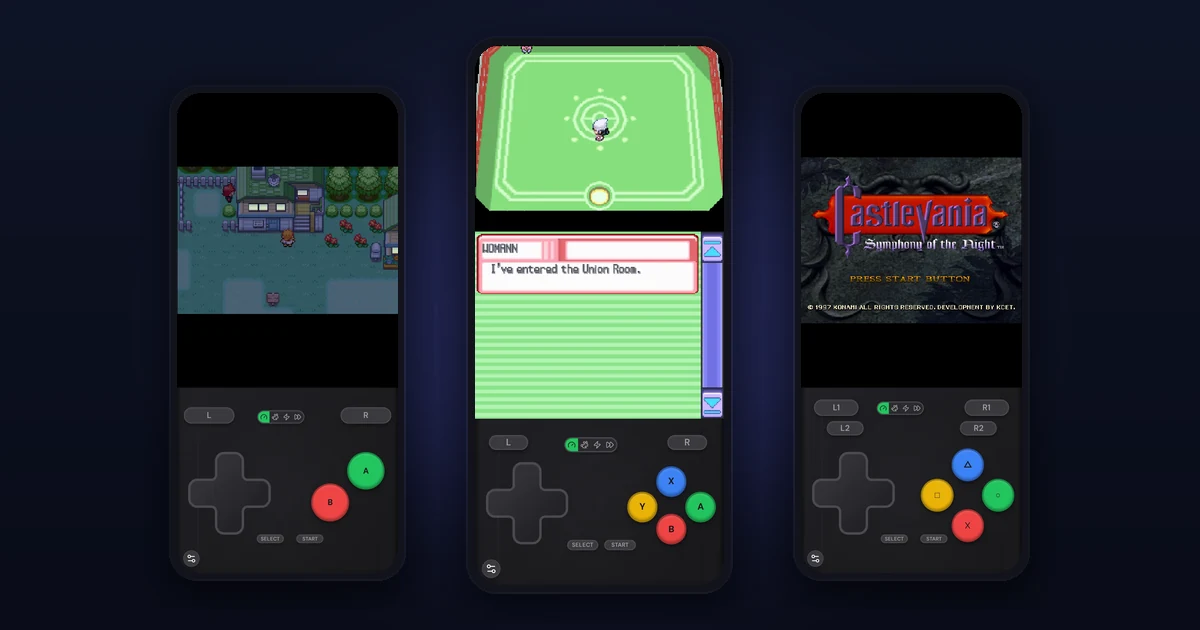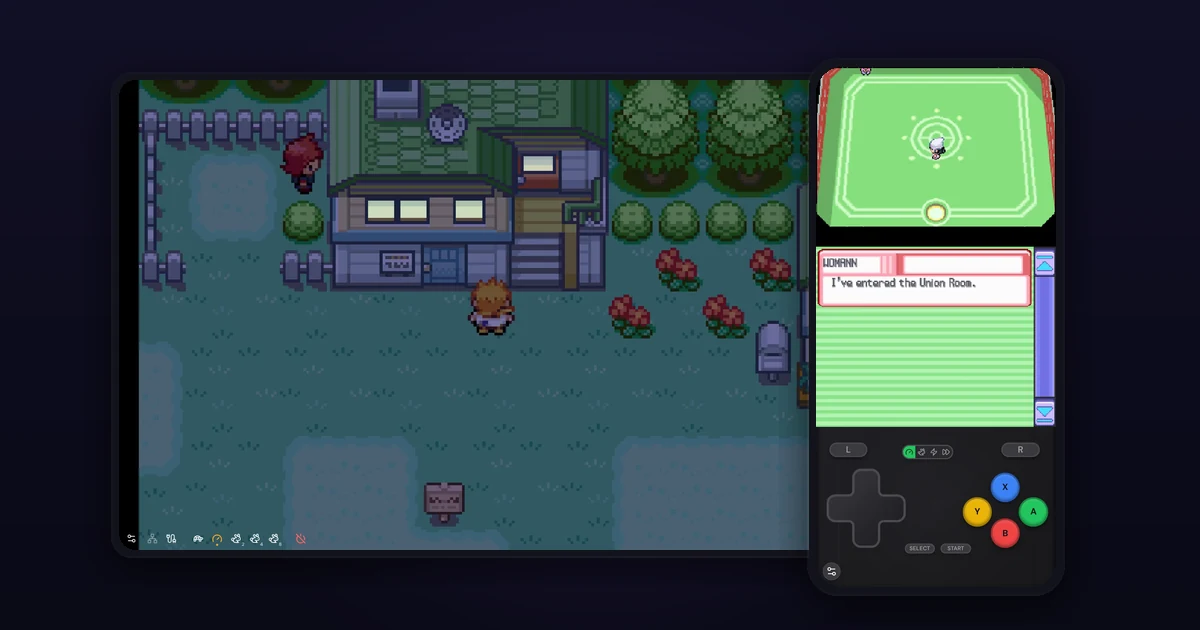
If you are searching for Delta emulator on PC—or wondering whether Rebit or Delta is the better emulator for your iPhone and iPad in 2026—here is the short answer: Delta does not have a PC, Mac browser, or Android version, and it has no online GBA Link Cable or SNES/NES netplay. Delta is still fantastic for offline single-player Nintendo games on iOS with custom skins. Rebit is the better pick if you want to start a game on your iPhone or iPad and seamlessly continue on a PC/Mac browser or Android phone, play PlayStation 1 (PS1), or host online multiplayer (2–4P GBA Link Cable, DS WFC, and Rollback/Lockstep/Stream netplay).
I genuinely love Delta. Riley Testut fought Apple for years to bring retro emulation to the App Store, and when Delta finally launched, it made playing Super Mario World and Pokémon Emerald on an iPhone feel native for the first time.
Then the same three walls hit almost every longtime Delta player:
- You’re 25 hours into Pokémon Unbound or Chrono Trigger on your iPhone, sit down at your Windows PC or MacBook, and realize there is no Delta emulator for PC.
- You want to trade-evolve your Haunter or battle a friend in Pokémon FireRed or Super Mario Kart—and discover Delta has no online GBA Link Cable or SNES/NES netplay.
- You want to replay Final Fantasy VII or Castlevania: Symphony of the Night—and remember Delta doesn’t support PlayStation 1.
Let’s compare Rebit vs Delta honestly across platforms, supported consoles, cloud saves, multiplayer, controllers, and save migration so you can pick the right home for your library (or use both cleanly).
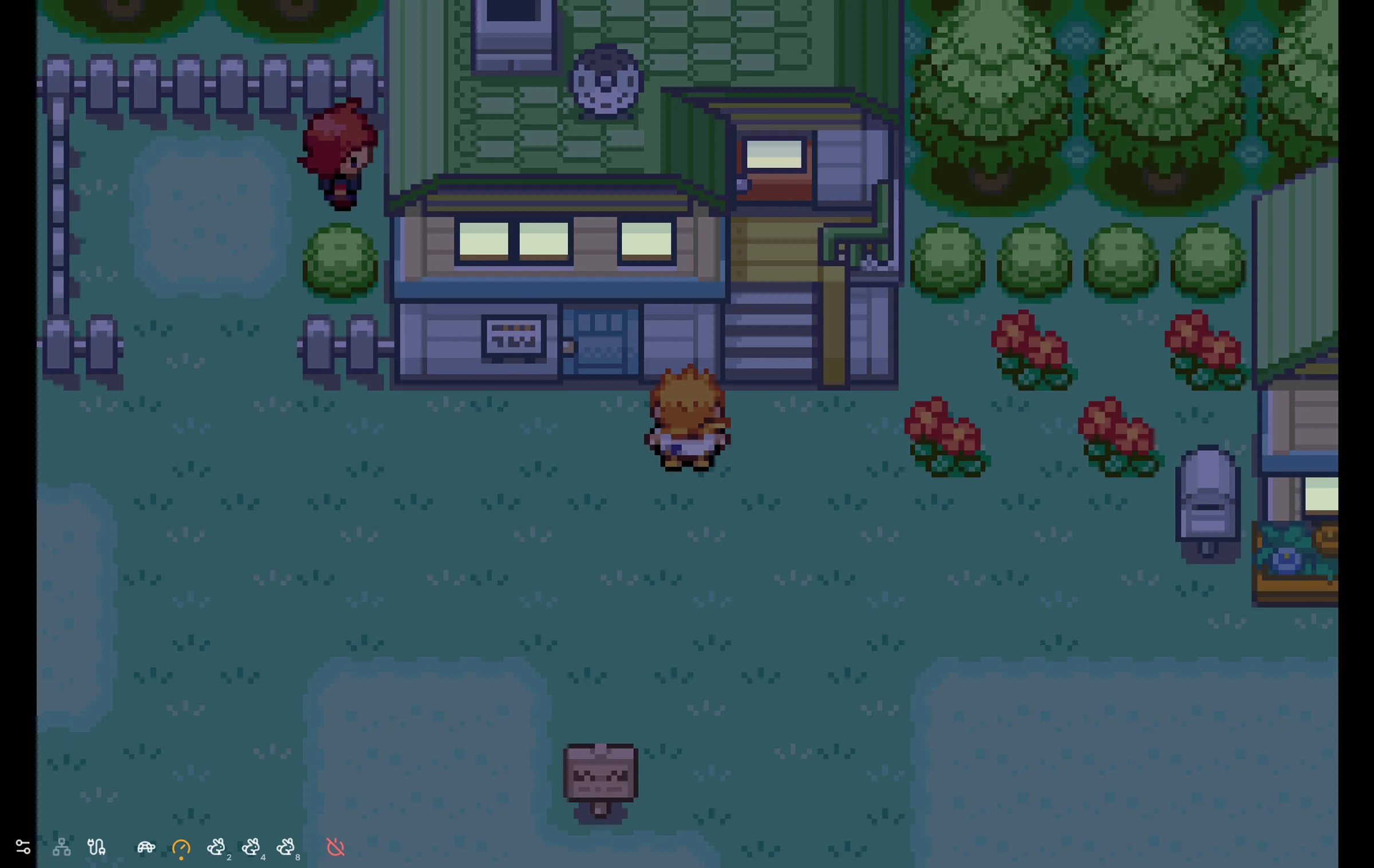
Rebit vs Delta Emulator: side-by-side comparison
| Feature | Rebit | Delta Emulator |
|---|---|---|
| Platforms | iOS app, iPadOS, Windows/Mac/Linux web browser, Android app | iOS / iPadOS only (no PC, Mac web, or Android) |
| PlayStation 1 (PS1) | Yes (.chd, .bin/.cue, multi-disc .m3u) |
No |
| Nintendo Systems | NES, SNES, GB/GBC, GBA, NDS, N64 | NES, SNES, GB/GBC, GBA, NDS, N64 |
| Sega & Retro PCs | Genesis/Mega Drive, Master System, Game Gear, MS-DOS & more | Genesis (Patreon/limited) |
| Cloud Save Sync | Built-in automatic cloud autosaves across iPhone, iPad, PC & Android (2 GB free) | Google Drive / Dropbox sync (Delta-to-Delta on iOS/iPadOS only) |
| GBA Link Cable Online | Yes (2–4 players, Rollback) — trade & battle Pokémon online | No |
| NES / SNES / PS1 Netplay | Yes (Rollback, Lockstep, Stream — P2P free, Edge Link Pro) | No |
| Nintendo DS WFC Online | Yes (melonDS WFC + on-screen Blow mic) | Yes |
| RetroAchievements | Yes | No |
| Custom Touch Skins | Clean built-in layouts + shaders (CRT, LCD Grid) | Huge community skin library (Delta’s superpower) |
| Offline Airplane Play | Native mobile apps + local browser cache | 100% offline-first |
| Pricing | Free (2 GB cloud, 4× FF, P2P netplay) + optional Pro | Free (Patreon for beta features) |
Why people search for “Delta emulator PC” (and how Rebit solves it)
Every month, thousands of players search for Delta emulator PC or Delta emulator for Android because they already built a library on their iPhone and want the same games and saves on a bigger monitor.
Because Delta is built natively around Apple’s iOS frameworks, there is no official Delta app for Windows, Mac browsers, or Android. Sure, you could dig into Delta’s synced Dropbox folder, rename cryptic SHA-1 database filenames into .sav files, manually drop them into mGBA on your laptop, and reverse the whole process before you leave the house—but nobody wants to do file surgery just to play 20 minutes of Metroid Fusion at lunch.
With Rebit (grab the iOS app from the Rebit Download page or open app.rebit.cc in any desktop browser):
- Your
.gba,.nds,.sfc,.nes, and.chdfiles live in one private cloud library. - Your game autosaves to the cloud (every minute free, every 10 seconds on Pro).
- Close Pokémon Emerald on your iPhone, open Chrome or Safari on your Windows PC or MacBook, click Play, and you are standing on the exact same tile three seconds later.
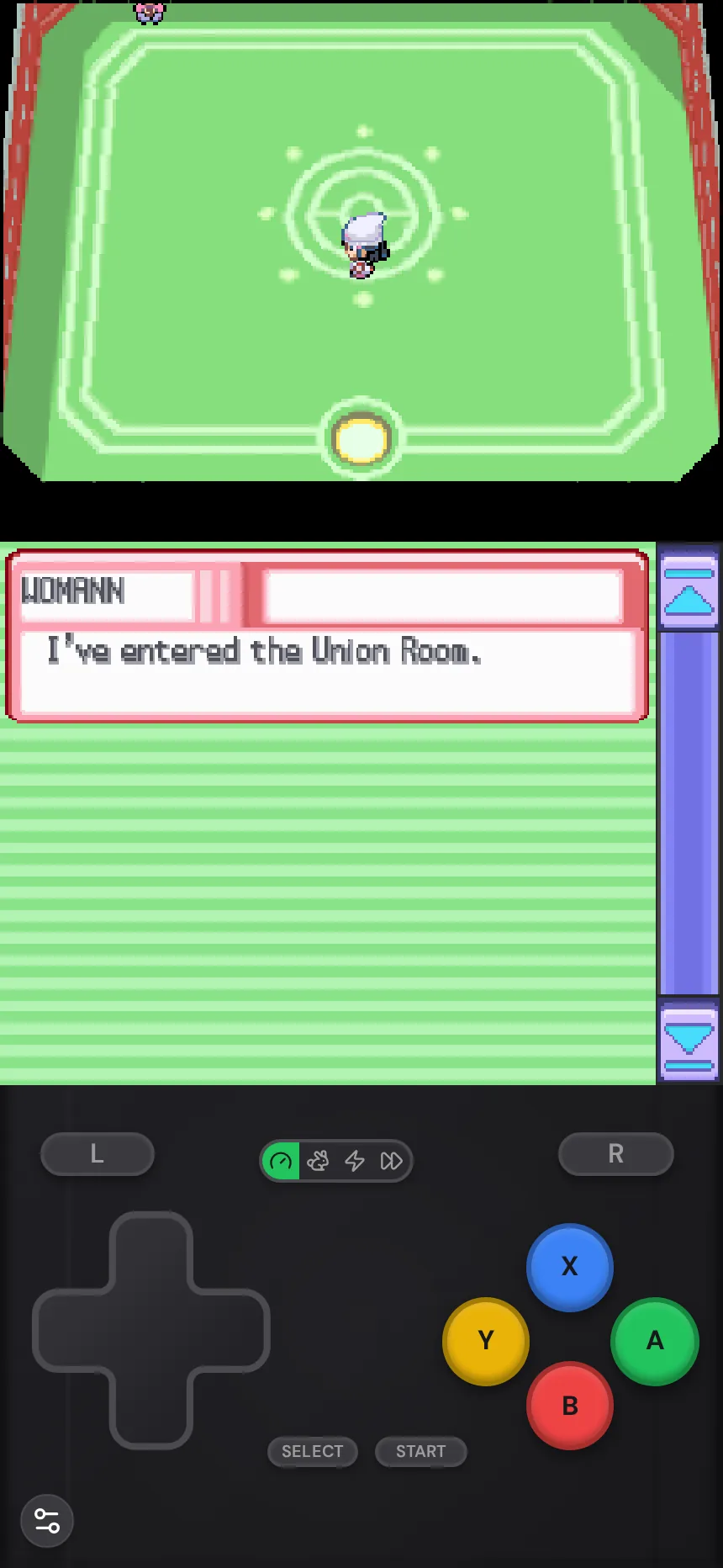
Multiplayer: the biggest difference between Rebit and Delta
If you only ever play single-player RPGs offline, Delta and Rebit both feel great. The moment you want to play with friends, they aren’t even in the same league.
1. GBA Link Cable online (Pokémon trading, battles & co-op)
On Delta, GBA games are strictly single-player. That means classic trade evolutions (Alakazam, Gengar, Machamp, Golem, Scizor) and 4-player co-op ROM hacks like Pokémon Quetzal are off-limits unless you patch them out.
On Rebit, our mGBA Link Cable rollback engine links 2 to 4 players over the internet across iPhone, iPad, PC, and Android. You can walk into the Pokémon Center upstairs, trade between FireRed and LeafGreen (or Emerald), or run 4-player co-op in Pokémon Quetzal with zero port forwarding. See our Pokémon Emerald & FireRed online multiplayer guide for the full walkthrough.
2. NES, SNES, Genesis & PS1 online rooms
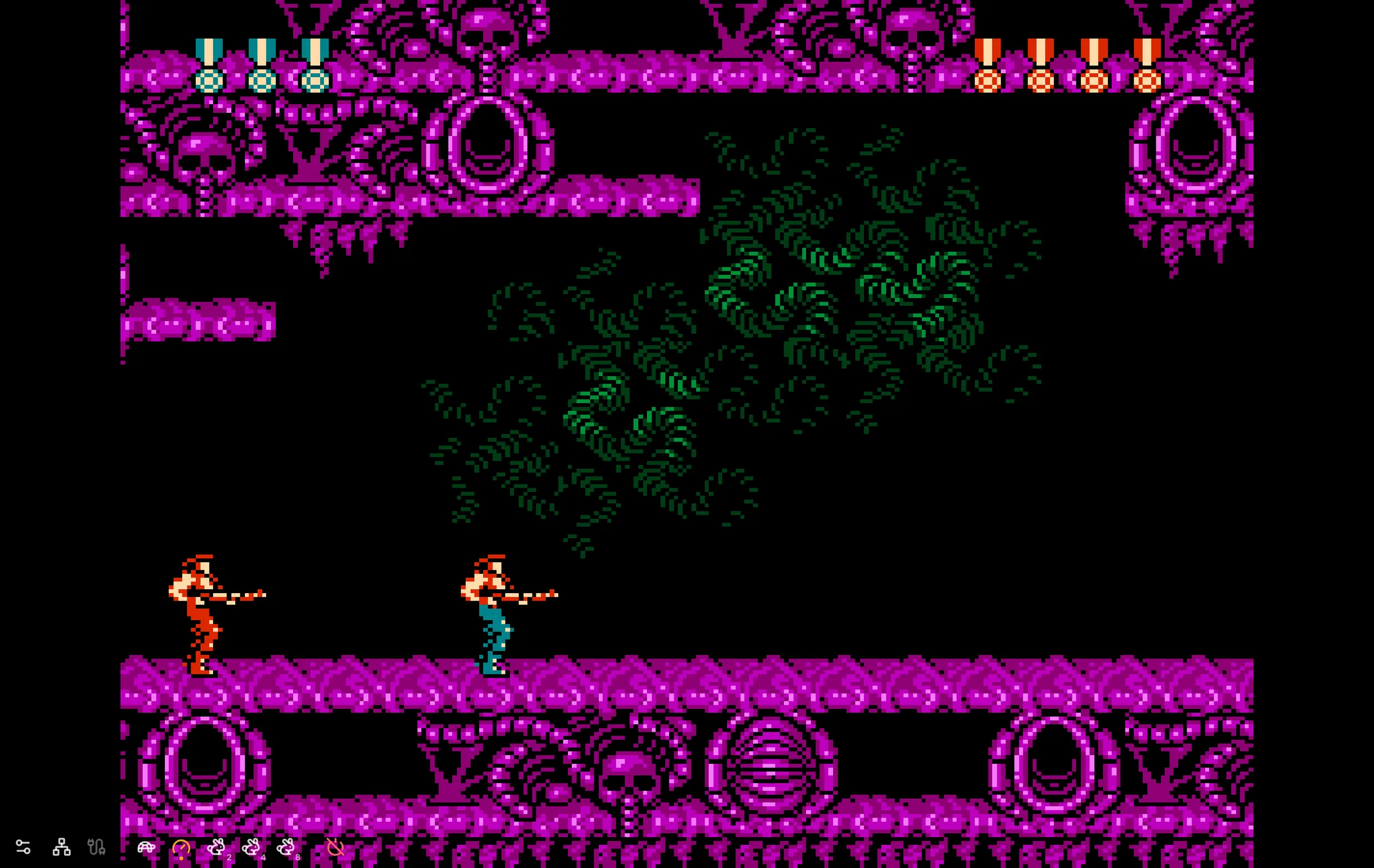
Want to run Super Mario Kart, Super C, TMNT IV: Turtles in Time, or Metal Slug X with a friend in another city? Rebit lets you host a room straight from the in-game menu with three modes:
- Rollback: Zero added local input lag for fast action games (both players need the same ROM).
- Lockstep: Steady fallback on uneven Wi-Fi or mobile data.
- Stream: Only the host needs the ROM file—send a room code and your friend joins instantly on their phone or laptop.
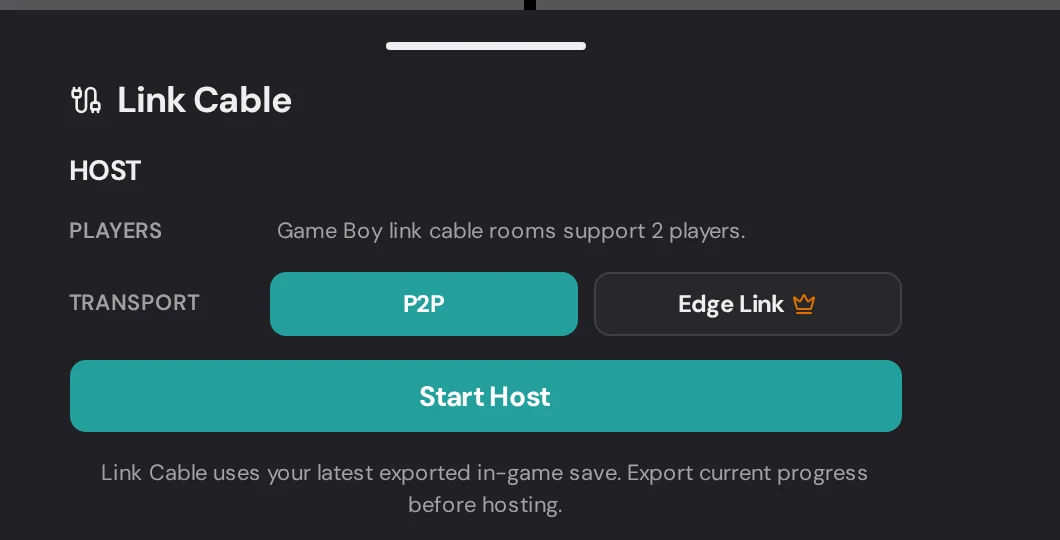
P2P is included free, and Edge Link (Pro) routes through Rebit’s relay network when cellular CGNAT or strict school/office Wi-Fi blocks direct connections.
Console coverage: PS1 & MS-DOS vs. Delta’s Nintendo-only focus
Delta focuses exclusively on classic Nintendo consoles (NES, SNES, N64, GB/GBC, GBA, DS). That covers an incredible library—but leaves out an entire half of 1990s gaming:
- PlayStation 1 (PS1): Final Fantasy VII–IX, Castlevania: Symphony of the Night, Metal Gear Solid, Resident Evil 2, Tekken 3, Crash Bandicoot, Silent Hill. Rebit runs PS1 directly on iPhone, iPad, and desktop browsers with
.chdcompression and.m3udisc swapping. - Sega & MS-DOS: Sonic the Hedgehog, Streets of Rage 2, DOOM, Prince of Persia, and classic DOS adventures all live in the same library alongside your Nintendo carts.
Where Delta genuinely beats Rebit (honest take)
I never trust comparison posts that pretend one app wins every single category, so let’s give Delta its flowers:
- Custom controller skins: Delta’s community skin ecosystem is unmatched. If you love making your iPhone screen look like a translucent Atomic Purple Game Boy Color or a sleek landscape DS Lite shell, Delta wins hands down.
- 100% offline-first simplicity: If you travel frequently without Wi-Fi and never care about playing on a PC or hosting online co-op, Delta’s local-first design is dead simple.
How to move your saves from Delta to Rebit (in 2 minutes)
Already 30 hours deep into a game on Delta? You do not have to start over:
- In Delta, long-press the game in your library → tap Manage Save File → Export Save File and save the
.sav/.srm/.dsvfile to your iPhone’s Files app. (Important: always export the in-game battery save, not a save state—save states don’t transfer between different emulators.) - Open Rebit (or the Rebit iOS app), upload your matching ROM file (
.gba,.nds,.sfc,.nes), and open the game’s page. - Upload your exported battery save file on the game’s page and press Play. Your in-game continue slot loads right away—and immediately syncs to your PC, iPad, and Android devices.
Frequently asked questions
Is there an official Delta emulator for PC or Windows?
No. Delta is exclusively an iOS and iPadOS app—there is no official Delta emulator for Windows, macOS web browsers, or Android. If you want an emulator that syncs seamlessly between your iPhone/iPad and a PC or Mac browser, Rebit runs natively on iOS and in any desktop browser with automatic cloud saves.
Does Rebit work on iPad as well as iPhone?
Yes. Rebit works on both iPhone and iPad (via the iOS app or Safari) with full Bluetooth and USB-C controller support (Xbox, PlayStation DualSense, Switch Pro, 8BitDo, Backbone) and automatic cloud saves synced to your desktop browser.
Can I keep using Delta offline and Rebit for PC sync & multiplayer?
Absolutely. Because both apps support standard cartridge battery saves (.sav, .srm, .dsv), you can export a save from Delta whenever you want to trade-evolve a Pokémon online or continue your playthrough on a PC monitor in Rebit.
Do Rebit or Delta come with ROMs?
No. Neither Rebit nor Delta includes or links to copyrighted ROMs. Always upload backups of cartridges or discs you own.
Want to play your iPhone library on PC, add PS1, or trade Pokémon online with friends? Head to the Rebit Download page or launch app.rebit.cc and bring your saves with you. For a broader look at every iOS option, check out our best emulators for iPhone & iPad in 2026 guide.