Genesis Plus GX
Play Sega Master System games online
Revisit 8-bit Sega classics like Phantasy Star, Alex Kidd, and Wonder Boy III. Rebit’s Master System emulator runs your own .sms cartridge backups in a browser or on your phone with Genesis Plus GX.
Upload your own .sms cartridge backup — no BIOS required. Rebit supplies no games.

- Core
- Genesis Plus GX
- Files
- .sms cartridges
- Saves
- Cloud autosave & SRAM
From .sms file to title screen
Bring your own cartridge backup and start playing right in your browser.
-
01
Upload your .sms file
Add your Sega Master System cartridge dump to your Rebit library.
-
02
Play with gamepad or touch
D-pad, Button 1, Button 2, and Pause are mapped automatically on screens and Bluetooth/USB controllers.
-
03
Keep your saves synced
In-game battery saves and save states sync to your Rebit account across devices.
8-bit Sega. Saved in the cloud.
Master System games in public libraries
Titles from players’ Sega Master System collections, not ROM downloads.
-
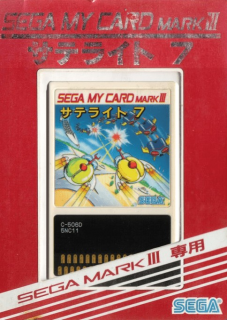
Satellite-7
-

Masters of Combat
-
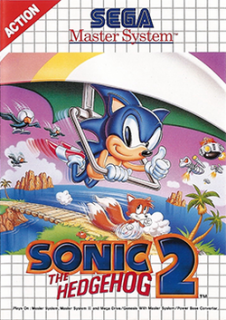
Sonic the Hedgehog 2 Rev 1
-
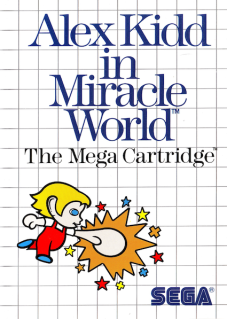
Alex Kidd in Miracle World Rev 1
-
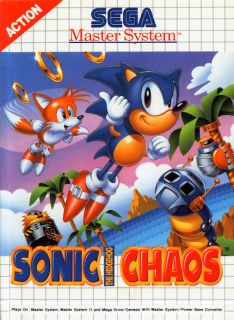
Sonic Chaos
Rebit does not provide game files or download links. These names come from public library activity.
Sega Master System emulator questions
Which file format does Sega Master System use?
Upload .sms cartridge dumps. Game Gear cartridges use .gg and belong under Sega Game Gear.
Do I need a Master System BIOS?
No. Genesis Plus GX boots .sms files directly with no separate BIOS upload needed.
Where is the Master System Pause button?
Rebit maps the console’s Pause button to Start on controllers and on-screen controls so games that rely on Pause for inventories work naturally.
Related guides
Other systems
Play your Master System library
Open Rebit and add an .sms cartridge backup you own. Start free and upgrade only when your library grows.