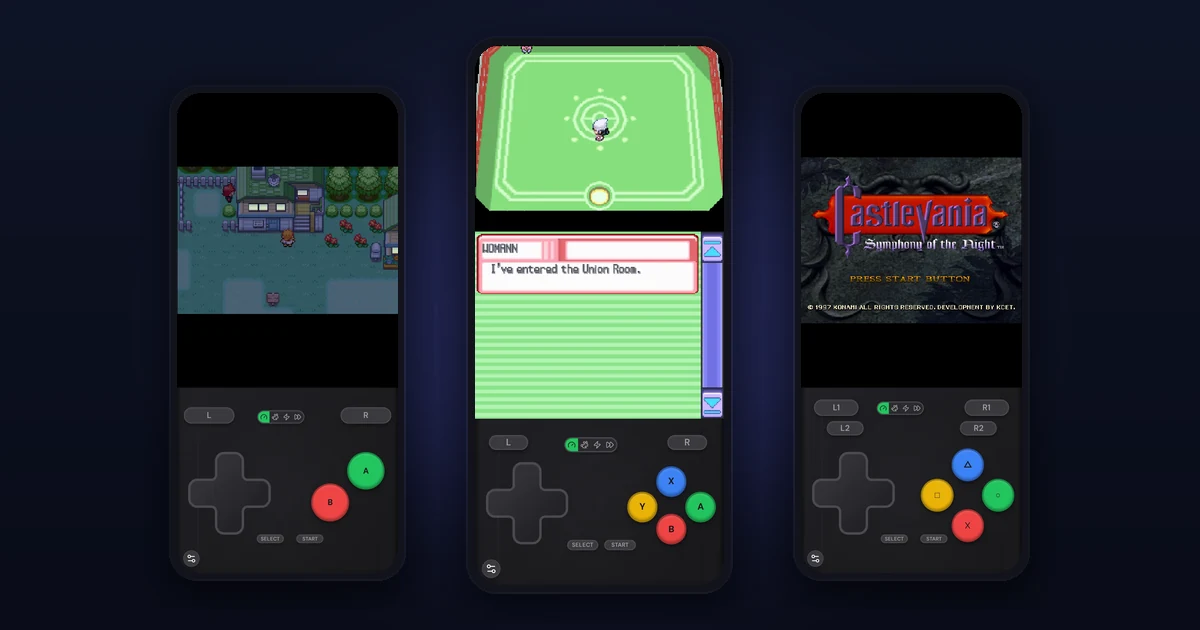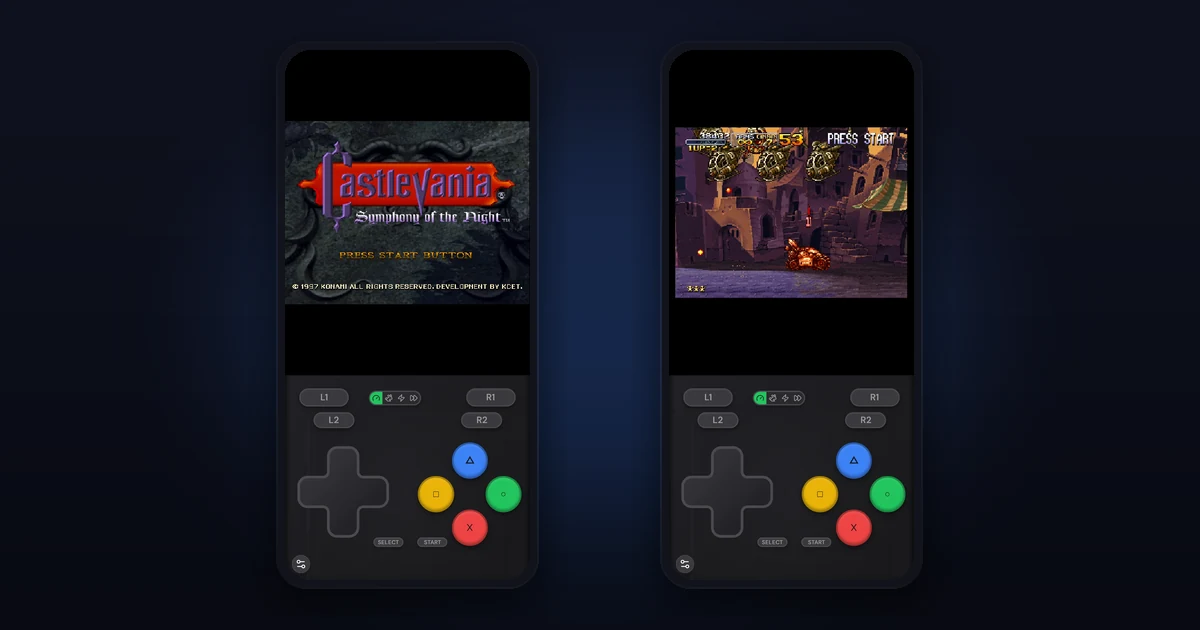
If you are looking for the best PS1 emulator for iPhone (or iPad) in 2026—especially after discovering that Delta does not support PlayStation 1—Rebit is the cleanest way to play your PS1 disc backups on iOS, iPadOS, and desktop browsers with .chd compression, multi-disc .m3u swapping, cloud-synced memory cards, and 2-player online netplay. Prefer a strictly offline, local-only iOS setup and don’t mind menu-diving? RetroArch (with the PCSX-ReARMed or Beetle PSX core) and Gamma are the main standalone alternatives on the App Store.
The original PlayStation (PS1) library is absurdly deep—Castlevania: Symphony of the Night, Final Fantasy VII, Final Fantasy IX, Metal Gear Solid, Chrono Cross, Xenogears, Resident Evil 2, Tekken 3, Tony Hawk’s Pro Skater 2, and Metal Slug X. Playing those 32-bit classics on a modern OLED iPhone with a clip-on USB-C controller feels unreal.
Yet PS1 emulation on iOS trips up more players than any other console. Unlike tiny 512 KB NES or 16 MB GBA cartridges, PS1 games are CD-ROM disc images (often 300–700 MB per disc, spread across 3–4 discs for RPGs), they use L1/L2/R1/R2 + DualShock controls, and different emulators handle .bin/.cue, .chd, and .m3u disc swapping very differently. Here is how to run a rock-solid PS1 emulator on iPhone and iPad with zero sideloading, half the storage footprint, and cloud-synced memory cards.
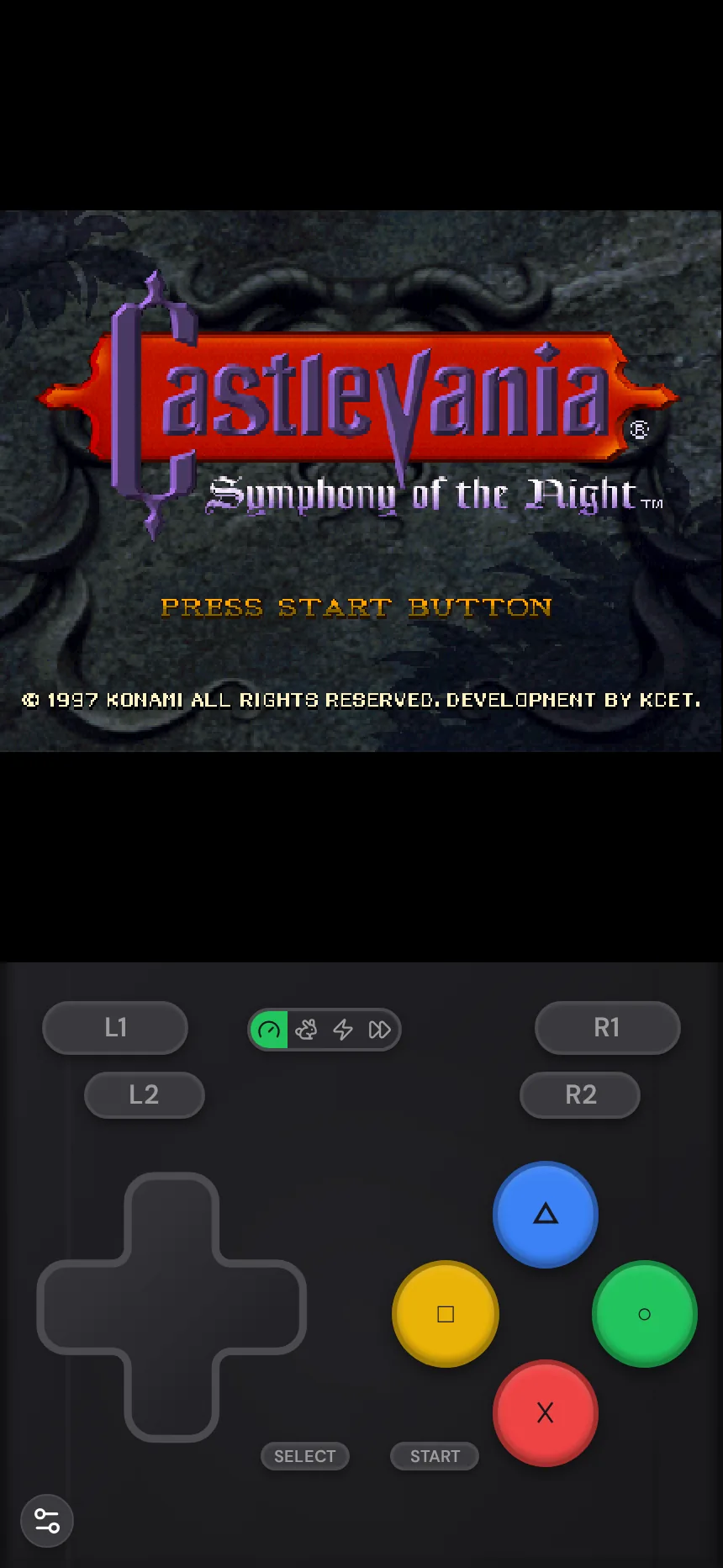
Quick comparison: best PS1 emulators for iPhone & iPad
| Emulator | Storage & Format Support | Cloud Sync (iPhone ↔ PC) | Multi-Disc Swapping | Online Multiplayer |
|---|---|---|---|---|
| Rebit | .chd, .bin/.cue, .iso, multi-disc .m3u (2 GB free cloud storage) |
Automatic cloud autosaves + .mcr memory cards across iOS, PC browser & Android |
Clean .m3u playlist disc swapping |
2P Rollback, Lockstep & Stream room-code netplay (P2P free, Edge Link Pro) |
| RetroArch (iOS) | .chd, .bin/.cue, .pbp, .m3u |
Manual iOS Files / folder sync only | .m3u via Quick Menu → Disc Control |
Complex RetroArch netplay setup |
| Manic EMU | .chd, .bin/.cue |
iCloud (Apple devices only) | Supported | No cross-platform room-code netplay |
| Delta | Does not support PS1 | N/A | N/A | N/A |
Why .chd + .m3u is the secret to PS1 on iPhone
Before you copy a single PlayStation disc image onto your iPhone, learn two file extensions that will save you gigabytes of storage and hours of troubleshooting:
1. Convert .bin/.cue into .chd
Raw PS1 rips are usually a messy pile of files: one .cue text index plus anywhere from 1 to 25 .bin audio/data tracks (Track 01.bin, Track 02.bin, etc.). If even one .bin filename doesn’t match the .cue sheet, the game boots with missing CD music or hangs on a black screen.
CHD (Compressed Hunks of Data) packs every .bin and .cue track into one single lossless file that is 40–60% smaller. A 650 MB Symphony of the Night rip shrinks to ~340 MB—which means way more PS1 classics fit inside your iPhone storage and your free 2 GB Rebit cloud library. For the full format breakdown, check our PS1 CHD vs BIN/CUE and M3U guide.
2. Use .m3u for multi-disc RPGs (FFVII, FFIX, Metal Gear Solid, Chrono Cross)
When Final Fantasy VII asks you to "Please insert Disc 2," you need all discs sharing the exact same virtual Memory Card. Grouping Disc 1.chd, Disc 2.chd, and Disc 3.chd under a simple .m3u playlist ensures your saves stay unified across every disc change—no manually copying memory card files between separate game entries.
3. Quick fix for missing PS1 music or black screens
If you upload a .bin file without its matching .cue sheet, games that stream Red Book CD audio (Tomb Raider, Wipeout XL, Ridge Racer, Castlevania: Symphony of the Night) often boot silently or freeze on the PlayStation logo. Converting your own .bin/.cue dump to .chd with chdman on a computer before uploading fixes both missing tracks and bloated file sizes in one shot—and ensures your disc image is clean for both solo play and netplay.
How to set up PS1 games on iPhone in 2 minutes (no sideloading)
- Install the Rebit iOS app from the Rebit Download page or open app.rebit.cc in Safari on your iPhone or iPad.
- Tap Add Game and upload a
.chd(recommended) or.bin/.cuebackup of a PS1 disc you own—either from your iPhone’s Files app or from your PC/Mac browser (it syncs to your iPhone automatically). - Tap Play. Rebit launches the PlayStation 1 core with on-screen controls, automatic cloud autosaves (every minute free, every 10 seconds on Pro), and full Bluetooth/USB-C gamepad support.
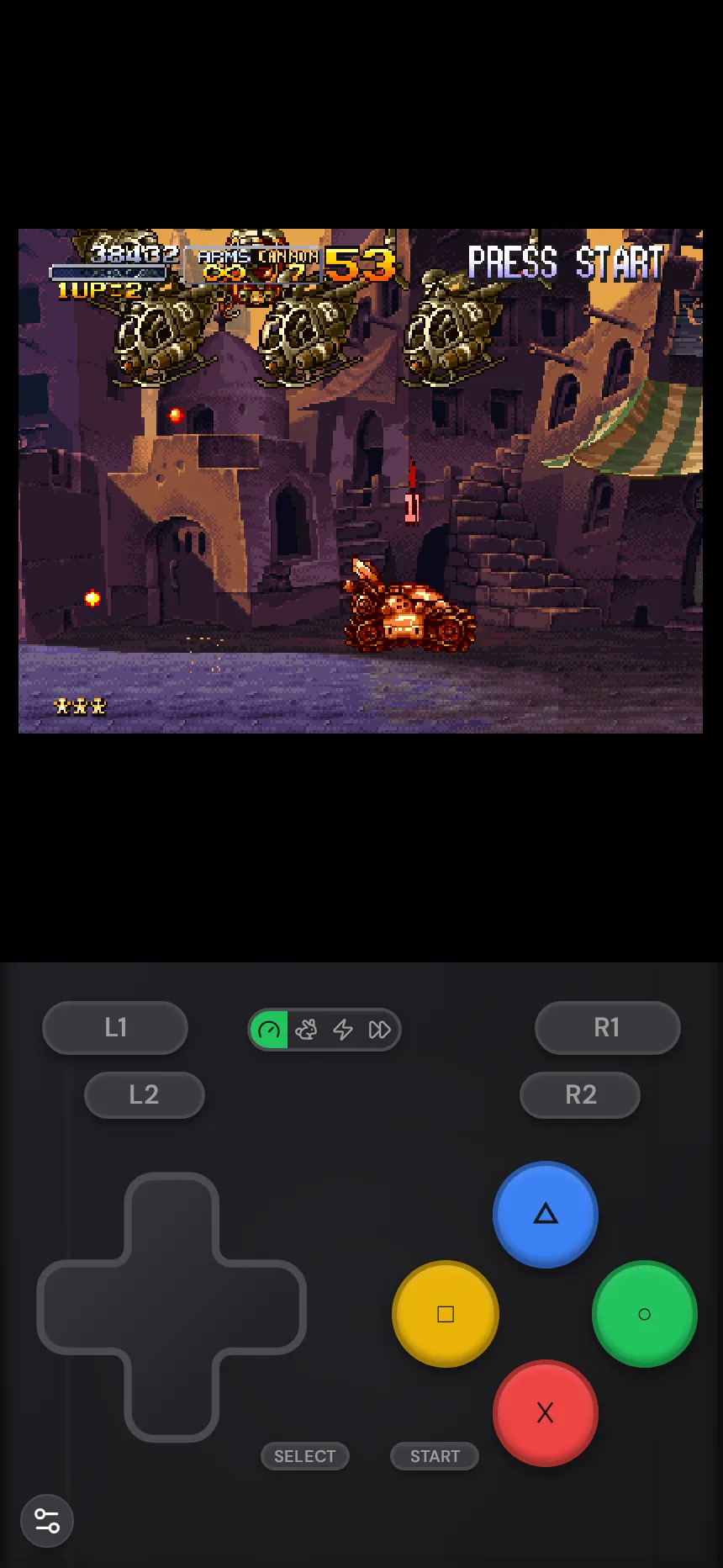
Conquering the PS1 controller on iPhone & iPad
Let’s be honest about ergonomics: the PlayStation controller has four face buttons (Cross, Circle, Square, Triangle), four shoulders (L1, L2, R1, R2), and dual analog sticks.
- Games that feel great on iPhone touch controls: Turn-based and tactical JRPGs—Final Fantasy VII–IX, Chrono Cross, Final Fantasy Tactics, Breath of Fire IV, Suikoden II, Persona 2, Legend of Legaia, Xenogears, Alundra. Pair them with Rebit’s 4× fast-forward (free; up to 8× on Pro) to fly through long summon animations and random-battle transitions on a flight or train.
- Games that shine with a controller: Castlevania: Symphony of the Night, Metal Gear Solid, Crash Bandicoot, Tekken 3, Tony Hawk’s Pro Skater 2, Mega Man X4, Resident Evil 2. Any PS5 DualSense, Xbox Series, 8BitDo Pro 2, or clip-on Backbone One / GameSir G8 Galileo pairs natively with iOS and gives you real L1/L2/R1/R2 triggers immediately.
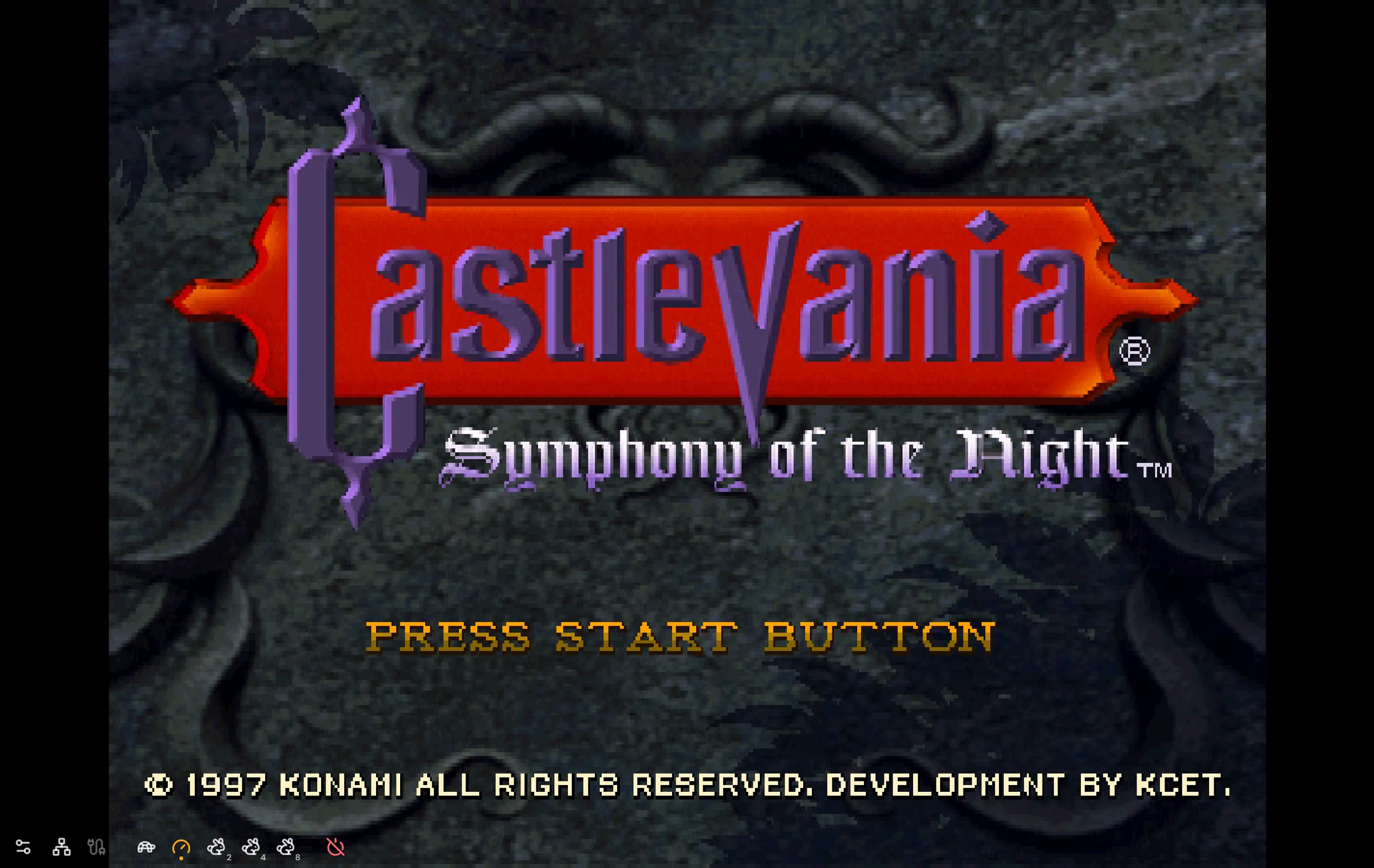
Playing 2-player PS1 games online from your iPhone
Some of the greatest couch co-op and versus games ever made lived on PS1—Metal Slug X, Tekken 3, Crash Team Racing, Streets of Rage-style brawlers, and Contra-style shooters.
On Rebit, open the in-game menu → Netplay → Host Room and send a room code to a friend on iPhone, iPad, Android, or PC:
- Rollback: Instant local feel for fast action and fighting games (both players use the same disc image).
- Lockstep: Steady fallback on uneven Wi-Fi or mobile data.
- Stream: Only the host needs the PS1 disc file—massive lifesaver for 500 MB PS1 games when your friend doesn’t want to upload a huge disc image just for a 20-minute match!
Start free with P2P, or switch to Edge Link (Pro) if cellular CGNAT or hotel Wi-Fi blocks direct connections.
Protecting 50-hour PS1 RPG saves across iPhone & PC
PlayStation 1 games save to virtual Memory Cards (.mcr / .srm), and losing a 45-hour Final Fantasy Tactics or Suikoden II memory card is painful. Follow two habits:
- Always save at in-game Save Points / Memory Card slots in addition to using save states. In-game Memory Card saves stay portable across devices and emulators.
- Let cloud autosaves back you up: On Rebit, your PS1 progress syncs automatically between your iPhone, iPad, and desktop browser, and you can export your raw memory card save from the game’s page anytime.
Need ideas for quick-pick PS1 classics that fit 15-minute phone sessions? Read our best PS1 games for short browser and mobile sessions list or visit Rebit’s play PS1 games online page.
Legal note on PS1 ISOs & BIOS files
Rebit never hosts, supplies, or links to copyrighted PlayStation games or BIOS files. Always create disc backups from physical PlayStation discs you own.
Frequently asked questions
Does Delta emulator on iPhone play PS1 games?
No. Delta only supports Nintendo consoles (NES, SNES, N64, GB/GBC, GBA, DS) and does not emulate PlayStation 1. To play PS1 on iPhone with cloud saves and cross-device PC sync, use Rebit (or RetroArch for local-only offline play).
What is the best PS1 file format for iPhone?
.chd is the best format for iPhone: it bundles multi-track .bin/.cue dumps into a single lossless file while shrinking file size by 40–60%. For multi-disc games, group your .chd discs with an .m3u playlist.
Can I continue my iPhone PS1 save on my Mac or Windows PC?
Yes. Upload your PS1 disc backup to Rebit once, play on your iPhone or iPad, and open app.rebit.cc in any desktop browser—your cloud autosaves and memory cards sync automatically.
Do I need to jailbreak my iPhone to play PS1 games?
No. Rebit runs natively via the official iOS app (see the Rebit Download page) and directly in Safari with zero jailbreaking or AltStore certificate refreshes.
Ready to fire up Symphony of the Night or Final Fantasy VII on your iPhone? Grab the app from the Rebit Download page or visit play PS1 games online to launch in seconds. For every iOS console option, check our best emulator for iPhone & iPad in 2026 guide.