A PS1 shelf you can open from any browser
Upload the PlayStation file you own, keep it in your Rebit library, and come back later without rebuilding a local emulator setup.

Browser PS1 library
Upload your legally owned PlayStation files, launch them in your browser, and keep saves organized for long campaigns or quick sessions.
Disc-era play, browser rhythm
Upload the PlayStation file you own, keep it in your Rebit library, and come back later without rebuilding a local emulator setup.
Long RPGs, survival horror, and adventure games feel less fragile when in-game saves and manual states sit beside the game.
Racers, fighters, puzzle games, score chasers, and boss practice all fit a 15-minute session better than people expect.
First launch checklist
PS1 files are bigger, save points matter more, and multi-disc sets reward clean organization before a long campaign starts.
PS1 games can be single-file or multi-file. CHD and PBP are tidy when available; cue/bin and m3u work best when related files stay together.
Before settling into a campaign, launch the game, reach gameplay, check controls, make an in-game save, reload it, and create one manual state.
The PS1 library covers both quick arcade habits and long story games. Pick racers or fighters for short breaks, and save-point-to-save-point RPG chunks for longer nights.
Large files and multi-disc games are easier when your folders are boring: clear names, related files together, and one tested upload before a big import.
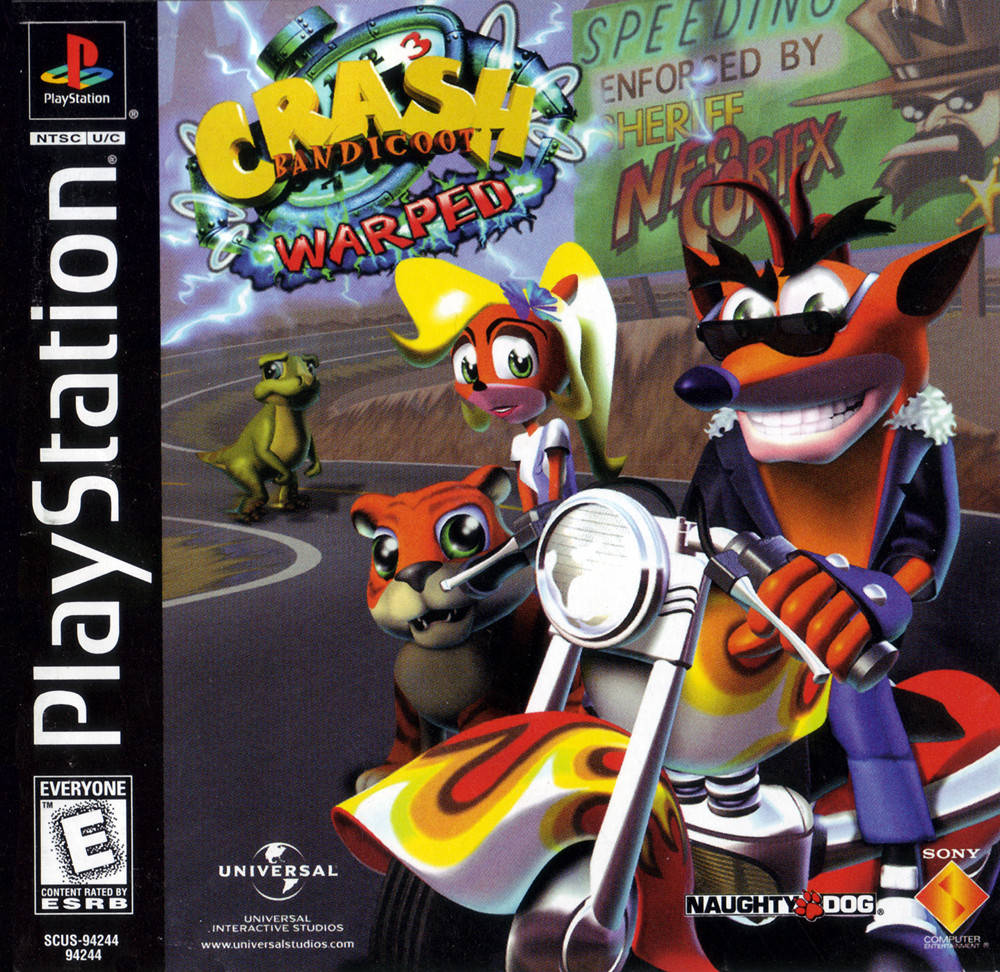
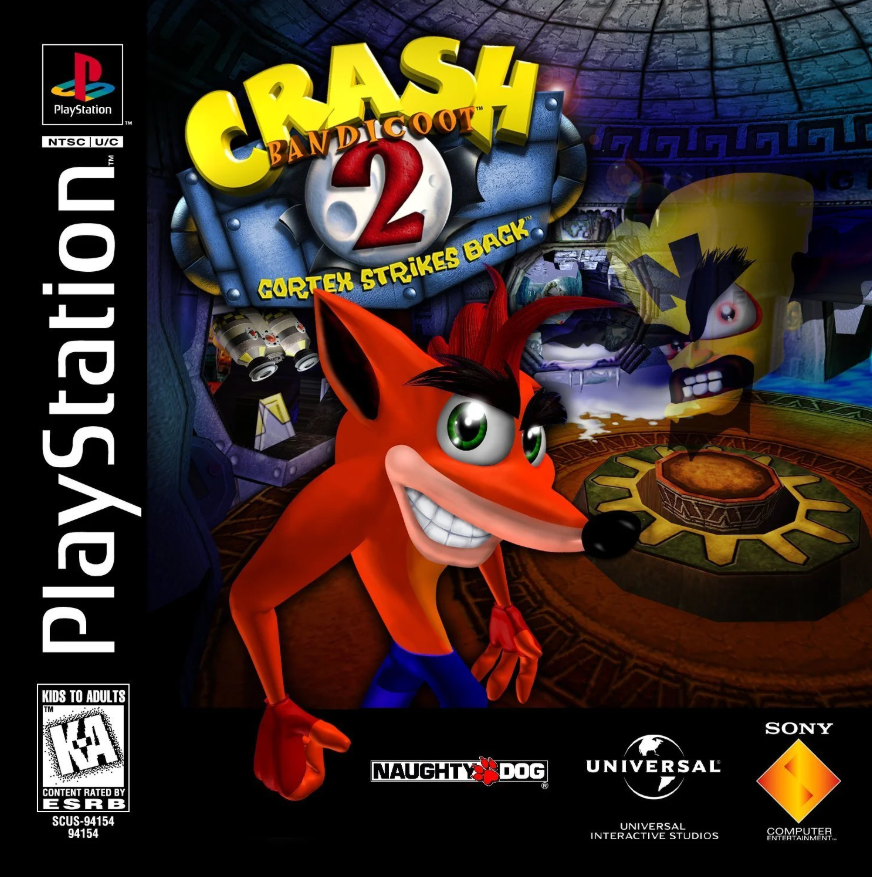
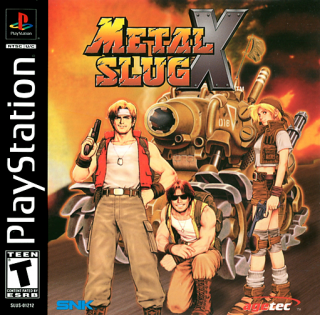
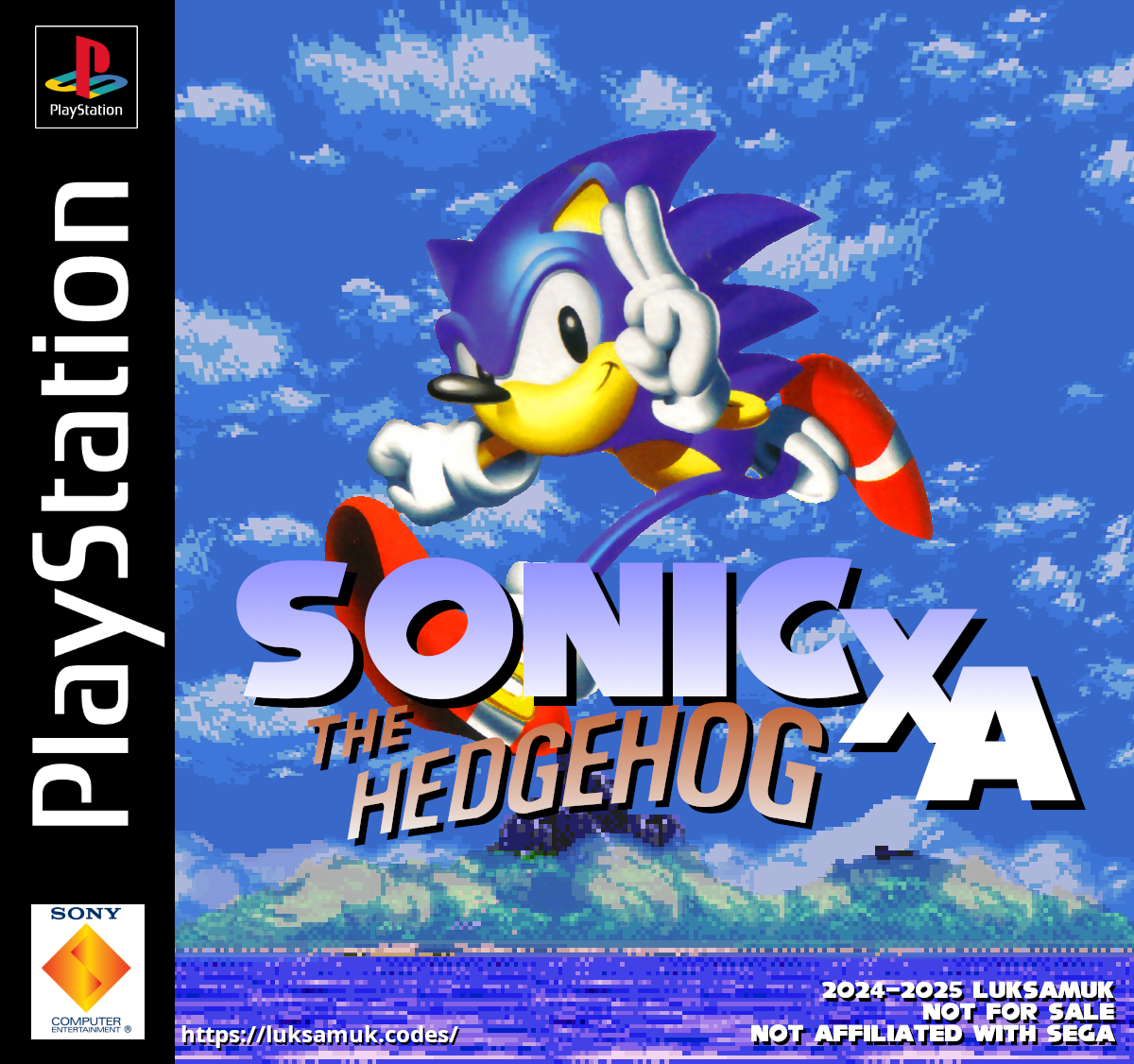
Public library activity
A cleaner look at recent PlayStation activity from public libraries, with region tags and duplicate names stripped out where possible.
Rebit does not provide game files or download links. These names come from public library activity.
Feature
Rebit runs PlayStation through PCSX-ReARMed, the same libretro core many RetroArch users already know.
Feature
Use memory-card style saves for the campaign, then drop a manual state before a boss, a long cutscene, or a risky settings change.
Feature
PS1 games are larger and messier than cartridge ROMs. Rebit supports common formats and keeps upload, launch, saves, and return trips in one place.
Feature
Rebit does not host copyrighted PlayStation downloads. Bring your own legally owned files and play from your account.
Start routine
Step 1
Start with one clean file or one organized file set. Rebit supports common PlayStation extensions including cue, bin, chd, pbp, img, iso, m3u, and ccd.
Step 2
Reach real gameplay, test the controls, and make sure the first save or checkpoint behaves the way you expect.
Step 3
Use in-game saves for long-term progress and manual states for practice, recovery, and stopping between normal save points.
FAQ
Yes. Rebit supports PlayStation through a browser-based RetroArch flow using PCSX-ReARMed, with your games and saves tied to your account.
No. Rebit does not provide copyrighted PlayStation game downloads. Use legally owned files that you created from games you own.
CHD and PBP are tidy choices when you have them. Cue/bin, m3u, img, iso, ccd, mdf, toc, and cbn can also work; just keep multi-file games organized together.
Many are. Racing, fighting, puzzle, score-attack, and stage-based games fit quick sessions. RPGs and story-heavy games are better when you plan around save points.
Use normal in-game saves as the main path, then create manual states before bosses, long cutscenes, difficult rooms, and settings experiments.
No desktop emulator setup is required for the browser flow. Create an account, upload a legally owned compatible PlayStation file, and launch it from your Rebit library.
Yes. A keyboard works for quick testing, but a controller usually feels better for longer sessions, racers, fighters, and analog-style layouts.
Yes, that is the point of keeping play tied to your account. Test an in-game save first, then use manual states and exports as extra safety before switching devices.
Some PlayStation games and emulator setups work better with a compatible BIOS. Rebit keeps the page focused on legally owned game files; use only BIOS files you are legally allowed to use.
Multi-disc games need cleaner organization than single-file games. Keep related disc files together, prefer tidy cue/bin, chd, pbp, or m3u-style organization, and test before a long campaign.
PlayStation files are much larger than cartridge ROMs, so upload time and browser memory matter. Start with one clean file and confirm it launches before importing a large batch.
Related guides
Other systems
Ready when your files are
Upload one legally owned PlayStation file, test your saves, and build a browser library you can return to anytime.