Recore · Arduous
Play Arduboy games online
Run Arduboy .hex games right in your browser or phone app on Arduous (Recore). No BIOS is required, EEPROM saves upload automatically to the cloud, and hundreds of free open-source Arduboy homebrew games are ready to try right away.
Free to start. Rebit does not provide game files, so bring your own legally owned copies.
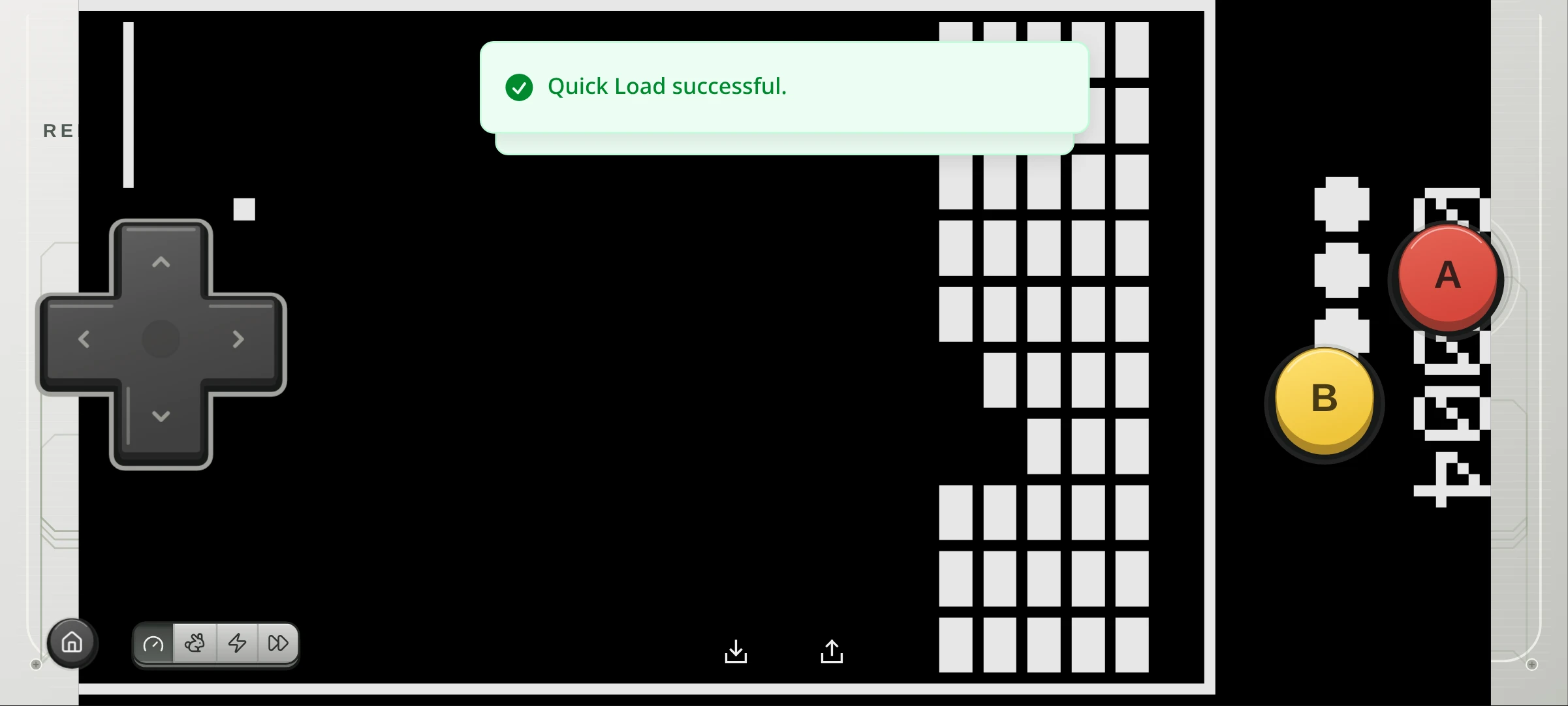
- Core & Boot
- Arduous (Recore) · No BIOS needed
- Game files & Saves
- .hex games · EEPROM saves upload automatically
- Controls & Rooms
- D-pad, A, B · Stream rooms only
128×64 1-bit OLED. Hundreds of free .hex games.
From .hex homebrew to play
Download any free open-source Arduboy .hex game from the Arduboy community or GitHub—Rebit never hosts copyrighted commercial ROMs.
-
01
Upload a .hex Arduboy game
Grab a free open-source Arduboy .hex file (such as Breakout-V, Ardumania, or CastleBoy) and upload it under Arduboy.
-
02
Boot straight into 1-bit OLED
No BIOS file is needed—Arduous on Recore launches your .hex sketch immediately at full speed.
-
03
Play & keep EEPROM saves synced
Play with touch buttons, keyboard, or gamepad. High scores and EEPROM saves upload automatically to your cloud library.
Arduboy emulator questions
What file format does Arduboy use on Rebit?
Upload .hex Arduboy game files under Arduboy. Rebit runs them on Arduous (Recore) in desktop browsers and mobile apps.
Do I need a BIOS file for Arduboy?
No. Arduboy .hex sketches boot directly on Arduous with no BIOS upload required.
Do Arduboy high scores and saves persist?
Yes. Arduboy EEPROM saves upload automatically to Rebit’s cloud so your high scores and game saves stay synced between desktop and phone.
Where can I find legal Arduboy games?
Arduboy is an open-source indie console with hundreds of free, developer-released .hex games available on the official Arduboy Community forum, itch.io, and GitHub.
Related guides
Other systems
Play an Arduboy .hex game
Open Rebit and upload any free Arduboy .hex homebrew file. Start free and upgrade only when your library grows.