1
Still perfect for a short break
Clear a stage, catch one more monster, or squeeze in a puzzle without turning it into a whole setup ritual.
Your retro library
Keep your Game Boy shelf in the browser, make a little progress, and come back to the same save whenever the handheld mood hits.
No copyrighted games provided. Bring your own legally owned files and keep your saves organized in your account-backed library.
Clear a stage, catch one more monster, or squeeze in a puzzle without turning it into a whole setup ritual.
Keep battery saves and manual states close for RPGs, challenge runs, and that one awful jump.
Keep compatible personal patches beside the right saves so versions do not get mixed up.
Public library activity
Recent public play and library activity, cleaned up into readable game names.
Rebit does not provide game files or download links. These names come from public library activity.
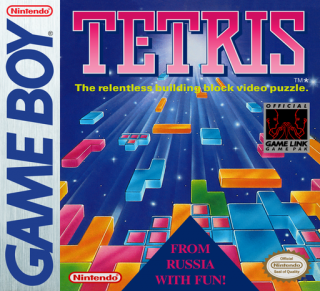 01
01
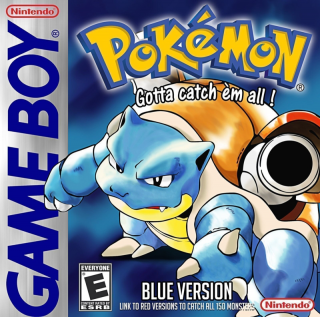 02
03
02
03
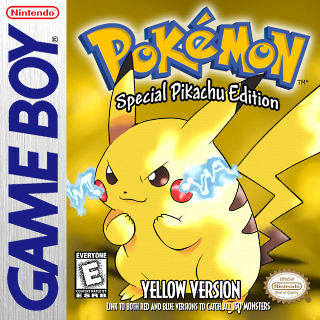 04
04
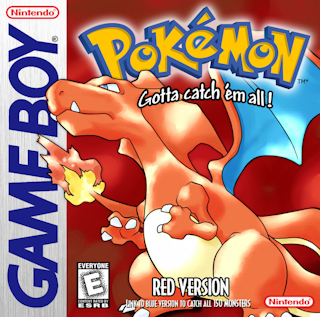 05
05
Feature
Keep Game Boy progress available across sessions instead of tying a run to one local emulator setup.
Feature
Launch handheld classics quickly, make progress, and return later without a setup checklist.
Step 1
Add a legally owned Game Boy ROM to your private Rebit library.
Step 2
Start from desktop, tablet, or mobile without rebuilding emulator settings on each device.
Step 3
Keep battery saves and save states organized so short sessions can continue later.
Yes. Rebit supports Game Boy uploads for players who use legally owned ROM files.
Most original Game Boy games use the .gb file extension.
No. Rebit is for games you own and upload yourself.
Yes. Save states are useful for difficult sections, challenge runs, and testing progress before a long session.
Upload your own .gb file, launch in the browser, and keep your progress ready for the next short session.