Recore · Potator
Play Watara Supervision games online
Run Watara Supervision (QuickShot Supervision) .sv handheld cartridges you own in a desktop browser or phone app on Potator (Recore). No BIOS files are needed—upload a .sv ROM and play immediately with touch or gamepad controls.
Free to start. Rebit does not provide game files, so bring your own legally owned copies.
- Core & Boot
- Potator (Recore) · No BIOS needed
- Game files
- .sv cartridges
- Controls & Rooms
- D-pad, A, B, Select, Start · Stream rooms only
160×160 four-shade LCD. Pocket cult classics online.
From .sv cartridge to play
Rebit never supplies commercial Supervision ROMs. Upload a .sv cartridge backup you own or a free Supervision homebrew release.
-
01
Upload your .sv cartridge
Add your own Watara Supervision .sv file under Watara Supervision from desktop or mobile.
-
02
Boot directly with no BIOS
Potator on Recore needs no external BIOS file—your game launches straight into its 160×160 screen.
-
03
Play on touch or controller
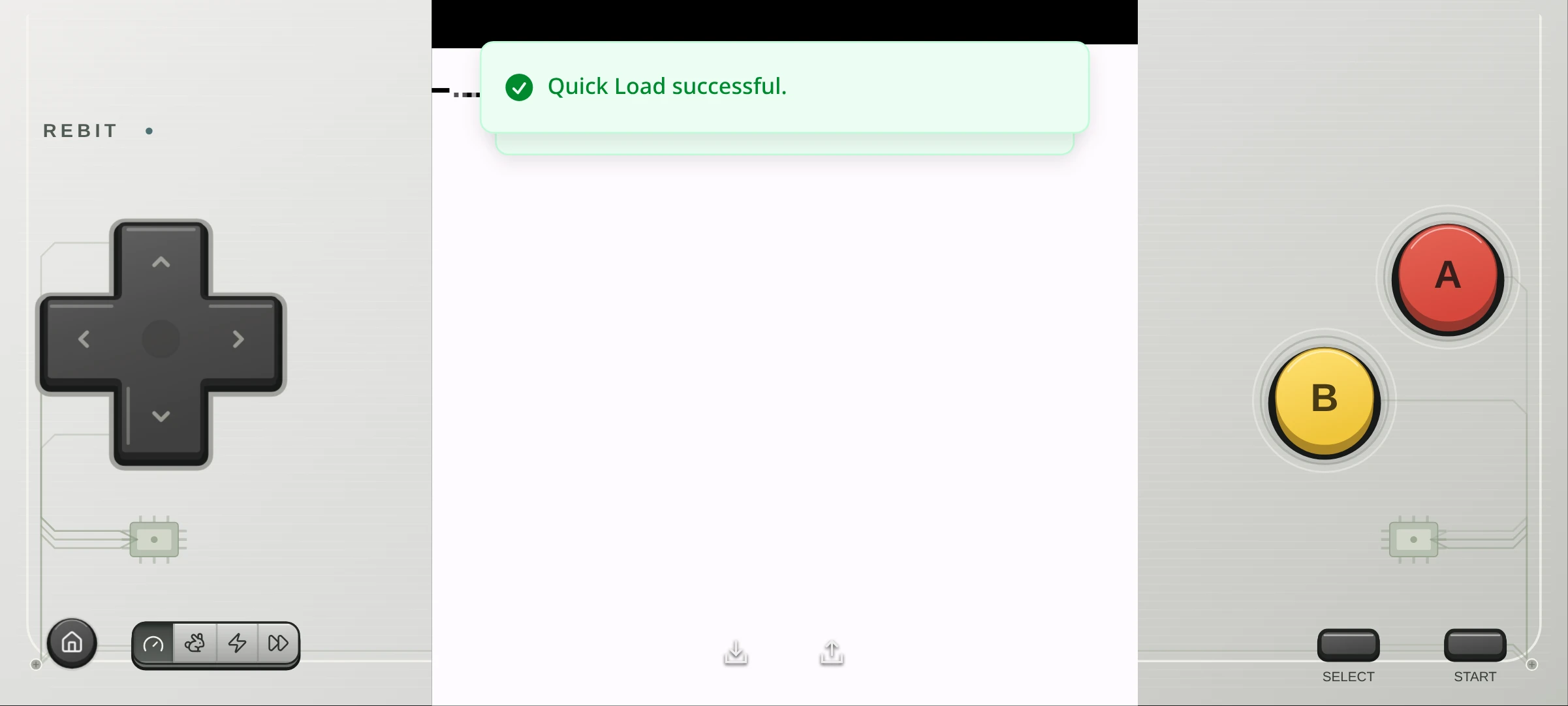
Play with on-screen handheld buttons, keyboard, or a Bluetooth/USB gamepad, and use quick save states anytime.
Watara Supervision emulator questions
What file format does Watara Supervision use on Rebit?
Upload .sv cartridge backups under Watara Supervision. Rebit runs them on Potator (Recore) in browsers and mobile apps.
Do I need a Watara Supervision BIOS file?
No. Watara Supervision cartridges boot directly on Potator with no BIOS upload required.
Can I play Watara Supervision games on my phone?
Yes. Rebit’s portrait and landscape mobile layouts give you crisp 160×160 handheld framing with responsive touch buttons and gamepad support.
Does Watara Supervision support online multiplayer?
Online play uses stream rooms only (no link-cable lockstep or rollback). Host a stream room to share gameplay live with friends.
Related guides
Other systems
Play your Supervision cartridge
Open Rebit and upload your own Watara Supervision .sv file. Start free and upgrade only when your library grows.