1
Two screens, one browser tab
Button-first DS games feel natural right away; touch-heavy games are worth testing before a long run.
Your retro library
Open your Nintendo DS library in the browser, test the touch controls early, and keep long handheld saves somewhere you trust.
No copyrighted games provided. Bring your own legally owned files and keep your saves organized in your account-backed library.
Button-first DS games feel natural right away; touch-heavy games are worth testing before a long run.
RPGs, tactics games, and adventures deserve an in-game save plus a manual state before the risky part.
Stylus, microphone, and special-accessory features vary by game, so check them in the first ten minutes.
Public library activity
Recent public play and library activity, cleaned up into readable game names.
Rebit does not provide game files or download links. These names come from public library activity.
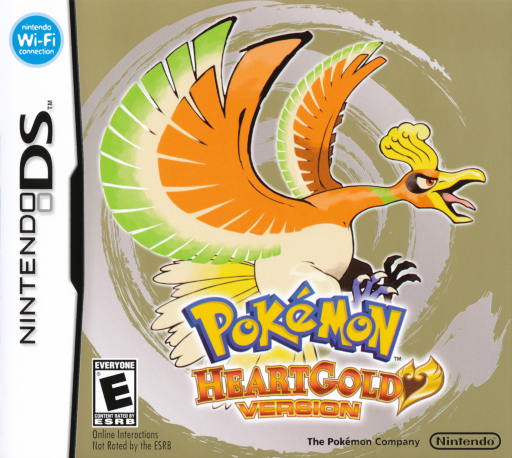 01
01
 02
02
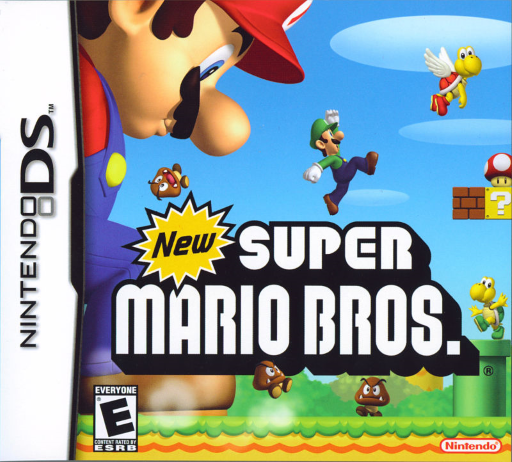 03
03
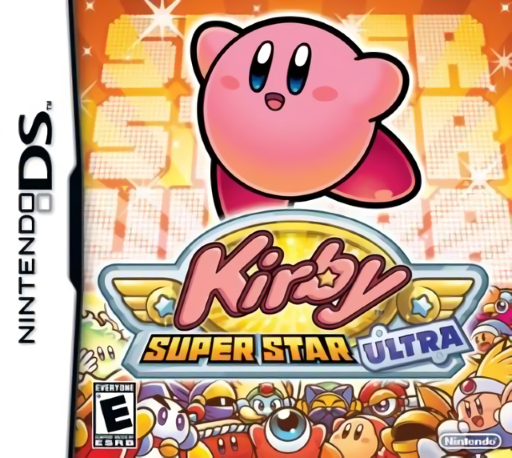 04
04
 05
05
Feature
Use manual saves before difficult fights, long story sections, or games with unusual input requirements.
Feature
Keep DS games alongside NES, SNES, Game Boy, GBA, PS1, and Genesis titles in one browser-accessible collection.
Step 1
Add a legally owned Nintendo DS ROM to your private Rebit library.
Step 2
Start the game and confirm whether its touch, microphone, or special-input needs fit browser play.
Step 3
Create an in-game save and a manual state save before committing to a long campaign.
Yes. Rebit supports Nintendo DS uploads for legally owned .nds files.
No. Button-first games are usually simpler, while games that depend heavily on stylus, microphone, or special hardware features may need testing.
Most Nintendo DS games use the .nds file extension.
Yes. For longer DS games, create an in-game save and a manual state save before a serious run.
Upload your own .nds file, test the controls, and keep your campaign progress organized.