Recore · Beetle SuperGrafx
Play PC Engine SuperGrafx games online
Run your own NEC PC Engine SuperGrafx (.sgx and .pce) HuCard backups in a browser or on your phone—powered by Beetle SuperGrafx on Recore with zero BIOS setup, authentic I/II/Select/Run controls, automatic backup RAM cloud saves, and stream rooms.
Upload .sgx (auto-detected) or pick PC Engine SuperGrafx for .pce — no BIOS needed. Rebit supplies no games.
- Core & BIOS
- Beetle SuperGrafx (Recore) · No BIOS needed
- Files & Controls
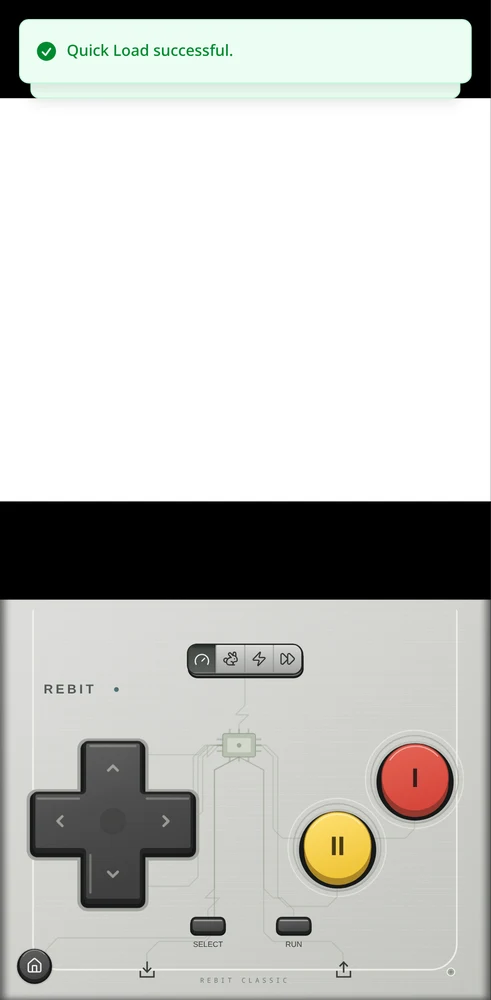
- .sgx (auto) · .pce (pick SuperGrafx) · I, II, Select, Run
- Saves & Rooms
- Auto backup RAM cloud saves · Quick states · Stream rooms
From .sgx HuCard backup to play
Bring your own legally dumped .sgx or .pce HuCard file.
-
01
Upload .sgx or pick SuperGrafx for .pce
.sgx files auto-detect automatically. If your SuperGrafx dump uses a .pce extension, select PC Engine SuperGrafx in the upload picker.
-
02
Boot directly—no BIOS needed
Beetle SuperGrafx on Recore launches straight into gameplay on desktop browsers and phone apps (from OTA v2.1.241).
-
03
Play with I/II, cloud RAM saves & stream rooms
Play on touchscreens or gamepads with classic I, II, Select, and Run buttons, automatic backup RAM cloud sync, quick save states, and stream rooms.
Recore + Beetle SuperGrafx
Zero-BIOS Beetle SuperGrafx, I/II + Select/Run controls & automatic backup RAM cloud saves
Rebit runs NEC PC Engine SuperGrafx HuCards on Recore with Beetle SuperGrafx (mednafen_supergrafx_recore_1) across desktop browsers and phone apps (from OTA v2.1.241). No BIOS is required, controls match the classic I, II, Select, and Run pad, and backup RAM saves upload automatically.
.sgx auto-detect + .pce via SuperGrafx pickerDrop .sgx files for automatic detection, or select PC Engine SuperGrafx in the upload picker for .pce dumps—zero BIOS files required.
Built for the rare 5-game SuperGrafx libraryExperience the enhanced dual-VDC classics made for NEC’s 1989 flagship—including Daimakaimura (Ghouls’n Ghosts), 1941: Counter Attack, Aldynes, Madō King Granzort, and Battle Ace.
Auto backup RAM cloud saves & stream roomsBackup RAM saves upload automatically to your Rebit cloud library alongside quick save/load states, with stream rooms available for multiplayer.
Dual-VDC 16-bit. Five rare legends.
SuperGrafx games in public libraries
Titles from players’ SuperGrafx collections, not ROM downloads.
-
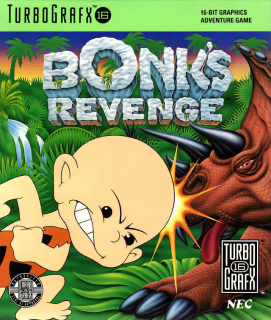
Bonk's Revenge (Wii Virtual Console)
-
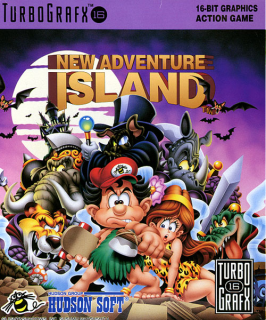
New Adventure Island
Rebit does not provide game files or download links. These names come from public library activity.
PC Engine SuperGrafx emulator questions
Do I need a BIOS file for PC Engine SuperGrafx?
No. SuperGrafx HuCard games run on Beetle SuperGrafx without any BIOS file—just upload your .sgx or .pce backup.
What is the difference between PC Engine and SuperGrafx on Rebit?
NEC’s 1989 SuperGrafx added a second video display controller (VDC) and extra RAM for a tiny, legendary library of dedicated HuCards—including Daimakaimura (Ghouls’n Ghosts), 1941: Counter Attack, Aldynes, Madō King Granzort, and Battle Ace.
Why should I pick SuperGrafx manually for .pce files?
.sgx files auto-detect as SuperGrafx, whereas .pce files default to standard PC Engine. Picking PC Engine SuperGrafx in the upload picker ensures Beetle SuperGrafx enables the extra VDC hardware.
How do saves and multiplayer work?
Backup RAM saves upload automatically to the cloud alongside quick save/load states. Online multiplayer uses stream rooms only.
Related guides
Other systems
Play your SuperGrafx library
Open Rebit and add an .sgx or .pce HuCard backup you own. Start free and upgrade only when your library grows.