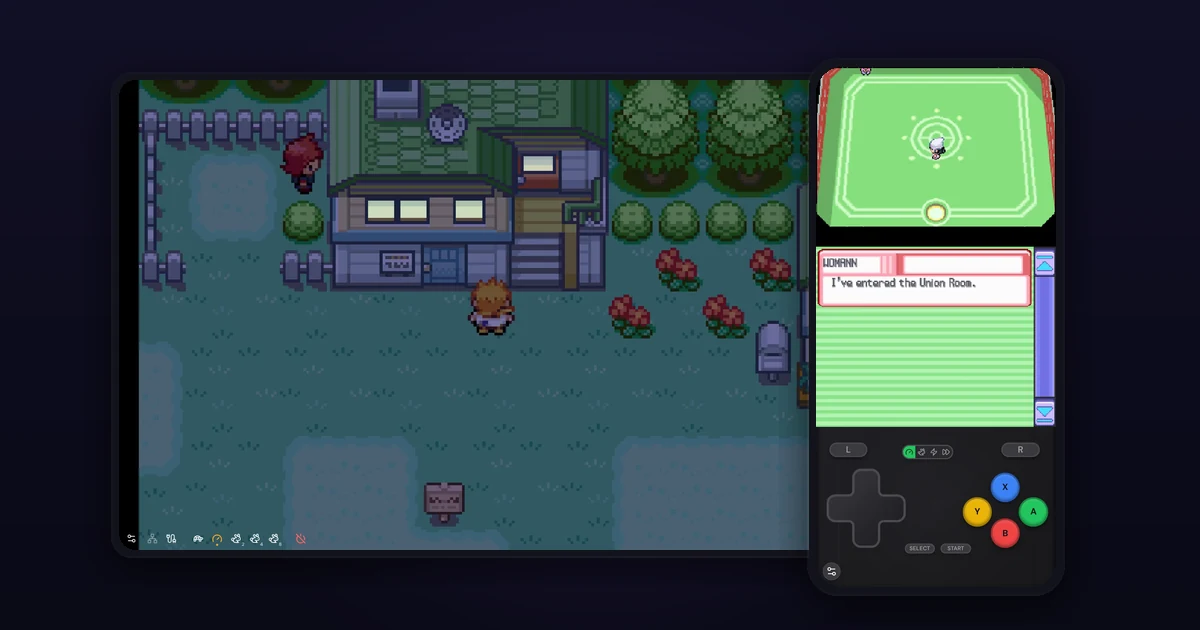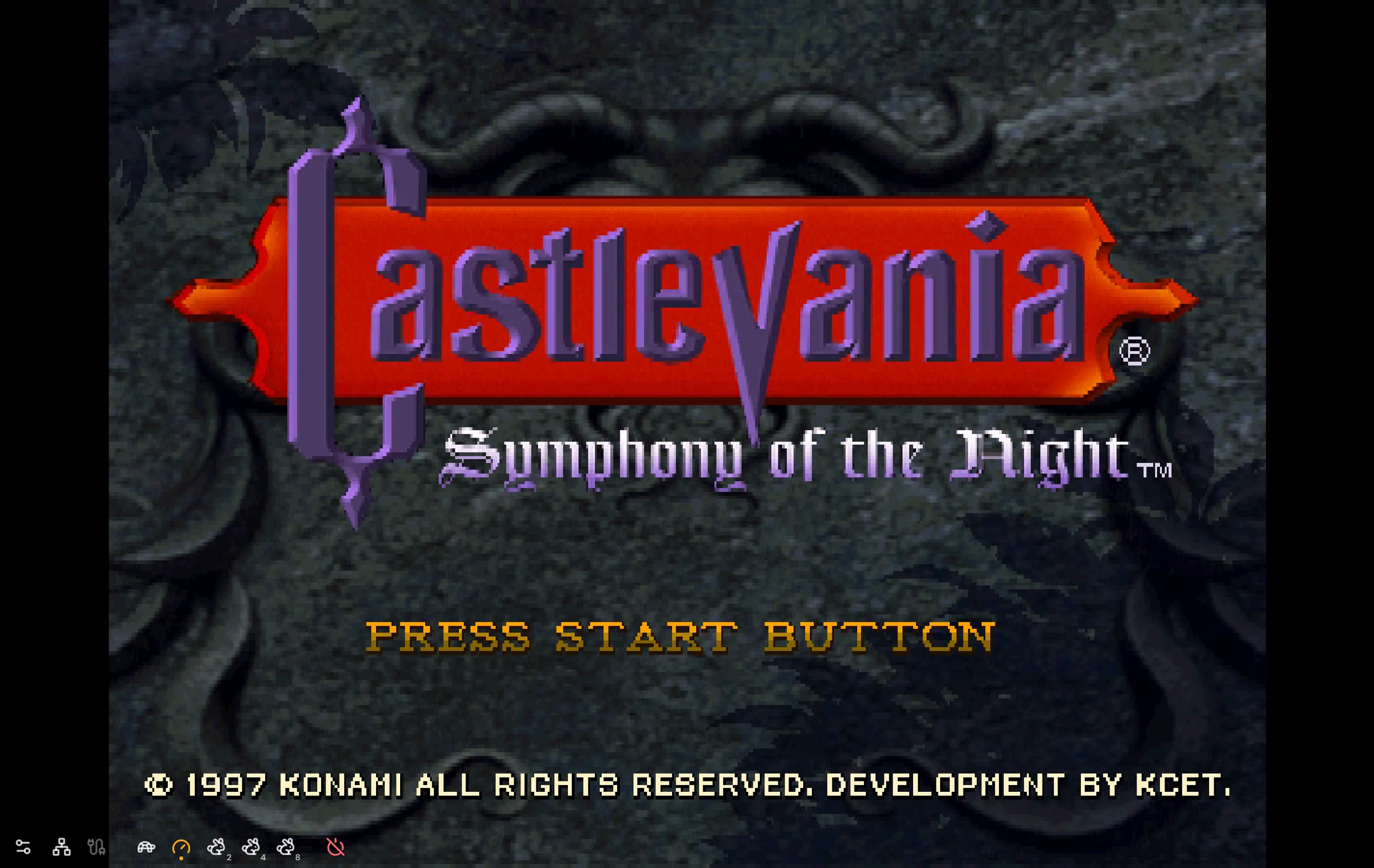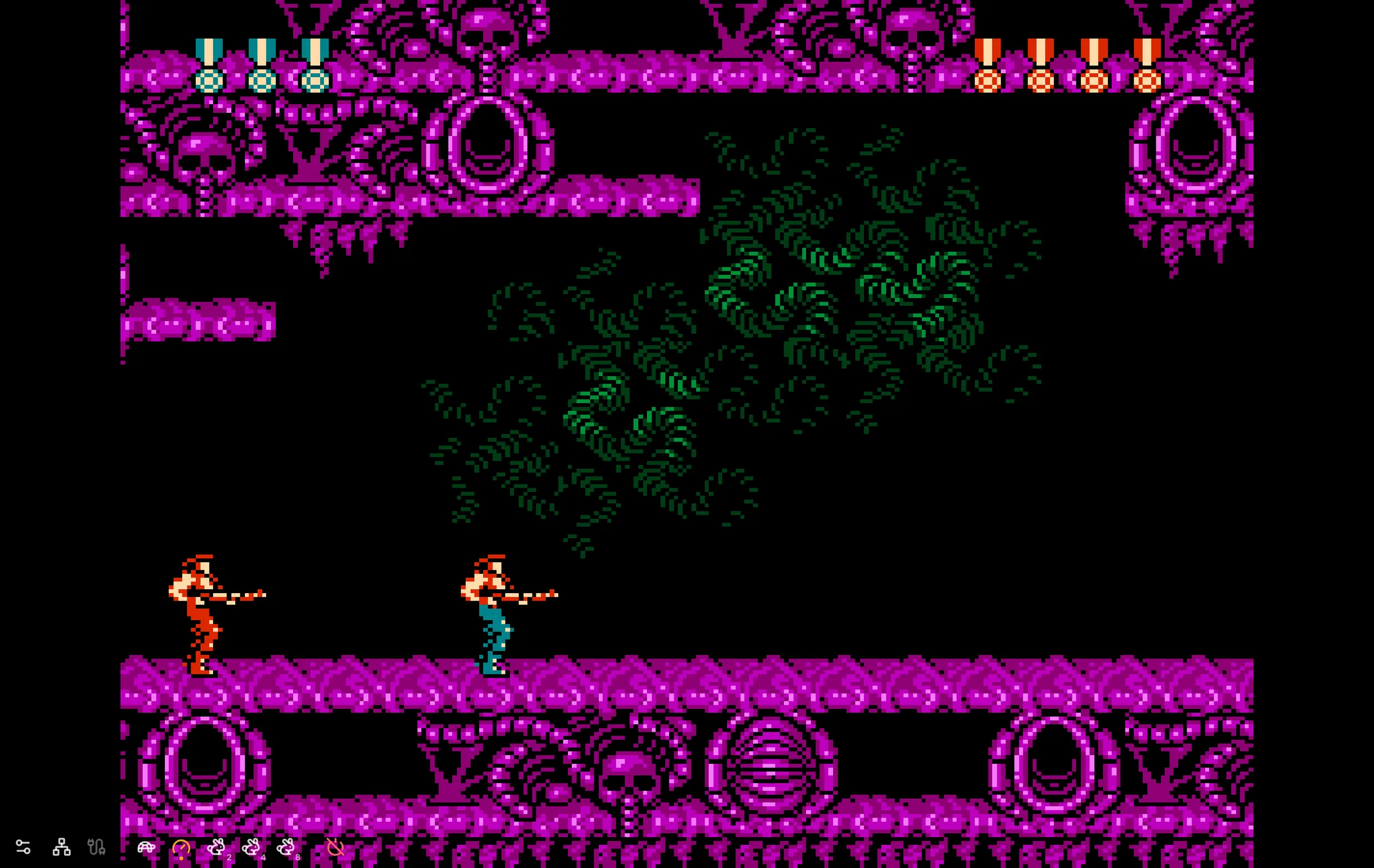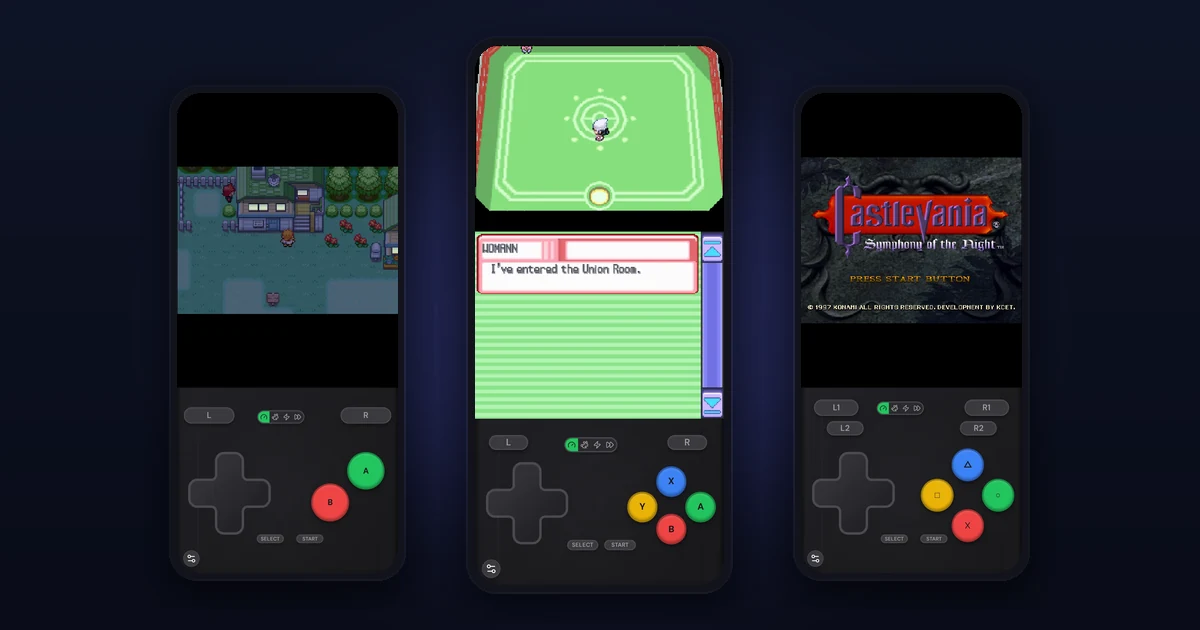
If you are looking for the best emulator for iPhone (or iPad) in 2026, your ideal pick depends on whether you play strictly offline or want cross-device cloud saves and online multiplayer. For instant iPhone, iPad, PC, and Android cloud sync plus 2-to-4-player online netplay (including GBA Link Cable rollback, Nintendo DS WFC, and PS1), Rebit is the most complete all-in-one setup on the App Store and mobile web. For offline single-player Nintendo games with custom controller skins, Delta is still a fan favorite. For 3DS and experimental multi-system tinkering on iOS, Manic EMU is worth a look, while PPSSPP owns PlayStation Portable and RetroArch remains the tinkerer’s Swiss Army knife.
For over a decade, playing retro games on an iPhone felt like a part-time IT job. You had to sideload AltStore every seven days, pray Apple didn’t revoke your signing certificate on a Friday night, and keep a MacBook nearby just to refresh your GBA saves. Since Apple opened the App Store to retro emulators, the iOS scene exploded—and suddenly the problem isn’t finding an emulator for iPhone, it’s picking one that doesn’t trap your saves on a single phone or leave you stuck playing solo.
I’ve spent the last year testing every major iOS emulator across an iPhone, an iPad, a MacBook, and a Backbone One USB-C controller—running through Pokémon Emerald, Castlevania: Symphony of the Night, Chrono Trigger, and Mario Kart DS to see where each app shines and where it quietly frustrates you twenty hours into a playthrough. Here is the honest, gamer-first breakdown of the best emulators for iPhone and iPad in 2026.
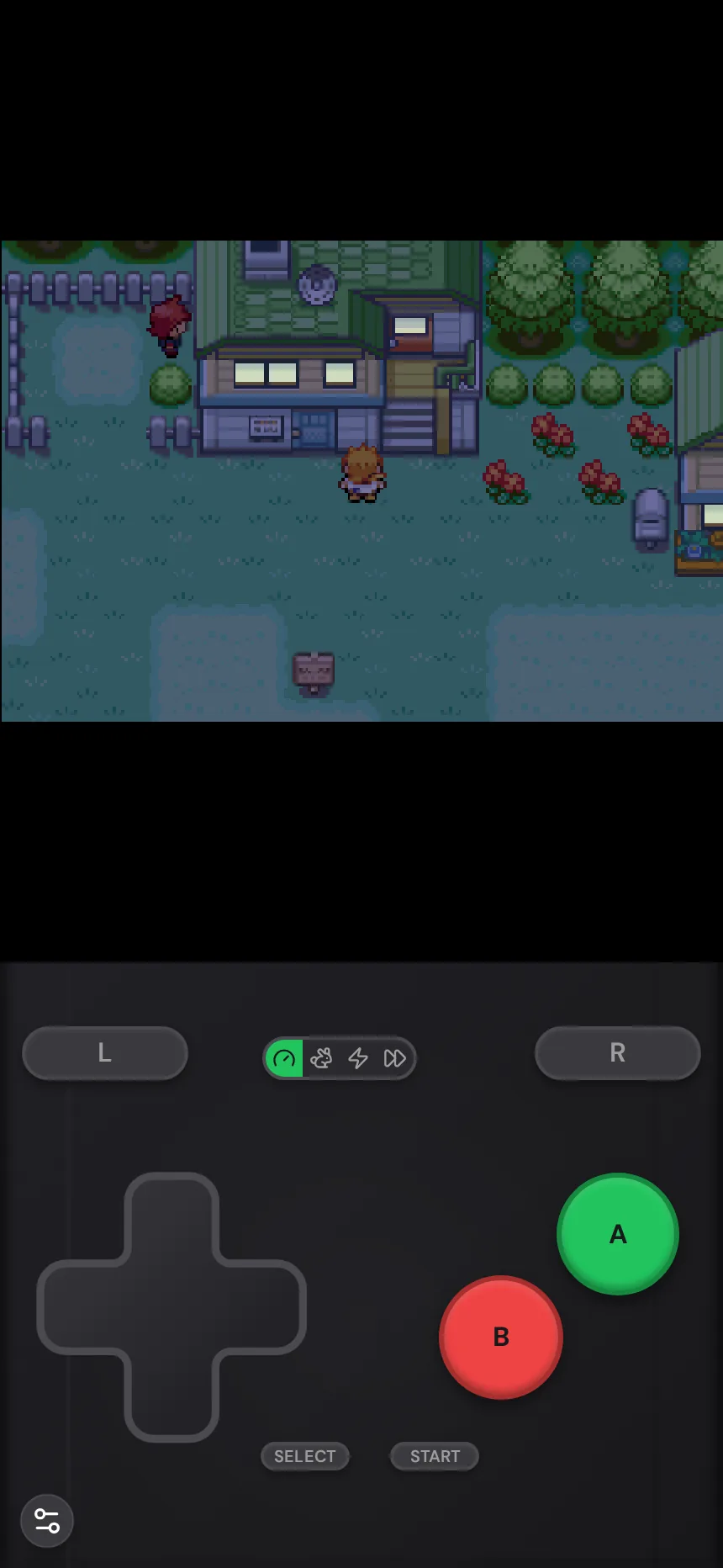
Quick comparison: best emulators for iPhone & iPad (2026)
| Emulator | Best For | Key Systems | Cloud Sync (iPhone ↔ PC) | Online Multiplayer |
|---|---|---|---|---|
| Rebit | Cross-device cloud saves + online multiplayer without setup | GBA, GB/GBC, NDS, PS1, NES, SNES, Genesis, N64, MS-DOS & more | Automatic cloud autosaves across iOS, web browser, desktop & Android | Built-in Rollback, Lockstep, Stream, 2–4P GBA Link Cable, NDS WFC (P2P free, Edge Link Pro) |
| Delta | Offline solo Nintendo play with custom skins | NES, SNES, N64, GB/GBC, GBA, NDS | Google Drive / Dropbox (iOS-to-iOS only; no PC/web client) | NDS WFC only; no GBA Link rollback or SNES/NES netplay |
| Manic EMU | iOS-only multi-console play including 3DS | NES, SNES, GB/GBC, GBA, NDS, N64, PS1, 3DS, Sega | iCloud (Apple devices only; no web/PC/Android client) | Local/limited; no room-code cross-platform Rollback/Stream |
| PPSSPP | PlayStation Portable (PSP) games in HD | PSP only | Manual / local files | Ad-hoc multiplayer (requires VPN/manual setup) |
| RetroArch | Power users who love custom CRT shaders & 50+ cores | Almost every retro system | Manual folder sync (no built-in cloud) | RetroArch netplay (complex setup, matching cores required) |
Deep dive: the 5 best emulators for iPhone and iPad
1. Rebit — Best iPhone emulator for cloud saves, online multiplayer, and playing across iPhone + PC
Most iOS emulators treat your phone like an island. You play 15 hours of Pokémon FireRed or Final Fantasy VII on your iPhone, sit down at your laptop at home, and realize your save is trapped inside an iOS sandbox.
Rebit (available on the Rebit Download page for iOS, Android, and desktop, or directly in Safari/Chrome at app.rebit.cc) was built specifically to kill that friction:
- True cross-device cloud saves: Upload a ROM you own once (free accounts include 2 GB of cloud storage) and your library + saves follow you between iPhone, iPad, Mac, Windows, and Android automatically. Cloud autosaves run every minute on the free tier (every 10 seconds on Pro), alongside manual save states and standard
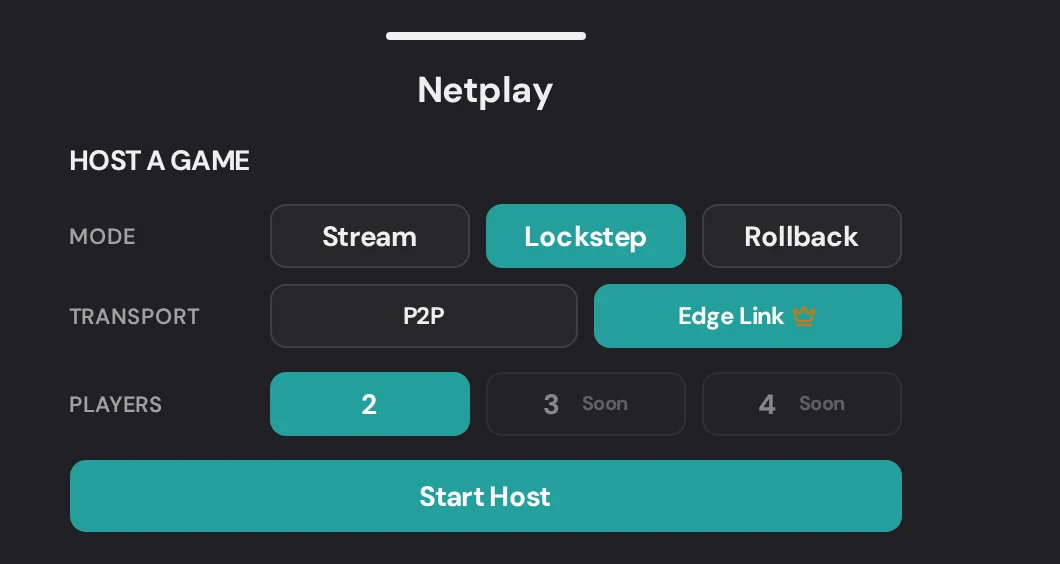
.sav/.srm/.mcrexports. - Online multiplayer that actually works on iPhone: Trade and battle in GBA Pokémon (2–4 players via mGBA Link Cable rollback), race Mario Kart DS on Nintendo WFC, or host 2-player Super Mario Kart, Super C, and Metal Slug X rooms using Rollback, Lockstep, or Stream (where only the host needs the ROM). P2P is free, and Edge Link (Pro) punches straight through stubborn cellular CGNAT and hotel Wi-Fi.
- PS1 + NDS + MS-DOS included: Unlike Delta, Rebit runs PlayStation 1 (
.chd,.bin/.cue, multi-disc.m3u), Nintendo DS (with melonDS, touch screen, and optional on-screen Blow mic button for games like Zelda: Phantom Hourglass), GBA, SNES, NES, Sega Genesis, and more—all with zero BIOS hunting for standard cartridge systems. - RetroAchievements & CRT/LCD shaders: Link your RetroAchievements account to unlock mastery badges on your iPhone, toggle Classic CRT or LCD Grid shaders, and use up to 4× fast-forward free (8× on Pro).
Where Rebit isn’t the pick: If you strictly want 3DS or PSP emulation on iOS, pair Rebit with Manic EMU or PPSSPP—and if you want 100% offline airplane play without ever touching a cloud account, Delta is a nice offline backup.
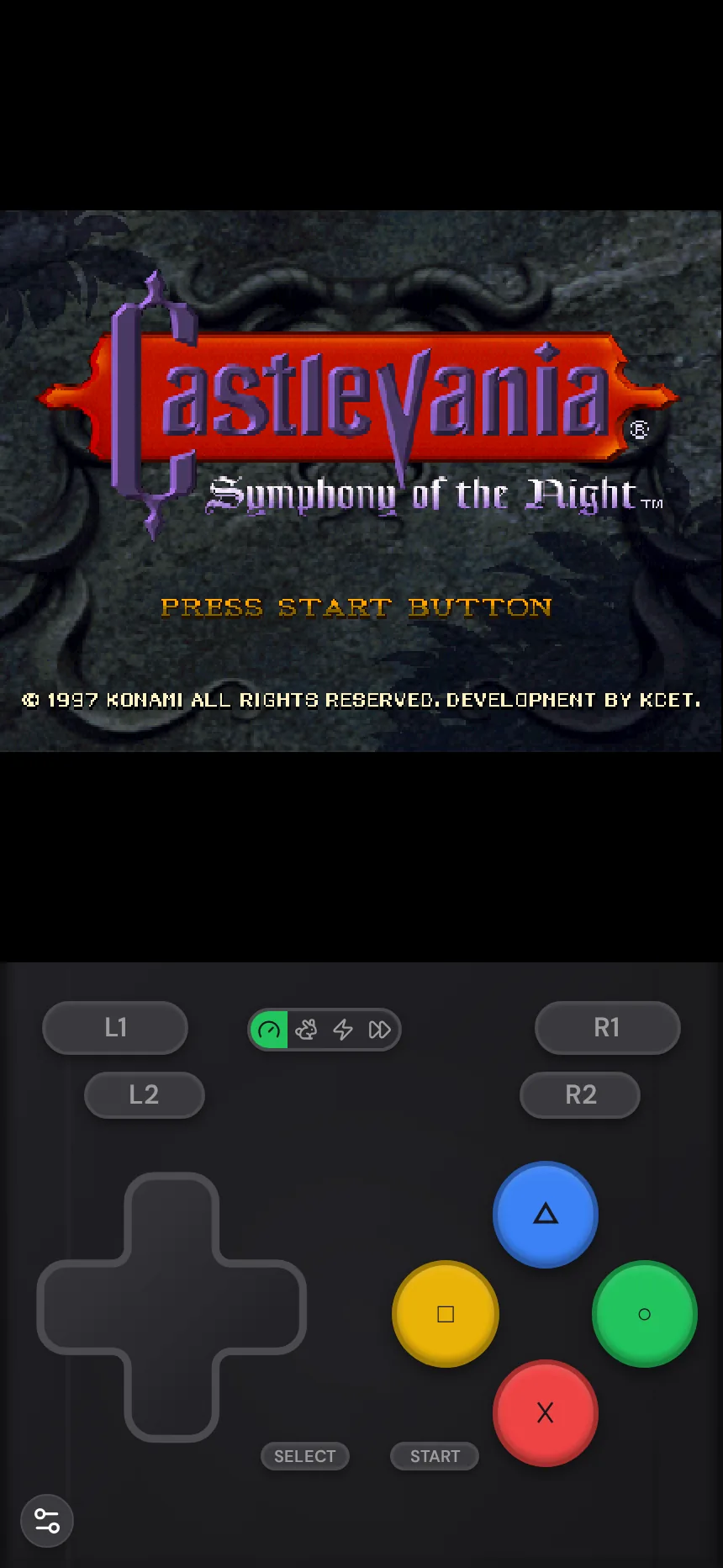
2. Delta — Best offline Nintendo emulator for iPhone
Created by Riley Testut, Delta is the app that introduced millions of iPhone owners to App Store emulation, and it deserves its reputation. The UI feels like Apple designed it, custom controller skins are a blast to swap, and offline solo play for NES, SNES, N64, Game Boy, GBA, and DS is rock solid.
Where Delta hits a wall in 2026:
- No PlayStation 1 (PS1) support: If you want Final Fantasy VII, Symphony of the Night, or Metal Gear Solid on iPhone, Delta can’t run them.
- No PC, Mac browser, or Android app: Delta’s Google Drive/Dropbox sync only syncs between Apple devices running Delta. You can’t pick up your Chrono Trigger save in a desktop browser.
- No online GBA Link Cable or SNES/NES netplay: Delta added DS WFC, which is great, but you still can’t trade-evolve Haunter or Machoke in Pokémon Emerald online or play Super C co-op with a friend on PC or Android.
If you’re debating between the two, we wrote a full head-to-head breakdown in Rebit vs Delta Emulator.
3. Manic EMU — Best iOS emulator if you specifically want 3DS
Manic EMU gained fast traction on the App Store by packing a huge system list—including Nintendo 3DS, DS, GBA, SNES, PS1, and Sega consoles—into a slick iOS-first interface with skins and RetroAchievements support.
The trade-offs to know before committing:
- Apple-only ecosystem: Like Delta, Manic EMU is an iOS/iPadOS app—there is no Windows/Mac web client or Android app if you want to bounce between your iPhone and a computer.
- Heavy 3DS titles hit Apple’s no-JIT wall: Because Apple restricts Just-In-Time (JIT) compilation on App Store apps, demanding 3DS games can stutter or run warm on older iPhones unless you jump through external JIT workarounds.
- No cross-platform room-code netplay: If your friends are on Android phones or PCs, you can’t just send them a room code and hop into co-op.
4. PPSSPP — Undisputed king of PSP on iPhone
If your nostalgia peaks around 2006—Persona 3 Portable, Crisis Core: Final Fantasy VII, Monster Hunter Freedom Unite, God of War: Chains of Olympus—PPSSPP is a miracle of software engineering. Even without JIT on the App Store, modern Apple Silicon iPhones (iPhone 13 and up) run most PSP games at 2×–4× native resolution at locked 60 fps. It only does PSP, so treat it as a specialist alongside your multi-system emulator.
5. RetroArch — Best for shader nerds and obscure consoles
RetroArch on the iOS App Store gives you dozens of Libretro cores (including Saturn, Dreamcast-adjacent cores, PC Engine, Neo Geo, and arcade) plus deep CRT shader pipelines and Run-Ahead latency reduction. The catch hasn’t changed in ten years: the menu UX is brutal on a 6-inch touchscreen, managing ROM/BIOS folders through the iOS Files app is tedious, and syncing saves between your iPhone and PC requires manual cloud-folder hacks.
Picking the best iPhone emulator by what you actually play
| What you want to play | Best iPhone pick | Why |
|---|---|---|
| Pokémon (GBA/GBC/DS) + online trading & ROM hacks | Rebit | 2–4P GBA Link Cable rollback + DS WFC + automatic cloud saves across iPhone & PC |
| PlayStation 1 (PS1) RPGs & action | Rebit or RetroArch | Delta doesn’t support PS1; Rebit handles .chd/.m3u + cloud memory cards cleanly |
| NES / SNES / Genesis co-op with friends | Rebit | Room-code Rollback, Lockstep, and Stream netplay across iOS, Android, and desktop |
| Offline solo N64 / GBA on flights with custom skins | Delta | Gorgeous offline UI and huge community skin library |
| Nintendo 3DS on iPhone 15/16 Pro | Manic EMU | App Store 3DS support with custom dual-screen layouts |
| PSP classics in crisp HD | PPSSPP | Dedicated, rock-solid PSP engine |
Controllers & accessories that transform iPhone emulation
Touchscreens are genuinely great for turn-based RPGs (Pokémon, Chrono Trigger, Final Fantasy VI, EarthBound) and DS touch games. The moment you boot Super Metroid, Mega Man X, or Castlevania: Symphony of the Night, a real D-pad turns your iPhone into a handheld better than anything we had growing up:
- Telescopic USB-C / Lightning controllers: The Backbone One, GameSir G8 Galileo, and Razer Kishi Ultra snap directly onto your phone with zero Bluetooth input lag and full L1/L2/R1/R2 triggers for PS1 and SNES games.
- Pocket Bluetooth pads for iPad & travel: The 8BitDo SN30 Pro and 8BitDo Lite 2 pair in two seconds in iOS Bluetooth Settings and have crisp digital D-pads that blow away mushy analog-first pads for 2D platformers.
- Existing console controllers: Any PS5 DualSense, Xbox Series, or Nintendo Switch Pro controller pairs natively with iOS/iPadOS and works automatically in Rebit, Delta, and PPSSPP.
Avoiding the #1 iPhone emulation heartbreak: lost saves
If you spend 40 hours in Pokémon Platinum or Final Fantasy IX, never trust local-only phone storage. iOS app offloads, accidental deletes, or switching to a new iPhone every two years wipe out local emulator folders all the time.
- Use in-game saves (
.sav/.srm/.dsv/.mcr) alongside save states—in-game battery saves are portable across emulators, whereas save states break between apps and core updates. - Keep automatic cloud sync turned on. On Rebit, every game autosaves to your cloud account automatically and lets you export your raw battery save anytime from the game’s page, so your progress survives phone upgrades and transfers cleanly to desktop.
Legal note on ROMs & BIOS files
Every legitimate App Store emulator—including Rebit, Delta, Manic EMU, PPSSPP, and RetroArch—does not include or link to copyrighted games. Always use ROM backups of cartridges or discs you own, or play free legal homebrew games.
Frequently asked questions
What is the best free emulator for iPhone in 2026?
For multi-system retro gaming with automatic cloud saves across iPhone, iPad, and PC plus online multiplayer, Rebit is free to start with 2 GB of cloud storage (available via the Rebit Download page or in Safari). If you only want offline single-player Nintendo games with custom skins, Delta is the best free offline choice.
Do I need to jailbreak or sideload to use an emulator on iPhone?
No. Apple allows retro game emulators directly on the official iOS App Store, and Rebit also runs directly in Safari on iPhone and iPad with zero sideloading or 7-day certificate refreshes.
Which iPhone emulator lets me play multiplayer online with friends on PC or Android?
Rebit supports cross-platform online multiplayer across iPhone, iPad, Android, Windows, Mac, and Linux browsers—including 2–4 player GBA Link Cable rollback, Nintendo DS WFC, and 2-player NES/SNES/Genesis/PS1 rooms via Rollback, Lockstep, or Stream.
Can I play PlayStation 1 (PS1) games on iPhone?
Yes—while Delta does not support PS1, Rebit runs PS1 games smoothly on iPhone and iPad with .chd and multi-disc .m3u support, Bluetooth/USB-C controllers, and cloud-synced memory cards.
Ready to turn your iPhone or iPad into a cross-device retro handheld? Grab the app from the Rebit Download page or launch app.rebit.cc in Safari, upload a game you own, and pick up your saves on any screen.