Genesis Plus GX
Play Sega Game Gear games online
No six AA batteries required. Rebit’s Sega Game Gear emulator plays your own .gg cartridge backups in a browser or on your phone with Genesis Plus GX and automatic cloud saves.
Upload your own .gg cartridge backup — no BIOS required. Rebit supplies no games.
- Core
- Genesis Plus GX
- Files
- .gg cartridges
- Saves
- Cloud autosave & save states
From .gg cartridge to first stage
Upload a .gg backup you own and start playing in seconds.
-
01
Upload your .gg file
Add your Sega Game Gear cartridge backup to your Rebit library.
-
02
Play on browser or phone
Genesis Plus GX launches immediately with D-pad, 1, 2, and Start mapped for touchscreens and controllers.
-
03
Keep progress in the cloud
Autosaves and save states follow your Rebit account across devices.
8-bit color. Zero AA batteries.
Game Gear games in public libraries
Titles from players’ Sega Game Gear collections, not ROM downloads.
-
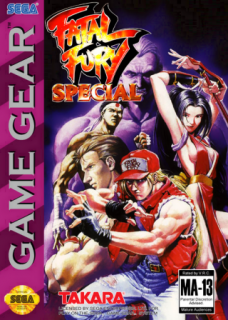
Fatal Fury Special (SNK - Takara)
-
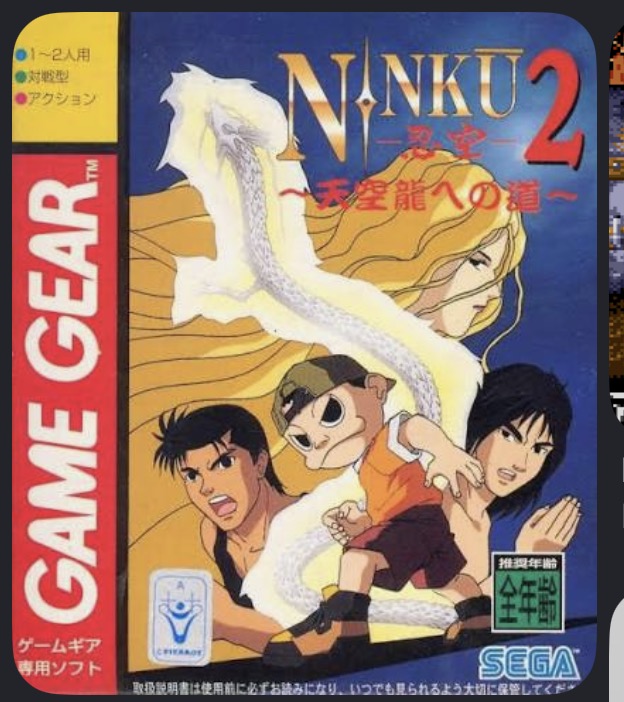
Ninku 2 - Tenkuryu-e no Michi
-

Virtua Fighter Animation
-
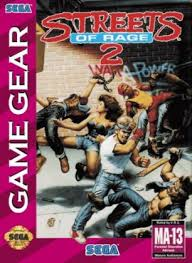
Streets of Rage II
Rebit does not provide game files or download links. These names come from public library activity.
Sega Game Gear emulator questions
What file extension do Game Gear games use?
Sega Game Gear cartridge backups use the .gg extension. Master System cartridges use .sms.
Do I need a Game Gear BIOS?
No. Genesis Plus GX runs .gg cartridges directly with no BIOS upload needed.
Can I play Game Gear on my phone?
Yes. Rebit runs Game Gear in mobile browsers and the iOS/Android apps with cloud saves synced to your account.
Related guides
Other systems
Play your Game Gear library
Open Rebit and add a .gg cartridge backup you own. Start free and upgrade only when your library grows.