DOSBox Pure
Play MS-DOS games online
Skip manual mount commands and config files. Rebit’s MS-DOS emulator runs DOSBox Pure in your browser and phone apps—upload a .zip or .dosz package of a DOS game you own, pick the executable, and play.
Upload your own .zip or .dosz DOS game package — no DOSBox config files needed. Rebit supplies no games.
- Core
- DOSBox Pure
- Files
- .zip and .dosz packages
- Saves
- Cloud saves & C: drive changes
From DOS ZIP to C:\> prompt
Bring your own legally owned DOS game backup, GOG offline files, or freeware/shareware release.
-
01
Upload a .zip or .dosz package
Keep the game folder intact inside a .zip or .dosz archive and upload it under MS-DOS.
-
02
Choose the game executable
DOSBox Pure scans the archive and lets you pick the main .exe, .com, or .bat file without typing mount commands.
-
03
Keep saves in the cloud
In-game saves and save states sync to your Rebit account across devices.
No AUTOEXEC.BAT. Just press play.
MS-DOS games in public libraries
Titles from players’ DOS collections, not ROM or abandonware downloads.
-
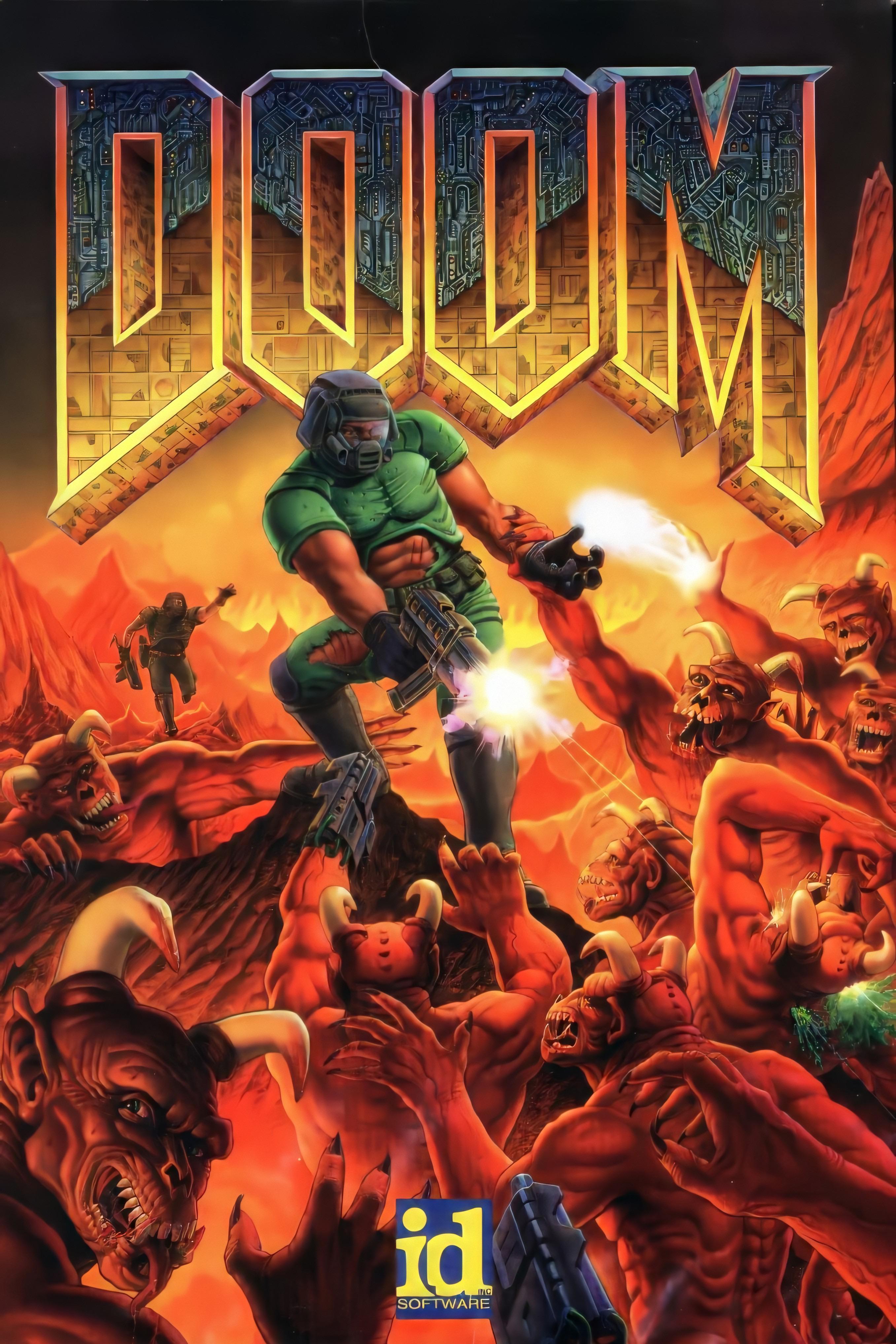
DOOM
-
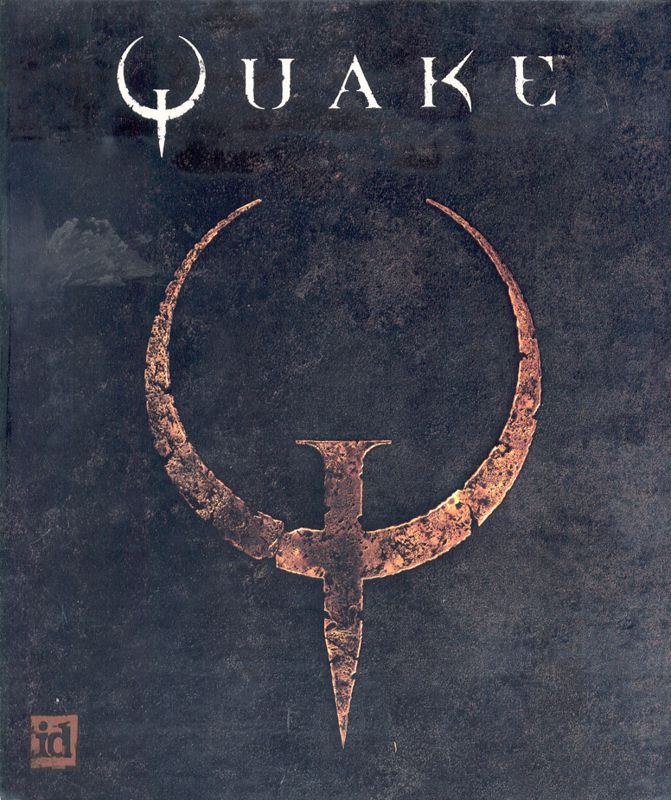
quake
-
No box art yet GTA5
-
Oregon Trail Deluxe
-
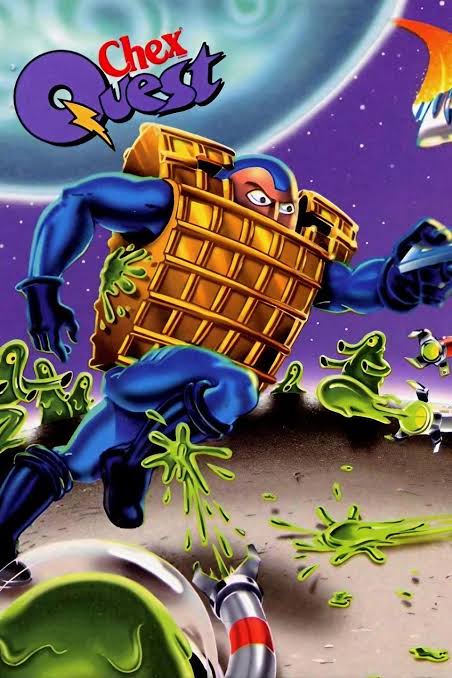
ChexQuest1&2
Rebit does not provide game files or download links. These names come from public library activity.
MS-DOS emulator questions
Which MS-DOS file formats work on Rebit?
Upload a .zip or .dosz archive containing your DOS game folder. Check our DOS file guide for details on EXEs, multi-file folders, and CD images.
Do I need to write a dosbox.conf file?
No. DOSBox Pure mounts your .zip automatically and presents a launch menu for the executables inside.
Can I play DOS games on Android or iPhone?
Yes, with on-screen controls, virtual keyboard access, or a connected gamepad/keyboard. See our mobile DOS controls guide for tips and current limits.
Related guides
Other systems
Play your MS-DOS library
Open Rebit and upload a .zip or .dosz DOS game you own. Start free and upgrade only when your library grows.