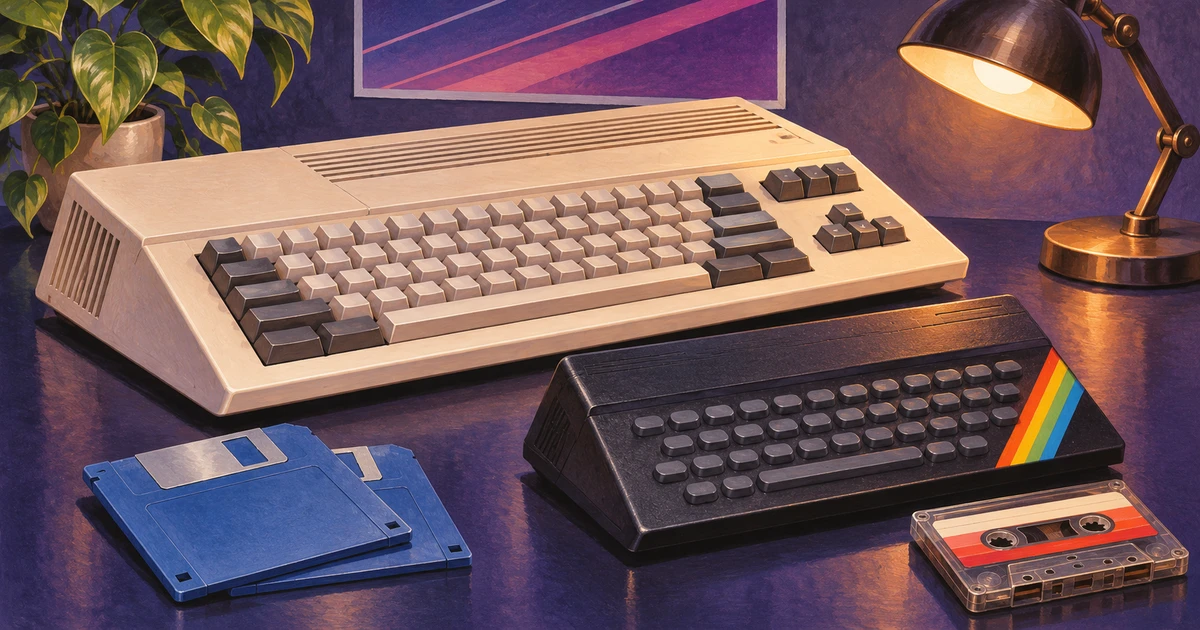
Understanding ZX Spectrum file formats lets you jump straight into Manic Miner, Jet Set Willy, or modern Spectrum homebrew without staring at red-and-cyan loading bars for five minutes. On Rebit's ZX Spectrum browser emulator, Fuse supports .tzx, .tap, .z80, .rzx, .scl, and .trd files—covering tape archives, instant memory snapshots, and disk images from your own collection.
Which ZX Spectrum format should you upload?
| Format | What it is | Loading speed |
|---|---|---|
.z80 |
Memory snapshot | Instant—drops straight into the game or title screen |
.tap |
Standard tape image | Very fast with Fuse's tape acceleration |
.tzx |
Exact cassette preservation (including custom loaders) | Faithful to original tape timing and multi-load games |
.scl / .trd |
TR-DOS disk images | Fast disk loading for Eastern European and homebrew releases |
.rzx |
Input recording / playback archive | Great for replaying recorded runs |
If you just want to play a classic game quickly on a lunch break, .tap and .z80 are the snappiest choices. Keep .tzx when a game uses a custom speedloader or special multi-load tape protection that standard .tap cannot represent.
Navigating Spectrum keyboards and Kempston joysticks
Because the original ZX Spectrum had no built-in joystick port, games offered a menu right before starting—usually letting you pick Keyboard (QAOP + Space), Kempston Joystick, or Sinclair Interface 2.
- Pick Kempston Joystick when offered. It maps cleanly to a Bluetooth/USB gamepad or Rebit's on-screen D-pad and fire button.
- Use your desktop keyboard for text adventures and older classics. Early 1982–1984 titles that predate Kempston support play naturally right on a laptop keyboard.
- Drop a cloud save state past tricky jumps. Spectrum platformers are famously unforgiving; cloud saves let you save right before a brutal room and pick it back up on your phone or browser.
Building out a full classic computer shelf on Rebit? Explore our Commodore Amiga WHDLoad vs ADF guide or jump into MS-DOS games online.
Choosing the right ZX Spectrum file formats for your library
A quick rule of thumb keeps your Spectrum shelf fast and frustration-free:
- Use
.z80snapshots when you want zero waiting—ideal for quick 10-minute high-score runs of Manic Miner, Horace Goes Skiing, or Sabre Wulf. - Use
.taptape images for clean, reliable fast-loading of standard releases without custom tape tricks. - Use
.tzxpreservation dumps when a classic uses a custom turbo loader, musical loading screen, or multi-load levels that need exact tape timing. - Use
.sclor.trdfor TR-DOS disk software and modern homebrew releases built around disk drives.
Remember to check the game's opening control menu—selecting Kempston Joystick immediately unlocks smooth D-pad and fire-button play on both phones and modern gamepads.
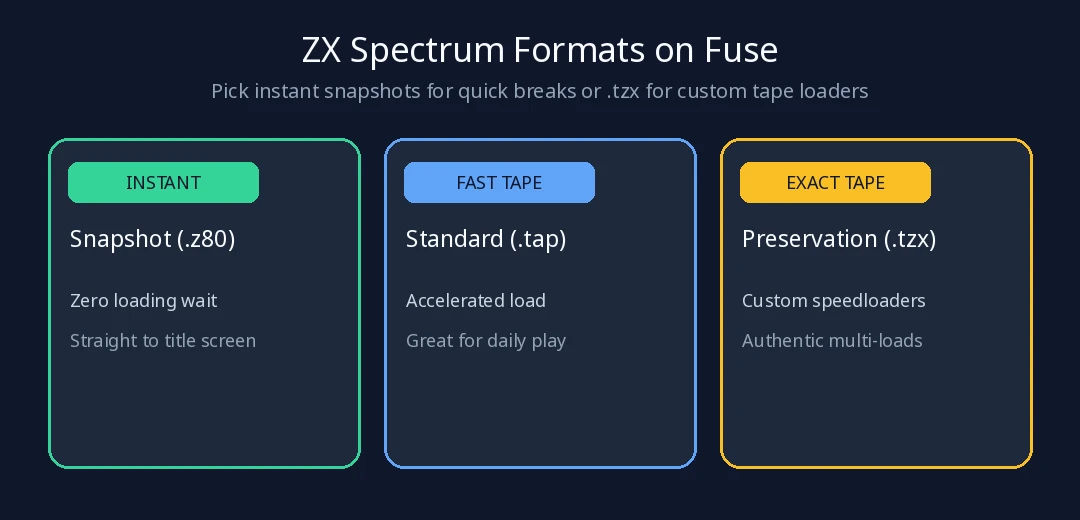 Choose .z80 snapshots for zero-wait launches, .tap for fast everyday tape loading, or .tzx when a game depends on custom cassette loaders.
Why the ZX Spectrum still has one of retro gaming's wildest catalogs
Sinclair's 1982 rubber-key micro put affordable programming into millions of bedrooms across the UK and Europe, sparking an explosion of inventive, quirky, fiercely original games—from Matthew Smith's Manic Miner and Jet Set Willy to Ultimate Play the Game's isometric masterpieces (Knight Lore, Sabre Wulf), Elite, Target: Renegade, and R-Type's miraculous 8-bit conversion. Even today, hundreds of brand-new Spectrum homebrew games launch every year in .tap and .tzx formats.
On original hardware, every game meant pressing Play on a cassette deck, typing LOAD "", and hoping a volume wobble did not crash the load four minutes later. On Rebit's ZX Spectrum emulator, Fuse eliminates the cassette hiss while keeping the crisp attribute-clash visuals and beeper/AY-chip audio intact.
Choosing between 48K and 128K Spectrum software
When archiving your own tapes or downloading creator-released homebrew, you will see games labeled 48K or 128K:
- 48K classics: The vast majority of 1982–1986 hits run on 48K with classic 1-bit beeper sound effects and compact
.tapor.z80files. - 128K releases: Later classics and modern homebrew take advantage of extra RAM (for fewer multi-loads) and the rich three-channel AY-3-8912 sound chip—hearing 128K music in Chase H.Q., Target: Renegade, or Robocop is a huge upgrade over the 48K beeper.
Getting comfortable with Spectrum controls in 60 seconds
- Always scan the opening menu for "Kempston." Most Spectrum games list
1. Keyboard,2. Kempston,3. Sinclairon the title screen. Picking Kempston immediately maps movement and Fire to your Bluetooth gamepad or phone touch overlay. - Keep QAOP + Space in mind for early 1982–1983 tapes. Before Kempston became universal, UK developers standardized on
Q(Up),A(Down),O(Left),P(Right), andSpace(Jump/Fire) on desktop keyboards. - Lean on cloud save states for notorious difficulty spikes. Room-by-room platformers like Jet Set Willy and Monty on the Run become genuinely joyful when cloud saves let you practice a brutal screen without losing your whole evening's progress.
Want to round out your classic European computer shelf on Rebit? Read our Commodore Amiga WHDLoad vs ADF guide or browse MS-DOS games online.