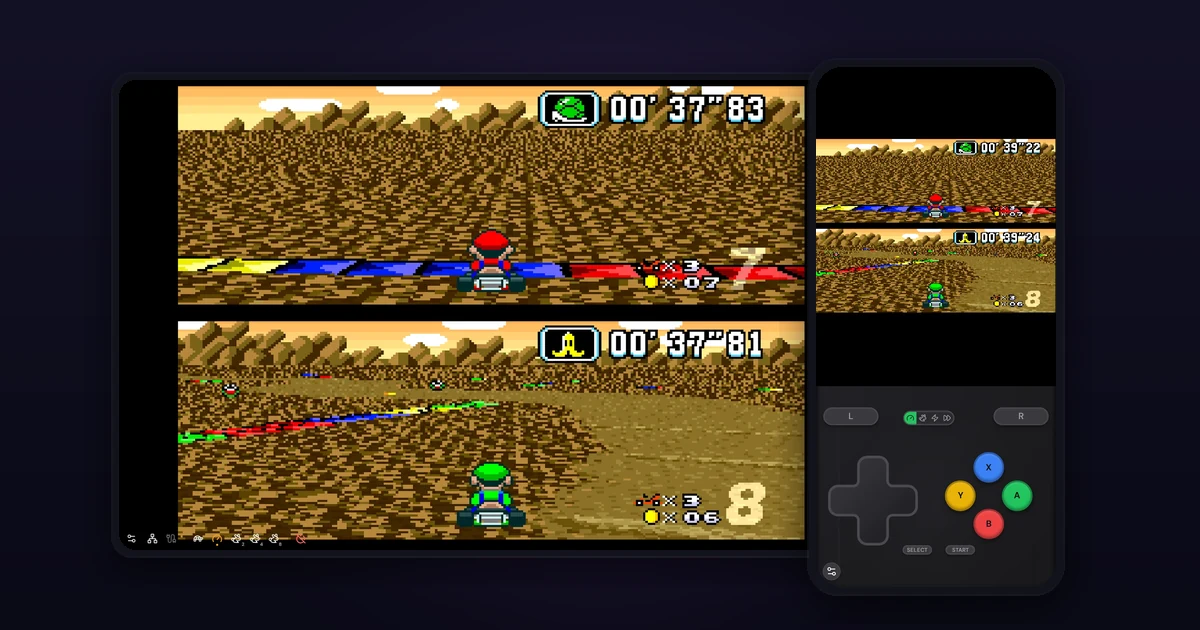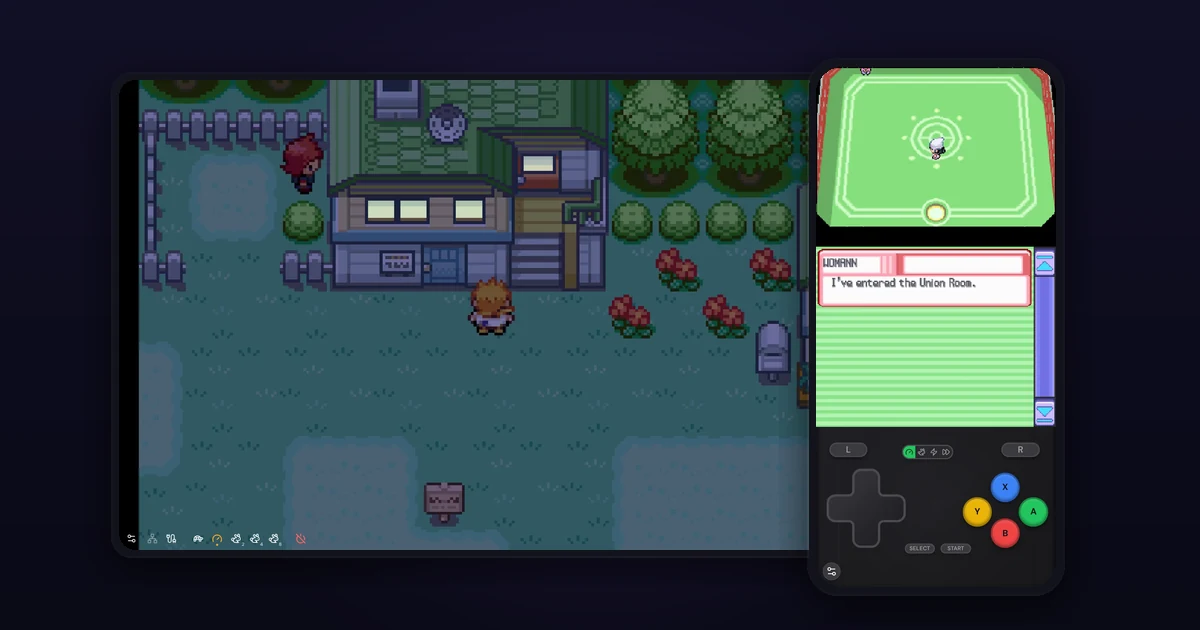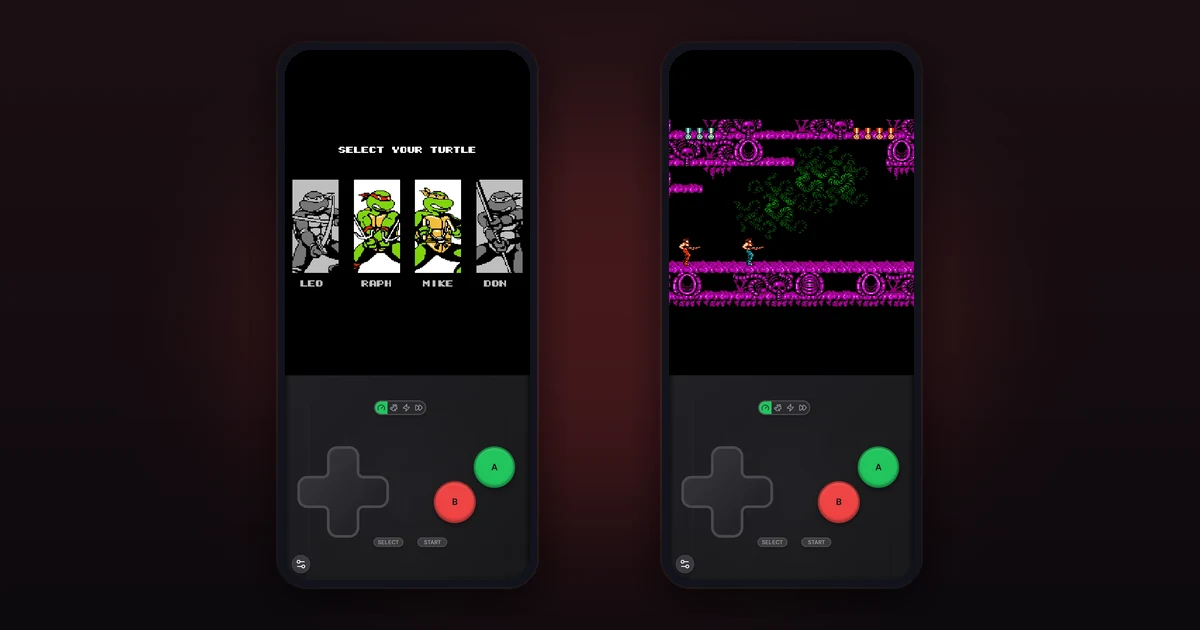
If you are looking for an NES emulator on Android (or iOS) that actually feels good to play on a phone—without losing your progress when you switch back to your PC—Rebit runs the FCEUmm core in both its Android/iOS apps and mobile browsers with clean 2-button touch controls, Bluetooth gamepad support, automatic cloud saves, and 2-player online netplay. Prefer a local-only offline setup? RetroArch (with the FCEUmm or Mesen core) and NES.emu on Android, or Delta on iOS, are solid standalone choices.
Here is an unpopular opinion among retro purists that I will happily defend: the NES is secretly the best home console to play on a phone.
Think about it. Try playing Super Metroid or Tekken 3 on a glass touchscreen and your thumbs immediately run out of real estate—you are juggling L/R shoulder buttons, four face buttons, and diagonal inputs all at once. Now look at the original rectangular NES controller: a D-pad, Select, Start, B, and A. That’s it. No bumpers, no triggers, no twin analog sticks. With a decent touch layout and one small thumb technique that every veteran mobile player learns, you can genuinely beat Mega Man 2, The Legend of Zelda, Castlevania, and Super Mario Bros. 3 on a commute without wishing you had brought a backpack full of hardware.
Let’s walk through the best ways to run an NES emulator on Android and iOS, how to make touch controls feel responsive instead of frustrating, which controllers pair best, and how to keep your .sav and cloud saves synced seamlessly between your phone and desktop.
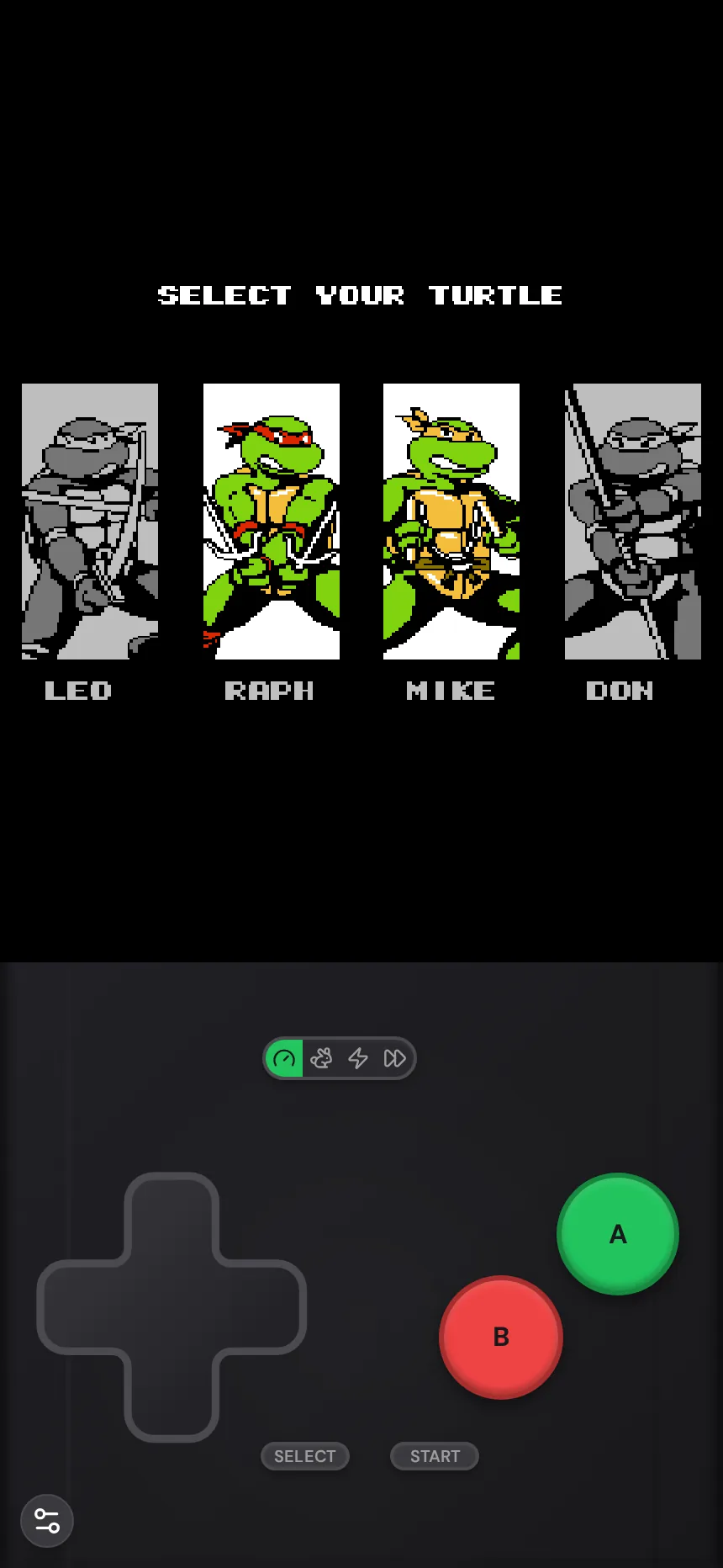
Picking the right NES emulator for Android (and iOS)
| Option | Platforms | Strengths | Trade-Offs |
|---|---|---|---|
| Rebit (FCEUmm) | Android app, iOS app, mobile & desktop browser | Zero setup, 2 GB free cloud storage, automatic cloud saves across phone + PC, uncluttered NES touch layout, 2P online netplay (Rollback/Lockstep/Stream) | Requires internet to sync cloud saves and host/join netplay |
| RetroArch (FCEUmm / Mesen) | Android, iOS | Deep shader library, Run-Ahead latency reduction, RetroAchievements, tons of cores | Steep menu learning curve; manual save syncing; Android scoped-storage folder headaches |
| NES.emu | Android | Fast, clean standalone paid app based on FCEUX with low-latency audio/video | Paid app; local saves only; no built-in online netplay |
| Delta | iOS | Polished App Store app with custom controller skins and optional Drive/Dropbox sync | iOS-only; no browser/PC client; no online NES netplay |
My personal setup? I keep my entire .nes library in Rebit because the friction is zero. When I’m waiting for coffee, I pull out my phone, tap Dragon Warrior or Kirby’s Adventure, and my cloud autosave from last night’s desktop session is already waiting on screen. When I get home, I open the same game on my monitor with an 8BitDo controller and pick up on the exact same room. No copying .sav files over USB, no broken Syncthing conflicts, and no Android 14+ scoped-storage permission pop-ups eating my save folder.
How to set up NES games on Android or iOS in two minutes
You don’t need BIOS files, core downloads, or folder-permission gymnastics to get started on Rebit’s NES emulator online platform:
- Open Rebit in your mobile browser or install the Rebit app for Android or iOS.
- Tap Add Game and select a
.nesROM you own from your phone’s storage (or upload it from your computer—it syncs to your phone automatically). - Rebit recognizes the NES system, pulls box art, and pairs your game with the FCEUmm core automatically.
- Tap Play. Your on-screen D-pad, A, B, Select, and Start buttons appear immediately, and cloud autosaves kick in automatically (every minute on the free plan, every 10 seconds on Pro).
Quick ROM-prep tip for mobile players
NES games are tiny—most cartridges are between 32 KB and 512 KB, so even a huge personal library barely dents your 2 GB free cloud storage. If you have a .zip file that bundles multiple region dumps (like (USA), (Europe), and (Rev 1)) or readme text files, unzip it first and upload the single .nes file you want. That guarantees FCEUmm boots the exact NTSC 60 Hz revision you expect—and ensures your ROM matches your friend’s copy if you hop into netplay later.
Mastering NES touch controls (so platformers actually feel good)
Most players give up on phone emulation in the first five minutes because they try to tap B and A with the tip of their right thumb like they’re texting. On a real NES pad, you never lifted your thumb off B to press A—you rested the tip of your thumb on B (run/charge) and rocked the knuckle/joint onto A (jump).
That exact same thumb-roll technique works on glass:
- Portrait vs. Landscape: For RPGs (The Legend of Zelda, Final Fantasy, Dragon Warrior, Crystalis), puzzle games (Tetris, Dr. Mario), and turn-based strategy (Fire Emblem fan translations), portrait mode is unbeatable—you can play one-handed on a train with your thumbs resting below the game screen so your fingers never block a single pixel. For fast action (Contra, Ninja Gaiden, Super Mario Bros. 3, Mega Man 2), flip to landscape so your thumbs have room to rock across B and A cleanly.
- Avoid accidental diagonals on touch D-pads: In Castlevania and Contra, accidentally pressing up-right instead of pure right makes you climb stairs you didn’t want or aim your spread gun into the sky. Keep your left thumb anchored near the center of the D-pad and slide gently rather than lifting and tapping.
- Use fast-forward for slow 8-bit pacing: Free Rebit accounts include up to 4× fast-forward (up to 8× on Pro). Trust me: once you grind gold in Dragon Warrior or skip unskippable death animations at 4× speed on your phone, you’ll never go back.
Pairing a Bluetooth or USB-C controller on Android & iOS
Touch controls will happily carry you through RPGs, puzzlers, and casual platformer runs. But if you want to take down the Yellow Devil in Mega Man, survive the Turbo Tunnel in Battletoads, or clear Super C without losing a life, snap on a real D-pad.
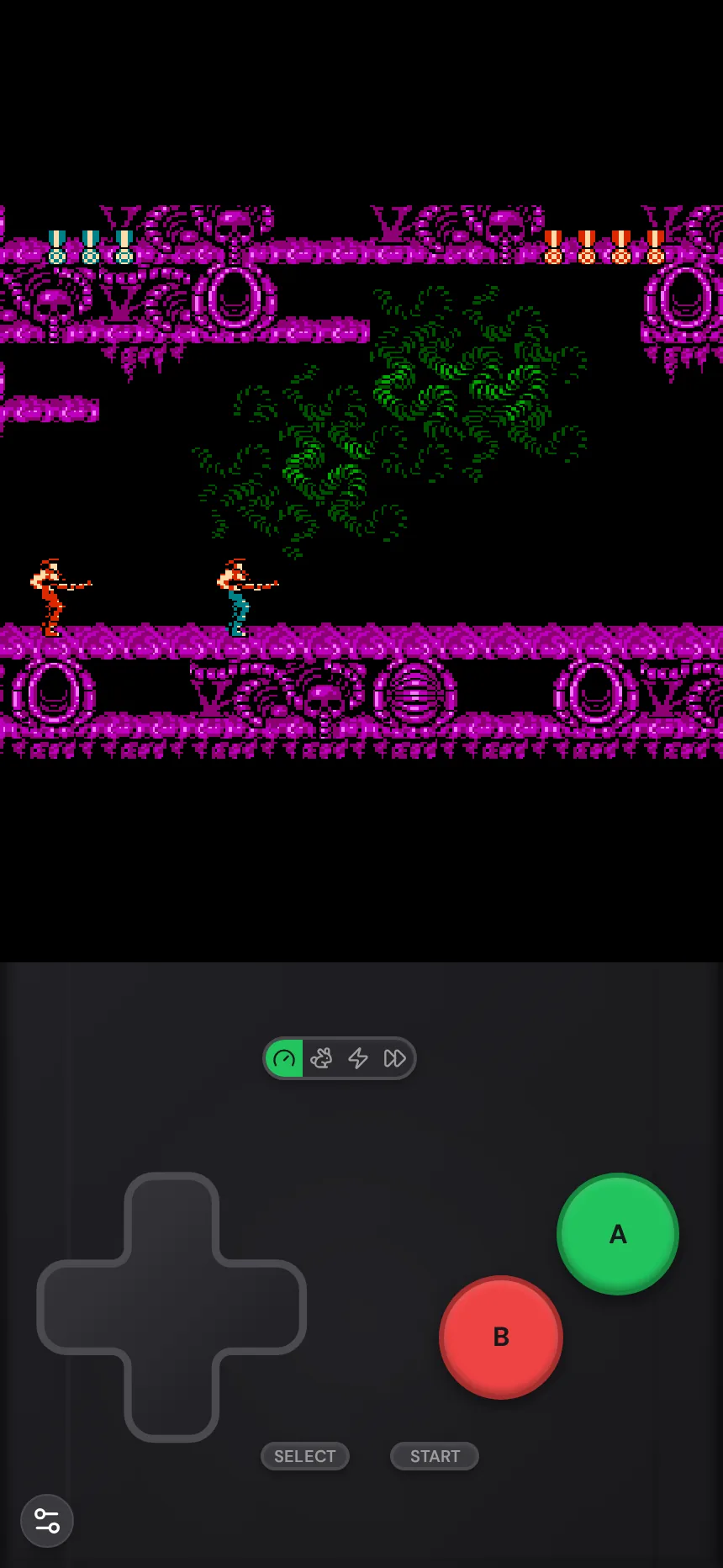
Rebit supports standard Bluetooth and USB gamepads on both Android and iOS (as well as desktop browsers). Here is what actually matters when picking a controller for NES games:
- Prioritize the D-pad over analog sticks. NES games are purely 8-way digital. Controllers with crisp, distinct pivot D-pads—like the 8BitDo SN30 Pro, 8BitDo Lite 2 (pocket-sized and awesome for travel), 8BitDo Pro 2, or a PlayStation DualSense—feel miles better than mushy floating discs.
- Telescopic USB-C controllers eliminate Bluetooth latency. Clip-on controllers like the Backbone One, GameSir G8 Galileo, or Razer Kishi turn your phone into a dedicated NES handheld with direct USB-C input and zero battery charging to worry about.
- Tune analog deadzone if you use a stick. If you prefer playing with a left analog stick on an Xbox or Switch Pro controller, and your character occasionally creeps left or right on its own, open Rebit’s Settings and bump up the stick deadzone slightly.
Why cloud saves change how you play NES games on mobile
Let’s be honest about how most of us play retro games as adults: you rarely have a free three-hour block to beat Super Mario Bros. 3 or Blaster Master in a single sitting. You have 15 minutes before bed, 20 minutes on a flight, and an hour on Sunday afternoon.
The original NES wasn’t built for that lifestyle. Outside of battery-backed RPGs like Zelda, Kirby’s Adventure, and Final Fantasy, most NES cartridges either forced you to start from Stage 1-1 or handed you a 24-character password that looked like a Wi-Fi router key (Metroid, Castlevania II, Mega Man 2).
On Rebit, three save layers work together automatically across Android, iOS, and desktop:
| Save Layer | How It Works | Best Mobile Use Case |
|---|---|---|
| Cloud autosave | Saves automatically every minute (free) or every 10 seconds (Pro) | Closing your phone mid-level when your train arrives and resuming on PC at home |
| Manual save states | Instant snapshot at any frame | Practicing tricky boss patterns in Ninja Gaiden or Mega Man |
Battery save (.sav) |
Standard cartridge SRAM file, importable and exportable | Keeping portable backups of 20-hour Zelda / Dragon Warrior runs |
If you already started an NES RPG on another Android emulator (like RetroArch or NES.emu), you don’t have to start over: export or copy your .sav battery file, upload your .nes ROM to Rebit, and attach the .sav on the game’s page. (Note that emulator-specific save states aren’t cross-compatible between different apps—always use .sav battery files when migrating.)
Playing 2-player NES co-op from your phone (Netplay)
One of the coolest things about running an NES emulator on Android or iOS today is that multiplayer isn’t stuck on a living room couch anymore. You can be on an Android phone, your friend can be on a MacBook or iPhone across the country, and you can jump into Super C, TMNT III: The Manhattan Project, Double Dragon II, or Bubble Bobble in under 30 seconds.
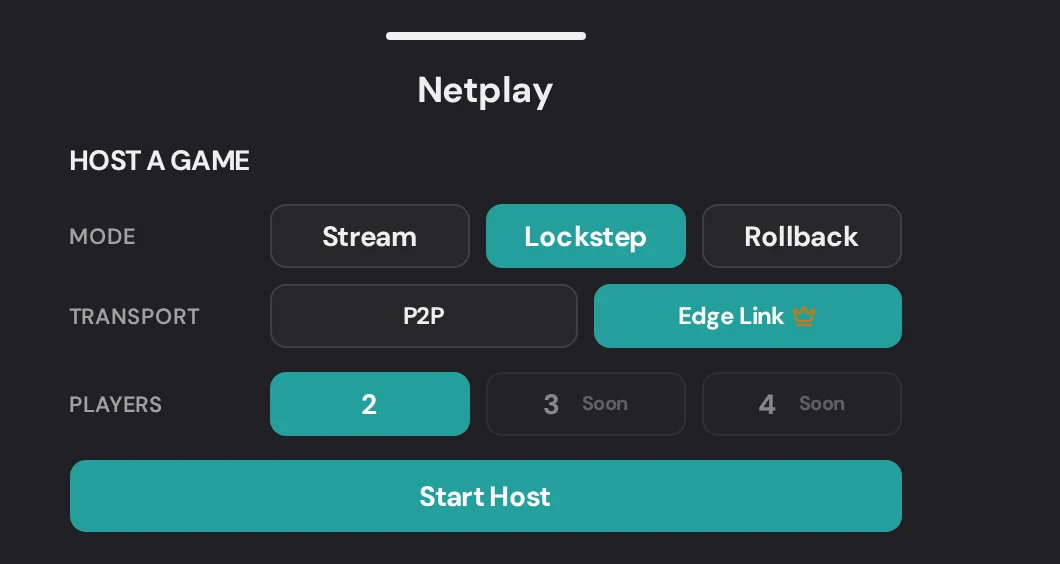
From the in-game menu, open Netplay → Host Room and pick the mode that fits:
- Rollback: Best for fast action co-op—your jumps and shots feel instant locally while syncing with Player 2. Both players need the exact same
.nesROM. - Lockstep: Great fallback if one of you is on cellular data or uneven Wi-Fi where Rollback feels jumpy. Both players need the same ROM.
- Stream: Only the host needs the
.nesROM—perfect when you want to pull a friend into a quick match of Tecmo Super Bowl or Ice Climber without making them hunt down files first.
Start with P2P (included free). If you’re on mobile data (CGNAT), college Wi-Fi, or an office network where direct P2P gets stuck connecting, switch to Edge Link (Pro) so Rebit routes the room reliably.
7 NES games that feel incredible on a phone
If you want to test your mobile setup right away, these seven classics are tailor-made for phone sessions (and you can dig even deeper in our list of the 21 best NES games of all time):
- Kirby’s Adventure: Generous hitboxes, gorgeous late-era NES pixel art, and forgiving platforming that feels effortless even on touch controls.
- The Legend of Zelda: Screen-by-screen exploration + cloud saves make it the ultimate 10-minute-at-a-time adventure.
- Dr. Mario & NES Tetris: Instant pick-up-and-play perfection in portrait or landscape.
- Mega Man 2: Snappy 2-button controls (shoot + jump) and bite-sized Robot Master stages that fit neatly into a coffee break.
- Super Mario Bros. 3: Short 60–90 second levels across eight themed worlds—cloud autosaves finally give this masterpiece the save system it always deserved.
- River City Ransom: Hilarious beat-em-up RPG hybrid that shines solo on mobile and becomes pure chaos in 2-player netplay.
- Dragon Warrior III: Turn-based depth with zero twitch-reflex stress—pair it with 4× fast-forward for breezy grinding.
Frequently asked questions
What is the best free NES emulator for Android?
If you want zero-config setup with cloud saves across Android, iOS, and desktop plus 2-player online netplay, Rebit (powered by FCEUmm) is free to start with 2 GB of cloud storage. If you strictly want an offline local-storage app and don’t mind configuring menus and folders yourself, RetroArch (with the FCEUmm or Mesen core) is the top free standalone option.
Can I play NES games on Android without downloading an app?
Yes. You can play directly in Chrome, Brave, or Edge on Android (or Safari on iOS) through Rebit’s play NES games online page—just upload a .nes ROM you own. Installing the Rebit mobile app adds an even cleaner full-screen feel while keeping the exact same cloud library and saves.
Why won’t my .nes ROM load on my phone?
Usually it is one of three things: the file is still inside a .zip with extra files (extract the single .nes file), the dump is missing a valid iNES header, or it’s a Famicom Disk System (.fds) image instead of a standard .nes cartridge. Check our NES emulator online ROM and netplay guide for step-by-step troubleshooting.
Does Rebit include NES games or ROMs?
No. Rebit never hosts or links to copyrighted ROMs—you upload copies of games you already own, and Rebit gives you the FCEUmm emulator, controls, cloud saves, and online netplay across all your devices.
Ready to turn your phone into the cleanest 8-bit handheld in your pocket? Visit play NES games online or open Rebit, upload a .nes game you own, and pick up your run anywhere.