If you are looking for an NES emulator online to load a ROM you already own without installing desktop software or configuring plugins, Rebit runs FCEUmm directly in your browser and mobile apps. Upload a .nes file once, and your game, controls, cloud saves, and 2-player online netplay stay ready on every device.
This guide walks through loading your .nes file cleanly, fixing common ROM/save hiccups, setting up desktop and mobile controls, and hosting a 2-player co-op room with a friend.
1. How to load your .nes ROM in a browser
Start on Rebit’s NES emulator online page or open Rebit:
- Click Add Game in your library and pick a
.nesfile from your computer or phone. - Rebit automatically detects the NES system, matches box art and metadata, and pairs it with the FCEUmm core.
- Click Play to start immediately inside the tab—no BIOS files, no installer, and no core downloads to manage.
Rebit does not host or link to ROMs; you upload copies of games you own.
What if my NES ROM won’t load?
NES dumps are tiny (usually 32 KB to 512 KB), so upload errors are rare. When a file fails to boot, check these three causes:
- Unzip if packed with extra files: If a
.ziparchive contains readme files or multiple region dumps together, extract the single.nesfile you want and upload that directly. - Standard iNES header: FCEUmm expects standard
.nes(iNES / NES 2.0) files. Corrupted or headerless raw dumps will show a black screen. - Region / mapper mismatch: If a rare homebrew or ROM hack behaves oddly, confirm it targets a standard NES mapper supported by FCEUmm.
2. Setting up NES controls (keyboard, phone, and gamepads)
The NES only has four directions plus A, B, Select, and Start, which makes it one of the most comfortable retro systems to play in a browser or on a phone.
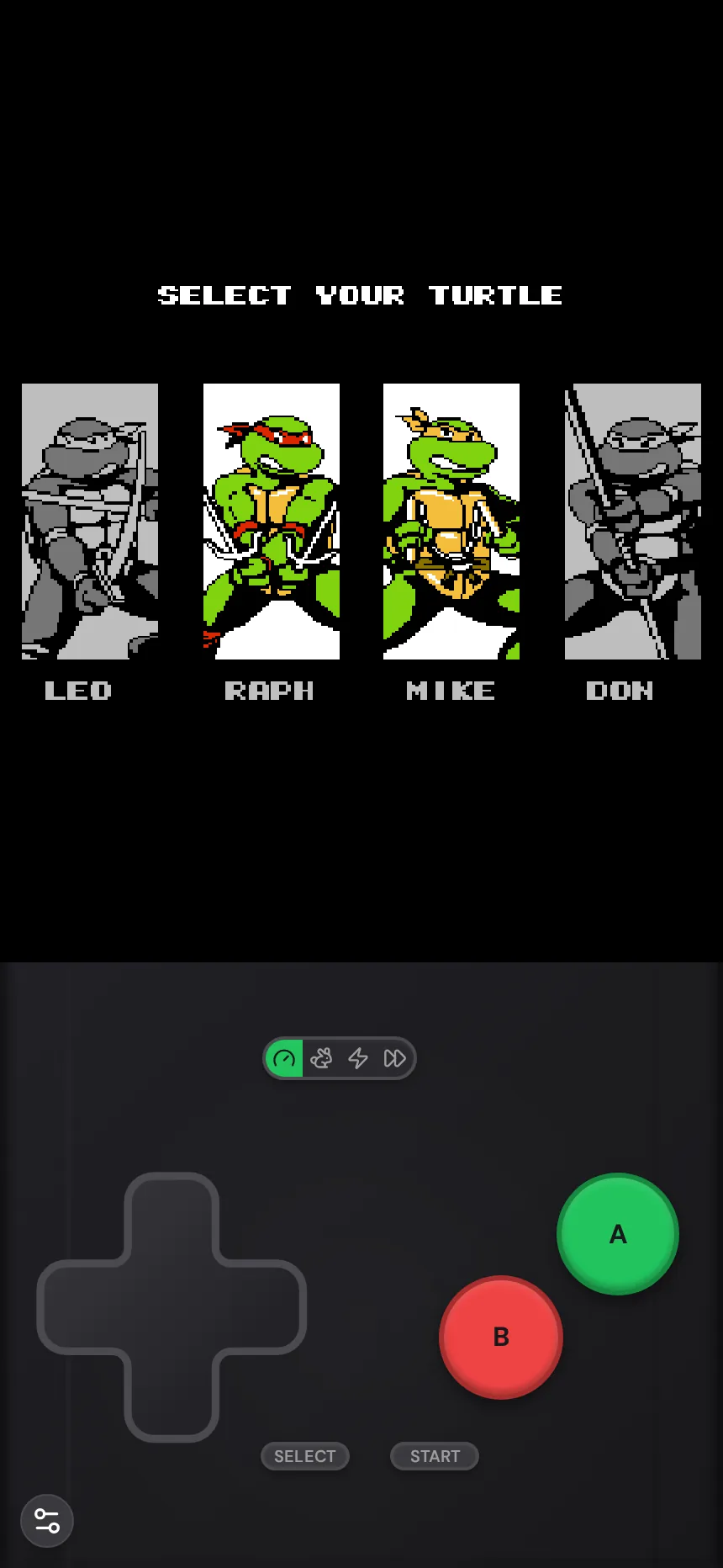
- Keyboard: Works out of the box, and you can remap every button in Settings if you prefer WASD or arrow keys.
- Phone & tablet: Rebit’s NES touch layout keeps the D-pad, A, B, Select, and Start large and uncluttered—nothing extra covering the screen.
- Bluetooth & USB gamepads: Pair an Xbox, PlayStation, 8BitDo, or Switch controller for tight platformer timing in Ninja Gaiden, Mega Man, or Contra. If an older analog stick drifts, dial in the stick deadzone in Settings.
- Big Picture mode: Launch Big Picture on desktop to browse and play your NES library from a couch with a controller.
3. Cloud autosaves, save states, and fast-forward
Many NES games never had battery saves—you either beat them in one sitting or wrote down a 20-character password. Rebit solves that automatically:
| Save type | How it works on Rebit | Best for |
|---|---|---|
| Cloud autosave | Saves automatically every minute (free) or every 10 seconds (Pro) | Picking up mid-level on another device |
| Manual save states | Save and reload at any exact frame | Practicing tough bosses or jumps in Ninja Gaiden / Contra |
Battery save (.sav) |
In-game cartridge save for RPGs (Zelda, Dragon Warrior, Final Fantasy) | Exporting a portable .sav backup to your library |
Free accounts also include up to 4× fast-forward (up to 8× with Pro), which is handy for speeding through slow RPG text or level grinding.
4. Playing 2-player NES co-op online (Netplay)
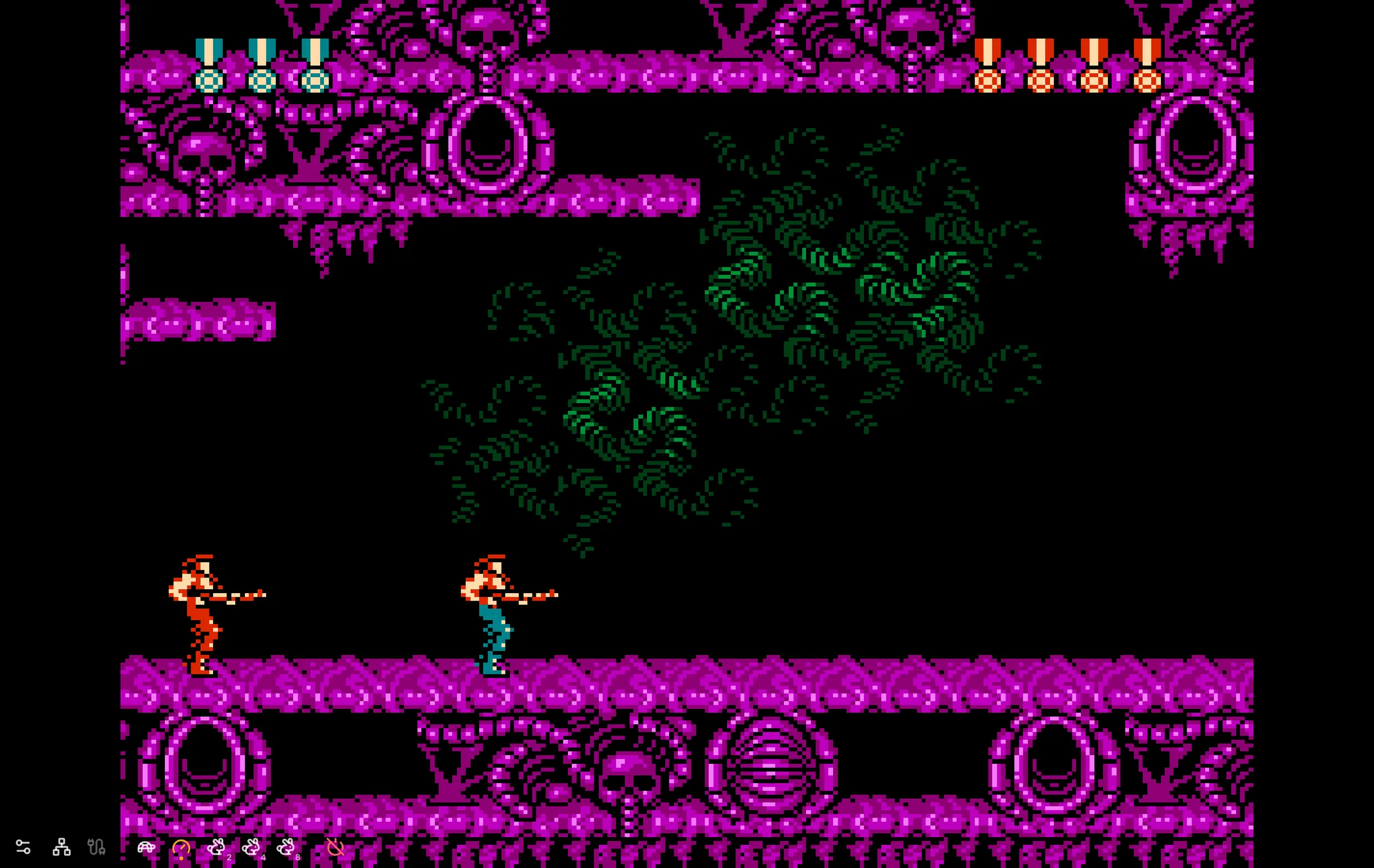
Some of the best NES games ever made—Super C, River City Ransom, Double Dragon II, TMNT III, Bubble Bobble—were built for two players on one couch. On Rebit, you can host a 2-player online room straight from the in-game menu and send a room code to your friend.
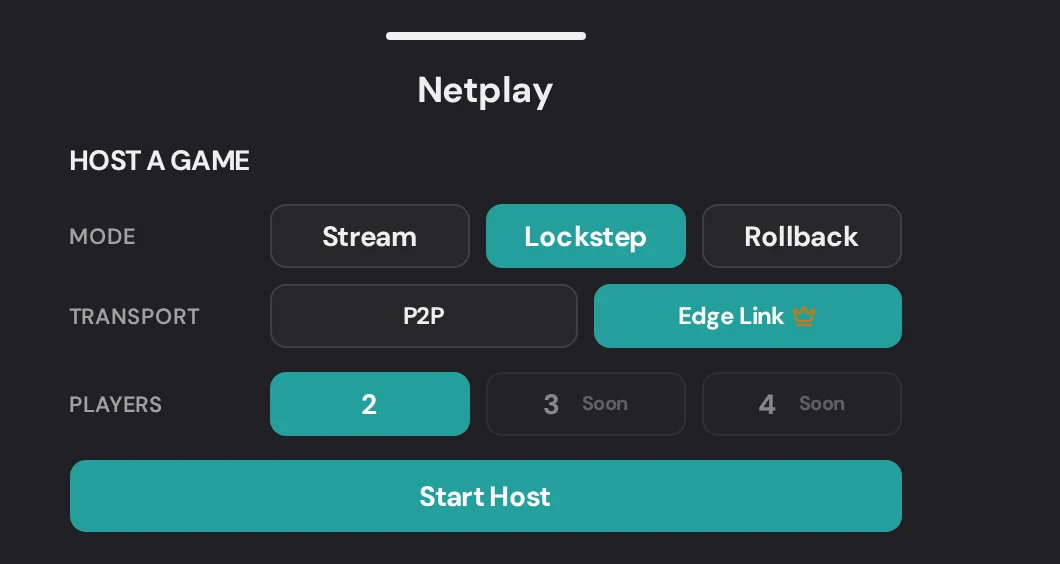
Choose the mode that matches your setup:
- Rollback: Best for fast action and beat-em-ups. Local inputs feel instant. Both players must upload the exact same
.nesROM (same region and revision). - Lockstep: Both games wait for each other’s inputs. Good fallback if Rollback feels jumpy on an uneven connection. Both players need the same ROM.
- Stream: The host streams the game to Player 2, so only the host needs the ROM file.
For transport, P2P is free and works well for nearby players on open home Wi-Fi; Edge Link (Pro) routes through Rebit’s network when strict Wi-Fi or long distance blocks direct P2P.
Frequently asked questions
Can I load my existing .sav file from another NES emulator?
Yes. Upload your .nes ROM to Rebit, then upload your .sav battery save on the game’s page so your RPG progress loads the next time you press Start.
Do both players need the same NES ROM for online co-op?
For Rollback and Lockstep, yes—both players need the exact same .nes file (region and revision included). If your friend doesn’t have a copy, pick Stream mode so only the host needs the ROM.
Can I play NES games online on my iPhone or Android phone?
Yes, either in a mobile browser or in the Rebit app for iOS and Android, with full touch controls, Bluetooth gamepad support, and synced cloud saves.
Looking for great two-player picks? Check our best NES co-op games to play online with friends, or head to play NES games online to load your first .nes ROM.