A Pokémon Mini .min file is a cartridge backup for Nintendo's tiniest cartridge handheld. To play one in your browser or on your phone with Rebit, open the Pokémon Mini emulator page, upload your .min file, and launch it—no separate BIOS upload required. Rebit runs PokeMini with its built-in free BIOS, maps A, B, C, Shake, and Power, syncs the handheld's 8 KiB EEPROM save to the cloud automatically, and follows your device clock for real-time events.
Why a Pokémon Mini .min file needs no BIOS hunt
Most retro handheld guides start with a checklist of system firmware files. With Pokémon Mini on Rebit, you skip that step completely. PokeMini includes a built-in free BIOS that handles booting cartridges, setting the real-time clock, and managing the handheld's internal EEPROM without asking you to locate an external BIOS dump.
If you are testing your setup before dumping your own cartridges, community-released Pokémon Mini homebrew programs also ship as .min files. Keep in mind that Rebit supplies only the emulator and free BIOS—never commercial game ROMs.
Mapping A, B, C, Power, and the Shake sensor
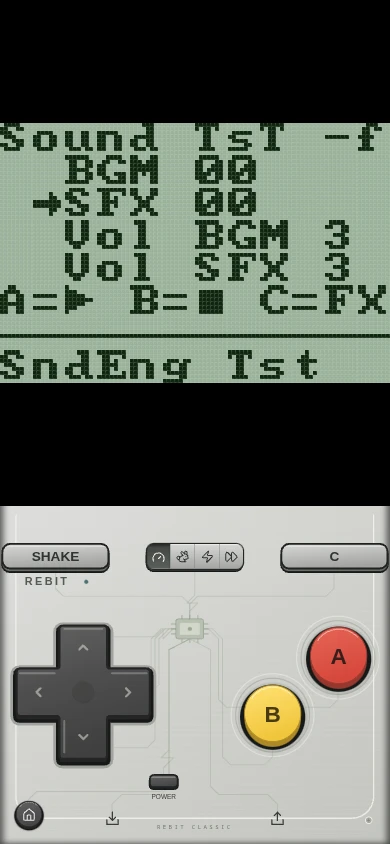
The original Pokémon Mini hardware was smaller than a deck of cards, yet it packed two quirks that trip up players on a standard controller: a top C shoulder button and a built-in shock/shake sensor. Games like Pokémon Pinball Mini use Shake to nudge the table, and Pokémon Party mini builds entire minigames around rattling the handheld.
| Pokémon Mini input | What it does | How it works on Rebit |
|---|---|---|
| D-pad, A, B | Movement, confirm, cancel | Standard touchscreen pad or gamepad face buttons |
| C button | Secondary action / pause menu in many carts | Dedicated on-screen C button or mapped shoulder input |
| Shake | Triggers the physical motion/rumble sensor | Dedicated Shake button—no need to actually shake your phone |
| Power | Soft reset / system menu | Mapped separately so you do not bump it mid-stage |
Automatic 8 KiB EEPROM cloud saves and RTC
Original Pokémon Mini cartridges did not store saves on individual batteries; instead, the handheld shared an internal 8 KiB EEPROM across games, paired with a real-time clock (RTC). On Rebit, that 8 KiB EEPROM save uploads automatically to your account as a cloud save, so high scores from Pokémon Pinball Mini or cleared stages in Pokémon Puzzle Collection stay attached when you switch between a desktop browser and the phone app (OTA v2.1.229+).
The real-time clock automatically follows your device's local time, which keeps clock-aware features working without manual setup.
Troubleshooting a .min upload or stuck menu
- Check the file extension. Pokémon Mini cartridges use
.min. If you downloaded a homebrew archive as a.zip, extract the.minfile inside it or make sure the archive contains a single.minimage. - Give the player focus in a browser. If keyboard inputs or a connected gamepad do not move the cursor on a title screen, click inside the emulator canvas once so the browser routes key presses to PokeMini.
- Test Shake before blaming a minigame. In Pokémon Pinball Mini, tap Shake lightly to see the table nudge; in Pokémon Party mini, use it when the on-screen prompt asks you to rattle the handheld.
RetroAchievements and Stream rooms
Pokémon Mini runs at a smooth 60 fps on both web and mobile, and it supports RetroAchievements (console ID 24) if you enjoy chasing badge sets on classic cartridges. Want to show a friend a tricky pinball board or trade turns on a puzzle stage? Open a Stream room from the in-game menu—the host runs the .min cartridge, and the guest watches or sends controller inputs. Ready to decide what to boot first? Read our guide to every official Pokémon Mini game and standout homebrew.
What makes the Pokémon Mini hardware so unusual
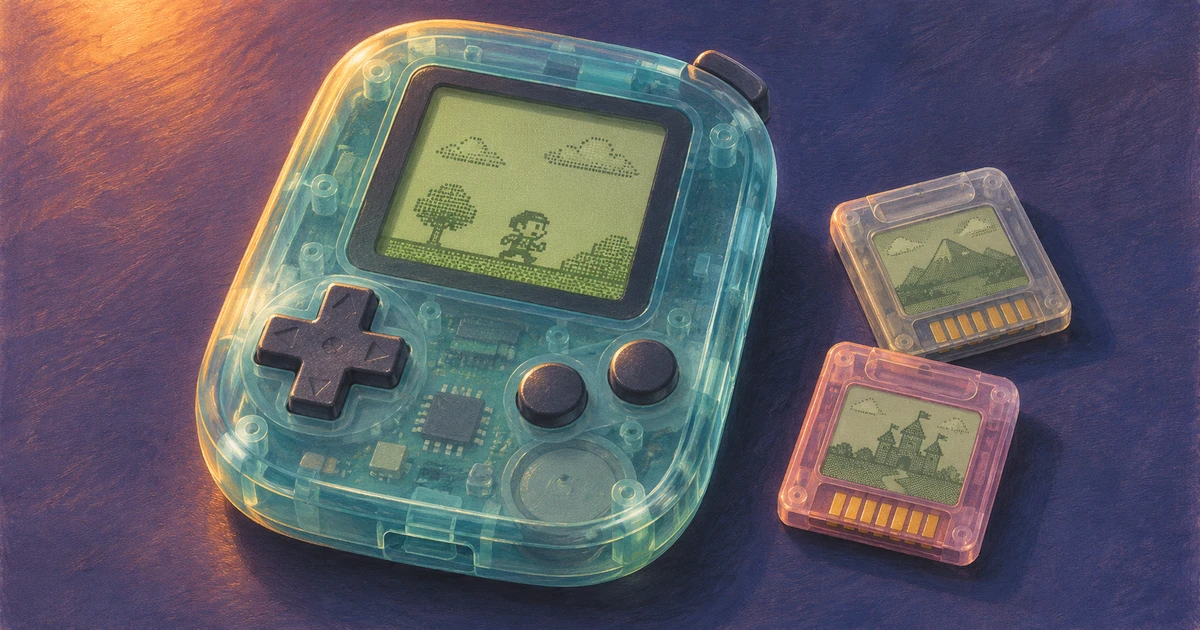
Released by Nintendo in late 2001, the Pokémon Mini was smaller than a palm-sized keychain toy yet ran genuine interchangeable ROM cartridges. Inside its tiny translucent shell sat an 8-bit Epson S1C88 CPU, a 96×64 monochrome LCD screen, a built-in real-time clock, an infrared transceiver, a rumble motor, and a physical shock/shake sensor.
Because the console was built for five-minute bursts rather than 60-hour epics, almost every cartridge relies on snappy reflexes, high-score chasing, and tactile gimmicks—especially tilting or shaking the device. Rebit brings all of that into a modern browser tab and phone app (from OTA v2.1.229) using PokeMini with zero BIOS hunting.
Understanding the shared 8 KiB EEPROM save system
If you are used to Game Boy or GBA games where each cartridge has its own separate .sav battery file, the Pokémon Mini works a little differently:
- Saves live inside the handheld's 8 KiB EEPROM, not on individual cartridges. The original console allocated small blocks of that 8 KiB chip to store high scores, unlocked tables, and puzzle progress for up to six games at a time.
- Rebit uploads EEPROM changes automatically. Whenever you finish a pinball table or solve a puzzle stage, your 8 KiB EEPROM save syncs to the cloud automatically so your progress appears immediately when you open Rebit on another device.
- Save states remain available too. Alongside the authentic EEPROM save, you can drop a quick save state before a tough pinball multiball or maze floor.
Real-time clock and battery-free convenience
Because the Pokémon Mini's real-time clock automatically follows your device's local clock on Rebit, time-aware minigames and virtual-pet routines in Pokémon Breeder mini behave naturally without asking you to reset the clock every session.
Pairing RetroAchievements with short sessions
Pokémon Mini has its own dedicated RetroAchievements console (ID 24), making it one of the most fun niche handhelds for achievement hunters. Because games like Pokémon Pinball Mini, Pokémon Tetris, and Pokémon Puzzle Collection have short, focused challenges, you can knock out a few badges on a coffee break and share tricky runs with friends in a Stream room.
Ready to explore the complete ten-cartridge catalog and standout homebrew releases? Head over to our guide to all 10 official Pokémon Mini games and homebrew.
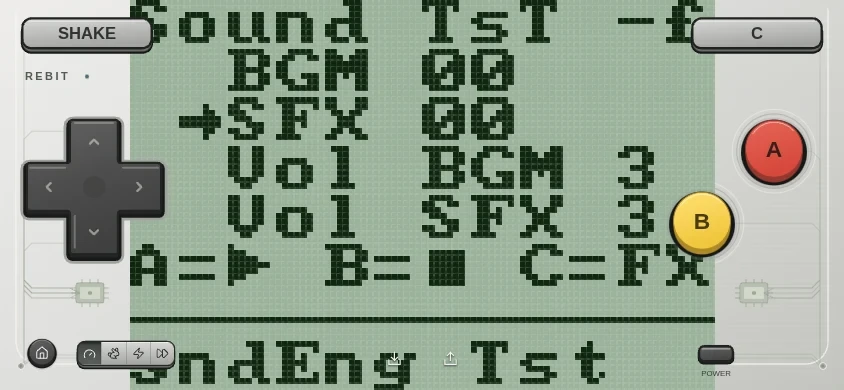 Landscape mode gives you generous thumb room for D-pad movement, A/B/C face buttons, and the dedicated Shake trigger.
Step-by-step: from first .min upload to your first RetroAchievement
- Add your
.minfile under Pokémon Mini. You do not need to hunt down a BIOS—PokeMini's built-in free BIOS launches immediately. - Test A, B, C, Power, and Shake on a title screen or free homebrew demo so you know where every button lives before chasing a high score.
- Verify your cloud EEPROM save. Finish one quick round in Pokémon Pinball Mini or Pokémon Puzzle Collection, wait a moment for the automatic 8 KiB EEPROM upload, and reopen the game on another screen to watch your score carry over.
- Link RetroAchievements (console ID 24) if you want tracked badges for classic cartridges, or open a Stream room whenever you want a friend to watch or take turns.
Bonus tip for collectors: Keep your .min library folder organized by region or genre—pinball, puzzle, and homebrew—so you can jump straight into a five-minute session on your phone without scrolling through test builds. Because each .min cartridge is only a few hundred kilobytes, uploading a whole personal shelf takes seconds.