A .32x file is a Sega 32X cartridge image. To play one on Rebit, upload your own cartridge backup, pick Sega 32X if asked, and launch it from your library. Rebit runs it with PicoDrive; you don't need to find or upload a Sega BIOS. If your backup is a .cue and a handful of tracks instead, stop there. That's a disc, and giving it a new filename won't turn it into a cartridge.
Which release is inside that .32x file?
Virtua Racing makes a good example of why the platform matters. Sega released a Genesis cartridge called Virtua Racing and a 32X cartridge called Virtua Racing Deluxe. Both have the wonderfully angular cars. Both have Big Forest. If you remember driving a stock car or racing at Highland, though, you're remembering features of Deluxe that aren't in the original Genesis cartridge. Choosing 32X from a menu won't add those features to the Genesis game.
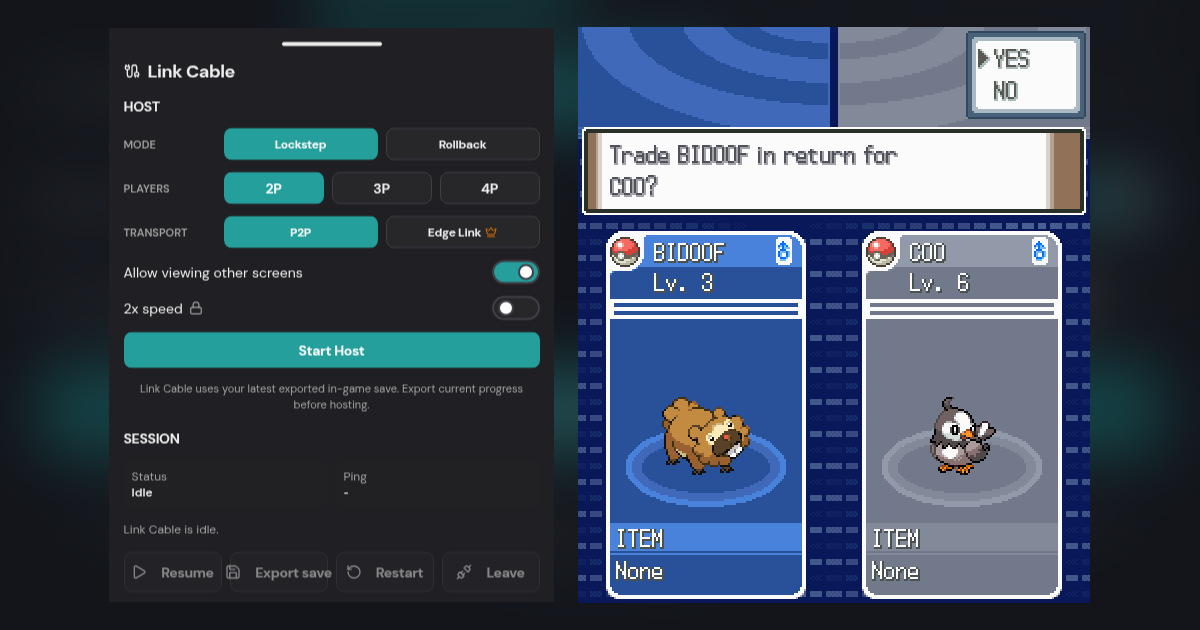
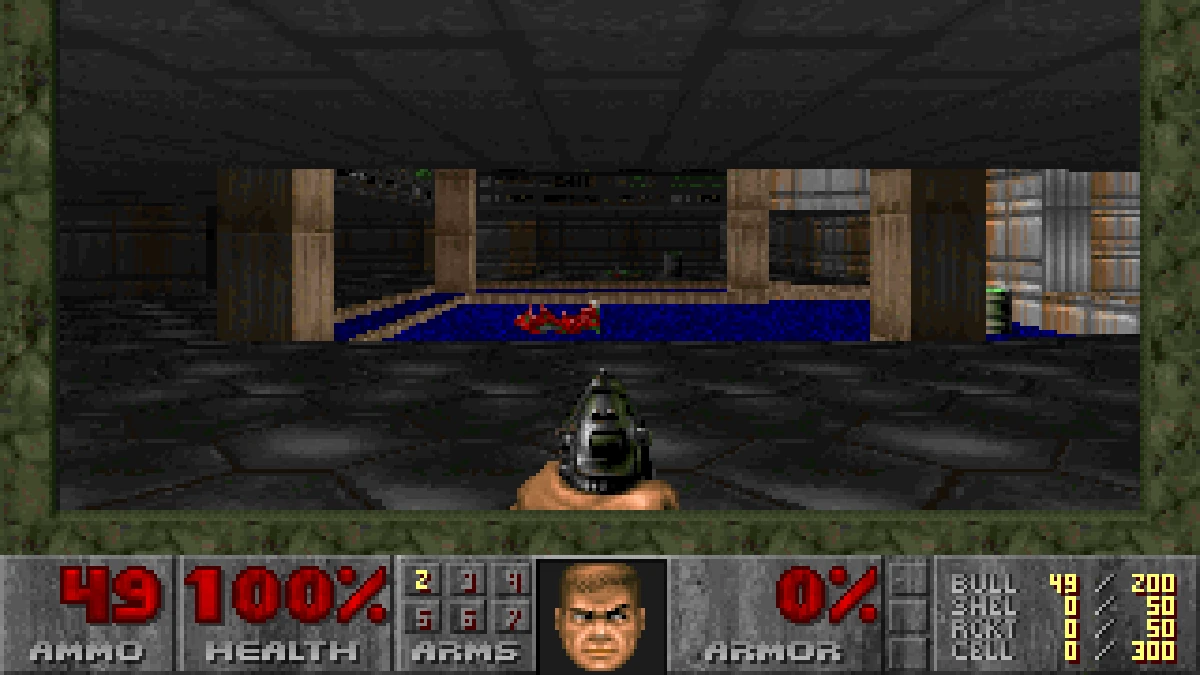
Go back to the cartridge label or your original dumping notes before changing anything in your library. Look for the platform and the edition as well as the game name. That matters with games like Doom, too: the name tells you what you're playing, not which machine the data was built for. Keep the original backup untouched while you sort out the working copy.
Start with one cartridge, not a disc or a BIOS pack
- Already have a
.32xcartridge image? That's the file to use. It doesn't have to share a folder with a Genesis game. The physical add-on sat on top of a Genesis, but you aren't recreating that stack out of uploads. - Have a ZIP from a homebrew creator? Open the package and read its instructions. It may contain the playable cartridge alongside source code or documentation. Upload the playable
.32xfile, not the whole project. Don't assume renaming the archive extracts what's inside it. - Have a
.cueand.bintracks? Keep them together, but out of the 32X cartridge uploader. There were games that used both the Sega CD and the 32X hardware. A disc for one of those is still not a.32xcartridge.
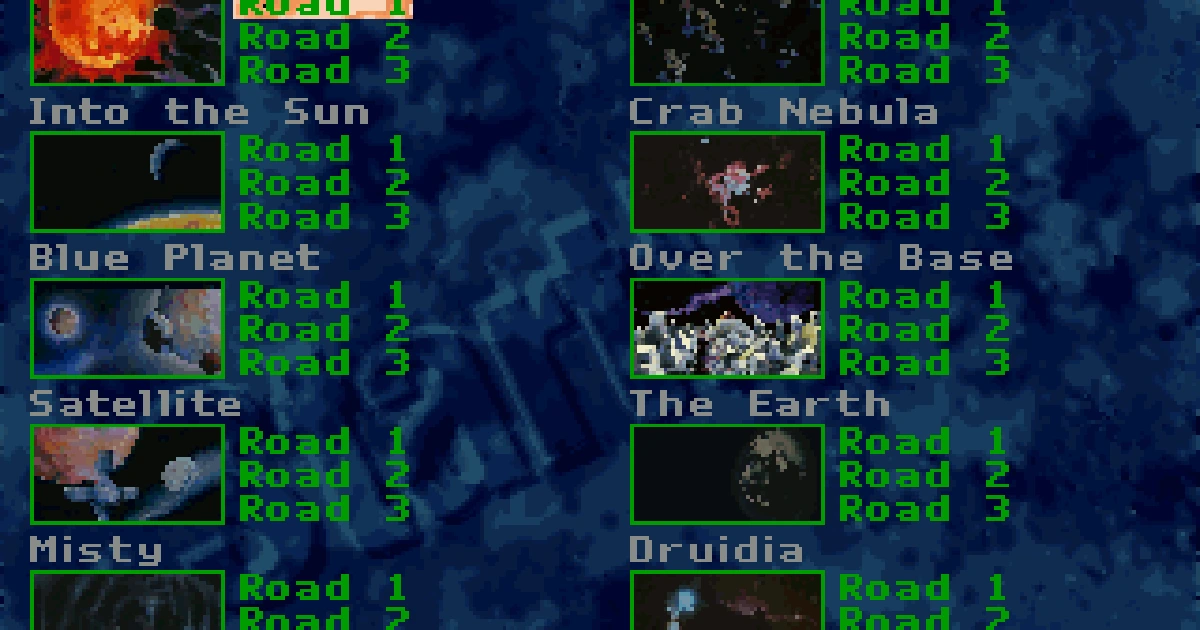
Don't have a cartridge dumper? A creator-released 32X homebrew game is another way to try the system. SkyRoads 32X is particularly handy for this: once the game starts, steering the ship gives you immediate feedback that your input reached the game. Rebit supplies the emulator, not commercial game downloads.
From upload to the first input
Open the Rebit player on the device you want to play on. Add the .32x file to your library and launch the resulting Sega 32X entry. If uploading games is new to you, the file upload guide covers that part separately. You shouldn't see a step asking you to supply 32X firmware.
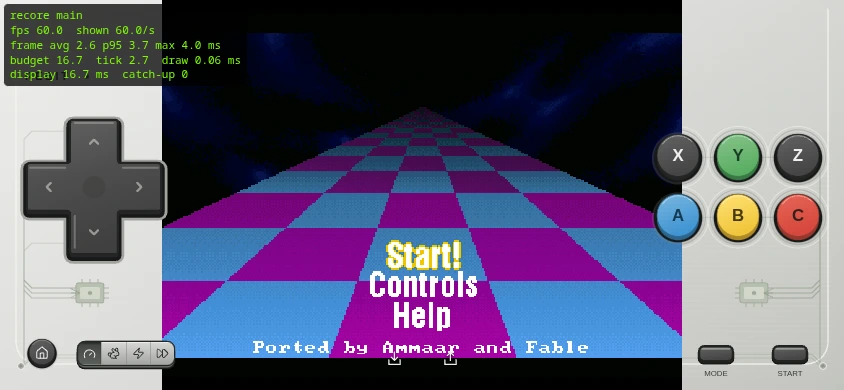
On the title screen, press Start and then deliberately change a selection. This sounds almost too simple, but an attract sequence is a remarkably convincing impression of a working controller. If the picture moves without your help, that proves the game is running. If the highlight moves when you press a direction, that proves your input works too. In a browser, give the player focus before blaming the cartridge.
When something looks wrong
The game runs, but it's the wrong edition. Look at the title screen and library system first. A Genesis Virtua Racing dump is perfectly good data for the Genesis emulator; it just isn't Deluxe. Keep both under their own system names if you own both releases.
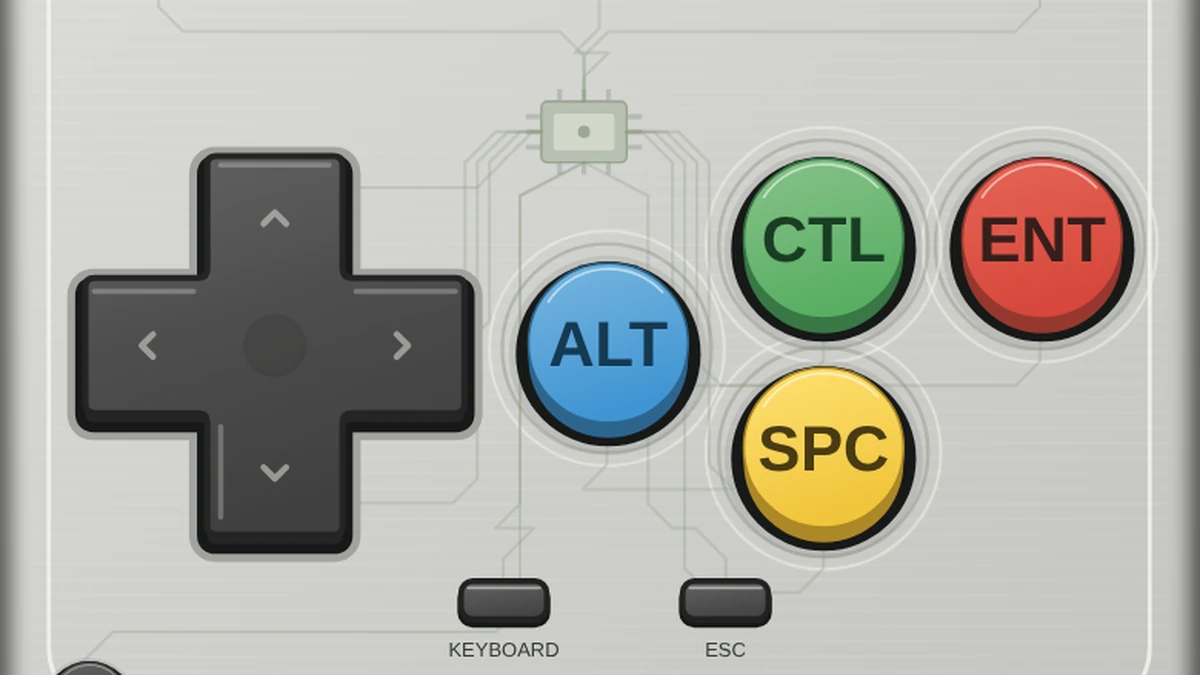
The pad shows more buttons than the game uses. That's normal. Rebit exposes the six-button Genesis layout: A, B, C and X, Y, Z. The game decides which buttons do something. Test an ordinary menu selection or a single action before remapping the whole pad.
It works on the first device, but you want to keep playing on another. Make a save before leaving and use the same Rebit account on the other device. The cloud saves guide explains moving progress between devices. Save progress and the cartridge image are different things: if the file itself never booted, looking for a cloud save won't repair it.
Why the Sega 32X library is small—and why fans still chase it
Nintendo and Sony dominated the 1995 headlines, leaving Sega's 32X add-on with only around 40 commercial cartridges worldwide. Yet that compact shelf holds genuinely memorable software: Virtua Racing Deluxe, Star Wars Arcade, Kolibri, Knuckles' Chaotix, Tempo, After Burner Complete, and Space Harrier—plus an active homebrew community building fresh .32x demos and ports like SkyRoads 32X.
On original hardware, playing those cartridges meant hunting down a working Genesis, a 32X mushroom attachment, a fragile link cable, and two bulky power bricks. Running your own .32x backups on Rebit's PicoDrive core strips away every cable and lets you play at 60 fps in a browser tab or on your phone (from OTA v2.1.227) with zero BIOS files to track down.
Telling .32x, .md, and Sega CD rips apart
Because the 32X sat physically on top of a Sega Genesis (and occasionally paired with a Sega CD), players often mix up three completely different file families in the same archive folder:
| File type | Hardware it belongs to | Where to upload on Rebit |
|---|---|---|
.32x |
Standalone Sega 32X cartridge | Sega 32X (PicoDrive, no BIOS needed) |
.md / .gen / .bin |
Standard 16-bit Sega Genesis cartridge | Sega Genesis |
.chd / .cue + .bin |
Sega CD (or Sega CD 32X disc) | Sega CD / Mega-CD (not the 32X cartridge uploader) |
Renaming a Genesis .bin or a Sega CD .iso to .32x never converts the underlying program code. Always check the cartridge label or dumping log first so you upload the exact release you want.
Six-button controls and game-by-game tips
Rebit maps the full six-button Genesis controller (A, B, C, X, Y, Z, D-pad, Start, and Mode) for Sega 32X:
- In Virtua Racing Deluxe: Use the extra buttons to switch camera viewpoints on the fly—cycling from bumper cam to wide chase cam makes learning blind corners on Highland and Sand Park much easier.
- In Knuckles' Chaotix and Tempo: Standard three-button actions live comfortably on A, B, and C, leaving X, Y, and Z free without cluttering your thumb placement.
- In Doom (32X): Having six face/shoulder inputs makes weapon switching and strafing dramatically cleaner than on an old three-button pad.
Cloud saves and Stream rooms on 32X
Whether you are unlocking stages in Knuckles' Chaotix or chasing a clean lap in Virtua Racing Deluxe, Rebit's cloud saves keep your progress synced between desktop browsers and phone apps. Want to race a friend? Check our Sega 32X multiplayer guide for setting up a two-player Stream room cleanly.
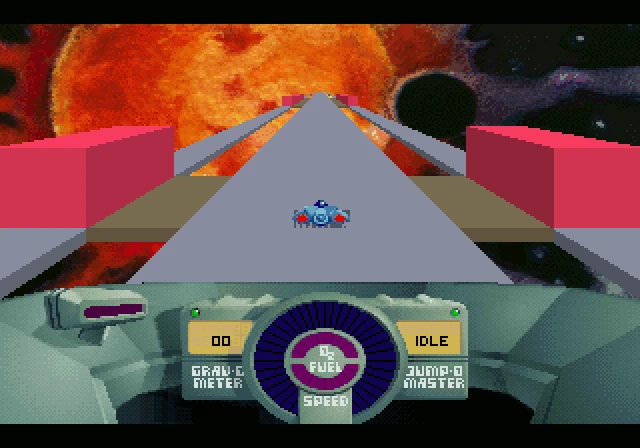 A clean .32x homebrew boot on PicoDrive—notice the crisp 32X color palette and responsive HUD with zero BIOS setup required.
Quick pre-flight checklist for any .32x cartridge
Before you blame a cartridge dump or tweak controller settings, walk through this quick four-step check:
- Verify the file extension is
.32x. If your backup arrived in a.ziparchive from a homebrew developer, unzip it and upload the.32xfile inside rather than the whole source bundle. - Confirm the system label in your library. Make sure the entry sits under Sega 32X (PicoDrive) rather than Sega Genesis or Sega CD.
- Test one directional input on the title screen. Moving a menu cursor proves browser focus and controller mapping are active before you jump into a race or boss stage.
- Drop a cloud save before switching devices. Opening the same Rebit account on your phone (OTA v2.1.227+) pulls down your latest progress automatically so you can keep playing at 60 fps anywhere.