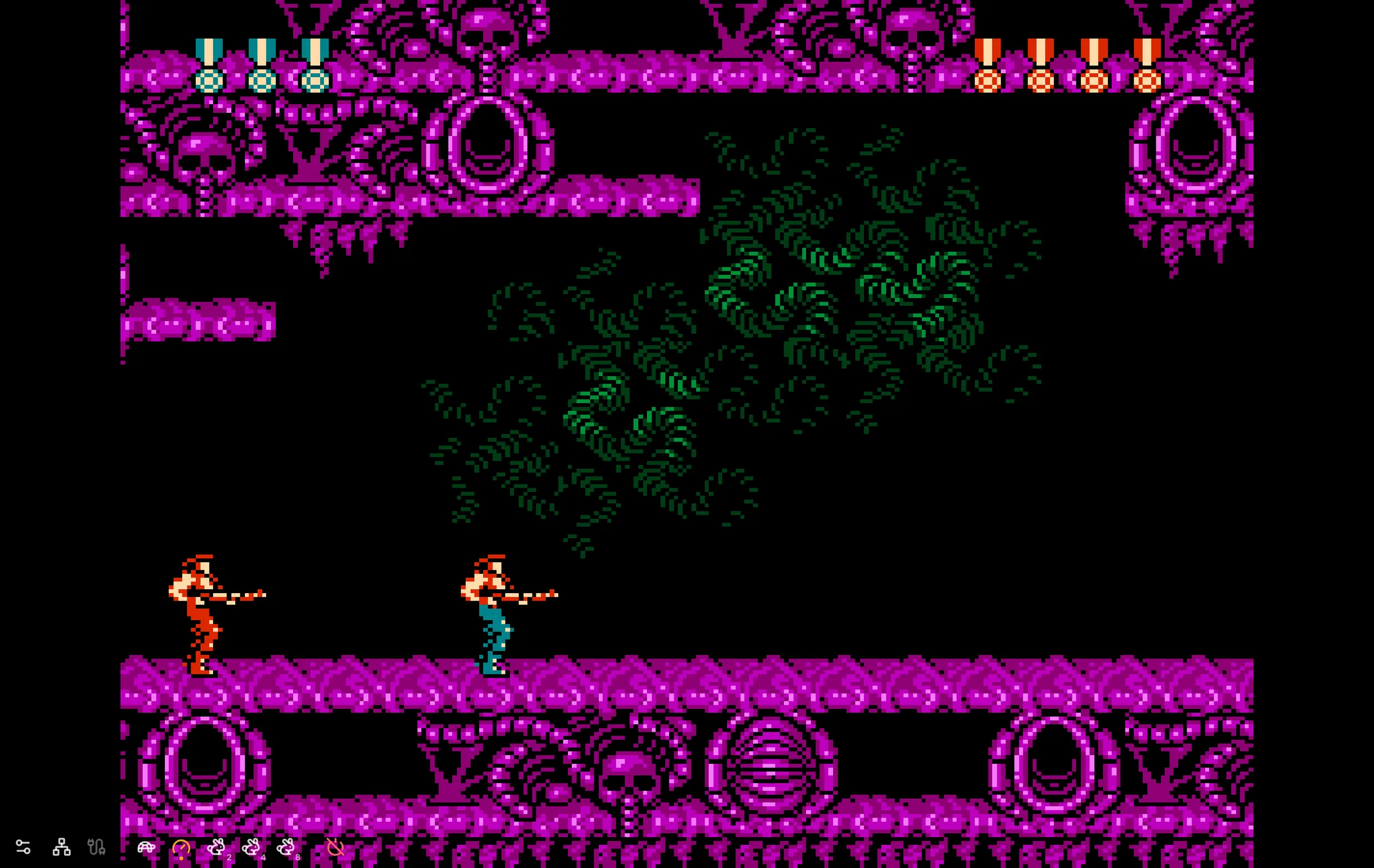
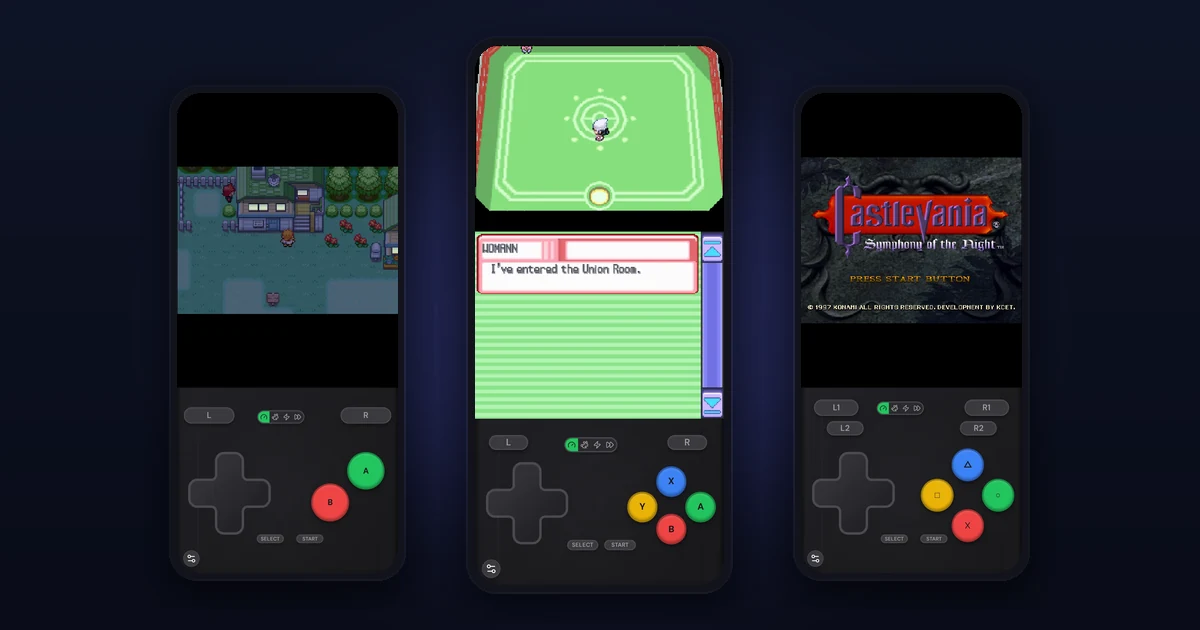
If you are hunting for the best SNES emulator in 2026, your ideal pick comes down to whether you want pure desktop preservation or effortless play across every screen you own. For cycle-accurate desktop fidelity, HD Mode 7, and widescreen hacks on Windows, macOS, or Linux, bsnes and Mesen lead the pack. For the golden balance of accuracy, speed, special-chip support, and zero-install cross-device play with automatic cloud saves and 2-player online netplay, Rebit (powered by Snes9x) is the fastest way to jump into your 16-bit library on browser, desktop, Android, and iOS. And if you want a classic standalone PC download, Snes9x itself remains an all-time legend.
There is a reason the Super Nintendo still feels timeless more than thirty years later. Unlike early 3D consoles that aged like milk, the SNES hit the absolute zenith of 2D pixel art, layered parallax scrolling, and sample-based synth music. Chrono Trigger, Super Metroid, Yoshi’s Island, Donkey Kong Country 2, Final Fantasy VI, and A Link to the Past don’t feel like museum pieces—they feel like masterclasses in game design.
Yet underneath that cozy 16-bit nostalgia sits one of the most delightfully weird pieces of console engineering Nintendo ever shipped. A good SNES emulator has to juggle a custom 65c816 CPU, a dual-PPU graphics pipeline with eight background modes, an independent Sony SPC700 audio coprocessor, and nearly a dozen different enhancement chips soldered directly onto game cartridges. Let’s walk through the best SNES emulators right now, why the hardware quirks actually matter when you play, and how to set up your library so your .sfc / .smc games and .srm saves feel right at home.
Quick comparison: the best SNES emulators in 2026
| Emulator | Best For | Platforms | Enhancement Chips & Accuracy | Cloud Saves & Netplay |
|---|---|---|---|---|
| Rebit (Snes9x) | Instant browser + phone + desktop play with zero config | Web browser, Android, iOS, Desktop | Battle-tested Snes9x core; full Super FX, SA-1, CX4, DSP-1 support | Built-in cloud autosaves, .srm export, 2P Rollback/Lockstep/Stream room-code netplay |
| bsnes | Purists, HD Mode 7 enthusiasts, widescreen & overclocking tinkerers | Windows, macOS, Linux | Near-cycle-accurate preservation standard; HD Mode 7 built in | Local saves; no built-in room-code netplay |
| Mesen (v2) | Multi-system desktop purists & ROM-hack / speedrun researchers | Windows, macOS, Linux | Cycle-accurate SNES + NES + GB/GBA in one clean app; Run-Ahead support | Local saves; desktop netplay (manual IP/port) |
| Snes9x (Standalone) | Lightweight PC/Mac play on almost any hardware | Windows, macOS, Linux | High compatibility across retail games, fan translations, and hacks | Local saves; basic manual IP netplay |
| RetroArch (bsnes / Snes9x) | Power users building living-room HTPCs with custom CRT shaders | Windows, macOS, Linux, Android, iOS | Choice of cores (bsnes, Snes9x, Mesen-S) + Run-Ahead & shaders | Local saves; RetroArch lobby/relay netplay |
The SNES hardware quirks that separate great emulators from bad ones
If you ever played SNES ROMs back in the ZSNES era of the early 2000s, you probably remember games mostly working—until a boss fight turned into garbled tiles or the music sounded slightly metallic. Modern SNES emulators have come light-years since then, specifically because they solved four notoriously tricky parts of the real console:
1. The Sony SPC700 audio chip (why SNES music sounds so warm)
Ken Kutaragi—yes, the future father of the PlayStation—designed the SNES’s sound chip at Sony. Instead of relying on harsh FM synthesis or simple square waves, the SPC700 plays compressed 16-bit BRR audio samples through a hardware DSP with Gaussian interpolation and an onboard echo buffer.
That subtle Gaussian filter is why Donkey Kong Country’s "Aquatic Ambience" and Chrono Trigger’s "Corridors of Time" sound lush and velvety instead of harsh and crunchy. Cheap or outdated emulators cut corners on DSP timing and echo feedback, making Tales of Phantasia’s vocal intro crackle or causing EarthBound’s weird ambient tracks to desync. Snes9x, bsnes, and Mesen all nail the SPC700 sound stage cleanly.
2. Enhancement chips hidden inside cartridges
Just like NES mappers, Nintendo stretched the SNES’s lifespan by stuffing extra processors inside individual carts:
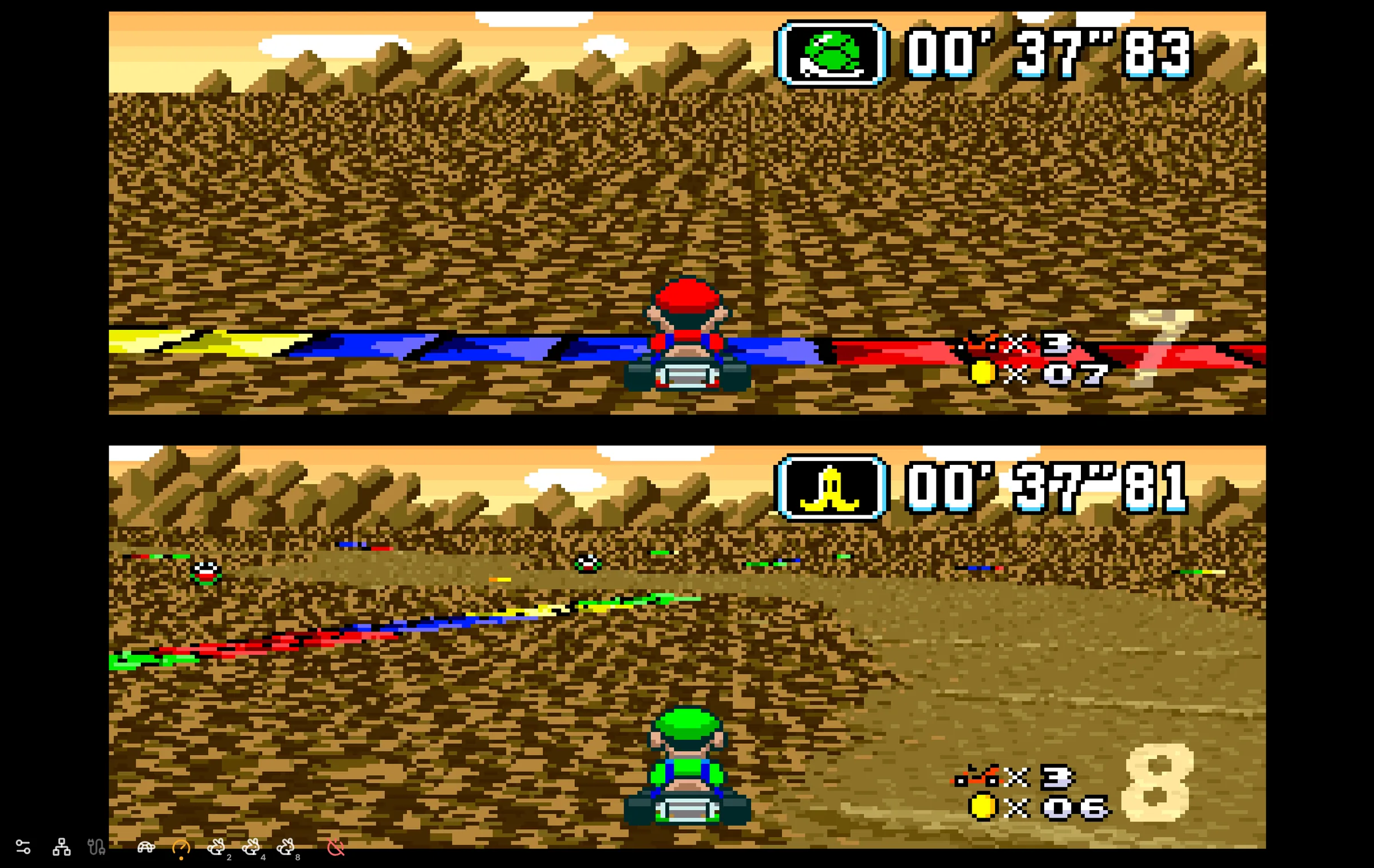
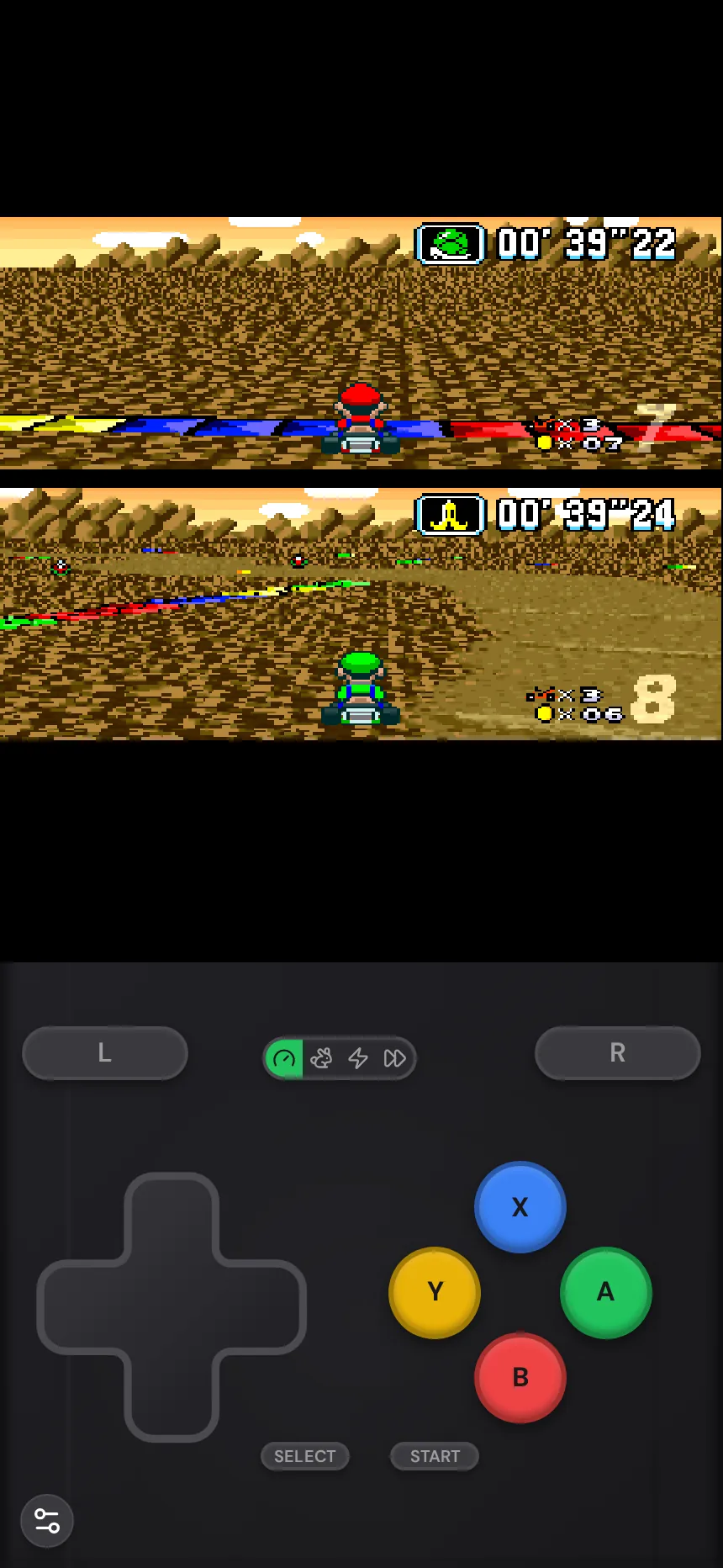
- DSP-1 (Super Mario Kart, Pilotwings): Handled high-speed trigonometric math for Mode 7 track rotation and scaling.
- Super FX & Super FX 2 (Star Fox, Super Mario World 2: Yoshi’s Island, Stunt Race FX): Real RISC coprocessors for 3D polygons and dynamic sprite scaling/rotation (think of the morphing bosses and Touch Fuzzy, Get Dizzy effects in Yoshi’s Island).
- SA-1 (Super Mario RPG, Kirby Super Star, Mario’s Super Picross): Essentially a second, much faster 10.74 MHz SNES CPU sitting inside the cartridge. Super Mario RPG is famous for breaking weak emulators on the isometric platforming jumps and timed hits.
- CX4 (Mega Man X2, Mega Man X3): Capcom’s wireframe 3D math chip for boss intros and transparency effects.
Every emulator on our shortlist handles these chips seamlessly—so you won’t hit a wall halfway through Super Mario RPG or see missing wireframe bosses in Mega Man X2.
3. Pseudo-hi-res transparency and shadow effects
The SNES could output a 512-pixel-wide pseudo-high-resolution mode that blended alternating columns of pixels on a CRT to create smooth transparency (the waterfalls in Kirby’s Dream Land 3, the text boxes in Secret of Mana, the fog in Jurassic Park). Without proper horizontal blending or a good CRT shader, those effects look like harsh vertical jailbars.
4. Aspect ratio: 8:7 internal pixels vs. 4:3 CRT output
Here is a classic retro-nerd debate: the SNES renders internally at 256×224 (an 8:7 aspect ratio), which was then stretched horizontally by 1990s CRT televisions to 4:3. Some games (Chrono Trigger’s moon, Super Metroid’s morph ball) were drawn compensating for the 4:3 stretch so circles look round at 4:3; others look great either way. Personally, I strongly prefer 4:3 with a subtle CRT shader—it matches what the artists actually saw on their Sony PVM development monitors.
Deep dive: the best SNES emulators in 2026
1. Rebit (Snes9x) — Best SNES emulator for browser, cross-device cloud saves, and 2-player online netplay
If you actually want to finish a 35-hour playthrough of Chrono Trigger or Final Fantasy VI—or play Super Mario Kart and Contra III with a friend on a Friday night—the biggest obstacle usually isn’t CPU cycle accuracy. It’s friction: installing software on three different devices, hunting down where your .srm save landed, and fighting router ports for netplay.
Rebit’s SNES emulator online runs Snes9x right inside your desktop browser, mobile browser, and native Android/iOS/desktop apps:
- Upload
.sfcor.smconce, play everywhere: Free accounts include 2 GB of cloud storage—enough for hundreds of SNES cartridges. Drop in a.sfcor.smcfile you own, and Rebit detects the SNES system, matches box art, and boots directly into Snes9x with zero BIOS files required. - Cloud autosaves +
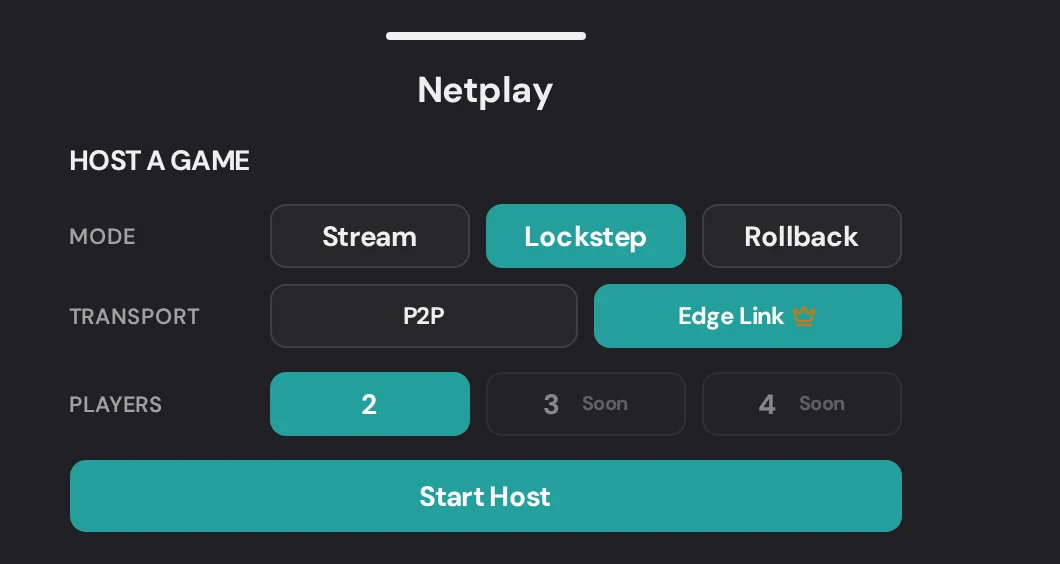
.srmportability: Your game autosaves to the cloud every minute on the free plan (every 10 seconds on Pro), alongside manual save states and exportable.srmcartridge saves. Start a dungeon on your laptop, grind a couple levels on your phone with 4× fast-forward (up to 8× on Pro), and pick up right where you left off. - Room-code 2-player netplay: Open the in-game menu → Netplay → Host Room, choose Rollback, Lockstep, or Stream, and send your friend a code. P2P is free; Edge Link (Pro) routes through Rebit’s network when strict Wi-Fi or mobile CGNAT blocks direct connections.
- Gamepads, Big Picture, and RetroAchievements: Xbox, PlayStation, Switch Pro, and 8BitDo controllers work out of the box, and you can connect RetroAchievements to track mastery sets on your favorite 16-bit classics.
Want the full breakdown on tuning Rollback vs. Lockstep vs. Stream and fixing ROM mismatches? Read our SNES emulator netplay guide.
2. bsnes — Best standalone desktop SNES emulator for purists and enhancements
Originally built by the late preservation legend Near (Byuu), bsnes set the modern standard for SNES accuracy. It proved that you didn’t need game-specific hacks to run every commercial SNES cartridge ever made—you just needed to model the hardware faithfully.
Why enthusiasts swear by bsnes:
- HD Mode 7: Renders Mode 7 backgrounds (F-Zero, Super Mario Kart, Pilotwings, Final Fantasy VI’s airship) at 2×–4× native resolution with crisp perspective while keeping sprites sharp. Seeing F-Zero in HD Mode 7 for the first time is jaw-dropping.
- Overclocking for Super FX & SA-1: You can bump the virtual Super FX clock speed so Star Fox runs at a buttery 30–60 fps instead of its original choppy 15 fps, without breaking game logic.
- Run-Ahead & accuracy toggles: Shave off frames of internal lag on desktop monitors for twitch-heavy games like Super Mario World Kaizo hacks or Mega Man X.
The trade-off: Strictly a local desktop app—no mobile app, no built-in cloud sync, and no room-code netplay.
3. Mesen (v2) — Best all-in-one desktop emulator for tinkerers
If you already love Mesen for NES, Mesen 2 brings that same obsessive engineering to the SNES (plus Game Boy, GBA, and PC Engine). It runs fast, has rock-solid SPC700 and special-chip accuracy, supports Run-Ahead, and offers the best built-in tilemap/VRAM/audio debugger on the planet if you’re into ROM hacking or speedrun routing.
Like bsnes, it is a local desktop powerhouse—amazing at your desk, less convenient when you want to continue your EarthBound save on your phone or host a quick netplay match with a non-technical friend.
4. Snes9x (Standalone) — The timeless PC/Mac workhorse
Snes9x has been actively refined for nearly three decades, and modern builds are shockingly accurate while sipping barely any CPU. It runs great on 10-year-old laptops, handles .sfc, .smc, MSU-1 audio hacks, and obscure Japanese fan translations (Seiken Densetsu 3, Bahamut Lagoon, Live A Live, Treasure of the Rudras) without breaking a sweat. That reliability is exactly why Rebit uses Snes9x under the hood.
5. RetroArch — Best for living-room shader enthusiasts
RetroArch isn’t an emulator by itself—it’s a frontend that lets you load Snes9x, bsnes, or Mesen cores and layer mega-bezel CRT shaders, Run-Ahead, and custom overlays on top. If you love spending a Sunday afternoon tweaking CRT-Royale scanline phosphor masks on a 4K OLED TV, RetroArch is paradise. If you just want to upload Donkey Kong Country and play in ten seconds, RetroArch’s labyrinth of menus is overkill.
.sfc vs. .smc: what’s the difference (and why it matters for netplay)
When you back up or organize your SNES library, you’ll see two file extensions everywhere: .sfc and .smc.
.sfc(Super Famicom): Clean, unheadered raw ROM dump. This is the modern preservation standard (No-Intro)..smc(Super Magicom): Older format named after a 1990s cartridge copier. Many.smcfiles include an extra 512-byte copier header tacked onto the front of the file.
Modern emulators like Snes9x, bsnes, Mesen, and Rebit automatically detect and load both .sfc and .smc with no extra steps. Where it does trip people up is 2-player Rollback or Lockstep netplay and ROM patching (IPS/BPS):
- If you have a headered
.smcand your friend has an unheadered.sfc, the checksums won’t match for Rollback/Lockstep netplay. Stick to matching unheadered.sfcdumps (or use Rebit’s Stream mode so only the host needs the ROM). - Most modern fan translation patches (BPS format) expect a clean, unheadered
.sfcbase ROM.
Save-safety tips for 40-hour SNES RPGs
Nothing stings quite like losing a 30-hour Chrono Trigger or Final Fantasy VI save right before the final dungeon. Follow two simple habits no matter which SNES emulator you use:
- Always use in-game saves alongside save states. Save states are snapshots of emulator memory—they’re awesome for practicing a boss or quick pausing, but they don’t transfer between different emulators (a bsnes state won’t load in Snes9x). Your in-game battery save (
.srm) is portable across almost every SNES emulator ever made. - Back up or cloud-sync your
.srm. On Rebit, your cloud autosaves run automatically and you can export your.srmfile straight from the game’s page anytime. If you’re migrating a run from desktop Snes9x or RetroArch, upload your.sfc/.smcROM to Rebit and import your.srmon the game’s page to pick up right where you left off.
Looking for great 16-bit games to break in your setup? Check out our curated best SNES games to play online starter guide.
Frequently asked questions
Is Snes9x or bsnes better?
bsnes edges out Snes9x on extreme hardware edge cases and offers neat desktop extras like HD Mode 7 and Super FX overclocking. Snes9x is lighter, runs smoothly on virtually any hardware (including browsers and mobile phones), and plays 99%+ of retail games, fan translations, and ROM hacks flawlessly—which is why Rebit uses Snes9x across web, desktop, Android, and iOS.
Do SNES emulators need BIOS files?
No. You do not need a console BIOS file to play standard SNES games (.sfc or .smc). Modern cores like Snes9x and bsnes also handle enhancement chips (Super FX, SA-1, CX4, DSP-1) automatically. Rebit never supplies or links to ROMs—always upload dumps of games you own.
What is the best SNES emulator for playing online with friends?
For effortless 2-player online play across PC, Mac, Android, and iPhone without port forwarding, Rebit is the easiest choice. Launch a game you own, open Netplay → Host Room, pick Rollback, Lockstep, or Stream, and share the room code.
Can I move my .srm save from desktop Snes9x or RetroArch to Rebit?
Yes. Export or locate your .srm cartridge save file, upload your matching .sfc or .smc ROM to Rebit, and upload the .srm on the game’s page. Your in-game save slots will appear right on the title screen.
Ready to fire up your favorite 16-bit cartridge? Visit Rebit’s play SNES games online page or open Rebit, drop in a .sfc or .smc file you own, and play with cloud saves and Snes9x netplay in seconds.