Best SNES Games to Play Online: A Save-Safe Browser Starter Guide
SNES games are easy to romanticize and surprisingly easy to choose badly for online play. A long RPG, a precision platformer, a racing game, and a quiet exploration adventure all ask for different session lengths, save habits, and multiplayer expectations.
That is why the best SNES games to play online are not just the most famous ones. They are the games that fit the way you want to play today: a quick browser session, a weekend campaign, a private room with friends, or a cross-device save you do not want to lose.
This guide uses classic SNES categories as a starting point, but the workflow is Rebit-focused and legal-safe: bring your own legally owned SNES game files, test your saves early, and avoid treating browser play like a disposable tab.
Quick answer
- For long campaigns, start with RPGs and adventures in the style of Chrono Trigger, Final Fantasy VI, EarthBound, Super Mario RPG, or The Legend of Zelda: A Link to the Past. Test in-game saves before committing hours.
- For short sessions, pick platformers and action games in the style of Super Mario World, Mega Man X, Donkey Kong Country 2, or Super Metroid. Save states are useful for practice, but should not be your only backup.
- For friend sessions, racing, arcade competition, co-op-friendly games, and turn-taking formats work better than anything that demands perfect timing from everyone.
- Use Rebit to play SNES games online from your browser with your own files, then connect the session to cloud saves for retro games and a simple save-check routine.
- Before inviting friends, test launch, controls, audio, one save, one reload, and latency with a small session first.
What makes a SNES game good for online browser play?
A good online SNES pick usually has one of four strengths.
First, it starts quickly. Platformers, action games, puzzle games, racing games, and arcade-style challenges are strong when you want a low-friction browser session. You can launch, test controls, play a level or round, and leave without needing a long setup ritual.
Second, it saves clearly. RPGs and adventures are excellent for online play when you know where progress is stored and how to protect it. The best campaign game is not just the one with the best story; it is the one you can close, reopen, and continue safely.
Third, it reads well on modern screens. SNES games often have clear sprites, readable menus, and compact stages, which makes them comfortable in a browser window. That helps when you are using a laptop, external monitor, or quick device switch.
Fourth, it matches the social format. A racing game, fighting game, co-op action game, and turn-based RPG can all be fun with friends, but they do not have the same tolerance for input delay, conversation, or players rotating in and out.
If you are still choosing a setup, start with Rebit's broader play retro games online guide, then narrow into SNES once you know what kind of session you want.
Best SNES games to play online by session type
Instead of ranking every classic, use the categories below as a practical starter library.
Long RPGs and story campaigns
SNES RPGs are some of the strongest candidates for browser play because they benefit from continuity. A story-heavy game is easier to return to when your library and saves are not scattered across devices.
Good examples include games in the style of Chrono Trigger, Final Fantasy VI, EarthBound, and Super Mario RPG. They are not quick throwaway sessions. They are games where a save mistake can cost hours, so your first job is not optimization. Your first job is verification.
Before you go deep into a SNES RPG online:
- make a normal in-game save as soon as the game allows it
- close and reopen the session to confirm the save appears
- create a manual save state only after the in-game save exists
- keep an extra backup before major bosses, dungeons, or late-game choices
- export important saves before risky device, browser, or account changes
For a deeper comparison, read Rebit's guide to save states vs in-game saves.
Adventure and exploration games
Adventure and exploration-heavy SNES games work well online because they can be played in short bursts while still feeling like a campaign. The challenge is remembering where you were, what you unlocked, and which save is current.
Games in the style of The Legend of Zelda: A Link to the Past or Super Metroid reward steady progress. They also punish careless save habits if you bounce between devices without checking the latest state.
Use this rule: save normally for real progress, use manual states for convenience, and write down or screenshot where you stopped if the game has a complex map or item route. Rebit's save, screenshot, and cheat management flow is documented in the saves/screenshots/cheats docs.
Platformers and action games
Platformers and action games are the easiest SNES category to test in a browser. Games in the style of Super Mario World, Mega Man X, and Donkey Kong Country 2 have fast feedback loops: launch, move, jump, attack, retry.
These are good first picks when you want to confirm your controls, display settings, audio, and save-state behavior before moving into a longer game. They are also good for short practice sessions because a five-minute run can still feel satisfying.
Use save states carefully here. They are great for practicing a boss, difficult jump, or route, but they can encourage sloppy progress habits. If a game has in-game saves or level progress, treat those as the durable record and save states as practice tools.
Racing, arcade competition, and quick friend sessions
SNES racing and arcade-style games can be excellent for online rooms because the goal is obvious and rounds are short. A quick race or challenge night is easier to organize than a long campaign where everyone needs the same schedule.
The tradeoff is latency. Games with tight turning, fast reactions, or competitive timing should be tested before a full group event. If the first two-player test feels rough, do not scale it up to a whole game night yet.
Use the retro netplay hub for multiplayer expectations, and keep the fix retro netplay lag checklist nearby if a room feels delayed or unstable.
Turn-taking and social single-player
Not every online SNES session needs direct multiplayer. Some games work as social single-player: one person plays, friends watch, routes are discussed, choices are voted on, and players rotate after deaths, levels, or save points.
This format is especially good for RPGs, exploration games, challenge runs, and nostalgic replays. It also avoids the pressure of perfect synchronized play. If a game's direct multiplayer behavior is uncertain, turn-taking can still make it a fun Rebit room or call-friendly session.
A save-safe Rebit workflow for SNES games
Rebit should fit into the session naturally, not interrupt it. The goal is to make the path from your own file to a tested browser session as predictable as possible.
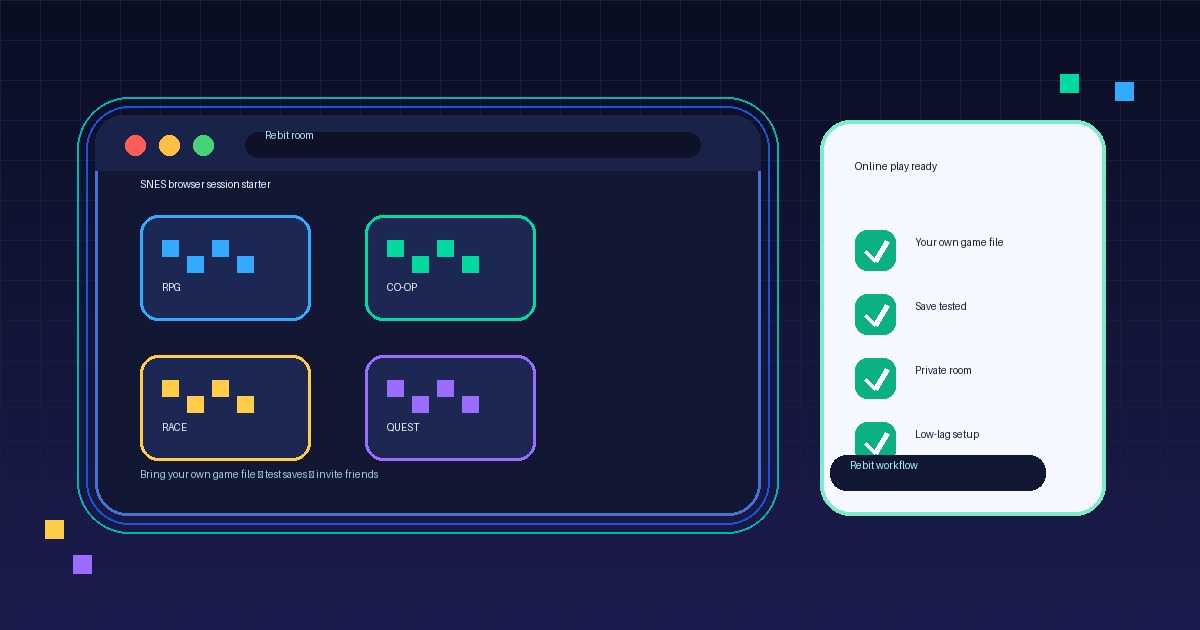
A practical workflow looks like this:
- Sign in to Rebit.
- Use your own legally owned
.sfcor.smcSNES game file. - Follow the upload ROM and play online flow to add it to your library.
- Launch the game in the browser and confirm it starts correctly.
- Set controls and audio before you begin a real session.
- Make an in-game save as soon as the game supports it.
- Create a manual save state after the normal save exists.
- Close and reopen the game once to confirm progress persists.
- For important campaigns, export or back up saves before major changes.
That five-minute save test is the difference between a fun SNES session and a painful surprise after a long evening.
Checklist: before you commit to a SNES campaign
Use this checklist for RPGs, adventures, and any game where losing progress would hurt.
- I am using my own legally owned SNES game file.
- The game launches cleanly in the browser.
- I tested controls and audio before starting real progress.
- I made one normal in-game save where the game supports it.
- I made one manual save state as a secondary backup.
- I closed and reopened the session to verify the save appears.
- I know where to find exports or save management before changing devices.
- I have a backup plan for long RPGs, challenge runs, or late-game saves.
Checklist: before inviting friends
For multiplayer or social sessions, do a smaller test before a full room.
- Pick one main game and one backup game.
- Choose a short first session, even if the game can support a longer night.
- Test with one friend before inviting a larger group.
- Confirm everyone understands the controls.
- Close bandwidth-heavy apps if latency matters.
- Make a save or state before any long section.
- Avoid promising that every SNES multiplayer game will work perfectly; test the specific game and setup first.
How to think about the famous SNES classics
Famous SNES lists usually mix very different player jobs. That is why a single ranking is less useful than a session plan.
A Zelda-style adventure is great when you want exploration and secrets across multiple sittings. A Chrono Trigger-style RPG is great when you want story progress and replay value. A Super Mario World-style platformer is great for short browser sessions. A Mega Man X-style action game is great for quick retries and practice. A Mario Kart-style racing game is great when you want fast social competition, as long as connection quality is tested first.
The lesson is simple: choose by how you will play, not just by where a game appears on a list.
FAQ
Can I play SNES games online without installing an emulator?
Yes. A browser-based platform such as Rebit can let you play SNES games online without setting up a separate desktop emulator, as long as you bring your own legally owned game files and the file is compatible with the platform.
Does Rebit provide SNES ROMs?
No. Rebit is for playing and managing game files that users provide themselves. Use your own legally owned SNES files and avoid ROM download/source links or file-sharing workflows.
Should I use save states or in-game saves for SNES RPGs?
Use in-game saves as the durable source of progress when the game supports them. Save states are useful for convenience, practice, and quick recovery, but they can depend on emulator core, version, game file, settings, and slot behavior.
Are SNES games good for online multiplayer?
Some SNES multiplayer and social formats can work well online, especially short rounds, racing, arcade competition, co-op-friendly sessions, and turn-taking. Test the specific game, controls, and connection before inviting a full group.
What is the best first SNES game to test in a browser?
Start with a short platformer, action game, or racing-style session if you mainly want to test controls and performance. Start with an RPG or adventure only if you are also ready to test in-game saves, manual states, and reload behavior.
Can I continue SNES progress across devices?
That depends on the platform and save workflow. In Rebit, the safer habit is to keep your legally owned game file in your library, save normally where supported, use manual states as a backup, and verify progress after switching devices.
Final recommendation
The best SNES games to play online are the ones that match your session: RPGs and adventures for long campaigns, platformers and action games for quick browser play, and racing or arcade-style picks for friend rooms.
If you want a safer starting point, choose one game from each category, upload your own legally owned SNES file to Rebit, test one save, and build a browser library you can return to without hunting through emulator folders. Start with the SNES browser play page, then use Rebit's save tools before you turn a nostalgic pick into a long campaign or game night.