Setting up SNES emulator netplay used to mean matching desktop emulator versions, forwarding router ports, and pasting IP addresses into chat. On Rebit’s SNES emulator online page, Snes9x runs directly in your browser and mobile apps with room-code netplay for two players—no port forwarding and no emulator config files.
The secret to smooth 2-player SNES multiplayer online is picking the right netplay mode (Rollback, Lockstep, or Stream), matching your .sfc / .smc ROMs properly, and choosing P2P vs Edge Link based on your connection. Here is the complete setup and troubleshooting guide.
1. Rollback vs Lockstep vs Stream: which SNES netplay mode should you pick?
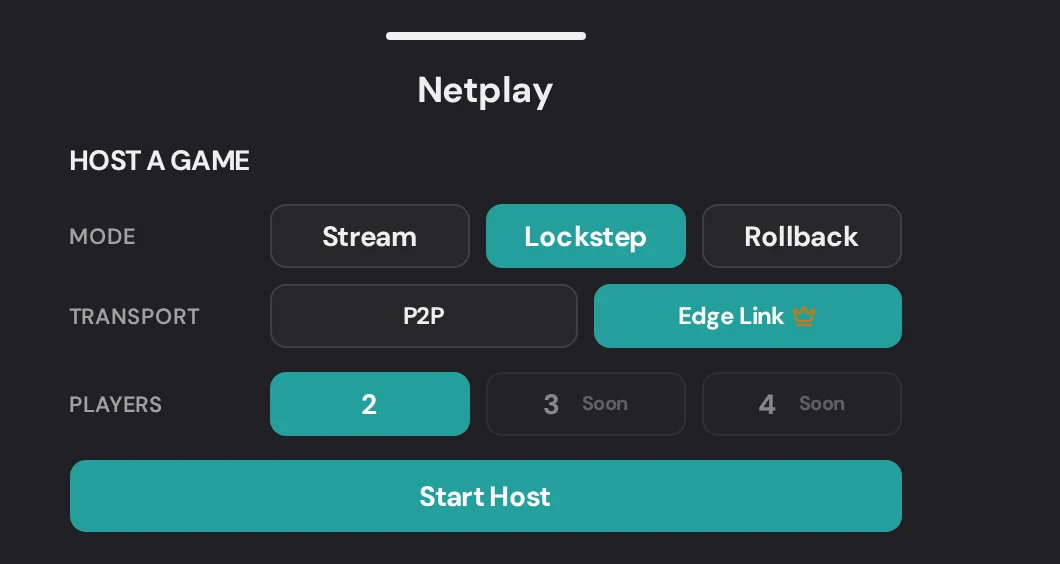
When you open the in-game menu in Rebit and click Host Room, you get three netplay modes. Picking the right one upfront prevents 90% of lag complaints:
| Mode | Best for | ROM requirement | Input feel | When to switch away |
|---|---|---|---|---|
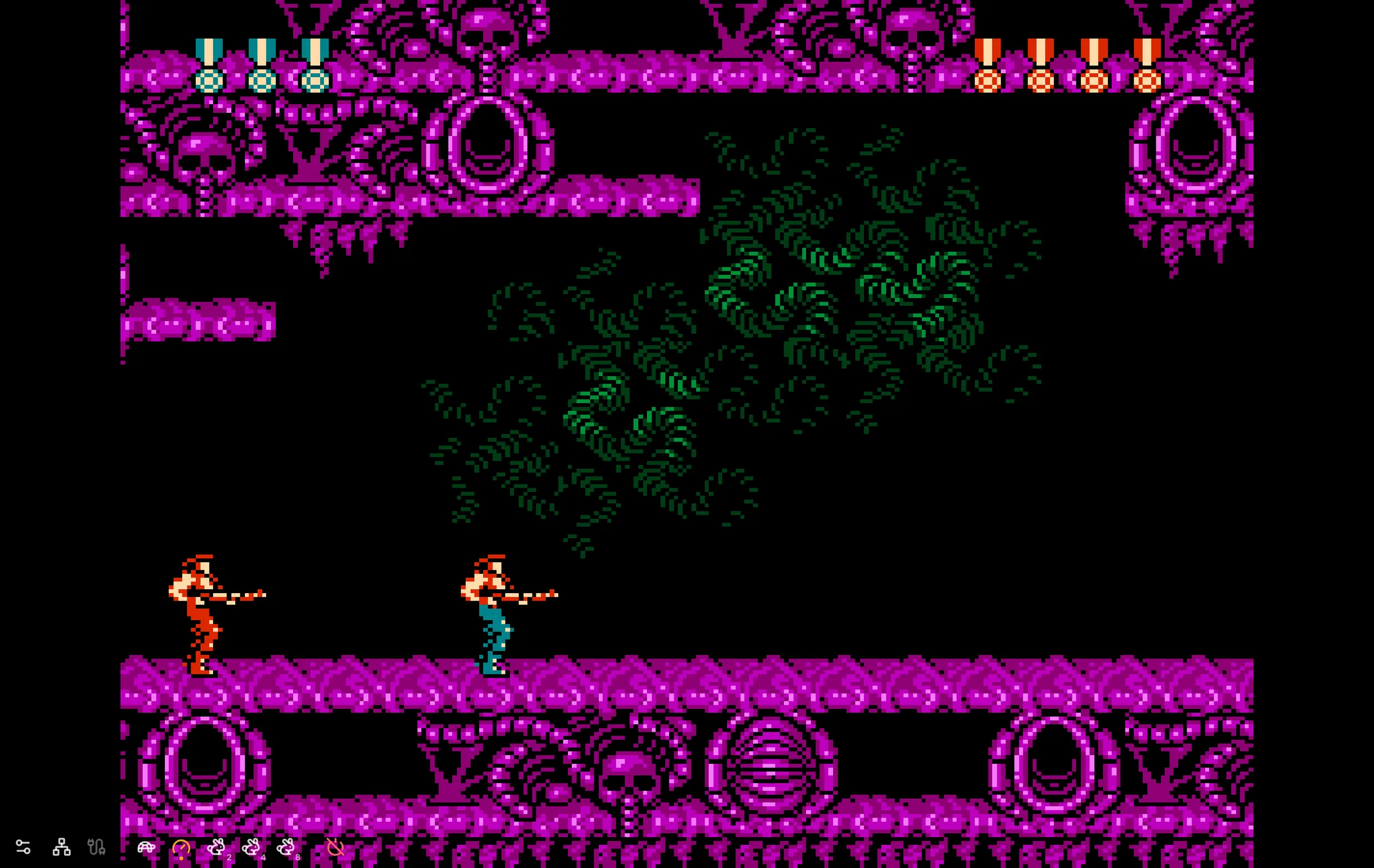
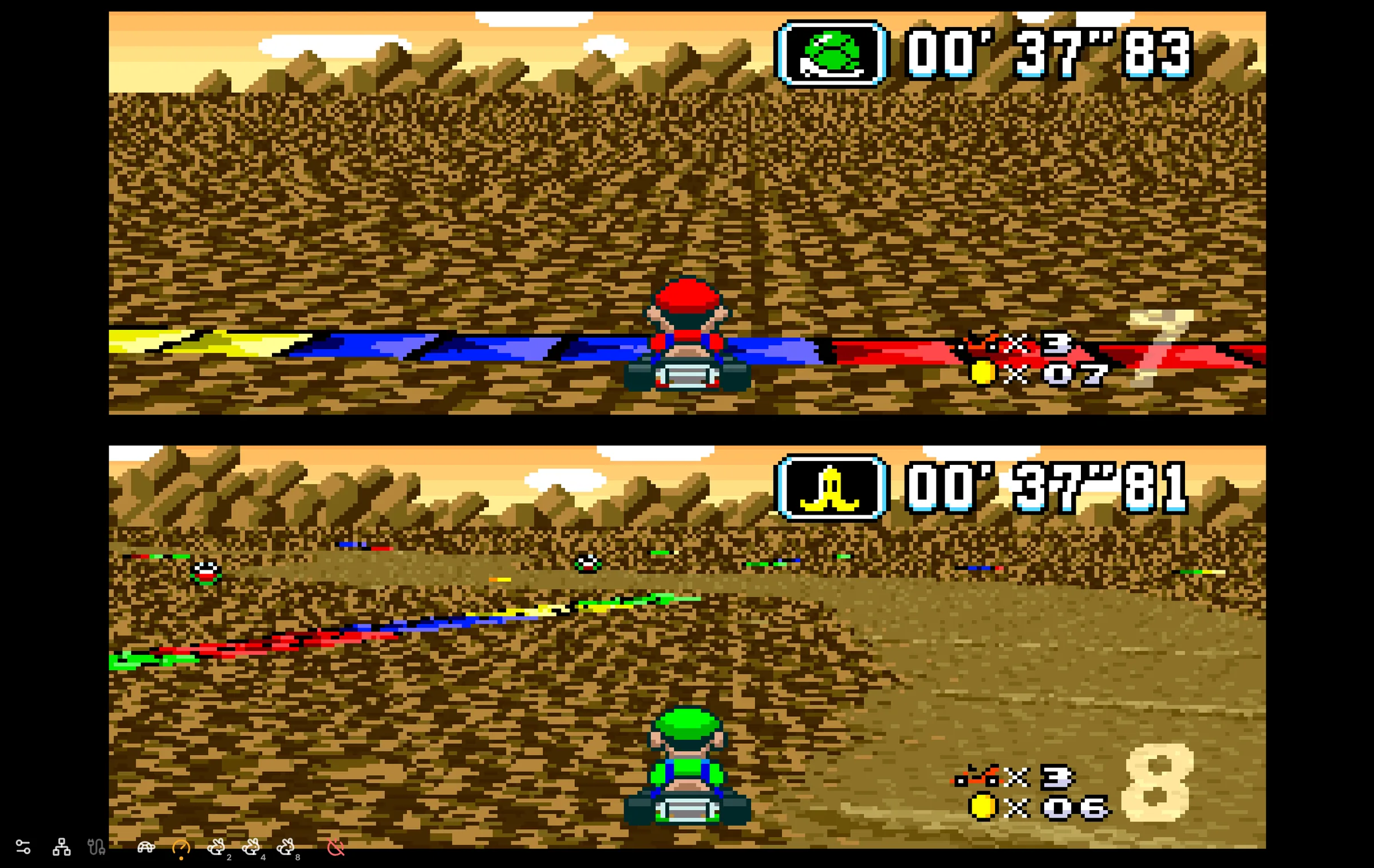
| Rollback | Fast action, racers, fighters (Super Mario Kart, Contra III, Street Fighter II) | Both players need the exact same .sfc / .smc ROM |
Instant local response; predicts & corrects minor ping spikes | If ping is very high/unstable and the screen jitters |
| Lockstep | Slower connections, beat-em-ups, co-op platformers (Donkey Kong Country, Kirby Super Star) | Both players need the exact same ROM | Steady and deterministic; adds small shared input delay | If delay feels sluggish on a low-ping connection (use Rollback) |
| Stream | Spontaneous sessions when Player 2 doesn’t have the ROM | Host only | Host has zero delay; guest receives streamed video/audio | If both players have the ROM and want lower guest latency |
2. P2P vs Edge Link: fixing connections that won’t join
Right next to the netplay mode, Rebit lets you choose how packets travel between Player 1 and Player 2:
- P2P (free): Direct peer-to-peer connection. Start here when both players are on standard home Wi-Fi or wired ethernet in the same region.
- Edge Link (Pro): Routes traffic through Rebit’s network. Switch to Edge Link if P2P gets stuck on "Connecting" (common on college Wi-Fi, office networks, CGNAT mobile data, or cross-country matches).
3. Step-by-step: hosting a 2-player SNES room
- Upload your
.sfcor.smcgame file to your Rebit library (free accounts include 2GB of cloud storage). - Launch the game in your browser or the Rebit app—Rebit loads it on Snes9x automatically.
- Open the in-game menu → Netplay → Host Room.
- Pick Rollback (or Stream if your friend doesn’t have the ROM) and P2P or Edge Link.
- Share the room code with your friend. They open the Netplay tab, enter the code, and join as Player 2.
4. Fixing the #1 SNES netplay error: mismatched ROMs
SNES ROMs exist in many slight variants—USA vs Europe (PAL 50Hz vs NTSC 60Hz), Rev 0 vs Rev 1, headered .smc vs unheadered .sfc. Because Rollback and Lockstep synchronize emulator state frame by frame, both players must run the exact same dump.
If your friend gets a "No matching ROM" message or the room refuses to sync:
- Confirm both players uploaded the same region (e.g., both USA) and revision (e.g., both Rev 1).
- Confirm one player isn’t using a modified/patched ROM hack while the other uses the retail dump.
- Need to play immediately without sorting out files? Have the host switch the room to Stream mode so Player 2 doesn’t need a local ROM at all.
5. Controllers, mobile play, and saving co-op progress
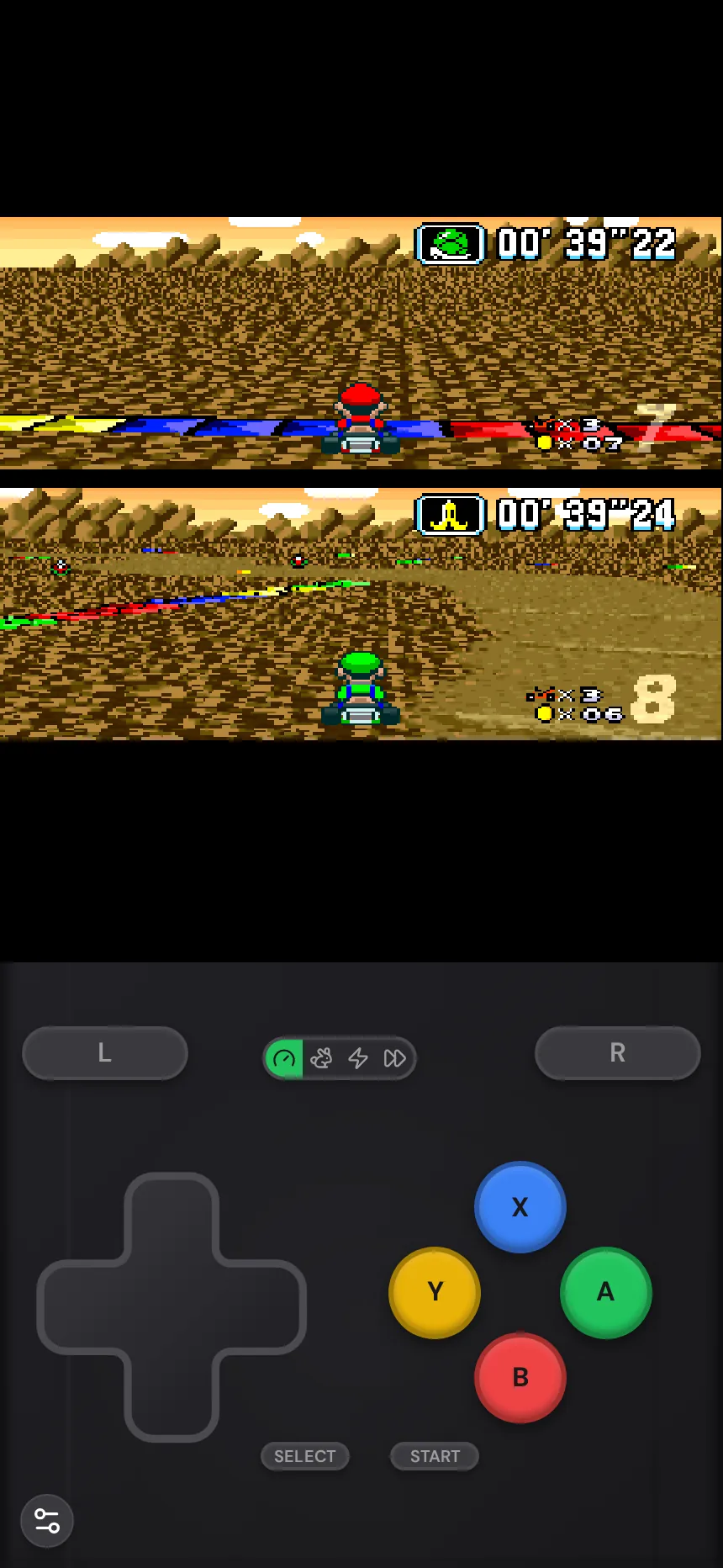
- Gamepads: Standard Bluetooth and USB controllers (Xbox, PlayStation, Switch Pro, 8BitDo) work on desktop browsers, mobile browsers, and the Rebit apps. Pair your controller before launching so Player 2 can jump right into split-screen.
- Phone controls: On mobile, the full SNES layout (D-pad, A, B, X, Y, L, R, Select, Start) is ready on screen.
- Cloud saves &
.srmexport: For long co-op campaigns like Secret of Mana or Donkey Kong Country, Rebit autosaves as you play (every minute free, every 10 seconds with Pro), and you can export your in-game.srmcartridge save from the game’s page anytime.
Frequently asked questions
Can I play SNES multiplayer online on a phone with a friend on PC?
Yes. Cross-device netplay works between desktop browsers, Android, and iPhone—just share the room code from the host’s Netplay panel.
Which SNES games are best to test netplay with first?
Super Mario Kart, Contra III: The Alien Wars, Kirby Super Star, TMNT IV: Turtles in Time, and Goof Troop are fast to launch and immediately show whether Player 2 controls and latency feel right.
Does Rebit support SNES ROMs in both .sfc and .smc formats?
Yes. Upload either .sfc or .smc files you own—Rebit detects the SNES system and opens them with Snes9x automatically.
Looking for tonight’s lineup? Browse 12 SNES games to play online with friends, or upload a game you own on the play SNES games online page to host your first room.