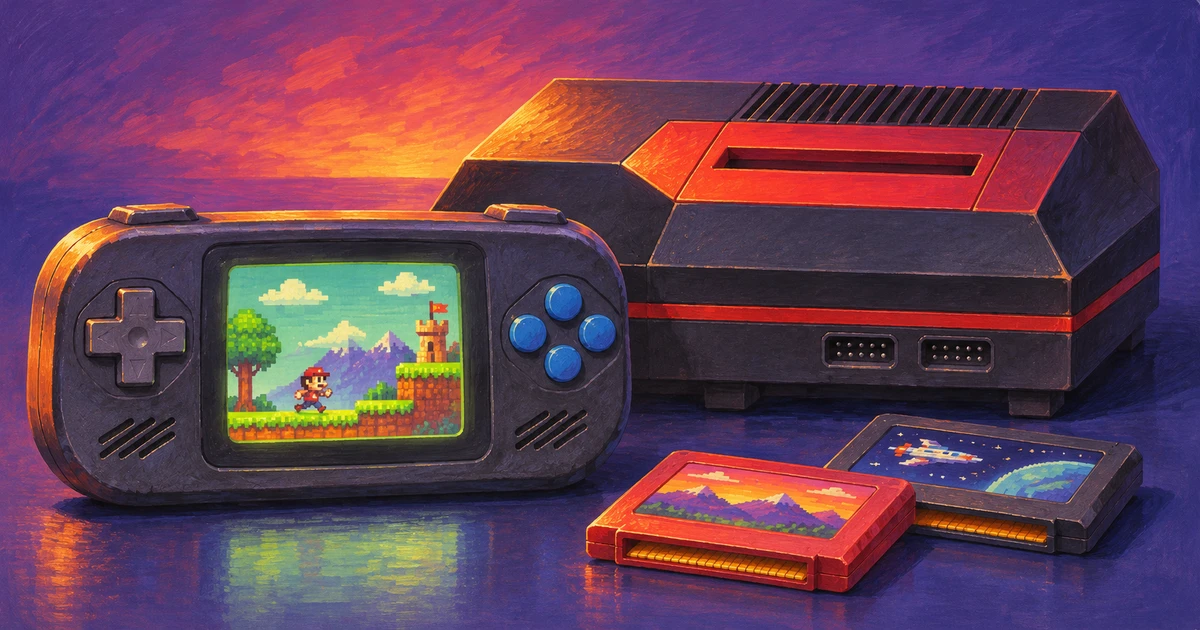
Comparing Game Gear vs Master System is easy once you know their shared secret: inside, Sega's 1990 color handheld was essentially a portable Master System with a richer color palette and a smaller screen window. Both systems run on the same rock-solid Genesis Plus GX core in Rebit—with .gg cartridges on the Sega Game Gear player and .sms cartridges on the Sega Master System player—and neither requires a BIOS upload.
Hardware differences that actually affect gameplay
| Feature | Sega Master System (.sms) |
Sega Game Gear (.gg) |
|---|---|---|
| Resolution | 256×192 (wider field of view) | 160×144 (tighter zoomed-in crop) |
| Color palette | 64-color master palette | 4,096-color master palette |
| Pause button | On the console body (mapped to Start on Rebit) | Start button right on the handheld |
| Best reason to play | Roomier platforming & classic 8-bit RPGs | Vibrant color handheld exclusives & portable twists |
That resolution difference is the biggest reason to keep both versions if you own a multi-platform game like Sonic the Hedgehog or Castle of Illusion. The Master System edition gives you more room to see incoming jumps and enemies, while the Game Gear edition often remixes stage layouts and uses richer color gradients designed for a backlit screen.
Keeping .gg and .sms backups tidy
- Match the extension to the system. Upload
.ggfiles under Sega Game Gear and.smsfiles under Sega Master System. Rebit detects both extensions automatically when you add your legally owned cartridge backups. - Remember the Master System Pause button. Original Master System controllers only had a D-pad and Buttons 1 and 2—Pause lived on the console itself, and games like Alex Kidd and Wonder Boy used it to open item screens. Rebit maps Pause to Start on gamepads and touch controls so you never have to hunt for it.
- Enjoy zero AA batteries and cloud saves. A real Game Gear burned through six AA batteries in a few hours; on Rebit, you play in any browser or phone app with cloud saves syncing your SRAM and save states automatically.
Ready to pick your first cartridge on either system? Check out our guide to the best Sega Game Gear and Master System games for short runs.
Game Gear vs Master System: which version should you play?
When a classic Sega title exists on both systems—such as Sonic the Hedgehog, Sonic 2, Land of Illusion, or Streets of Rage—the right pick comes down to how you want the screen to feel:
- Pick the Master System (
.sms) edition when you want a wider horizontal view of incoming platforms, bosses, and hazards. Games like Sonic 2 are noticeably fairer on Master System because you can see the first boss and steep drops much earlier. - Pick the Game Gear (
.gg) edition when you want punchier 12-bit color palettes, portable-tuned stages, or true handheld exclusives like GG Shinobi, Tails Adventure, and Defenders of Oasis.
Keeping both folders organized by .sms and .gg extensions lets Rebit route every cartridge straight to Genesis Plus GX with zero BIOS setup, automatic cloud saves, and instant switching between desktop browsers and phones.
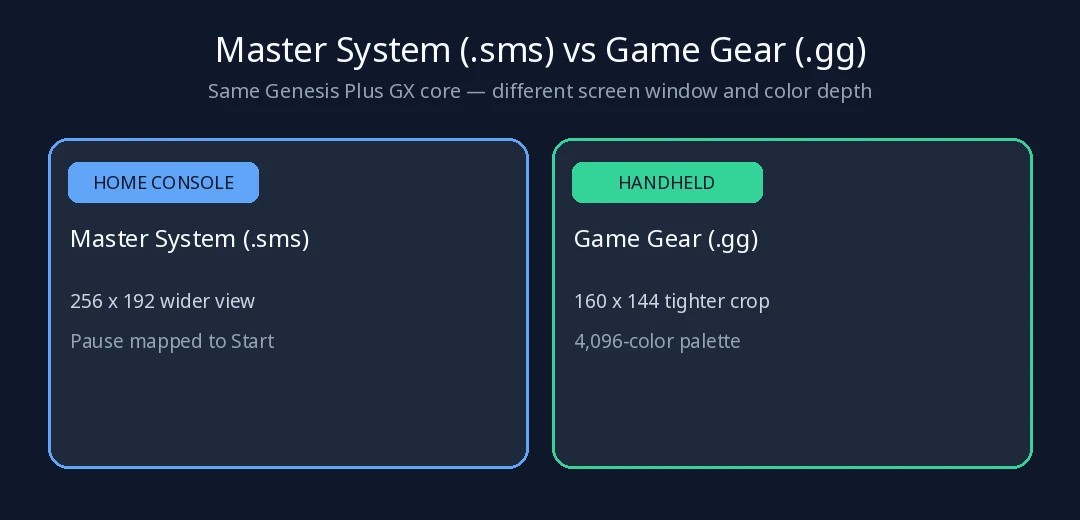 Master System gives you a wider 256×192 playfield, while Game Gear zooms into a 160×144 window with a richer 4,096-color palette.
Why Sega built two nearly identical 8-bit machines
When Nintendo's Game Boy dominated portable gaming in 1989 with a monochrome green screen, Sega responded fast by shrinking its Master System hardware into a backlit color handheld—the Game Gear. Because both systems shared the same Z80 CPU and closely related video hardware, studios could adapt Master System games to Game Gear quickly (and vice versa in Europe and Brazil, where Master System remained wildly popular through the mid-1990s).
That shared DNA created a fascinating library overlap:
- Identical core engines, different camera crops: Platformers like Castle of Illusion and Lucky Dime Caper often look richer in color on Game Gear, while the Master System editions let you spot enemies earlier thanks to the extra horizontal pixels.
- Completely distinct level designs: Sonic the Hedgehog 2 and Sonic Chaos play differently enough between
.smsand.ggthat owning both feels like having director's cuts of the same game. - True system exclusives: Phantasy Star and Wonder Boy III define the Master System shelf, whereas GG Shinobi, Tails Adventure, and Shining Force: The Sword of Hajya were crafted specifically for Game Gear.
Controls, audio, and battery-free play on Rebit
One genuine surprise when playing Game Gear on a modern screen with headphones is the stereo sound: unlike the mono Master System, the Game Gear had a stereo headphone jack that composers like Yuzo Koshiro put to brilliant use.
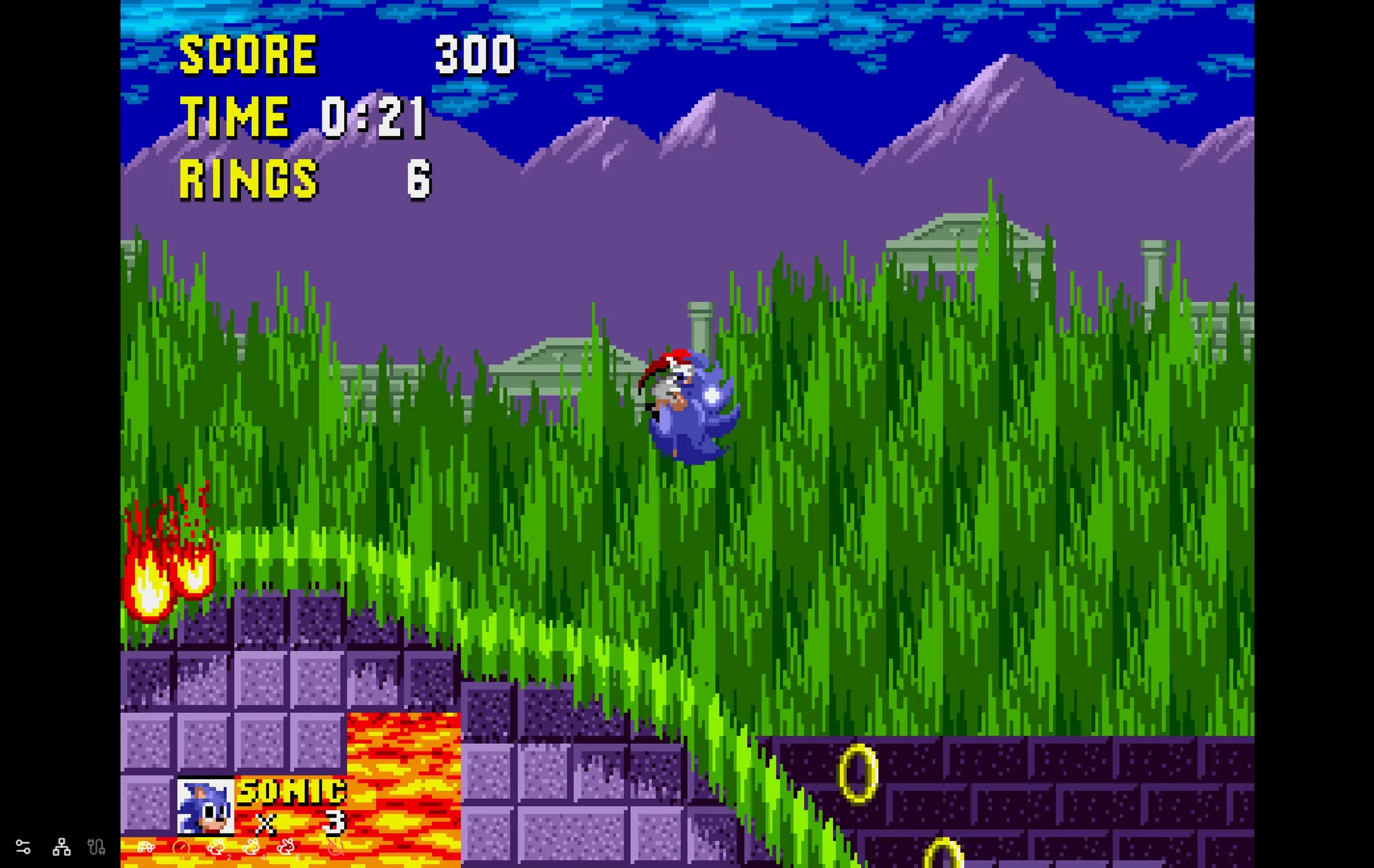 Both Sega Master System (.sms) and Sega Game Gear (.gg) run on Genesis Plus GX inside Rebit with instant boot and cloud saves.
Quick checklist before uploading .gg and .sms backups
- Keep extensions accurate. Use
.ggfor Game Gear and.smsfor Master System—never rename one to the other hoping to change the screen crop, because the video registers and palettes are programmed differently in each ROM. - Test Start as Pause on Master System. Remember that Pause lived on the console shell, so tapping Start opens item menus in Wonder Boy and Alex Kidd.
- Sync across browser and phone. Both systems support automatic cloud saves, making them ideal for quick 10-minute breaks. Need game picks? Browse our best Game Gear and Master System games guide.
Real-world comparison: playing Sonic 2 on both systems
Sonic the Hedgehog 2 (8-bit) is the clearest side-by-side demonstration of why hardware specs matter in Game Gear vs Master System. Both versions share the same underground mine-cart zones, hang-glider sections, and catchy soundtrack, yet the first boss in Under Ground Zone is famously brutal on Game Gear—purely because the handheld's zoomed-in 160×144 viewport gives you a split second less time to see bouncing steel balls dropping from the ceiling.
On Master System's wider 256×192 screen, that exact same boss becomes a fair, readable pattern you can clear on your first try. Meanwhile, on Game Gear, vibrant sunset gradients in Sky High Zone and stereo music through headphones make the handheld version feel lush and intimate. Keeping both .sms and .gg backups lets you enjoy whichever mood fits the day.