RetroAchievements
RetroAchievements lets you earn and track achievements for supported retro games.
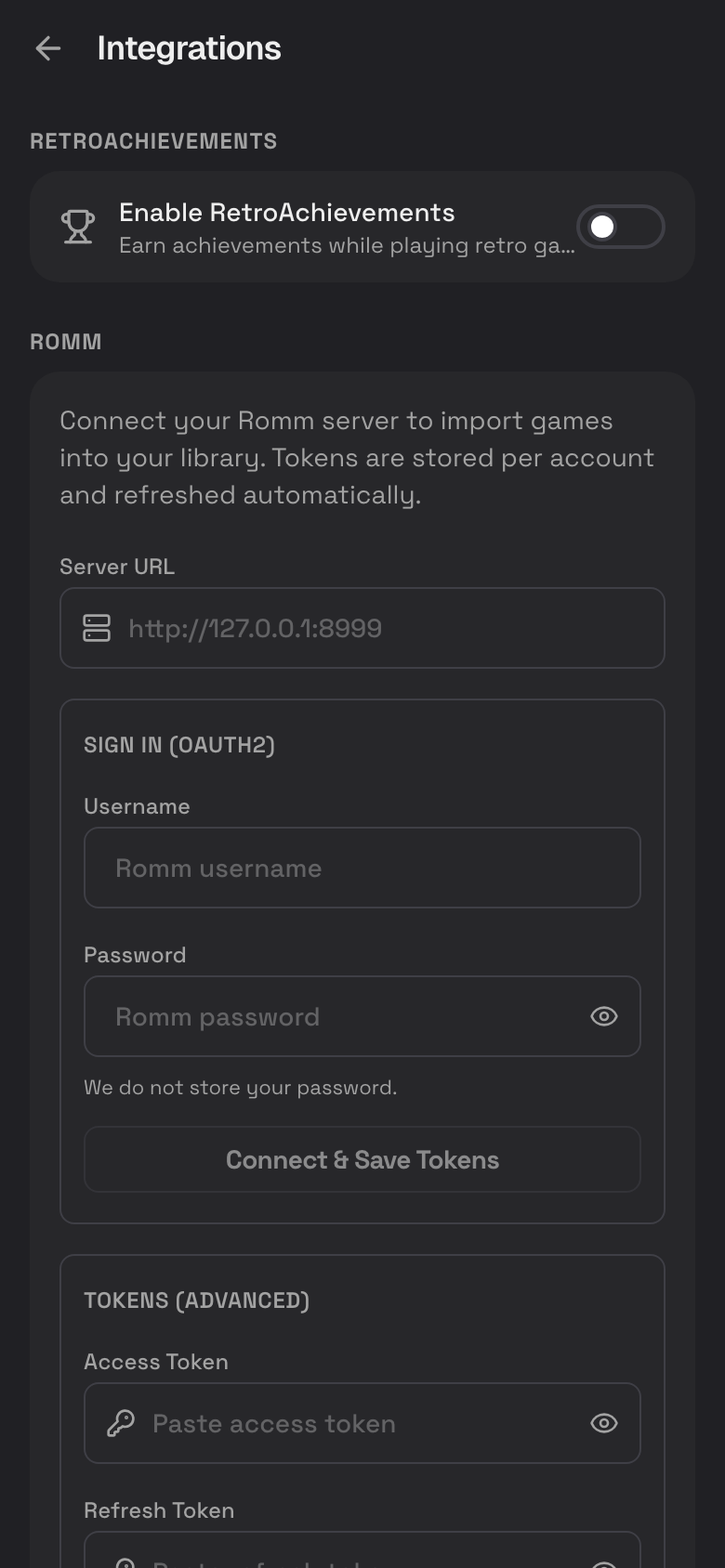
Connect RetroAchievements
- Tap Profile.
- Tap Settings.
- Tap Integrations.
- Turn on Enable RetroAchievements.
- Enter your RetroAchievements username.
- Enter your RetroAchievements account password.
- Tap Verify Credentials.
Encore Mode
Encore Mode is for players who want unlock notifications even for achievements they have already earned before.
- Open Settings.
- Tap Integrations.
- Find RetroAchievements.
- Turn Encore Mode on or off.
Where Achievements Appear
Achievements can appear in several places:
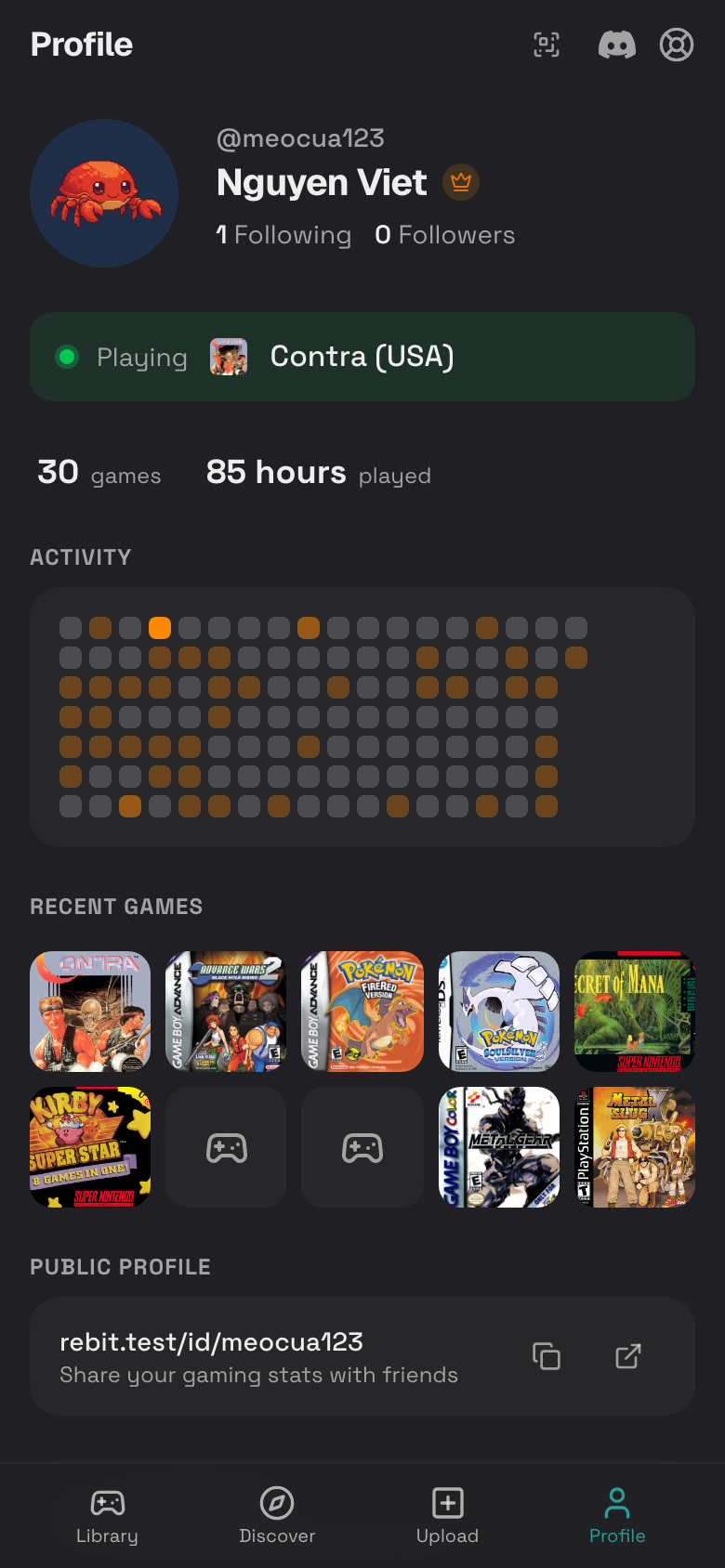
- Your public profile.
- A game details page.
- The play screen while a supported game is running.
- Recent activity areas when achievements are available.
Start a Supported Game
- Connect RetroAchievements first.
- Open a game that RetroAchievements supports.
- Tap Play Now.
- Watch for achievement information while playing.
- Check the game details page later for progress.
If Achievements Do Not Show
- Verify your credentials again in Settings > Integrations.
- Make sure Enable RetroAchievements is on.
- Confirm the game is supported by RetroAchievements.
- Try a clean ROM if the game is not recognized.
- Check that the game was uploaded with the correct system.
- Restart the game after changing achievement settings.
Privacy and Account Notes
- Rebit uses the credentials you provide only to connect achievement features.
- If you change your RetroAchievements password, reconnect your account in Rebit settings.
- Disable RetroAchievements if you do not want Rebit to request achievement data while playing.