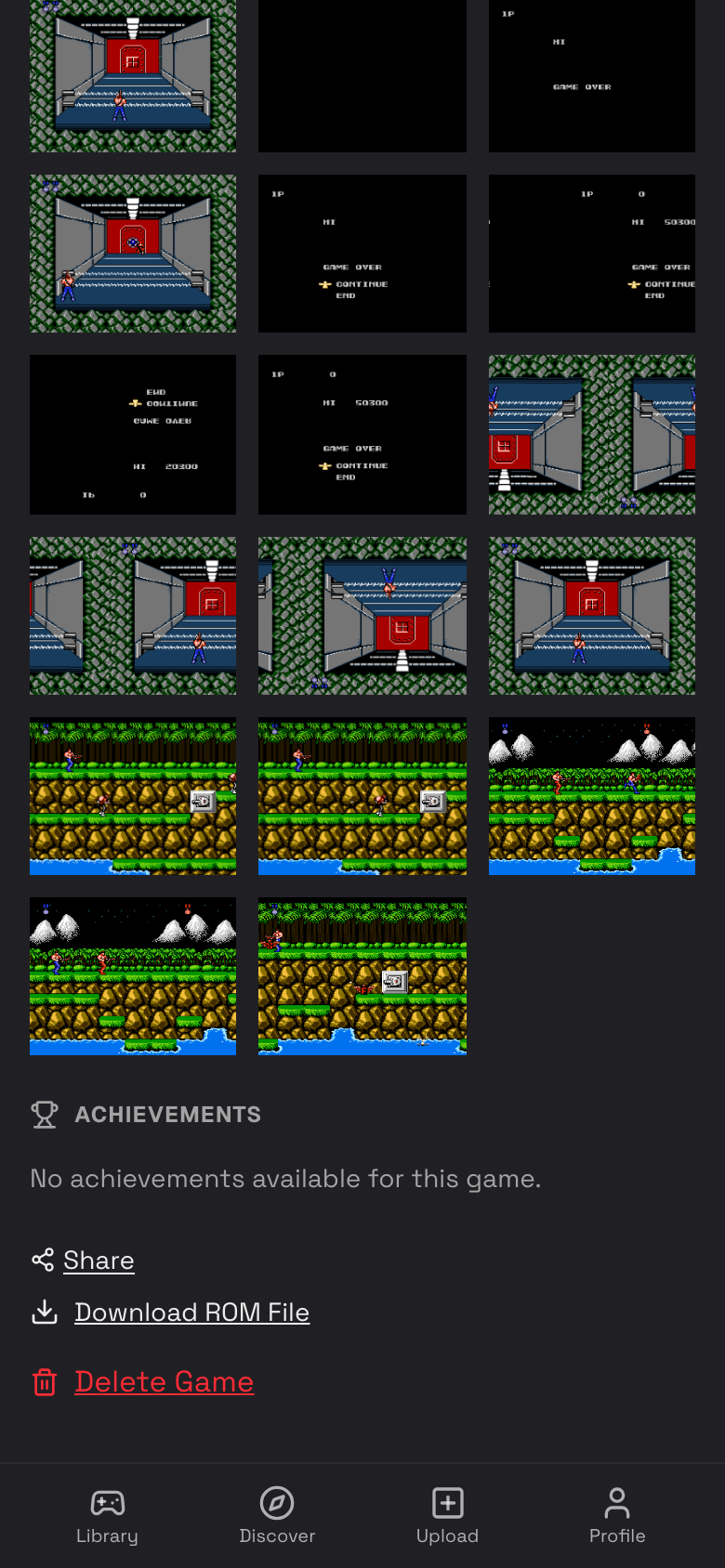
Game Details
The game details page is the control center for one game: play, rename, review activity, manage screenshots, view achievements, share, download, or delete.
Open Game Details
- Tap Library.
- Tap a game cover.
- Review the title, system, box art, play button, activity, screenshots, achievements, and page actions.
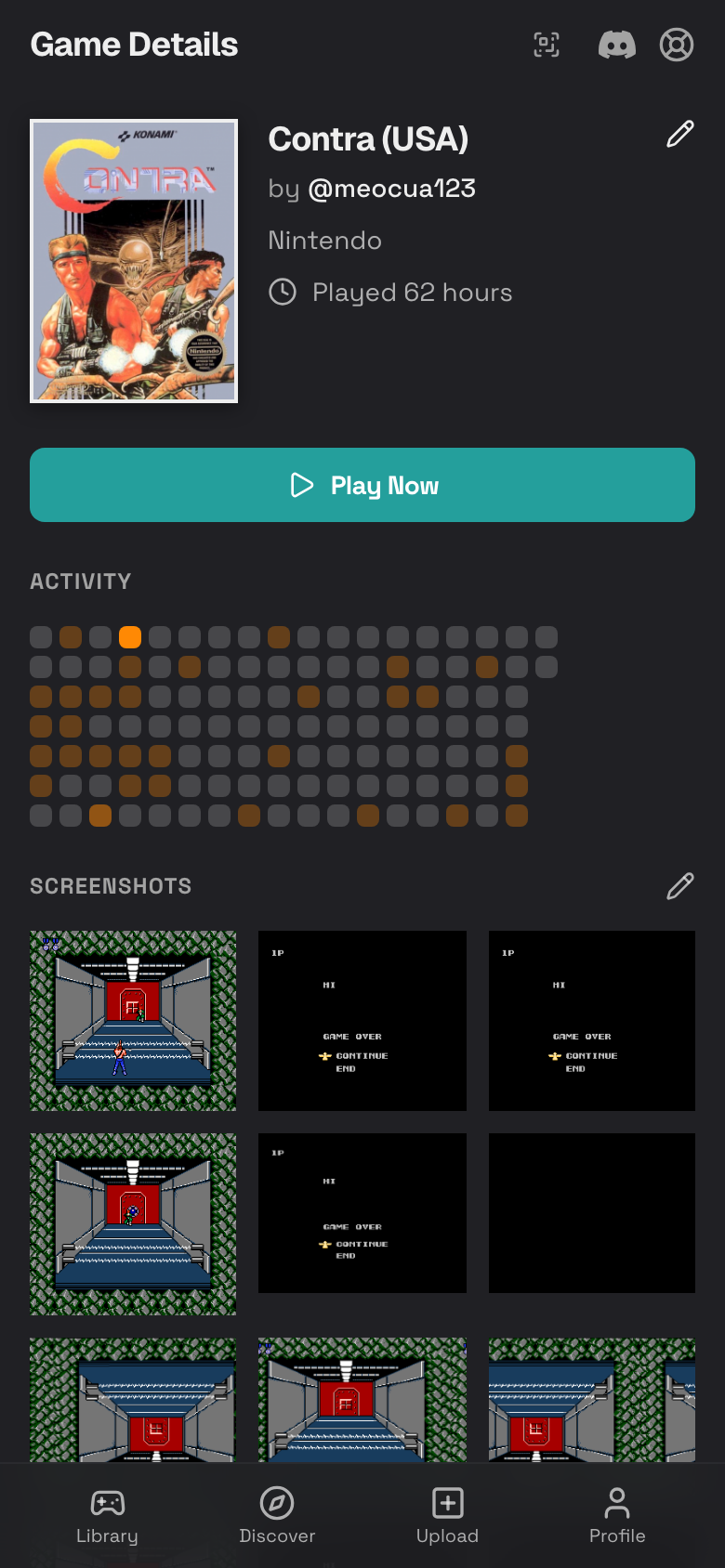
Play the Game
- Open the game details page.
- Tap Play Now.
- Wait for the emulator to load.
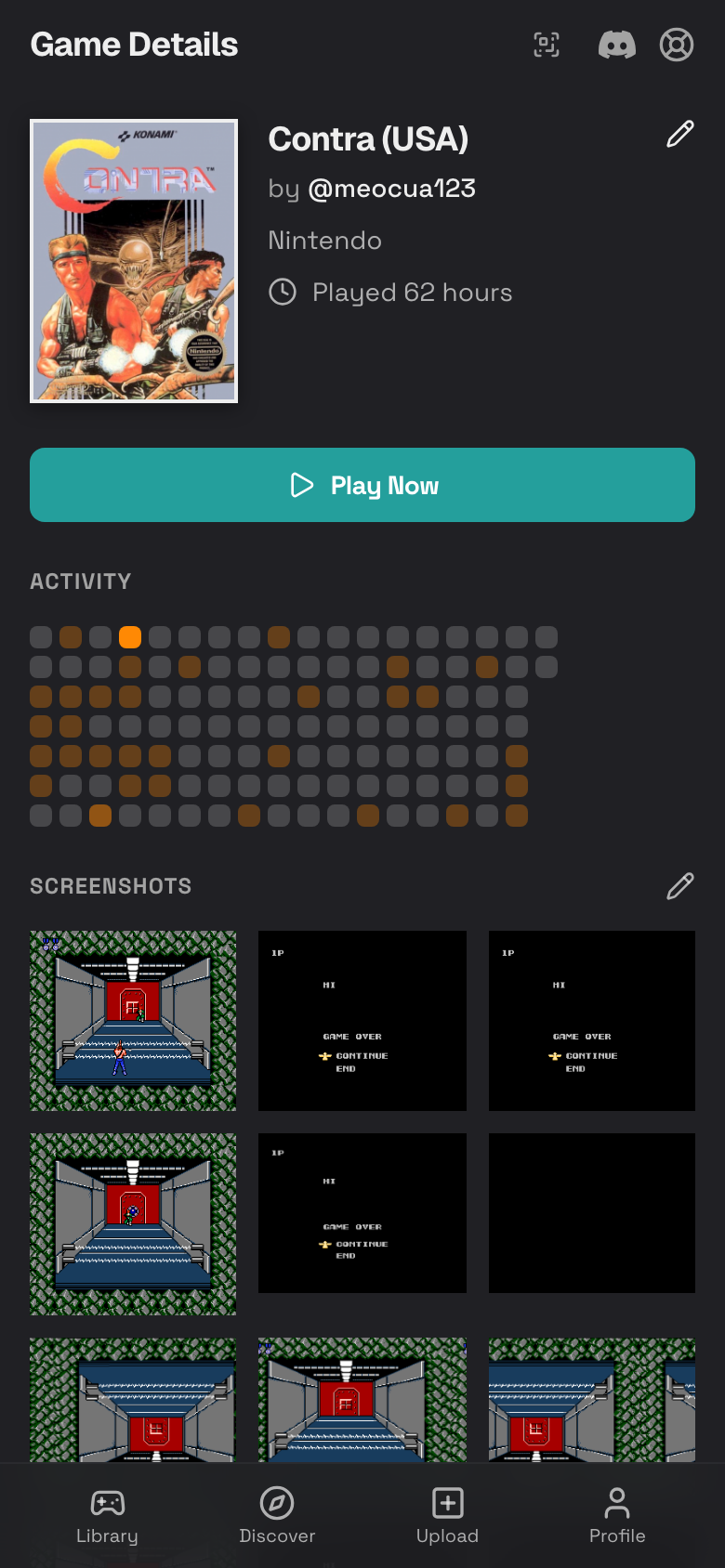
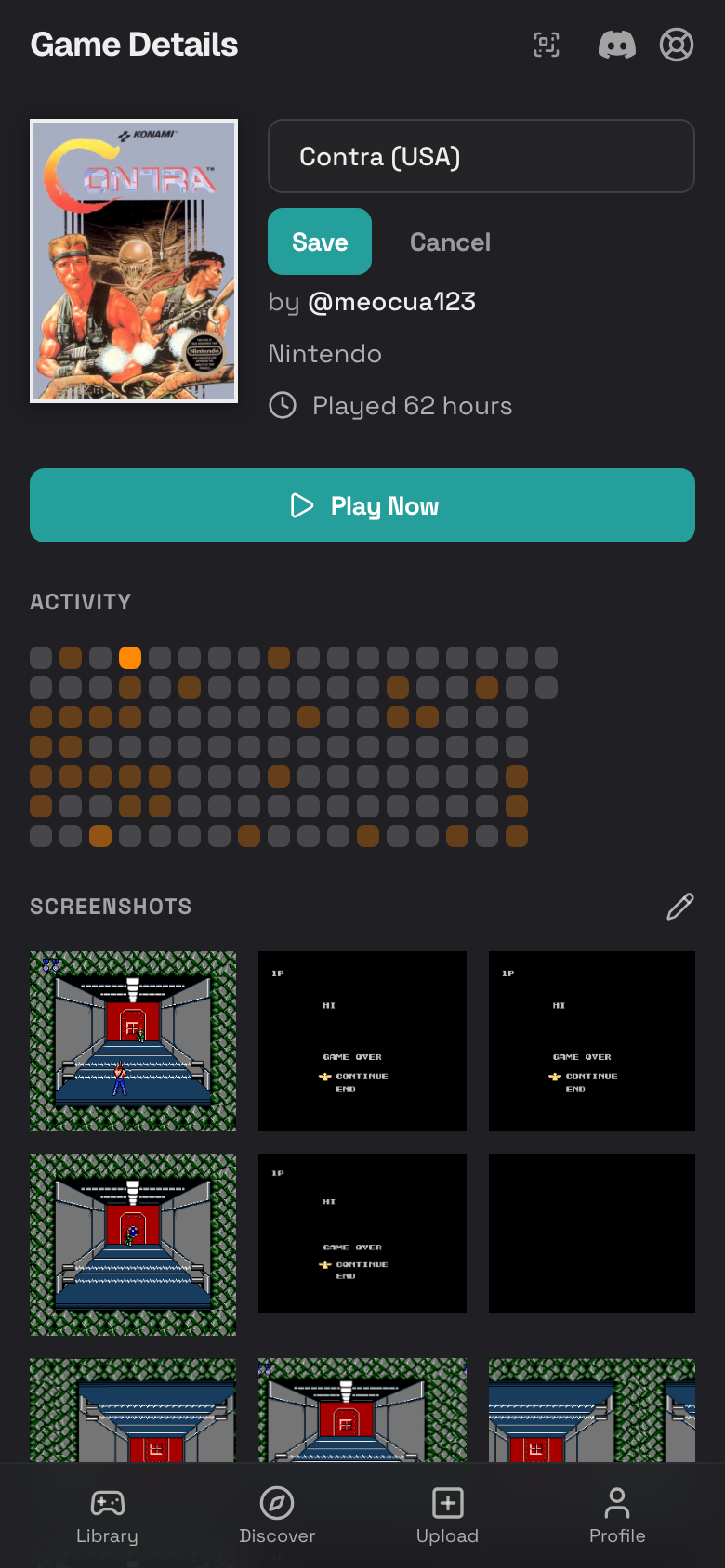
Rename a Game
- Tap the pencil icon beside the title.
- Edit the display name.
- Tap Save.
- Tap Cancel if you changed your mind.
Read the Activity Heatmap
The activity heatmap shows when you played the game. Darker days usually mean more playtime.
- Open the game details page.
- Scroll to Activity.
- Use it to remember recent play sessions and streaks.
View Achievements
If RetroAchievements is connected and the game is supported, achievements can appear on the game details page.
- Connect RetroAchievements in Settings.
- Open a supported game.
- Scroll to Achievements.
- Tap an achievement if the page offers more detail.
See RetroAchievements for setup and troubleshooting.
View and Delete Screenshots
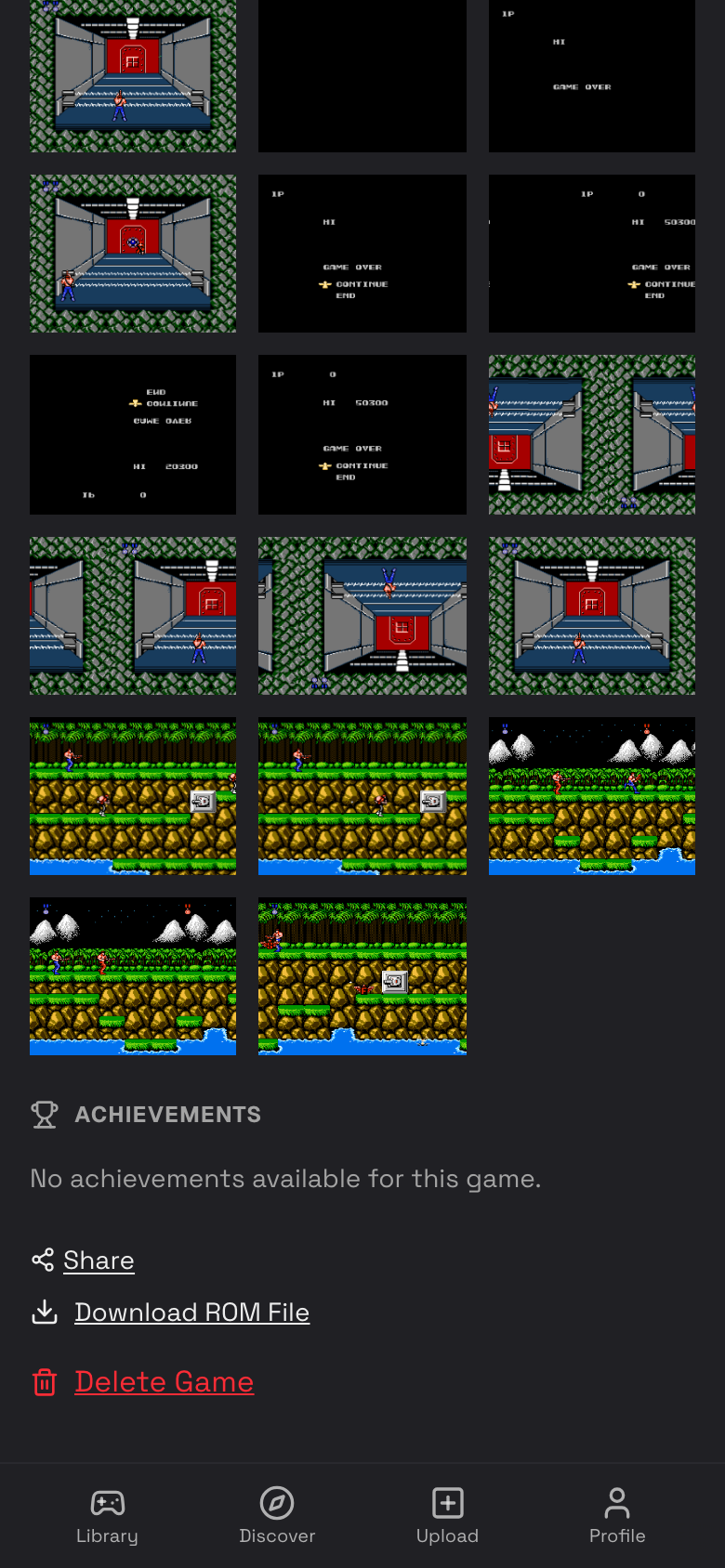
- Scroll to Screenshots.
- Tap a screenshot to view it larger.
- Tap the pencil icon to enter select mode.
- Select screenshots you no longer need.
- Tap Delete.
Share a Game
- Scroll near the bottom of the game details page.
- Tap Share.
- Paste the copied link into a message.
See Sharing for public game pages and saving someone else's game.
Download the ROM File
- Open the game details page.
- Scroll to the bottom.
- Tap Download ROM File.
- Keep the file somewhere safe if you need your own backup.
Delete a Game
Deleting a game also removes its related saves, screenshots, and play history.
- Open the game details page.
- Scroll to the bottom.
- Tap Delete Game.
- Confirm only if you are sure.