Remote Controller
Remote Controller lets one phone act as a controller for a game running on another device.
When to Use Remote Controller
Use Remote Controller when:
- A game is running on a bigger screen.
- You want your phone to be controller-only.
- Another person wants to control the game without joining netplay.
- Touch controls on the main device block too much of the screen.
Use Netplay instead when each player should run the game on their own device.
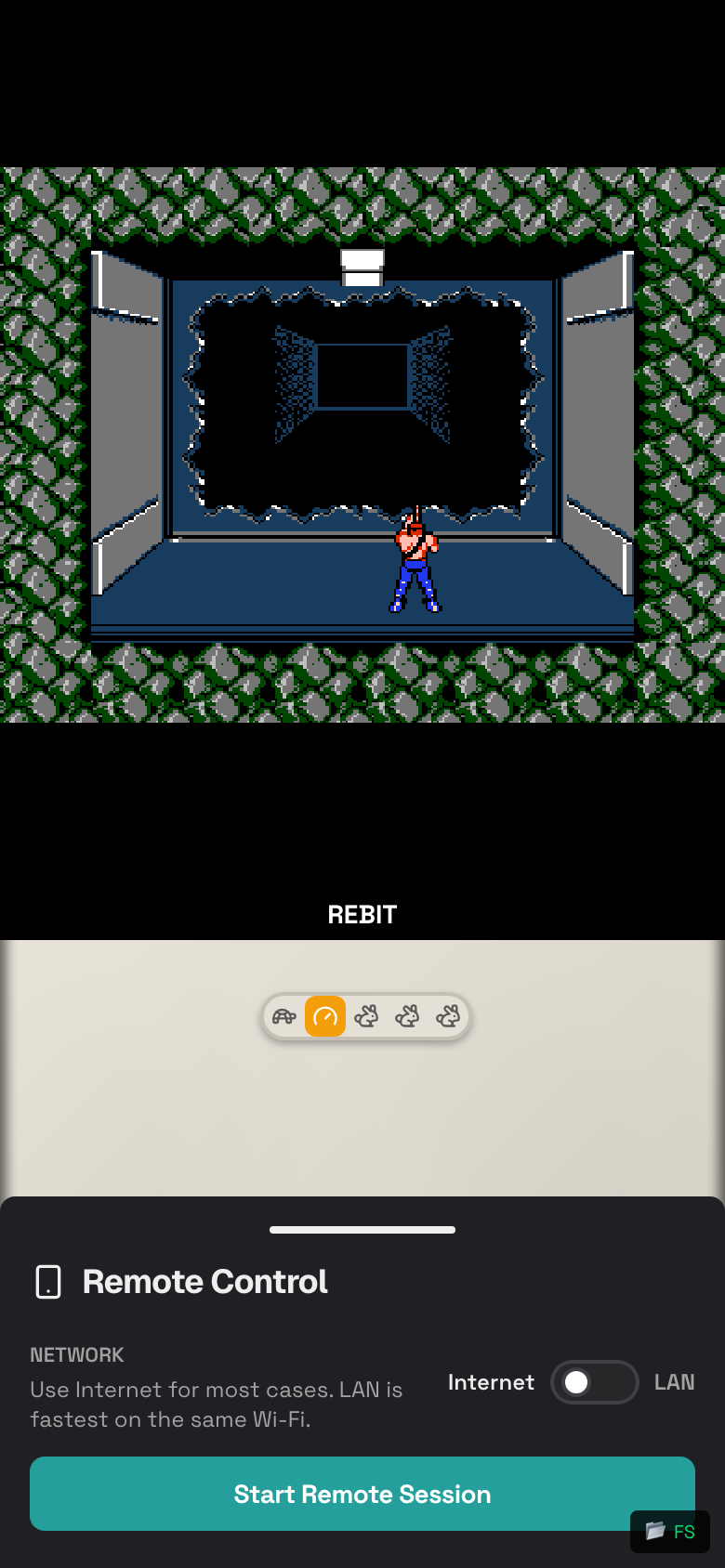
Start a Remote Controller Session
- Start the game on the main device.
- Open the in-game menu.
- Tap Remote Control.
- Start the remote control session.
- Keep the drawer open long enough for the second phone to join.
Join with a QR Code
- On the controller phone, open the camera app.
- Scan the QR code shown by Rebit.
- Open the link.
- Wait for the controller screen to connect.
- Use the on-screen controls on the controller phone.
Join with a Room Code
If scanning does not work:
- Open Rebit on the controller phone.
- Go to the remote join screen if the link or page is shown by the app.
- Enter the room code from the main device.
- Tap Join.
Use the Controller Phone
- Hold the controller phone like a handheld controller.
- Keep the main device awake and on the game screen.
- Keep both devices on a stable network.
- If buttons feel delayed, move both devices closer to Wi-Fi.
Stop Remote Control
- On the main device, open the in-game menu.
- Open Remote Control.
- Stop or leave the session.
- Close the controller page on the second phone.
Remote Controller Troubleshooting
- Make sure the main device is still running the game.
- Refresh the controller phone if it stays disconnected.
- Scan the QR code again or re-enter the room code.
- Keep both devices on the same Wi-Fi when possible.
- Turn off VPN or private relay features if the devices cannot see each other.
- Use Show Controls on the main device if you need touch controls again.