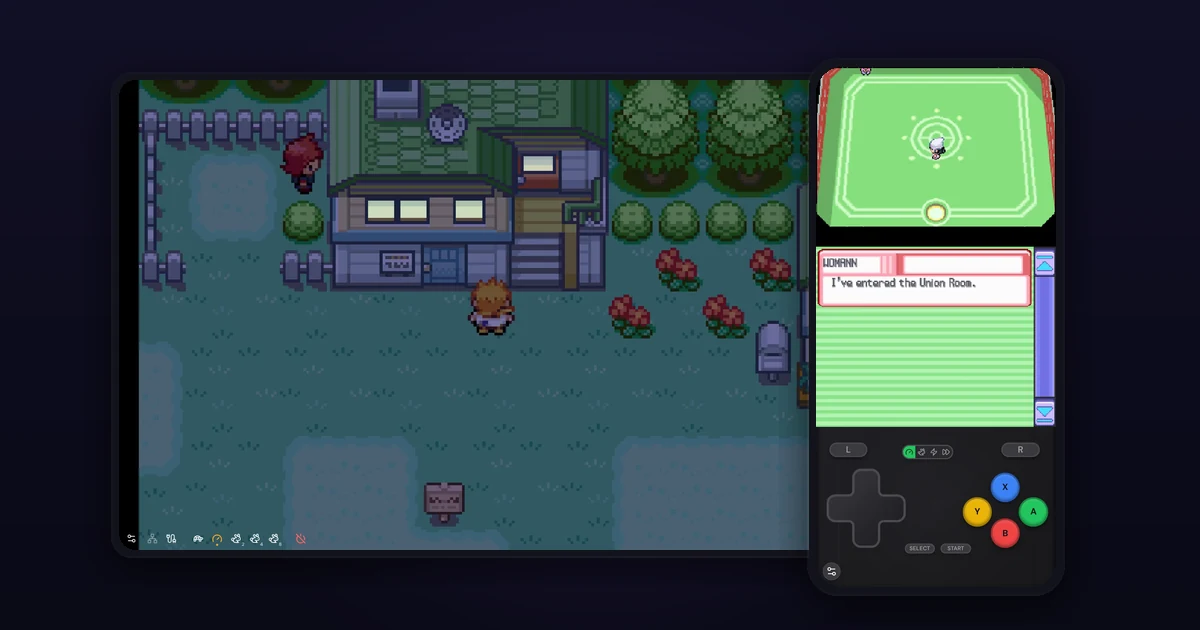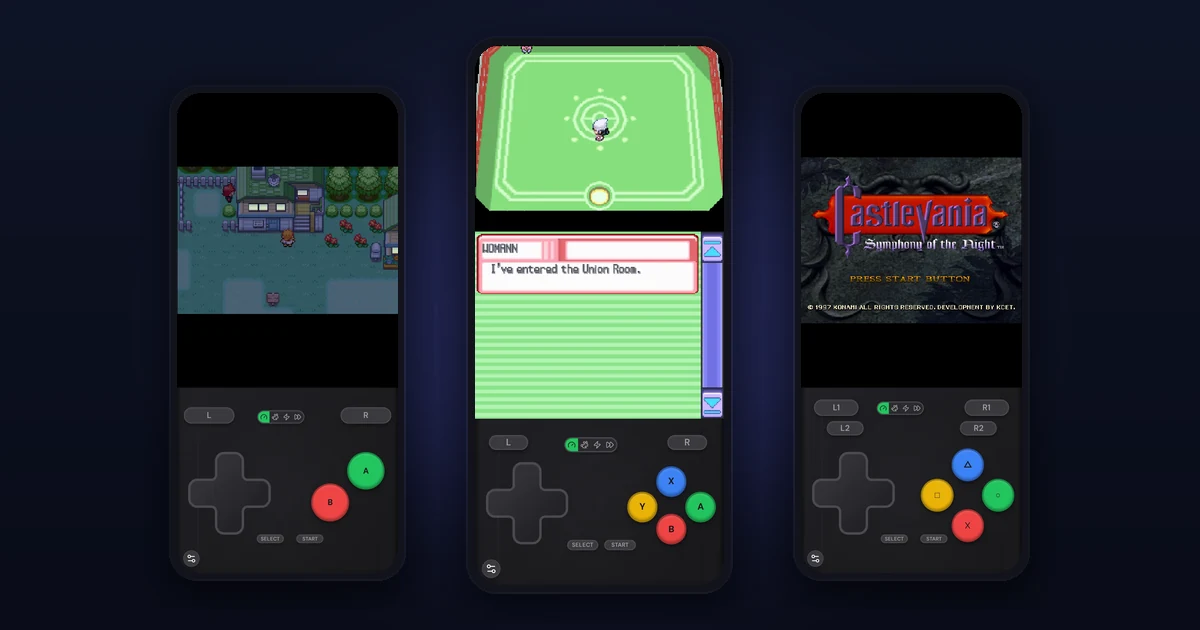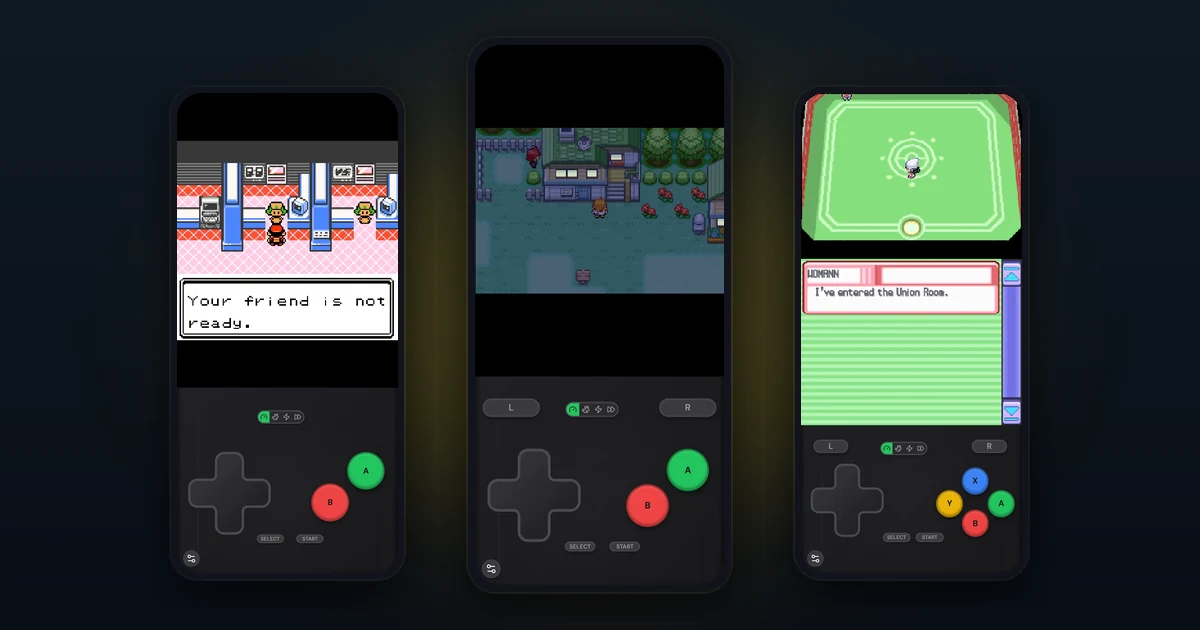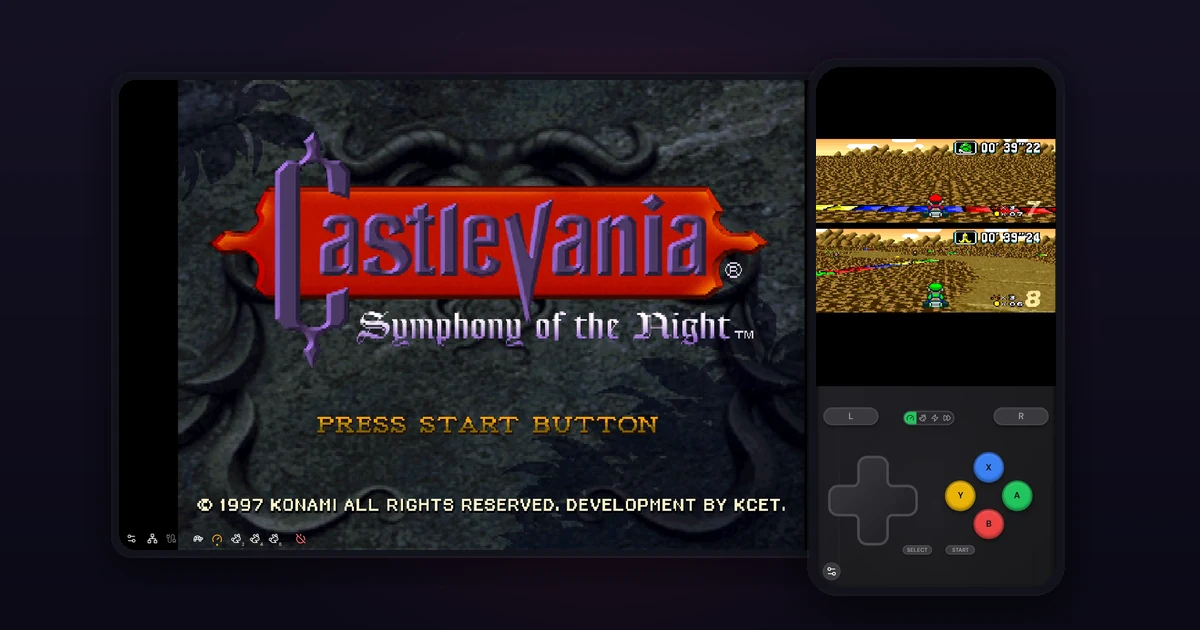
If you are comparing Rebit vs Manic EMU on iOS in 2026—or wondering is Manic EMU good?—here is the honest verdict: Manic EMU is a strong iOS-only App Store emulator if your #1 priority is playing Nintendo 3DS games on a modern iPhone or iPad with custom skins. Rebit is the better everyday retro platform if you want true cross-device cloud saves across iPhone, iPad, Windows/Mac browsers, and Android, built-in online multiplayer (2–4P GBA Link Cable rollback, NES/SNES/Genesis/PS1 Rollback/Lockstep/Stream rooms, and NDS WFC), and zero JIT headaches.
Since Apple opened the App Store to emulators, Manic EMU blew up fast on Reddit and TikTok—mostly because it was one of the first polished App Store apps to combine Nintendo 3DS, DS, GBA, SNES, PS1, and Sega consoles in one place. Naturally, thousands of players now search for Manic EMU iOS, Manic EMU PC, and is Manic EMU good trying to figure out whether it’s the best long-term home for their retro library.
I’ve spent real time playing both Manic EMU and Rebit on an iPhone and iPad. They actually solve two very different problems—and knowing where each one wins will save you from locking 40-hour RPG saves into the wrong ecosystem.
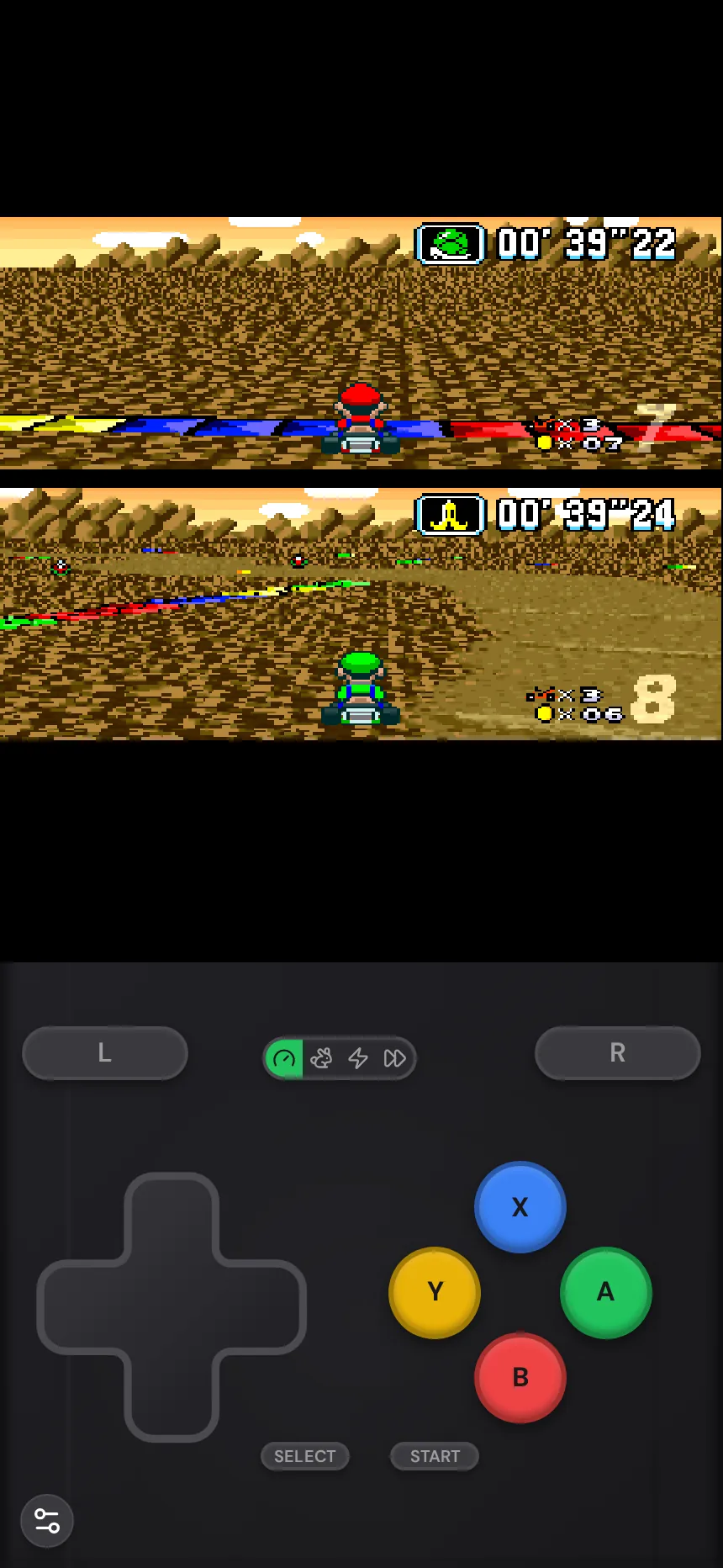
Rebit vs Manic EMU on iOS: side-by-side comparison
| Feature | Rebit | Manic EMU |
|---|---|---|
| Platforms | iOS app, iPadOS, Windows/Mac/Linux web browser, Android app | iOS / iPadOS only (no PC, Mac web client, or Android app) |
| Nintendo 3DS | No (focuses on 8-bit through PS1/NDS/N64/MS-DOS) | Yes (subject to Apple’s no-JIT App Store limits on heavy games) |
| Core Retro Systems | NES, SNES, GB/GBC, GBA, NDS, N64, PS1, Genesis, Master System, Game Gear, MS-DOS & more | NES, SNES, GB/GBC, GBA, NDS, N64, PS1, 3DS, Sega & more |
| Cloud Save Sync | Automatic cross-platform cloud autosaves (iPhone ↔ iPad ↔ PC ↔ Android, 2 GB free) | iCloud sync (Apple devices only) |
| Online Multiplayer | Built-in 2–4P GBA Link Cable rollback, NES/SNES/PS1/Genesis Rollback/Lockstep/Stream, NDS WFC (P2P free, Edge Link Pro) | No cross-platform room-code Rollback/Stream or PC/Android co-op |
| Play Without Installing | Yes — runs in Safari, Chrome, Edge on any device | No (iOS App Store app only) |
| RetroAchievements | Yes | Yes |
| Shaders & Fast-Forward | CRT/LCD shaders + 4× free / 8× Pro fast-forward | Custom skins + shaders + fast-forward |
| Bluetooth / USB-C Gamepads | Yes (Backbone, GameSir, 8BitDo, DualSense, Xbox) | Yes |
The #1 difference: Apple-only island vs. play anywhere (iPhone ↔ PC ↔ Android)
Look at the search queries around Manic EMU: “Manic EMU PC” and “Manic EMU Android” come up constantly because players love starting a game on their iPhone, then want to continue on their Windows laptop, MacBook browser, or Android tablet—and discover Manic EMU only exists on Apple devices.
If you live 100% inside iPhone + iPad and never touch a PC browser or play with friends on Android, Manic EMU’s iCloud sync is fine. The second you want to:
- Play Chrono Trigger or Final Fantasy VII on your iPhone on the train, then finish the dungeon on a 27-inch monitor at home, or
- Hop into Pokémon Quetzal or Super Mario Kart with a friend who owns an Android phone or Windows PC,
Rebit eliminates the wall completely. Grab the iOS app from the Rebit Download page or open app.rebit.cc in any desktop browser—your uploaded ROMs and cloud autosaves (every minute free, every 10 seconds on Pro) stay in sync everywhere automatically.
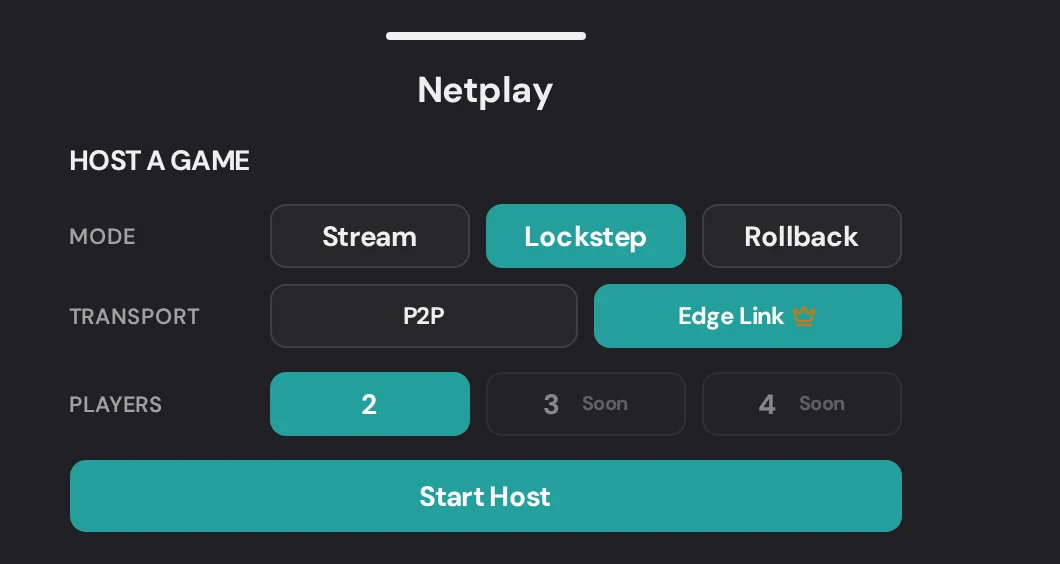
Online multiplayer: where Rebit pulls way ahead
Retro games aren’t just solo time capsules—half the magic of the 8-bit, 16-bit, and GBA eras was passing controllers or snapping in a Link Cable.
On Rebit, online multiplayer is built straight into the in-game menu across iPhone, iPad, Android, and desktop:
- GBA Link Cable (2–4 players, Rollback): Trade-evolve Pokémon in Emerald and FireRed, battle friends, or run 4-player co-op in Pokémon Quetzal.
- Classic 2P Netplay (NES, SNES, Genesis, PS1): Pick Rollback (instant local feel), Lockstep (steady on spotty connections), or Stream (only the host needs the ROM file!). Start free with P2P, or use Edge Link (Pro) when cellular CGNAT or hotel Wi-Fi blocks direct peer-to-peer.
- Nintendo DS WFC: Race Mario Kart DS or trade in Pokémon Platinum online via melonDS WFC.
If multiplayer with friends—especially friends on non-Apple devices—matters to you, Rebit isn’t just slightly better than Manic EMU; it’s in a completely different category.
The honest truth about 3DS & JIT on Manic EMU
Why do people download Manic EMU in the first place? Nintendo 3DS (Tomodachi Life, Pokémon X/Y, Animal Crossing: New Leaf, Ocarina of Time 3D).
Credit where it’s due: Manic EMU genuinely wins if you want 3DS on iOS, because Rebit focuses on 8-bit through PS1/NDS/N64/MS-DOS and does not emulate 3DS.
Just go in with realistic expectations about Apple’s App Store rules:
- Apple blocks JIT (Just-In-Time) compilation on standard App Store apps.
- Lighter 3DS titles run surprisingly well on an iPhone 15 Pro or 16 Pro without JIT, while heavier 3D games can stutter, drop audio, or drain battery fast unless you mess with external JIT workarounds every time iOS updates.
- You’ll also see people searching for Manic EMU PS1 BIOS or Manic EMU 3DS BIOS—remember that legitimate emulators never supply copyrighted BIOS or ROM files, and setups that require extra system files take more fiddling than Rebit’s plug-and-play cartridge cores.
RetroAchievements, controllers & day-to-day ergonomics
Both Rebit and Manic EMU support RetroAchievements and native iOS Bluetooth/USB-C controllers (Backbone One, GameSir G8 Galileo, 8BitDo SN30 Pro, PS5 DualSense, Xbox Series). Where day-to-day play feels noticeably different is library management and big-screen handoff:
- On Manic EMU, your ROMs live locally on your iPhone (or iCloud Drive) and stay inside Apple’s sandbox. That’s awesome if you want to swap custom 3DS skins on the couch, but moving a 400 MB PS1 game or a patched GBA ROM hack onto a Windows PC means digging through files manually.
- On Rebit, you upload a
.gba,.nds,.sfc, or.chdfile once—either from your iPhone or your laptop—and it immediately shows up with box art, cloud autosaves, and RetroAchievements tracking across every device you own. Pair a controller on your laptop or TV in Big Picture mode, finish a boss, and your iPhone already has the updated save waiting for your commute tomorrow morning.
So… is Manic EMU good? Which one should you pick?
Yes—Manic EMU is a genuinely good iOS emulator, especially if you want 3DS on a newer iPhone and love downloading community skins.
Here is the simplest way to decide (and plenty of retro fans keep both on their Home Screen):
- Pick Rebit as your main retro library for GBA, GB/GBC, NDS, PS1, SNES, NES, Genesis, N64, and MS-DOS—because you get automatic iPhone ↔ iPad ↔ PC ↔ Android cloud saves, 2–4P GBA Link Cable & Rollback/Stream online multiplayer, RetroAchievements, and zero file-management headaches.
- Keep Manic EMU as a specialist strictly for offline Nintendo 3DS games on iPhone/iPad.
And because standard cartridge battery saves (.sav, .srm, .dsv) are portable, you’re never trapped—you can export a .sav anytime and drop it straight into Rebit’s game page to pick up on desktop or jump into online multiplayer.
Frequently asked questions
Is there a Manic EMU for PC or Android?
No. Manic EMU is an iOS and iPadOS app—there is no official Manic EMU for Windows PC, Mac web browsers, or Android. If you want one emulator library that syncs automatically across iPhone, iPad, PC, Mac, and Android, Rebit covers all of them with built-in cloud saves.
What consoles does Rebit support compared to Manic EMU?
Rebit supports GBA, GB/GBC, Nintendo DS, PS1, NES, SNES, N64, Sega Genesis/Mega Drive, Master System, Game Gear, MS-DOS, and more across iOS, Android, and desktop browsers. Manic EMU adds Nintendo 3DS on iOS (subject to App Store no-JIT performance limits) but lacks Rebit’s cross-platform web/PC/Android client and online netplay.
Is Manic EMU safe to use?
Manic EMU is distributed through the official Apple App Store, which requires Apple’s standard sandboxing and review. Neither Manic EMU nor Rebit includes copyrighted ROMs—always use legal backups of games you own.
Which is better for Pokémon on iPhone: Rebit or Manic EMU?
For Gen 1–5 Pokémon (FireRed, Emerald, Platinum, HeartGold, Black 2) and GBA ROM hacks (Quetzal, Unbound, Radical Red), Rebit is better thanks to 2–4P online GBA Link Cable trading/co-op, DS WFC, and automatic iPhone ↔ PC cloud saves. If you specifically want Gen 6–7 (3DS), use Manic EMU.
Want to test cross-device cloud saves and online multiplayer on your iPhone right now? Grab the app from the Rebit Download page or launch app.rebit.cc in Safari. You can also check our Rebit vs Delta Emulator comparison and our full best emulator for iPhone & iPad in 2026 guide.