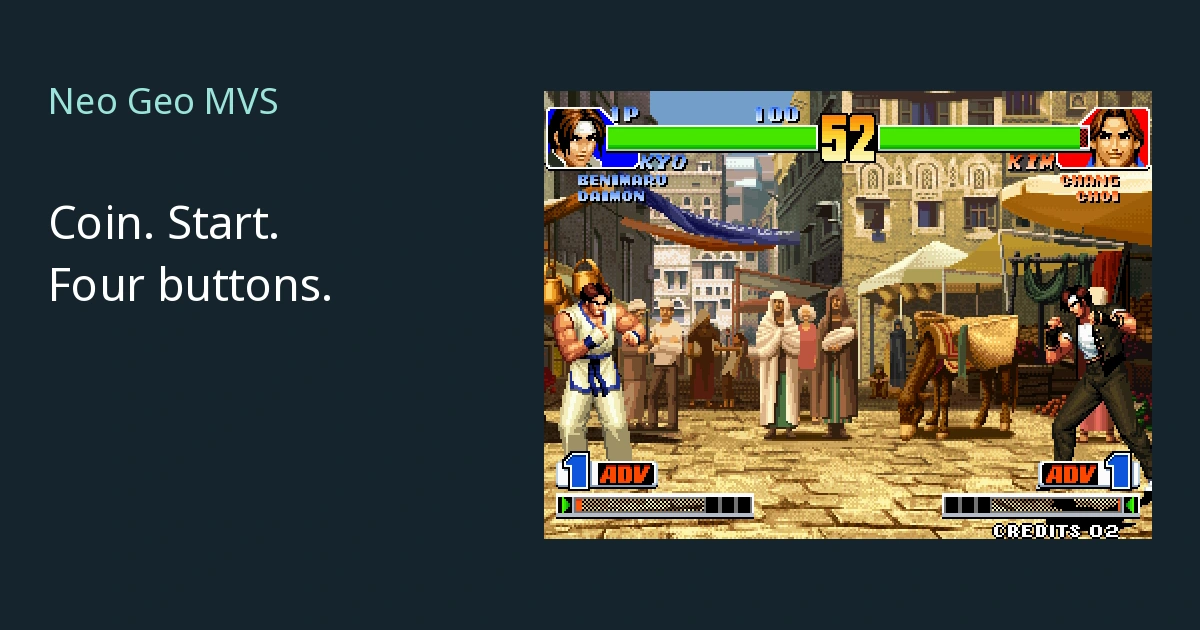
The Neo Geo button layout is a stick and four action buttons: A, B, C, D. On Rebit's default arcade touch panel, A and B are the lower pair; C and D sit above them. Coin and Start are separate. If The King of Fighters ’98 is cheerfully showing you fights but won't let you pick a team, try Coin once, then Start before you touch the action buttons. The cabinet is waiting for a credit, not for a punch.
Reading the Neo Geo button layout on a phone
Arcade instructions talk about the letters printed on the cabinet. A controller may have its own letters printed on the plastic. When a move list says A, it means the Neo Geo input, not necessarily the button marked A on a modern pad. That's a small distinction until you try a string of moves and every punch comes out as a kick.
| Neo Geo input | Position on Rebit’s default touch action panel | In KOF ’98 |
|---|---|---|
| A | Lower left | Light punch |
| B | Lower right | Light kick |
| C | Upper left | Heavy punch |
| D | Upper right | Heavy kick |
Here's a way to remember it without learning four arbitrary letters: in KOF ’98, left is punch, right is kick; lower is light, upper is heavy. Try each attack once with your character standing still, away from your opponent. Don't try to diagnose a quarter-circle move until you know which ordinary attack you're sending. And don't carry the attack names over to Metal Slug. The hardware inputs keep their names; the game decides what they do.
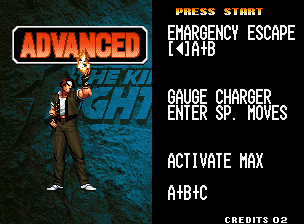
Coin buys the credit; Start spends it
Think of walking up to a machine with a match already playing on screen. Is it someone else's round, or is the cabinet showing its attract sequence? On an emulated MVS board the demo is still there. A working picture, sound and two beautifully animated fighters aren't proof you're controlling either one.
- Watch the title or credit display. If the game is asking for a coin, tap Coin once and look for the credit count or prompt to change. You're sending a cabinet switch input, not making a payment to Rebit.
- Press Start after there's a credit. That asks the game to begin. Depending on the game, you might see a character choice, a team selection or the opening of the first stage. There's no universal console-style main menu.
- Move a selection before confirming it. In a fighter, move the highlight one place and back. Once the match starts, make your character walk and then do one standing attack. Now you know that Start, direction and at least one action input all work.
If Start does nothing, watch what happens when you use Coin by itself. A credit that increases is a much better clue than pressing all six inputs together. If a match starts but the wrong attack comes out, you can leave the ZIP and BIOS alone: neither swapping a set nor inserting five more credits will change where light punch is mapped.
Switching from KOF to Street Fighter II
Both games run under Arcade on Rebit, but you're walking up to a different control panel. Neo Geo MVS games use four action buttons. A six-button Capcom fighter gives you three punches and three kicks. If light attacks work in Street Fighter II but you can't find the strongest punch on the face buttons, you haven't imported a four-button version of the game.
On Rebit's default six-button CPS layout the face buttons provide two punches and two kicks. Left shoulder is strong punch; right shoulder is strong kick. Try them separately while standing still. A guide written around a six-button arcade stick may tell you to hit the far-right button in either row. Translate the attack, not the spot your finger would occupy on the original cabinet. That habit pays off the next time you jump between Capcom and SNK.
What if the problem comes before the title screen?
These controls only help once the board is actually running. Start from Rebit’s player with your own FinalBurn Neo game ZIP. For MVS, Rebit supplies the BIOS; you don't need to add neogeo.zip. If the upload names a game and lists missing entries, that's a file issue, not a controller issue. The FBNeo missing-files guide explains how to distinguish an incomplete clone from an unsupported game.
If your plan is to play with a friend, get one credit working locally before opening a Stream room. Stream shares the host's running game; it isn't arcade rollback or lockstep. A useful first check is to let the guest make a deliberate selection when the game expects their input. Watching the same attract sequence on two screens only tells you the picture is getting through. Seeing the cursor move when your friend asks for Terry is the part that matters.
How Neo Geo button layouts vary across genres
Remembering that A, B, C, and D are hardware labels rather than fixed actions pays off as soon as you switch genres on the same MVS core. SNK's four-button cabinet was famously flexible, and developers reassigned those four inputs to fit whatever style of game they were building:
| Classic MVS series | Button A | Button B | Button C | Button D |
|---|---|---|---|---|
| The King of Fighters | Light punch | Light kick | Heavy punch | Heavy kick |
| Metal Slug | Shoot | Jump | Throw grenade | Unused (or special in later entries) |
| Samurai Shodown | Light slash | Medium slash | Kick | Heavy slash / dodge (varies by entry) |
| Windjammers / sports | Lob / action | Pass / throw | Secondary action | Unused |
Because Metal Slug puts Shoot on A (lower left), Jump on B (lower right), and Grenade on C (upper left), your thumb naturally rolls between fire and jump without hunting for shoulder triggers. In Samurai Shodown, testing each standing button once at the start of round one saves you from whiffing a slow heavy slash when you meant to poke.
Controller ergonomics: touchscreen vs. Bluetooth gamepad
Playing fighters on a phone touchscreen is all about clean thumb travel. On Rebit's default touch panel, keeping A and B along the lower row with C and D directly above lets you press simultaneous two-button inputs—like A + B for rolling in KOF '98 or C + D for a knockdown blow—without awkward finger gymnastics.
If you pair a Bluetooth or USB controller (Xbox, DualSense, 8BitDo, or an arcade fightstick):
- Test one standing normal per button before jumping into a combo trial or a Stream room with a friend.
- Keep Coin and Start out of your main thumb zone. Accidentally tapping Coin mid-match is harmless, but bumping Start can pause or interrupt focus depending on the game.
- Check shoulder assignments when switching to CPS2. Capcom's six-button fighters (Super Street Fighter II Turbo, Darkstalkers, Marvel vs. Capcom) put Strong Punch on Left Shoulder and Strong Kick on Right Shoulder by default so all six strengths remain reachable on a standard four-face-button pad.
Common first-round snags (and fast fixes)
- Attract mode looks responsive, but my character won't move. You are watching the cabinet's demo loop. Insert a credit with Coin, wait for the credit counter at the bottom of the screen to change from
CREDIT 00toCREDIT 01, then press Start. - My browser ignores keyboard or gamepad presses. Click once inside the game canvas to focus the player. Browsers route keystrokes to the address bar or page scroll until the player has focus.
- Guest inputs feel delayed in a Stream room. Remember that Arcade multiplayer on Rebit uses Stream rooms—the host runs the cabinet locally while the guest sends inputs over the network and watches the live video stream. A wired connection or strong 5 GHz Wi-Fi on both ends keeps fighting-game timing much steadier.
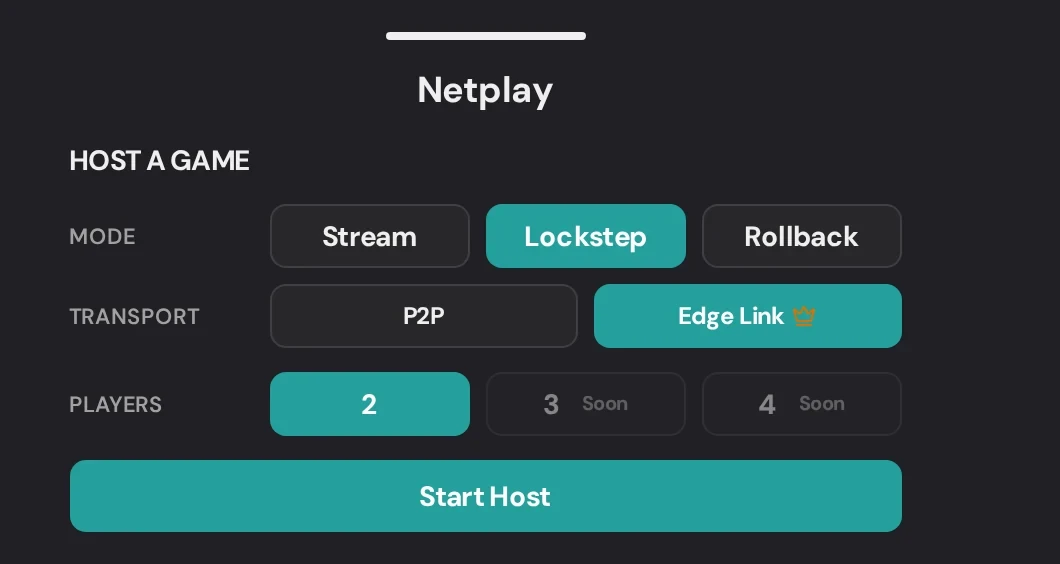 Hosting a Stream room in Rebit lets a friend join your arcade session with a single room code while your device runs the board.