An FBNeo missing files error that names your game is good news in disguise: Rebit recognized the board. Don't rename the ZIP or go hunting for a BIOS. Read the set name and the missing entries in the message, then check whether your ZIP is a split clone. The Rebit arcade player needs a non-merged clone: one archive containing both the clone's own data and the shared game data it uses from its parent.
Read the error before changing the archive
There are two different dead ends here, and they call for different fixes. If the upload says “This looks like…” followed by a title and a short set name in parentheses, write down that short name. It identifies the edition you're trying to rebuild, not just the lettering on the marquee. Rebit also tells you how many entries are absent and names up to eight of them. An ellipsis means there's more to fix than the preview can show.
If instead you see “This ZIP is not an arcade game Rebit can play,” there's no identified set to complete yet. Check the board and format first. Rebit uses FinalBurn Neo for Capcom CPS1/CPS2 and SNK Neo Geo MVS. A game being coin-operated isn't enough; neither is a ZIP being playable somewhere else. The SNES edition of Final Fight and the CPS arcade game aren't interchangeable dumps, even if a file manager gives them the same icon. A home console port doesn't become an arcade set when you zip it up.
Why FBNeo missing files errors turn up with clones
Imagine two editions of the same fighting game. The revised board might change program data but still use much of the original artwork and sound. In a split collection, the parent archive stores common data and the clone archive keeps only what's different. That arrangement saves space on a machine that can consult both archives. Take only the little clone ZIP out of that collection and you've left part of the game on the shelf.
A non-merged clone carries the game data it needs inside its own ZIP. That's what you want here. It doesn't mean putting parent.zip and clone.zip inside a third ZIP, nor does it mean throwing every revision of Street Fighter II into one bag and hoping the emulator picks your favorite. Keep one playable edition per upload. Regional versions and revisions are worth keeping distinct, especially when you're trying to revisit a particular board you remember.
Repair a working copy, not your only dump
- Keep your original board dumps untouched. Work in a separate folder. Record the game, edition and short set name from the upload error so you don't accidentally switch to another revision halfway through.
- Audit that edition against FinalBurn Neo's set definition. A DAT is an inventory of expected file sizes and checksums, not a source of game data. Use it with your ROM audit tool to check the files you've dumped from hardware you own. A matching filename by itself isn't a match for the expected bytes.
- Rebuild the clone as non-merged from your own verified files. If your audit says a required entry isn't present in your source, stop there. Go back to your original backup or dump the relevant chip from your own board with equipment appropriate for it. A rebuild can reorganize data; it can't recreate data you never supplied.
- Upload the rebuilt game ZIP under Arcade. Leave the entries together. Rebit looks at CRCs inside the archive, assigns the set name and chooses the core. You don't need to guess a special spelling for the outer filename. Launch the recognized game and check that the version on screen is the one you intended to keep.
Is neogeo.zip the missing piece?
Not on Rebit. The Neo Geo BIOS is already supplied for its MVS core. The BIOS and a clone's parent game data are different things. If the missing-file message identifies your Metal Slug set and lists game entries, uploading a BIOS won't supply them. Conversely, having a BIOS doesn't give you a game to run. Rebit never supplies game ROMs.
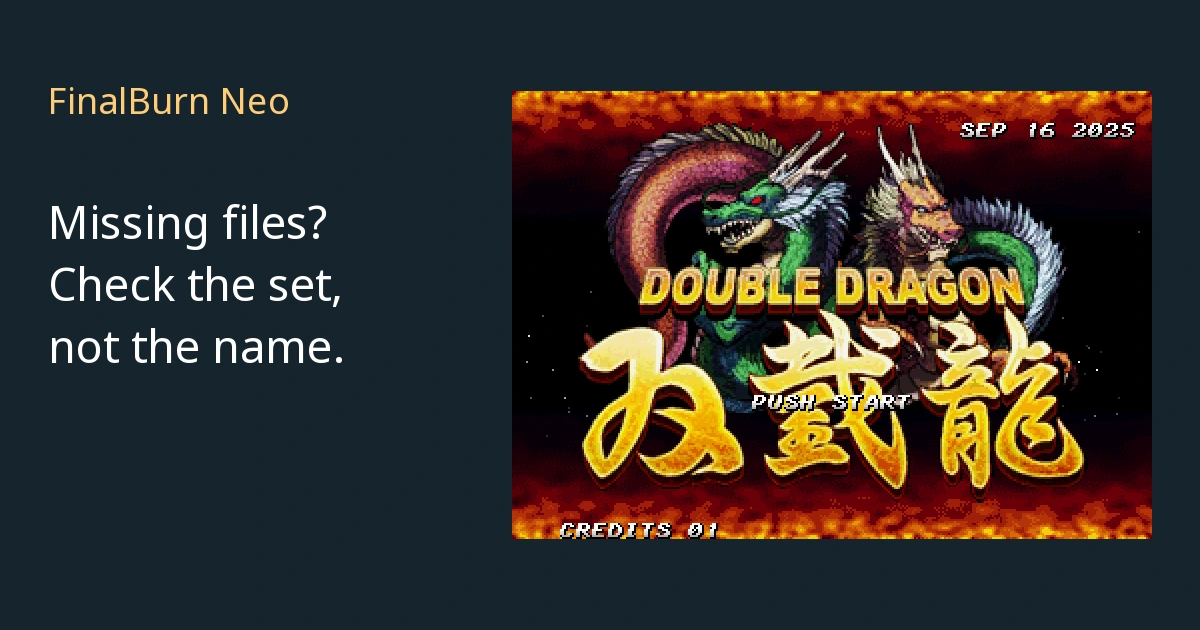
Want a clean starting point without tearing apart your collection? Double Dragon One is free Neo Geo homebrew available from its developer on itch.io. Choose the arcade build intended for an emulator rather than assuming every file included with a homebrew release is itself a game ZIP. Keep the developer's original package intact. A working homebrew game is useful for separating “I can't get any arcade game started” from “this particular clone is incomplete.” It doesn't prove that your other ZIP has the right contents.
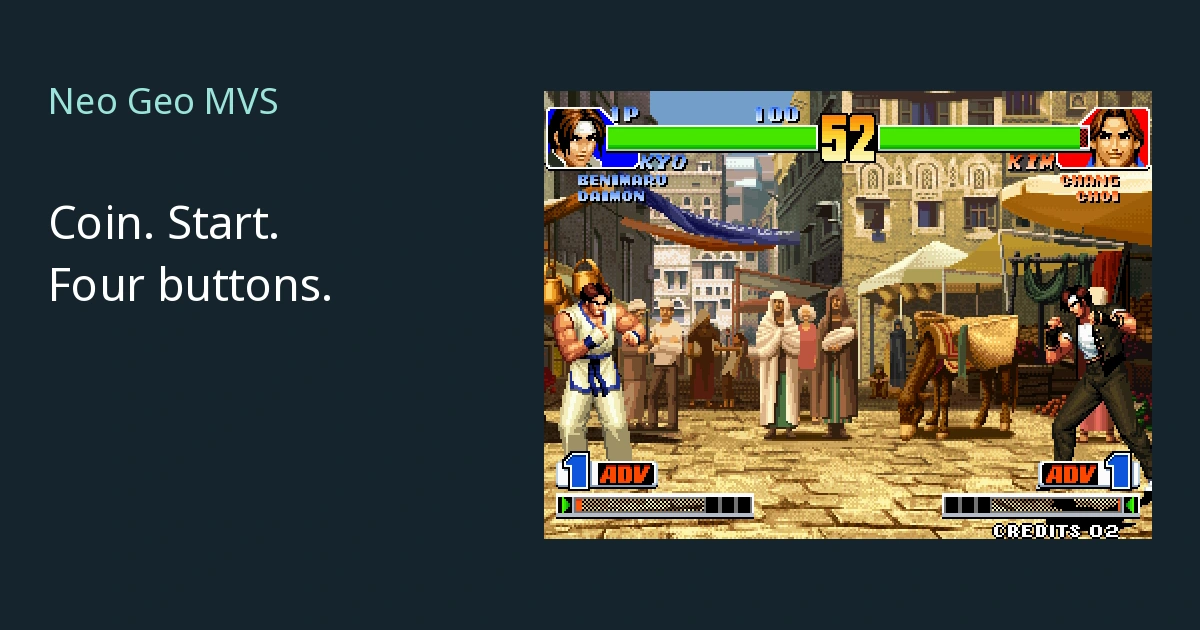
Once your game reaches the attract screen, stop repairing the ZIP. That's the cabinet waiting for a customer, not necessarily a frozen menu. Try Coin, then Start. The Neo Geo button layout guide walks through that first credit and explains where the four action buttons go.