Pokemon ROM Hack Saves: How to Protect GBA Progress Before 2026 Updates
If you are browsing Pokemon ROM hack saves advice after watching a 2026 showcase, the important question is not which hack belongs at the top of a list. It is whether your progress will survive when a demo changes, a sequel gets a new build, a difficulty hack adjusts scripts, or a GBA-style project expects a fresh save.
This guide is not a ranking and not a download guide. It is a save-continuity checklist for supported files you are legally allowed to use. Use legally owned game files, use lawfully distributed patches, and follow the hack author's compatibility notes. Rebit does not provide games, ROM hacks, patches, copyrighted ROM downloads, BIOS files, firmware, torrents, acquisition instructions, or patching services.
Quick answer: back up the in-game save before changing the game file
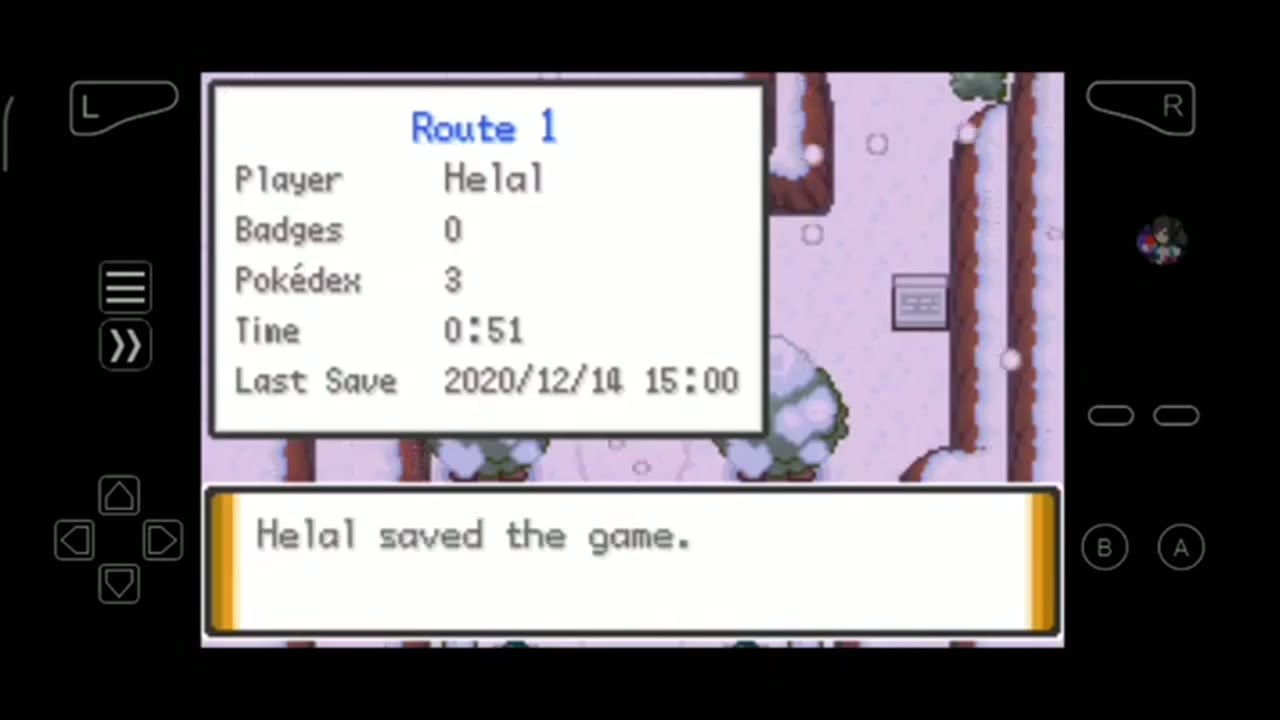
Before you start or update a Pokemon ROM hack in 2026, protect the in-game save first. Open the current version, save inside the game at a stable point, export or copy the supported .sav/SRAM-style save, and keep the old game file plus save in an untouched backup folder. Save states are useful as a second recovery layer, but old states can be brittle after a ROM-hack update. Test every updated build on a copy, verify your party, location, items, and story progress, then make a fresh in-game save and a fresh manual state before trusting the new version.
A save backup is not a compatibility guarantee. If the hack author says the update requires a new game, preserve the old run and start fresh rather than forcing old progress into a build that was not designed for it.
Why 2026 Pokemon ROM hacks create save risk
Searches around the best Pokemon ROM hacks 2026 often happen before a player commits to a long run. That discovery moment can involve demos, remakes, sequels, difficulty-oriented hacks, balance updates, or projects that are still changing. Those are exactly the situations where save discipline matters.
A Pokemon-style RPG save can carry hours of party building, story flags, items, badges or equivalent progress markers, money, playtime, and challenge-run decisions. A version change can alter maps, scripts, encounters, event flags, or assumptions about where the player is allowed to continue. Even when an update is meant to be compatible, the safest workflow is to test it as if something could go wrong.
There is also a simple organization problem. If you try several Pokemon GBA ROM hacks 2026 recommendations across different builds, it becomes easy to confuse which .sav, .srm, autosave, or manual state belongs to which game file. Clear backups prevent a fun experiment from becoming a lost-progress cleanup job.
In-game saves vs save states for Pokemon-style hacks
The first save-safety habit is knowing which layer you are protecting.
In-game or battery saves are the main continuity file
An in-game save, battery save, SRAM save, .sav, or .srm is the progress file the game expects when it starts normally. If a Pokemon-style hack supports continuing across versions, this is usually the layer you want to preserve first.
Use it before any risky change. Load the current build, move to a stable area, save through the game's own menu, then back up that in-game save file where your emulator or Rebit workflow supports it. Rebit's saves, screenshots, and cheats docs describe manual states, autosaves, in-game saves, uploading existing .srm or .sav files, exporting in-game saves after saving inside the game, and downloading saves you want to keep.
Save states are useful, but more version-sensitive
A save state is an emulator snapshot of an exact moment. It can include the current scene, memory, runtime conditions, emulator/core behavior, and state slot assumptions. That makes states excellent before a difficult battle, a Nuzlocke risk, a long dungeon, a route transition, or an experiment.
It also makes old states less reliable around hack updates. If the game file, core, runtime, or internal data changed, an old state may load strangely or fail even when the in-game save is still usable. Rebit's broader cloud saves for retro games positioning is strongest when in-game saves and save states are used together: normal saves as the continuity layer, states as an extra recovery layer.
Autosaves and thumbnails are extra context, not proof
Autosaves can help after interruptions, and thumbnails or screenshots can make it easier to identify where a save was created. Treat them as helpful context, not the only copy of important progress. A thumbnail that shows the right route or menu does not prove an old save will survive a hack update.
Pre-update save-safety checklist
Use this checklist before replacing a file, uploading an updated build, or trying to keep save data after a ROM hack update.
1. Read the hack author's compatibility notes
Start with the author's official notes for the update you already have lawful access to. Look for whether existing saves are supported, whether a new save is required, whether certain areas are unsafe, or whether the update expects a particular previous version.
Keep this high-level and legal. Do not hunt for copyrighted files, patched ROMs, source lists, checksums, or base-game acquisition advice. The only safe assumption is that your old save belongs with the exact legal file and hack line it was created for unless the author says otherwise.
2. Open the old version and save inside the game
Before changing anything, open the current version that still loads your progress. Save normally inside the game from a stable location. Avoid mid-battle moments, trades, link rooms, scripted cutscenes, map transitions, demo-end triggers, or unusual event states.
The goal is to refresh the game-owned progress layer while the old build still works. If a later test fails, you want the cleanest possible rollback point.
3. Export, download, or copy the in-game save
Back up the supported in-game save file before touching the game file. For GBA-style play, common examples include .sav or SRAM-style saves where the game and emulator support them. Some workflows use .srm; the exact file type depends on the system, emulator/core, and save handling.
If you use Rebit, work from copies. The docs explain how to upload an existing .srm or .sav in-game save and how to export an in-game save after saving inside the game. That can make supported save files easier to see and manage, but it does not replace an untouched backup outside the risky update attempt.
4. Make one manual state as a secondary recovery point
Create a manual save state before the update, then label or remember what it represents: location, party, badges or story flags, key items, money, playtime, and the last major event. This gives you a second recovery layer if you need to inspect where you were.
Do not rely on that state as the only backup. After a ROM-hack update, the old state is more brittle than the in-game save because it depends on the exact runtime context that created it.
5. Keep untouched old copies
Create a folder or archive that you do not edit during the update attempt. Keep the old game file, the old in-game save, and any states you care about. If your run matters, add a short note with non-sensitive progress markers so you can verify the right save later.
A useful backup is boring: it sits unchanged while you test duplicates.
6. Patch or update only a copy
Apply a lawfully distributed patch only to a copy of your own legally owned game file, outside Rebit. This article will not list patch tools, patch sources, base-ROM sources, file names, checksums, or step-by-step patching menus.
Rebit should not be treated as a ROM-hack patcher, compatibility checker, automatic migration tool, or guarantee that every old save will work with a new file. Keep the old build intact until the new build proves itself.
7. Launch the new build before importing or overwriting saves
Upload or open the updated file only after you have backups. For supported browser play, Rebit's upload your legally owned game file page explains the private-library starting point for supported formats and ZIP handling. Launching the new build is a test; it is not proof that the old save is safe.
If the updated file does not start normally, stop before moving saves around. Keep the backup untouched.
8. Verify real progress before trusting the update
When the updated build launches and a supported in-game save workflow can load your progress, verify visible facts instead of trusting the filename. Check your party, location, inventory, money, playtime, badges or story equivalents, unlocked routes, and the last major event.
Walk around a safe area, open menus, and make a fresh in-game save inside the updated version. Then create a fresh manual state that belongs to the updated game file. Keep the old backup until several normal save/load cycles work.
Use Rebit as the save-management layer, not the patching step
Rebit fits this workflow when you have supported game files you are legally allowed to use and you want a clearer browser library around them. You can play GBA games online for supported Game Boy Advance files, use in-game saves and save states where supported, and keep progress easier to return to from your private library.
The practical Rebit habit is simple: keep the progress layers separate. Use the game-owned save as your primary continuity file. Use manual states before risky sections. Treat autosave as an extra safety net. Export, download, or copy important progress before any version change. Test updated builds on copies before trusting them with long runs.
For a broader browser setup, Rebit also helps you play retro games online in a browser with legally owned supported files. The qualified CTA is save-first: if you are testing a Pokemon-style GBA hack you can legally use, back up the in-game .sav/SRAM, keep a manual state as a second layer, upload supported files to your private Rebit library, and verify the updated build on a copy before continuing.
What this guide intentionally will not cover
To keep this article safe and focused, it does not explain:
- where to obtain Pokemon games, ROMs, ROM hacks, patched ROMs, base games, BIOS files, firmware, emulator cores, torrents, third-party saves, or downloads
- how to identify, source, dump, match, convert, rename, acquire, or verify a copyrighted base game file
- how to navigate source-video description links, creator recommendations, Discords, download pages, or game-specific URLs
- exact patch-tool menus, patch formats, folder paths, checksums, file names, or desktop setup steps
- how to bypass hack-author compatibility notes or force an update that requires a fresh save
- any promise that every
.sav,.srm, save state, autosave, emulator, core, browser, game revision, hack version, or Pokemon-style project will work everywhere
The safe rule is the same across setups: use your own lawful files, preserve old progress first, test on copies, and delete nothing until the new version has survived normal play.
FAQ
How do I protect Pokemon ROM hack saves before an update?
Open the current version, save inside the game at a stable point, export or copy the in-game or battery save, keep a manual state as a secondary fallback, and test the updated build on a copy before overwriting anything.
Is a save state enough for a Pokemon ROM hack update?
No. A save state is useful, but it should not be the only backup. The safer primary backup is the game's own in-game or battery save file because old states can be brittle when the ROM-hack version, emulator core, or runtime context changes.
Can old save data work after a ROM hack update?
Sometimes. It depends on the hack author's compatibility notes, the exact legal file and revision you used, the save format, the emulator/core, and where you saved. If the author says the update requires a new save, do not force old progress into it.
What should I back up before trying a 2026 Pokemon GBA ROM hack?
Back up the old game file, the in-game save file such as .sav or .srm where supported, and any manual state you care about. Keep those copies untouched until the new or updated build has passed several normal load/save checks.
Can I upload an existing .sav or .srm file to Rebit?
Rebit docs describe uploading compatible .srm or .sav in-game save files through the In-game save area. Compatibility still depends on the game, system, source save, destination behavior, and update, so upload a copy and verify progress before deleting originals.
Does Rebit provide Pokemon ROM hacks or patches?
No. Rebit is for supported browser play with legally owned game files that users bring themselves. Rebit does not provide ROMs, Pokemon games, ROM hacks, patches, BIOS files, firmware, torrents, acquisition instructions, or patching services.
Should an article about the best Pokemon ROM hacks in 2026 list download sources?
No. This guide uses current ROM-hack interest only as context for save safety. It does not provide download sources, patch sources, base-game instructions, source-description links, or acquisition guidance.