After You Patch a Pokemon ROM Hack: Save Tests Before You Play for Hours
A Pokemon-style GBA ROM hack can boot, show the title screen, and even load a state without proving your long-term progress is safe. The risky moment is usually quieter: you changed a patch version, switched files, moved devices, renamed something, or started a browser workflow before checking that the game's own Continue screen still understands your save.
This guide focuses on that transition moment after setup or before a patch update. It is for players using their own legally owned game files, lawful patches applied to their own backups, or self-patched files they are allowed to use. Rebit does not provide Pokemon games, ROM hacks, patches, BIOS or firmware files, source links, copyrighted downloads, or instructions for obtaining copyrighted files. You are responsible for the laws and rights that apply to your files, and Rebit is not affiliated with Pokemon, Nintendo, or any ROM-hack project.
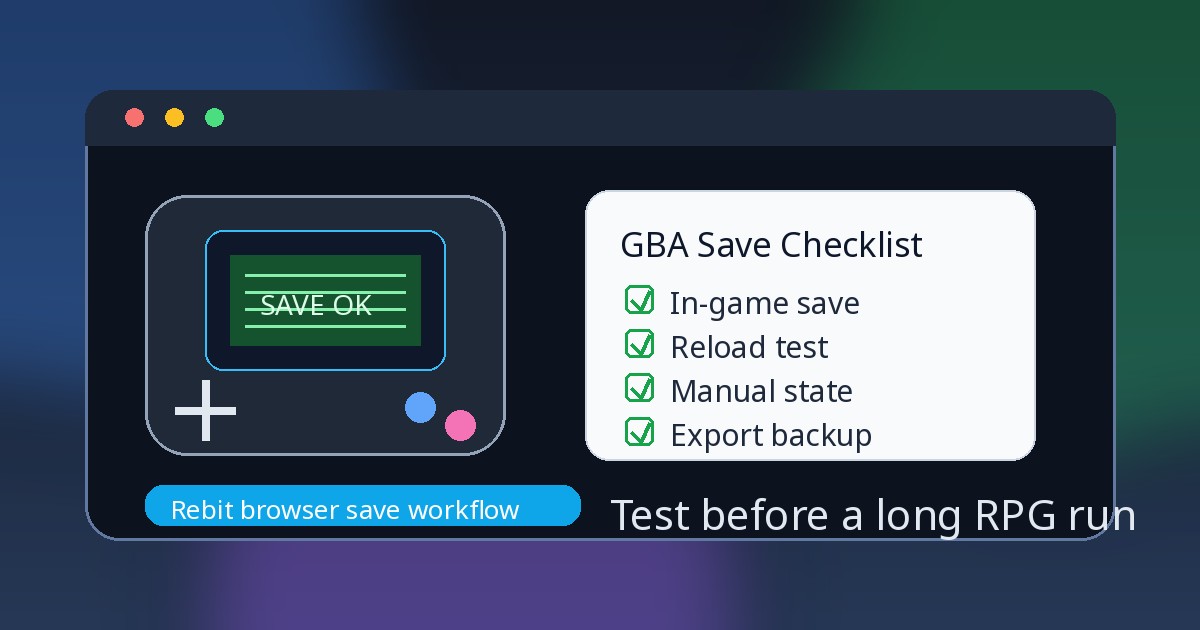
Quick answer: the patch-update save test
Before you trust a Pokemon ROM hack after patching or updating, use this order:
- Keep the old known-good patched file before changing versions.
- Save inside the game on the current working version, then export or download the in-game save.
- Test the new patch or setup with a copy of the save, not your only progress file.
- Reload through the game's own Continue or Load screen before trusting any save state.
- Create a fresh manual state only after the in-game save works on the updated setup.
- In Rebit, use supported user-owned
.gbafiles, the in-game save layer, manual states, autosave as backup, and Export In-Game Save before risky changes.
If you are new to the browser workflow, start with how to play GBA games online or how to upload ROM and play online, then come back to this checklist before a serious run.
Why patch and base-version details can affect saves
Many Pokemon-style ROM hacks depend on a specific base game revision, region, or patch version. A later update may change maps, scripts, event flags, progression logic, difficulty options, or the way the hack expects save data to line up. That does not mean every update breaks saves. It means you should not treat every patched file as interchangeable.
The safe habit is simple: follow the hack creator's compatibility notes at a high level, keep your old known-good file, and test on a copy. Do not combine patch changes with filename changes, browser changes, device changes, and save-file moves all in the same step. When everything changes at once, you cannot tell which layer caused a blank Continue screen.
Also keep the legal boundary clear. This article is not a patching tutorial, ROM-finding guide, or third-party save-file guide. It assumes you already have files you are allowed to use and want to protect your own progress.
The three progress layers you must separate
1. In-game save / SRAM / .sav / .srm
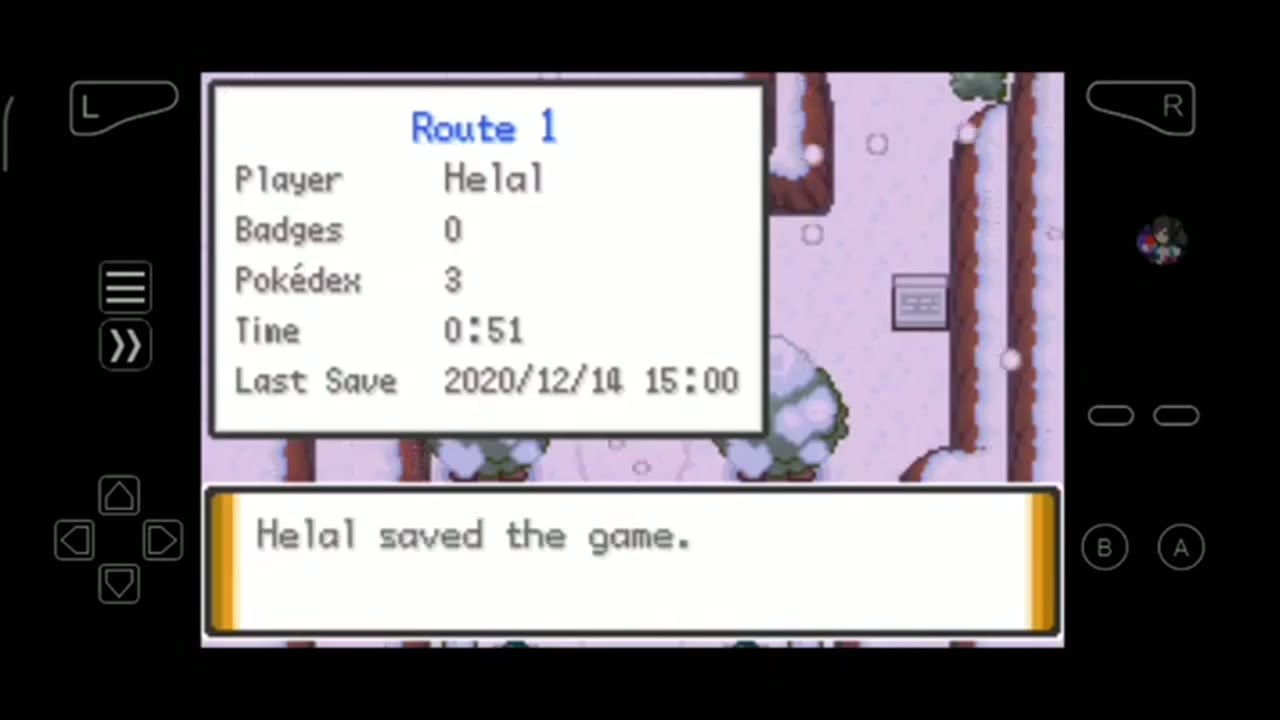
The in-game save is the save the game itself writes through its own menu, save point, or normal battery-backed routine. Depending on the emulator or workflow, a compatible in-game save may appear as SRAM, .sav, or .srm.
For a long Pokemon ROM-hack run, this is the foundation. If the game itself can see the save from its Continue or Load screen after a reload, you have a safer base for exports, imports, browser play, and patch-version tests. Rebit's saves, screenshots, and cheats docs show the Manual, Auto, and In-game save tabs, plus compatible .srm / .sav upload and in-game save export.
2. Manual save state
A manual save state captures the exact emulator moment: memory, screen, timing, player position, menus, and runtime context. It is useful before a boss, rival battle, route split, puzzle, shiny check, or challenge-run decision.
It is also more fragile across patch versions, emulator cores, game files, browsers, and devices. Treat manual states as convenient checkpoints after the in-game save works, not as proof that your updated hack is safe.
3. Autosave
Autosave is a background safety net. It can help if your tab closes, your phone sleeps, or you forget to create a manual checkpoint. It can also preserve a bad moment, a failed load, or a state after you made the wrong change.
Use autosave, but do not confuse it with the game's own save data. The deeper guide to save states vs in-game saves explains why the order should be boring: in-game save first, manual state second, autosave in the background.
Before updating a Pokemon ROM hack version
Run this checklist before you replace or update a patched file you already trust:
- Confirm the current hack and version are the ones your save already works with.
- Keep the old known-good patched file somewhere safe.
- Save inside the game on the current version.
- Export or download the in-game save.
- Keep existing manual states as secondary backups, not as migration proof.
- Test the new patch or updated setup with a copy of the save.
- Load through the game's own Continue or Load screen before playing further.
- Save in-game again on the updated setup, close or reset once, and confirm it still appears.
- Create a fresh manual state only after the updated setup loads and saves normally.
The most important rule: do not change the patch version, browser, device, filename, and save file all at once. Change one thing, test, then move to the next thing.
If the run matters, write down the old version and the new version in plain language. You do not need a complicated spreadsheet. A note like "working save tested on version X before trying version Y" can save a lot of guessing later.
A Rebit browser workflow for supported GBA files
Rebit supports Game Boy Advance browser play for supported .gba files through the mGBA core. It is useful when you want a browser library, visible save layers, autosave and manual states, screenshots, and exportable in-game saves for user-owned files. It is not a promise that every hack, patch, browser, device, save file, or advanced emulator workflow will behave identically.
A cautious Rebit routine looks like this:
- Upload one supported
.gbafile that you legally own or are allowed to use. - Launch it and test the title screen, controls, audio, and first menu.
- Save inside the game as soon as the game allows it.
- Close, reset, or reload once.
- Use the game's own Continue or Load screen to confirm the save appears.
- Open Rebit saves and review the Manual, Auto, and In-game layers.
- Create a manual Save State only after the in-game save is confirmed.
- Use Export In-Game Save after saving inside the game and before a patch update, browser move, device change, or risky experiment.
- Keep the exported in-game save as your recovery point until the updated setup has been tested.
For the product-level save story, Rebit's cloud saves for retro games page explains the browser library angle. For the broader Pokemon first-session routine, use the related Pokemon GBA ROM-hack save safety checklist. This article is narrower: it is about the patch/update test before you keep playing.
What if the Continue screen is blank after a patch update?
Stop before overwriting anything. A blank Continue screen does not automatically mean all progress is gone, but every random fix you try on the only copy increases the risk.
Use this order:
- Keep every current file and save entry you still have.
- Return to the old known-good patched file if you kept it.
- Test the exported in-game save on the old working version first.
- Check the hack creator's compatibility notes at a high level for patch-version save warnings.
- If a save state loads but the in-game save is missing, do not assume the state is portable. From a safe point, save inside the game if possible, then export a fresh in-game save.
- Test the updated setup with a copy, then reload through the game's Continue or Load screen.
Do not troubleshoot on your only copy. Do not delete the old setup until the new one loads, saves, closes, and reopens correctly.
When native mGBA still matters
A browser workflow is convenient, but it does not replace every native emulator use case. Native mGBA may still be the better fit for advanced local settings, offline-only play, local file control, Lua-script workflows, or hack-specific tools that depend on a desktop emulator setup.
Rebit's value is different: supported browser play, a private library for user-owned files, clear save layers, manual states, autosave, screenshots, and in-game save export without digging through emulator folders. If you are comparing workflows, the mGBA setup vs browser GBA setup article gives a fuller tradeoff.
The practical recommendation is not "browser always wins" or "native always wins." Use the tool that matches the run. For patch-update safety, the core habit is the same either way: in-game save, export or backup, copy test, Continue screen, then fresh state.
Link Cable note: test saves before trades or battles
If you plan to trade, battle, or use compatible GBA Link Cable features, run the save test before the room. Rebit's GBA Link Cable docs note that Link Cable is GBA-only, works with compatible games, and uses each player's latest in-game SRAM save. If Rebit cannot find an in-game save, a linked session may start blank.
Before important linked play:
- Every player should use a GBA file they are allowed to use.
- Use the same game and revision where possible.
- Save in-game before the room starts.
- Run a short test before important trades, battles, or larger rooms.
- Export important in-game saves before and after high-stakes sessions.
Keep this section short in your actual routine. Link Cable has its own compatibility concerns; it should not be the first place you discover that a patch update broke the normal Continue screen.
Mistakes to avoid
Avoid these common save traps:
- Relying on one save state before proving the in-game save works.
- Updating a patch over the only working file.
- Assuming save states are portable across patch versions, emulator cores, browsers, or devices.
- Treating autosave as the same thing as SRAM or the game's own in-game save.
- Changing the patch version, filename, save file, browser, and device in one step.
- Deleting the old working setup before the new version loads, saves, closes, and reopens.
- Searching for or downloading copyrighted ROMs, third-party saves, BIOS files, or unsafe sources instead of protecting your own legal files and save data.
FAQ
Will my Pokemon ROM hack save work after a patch update?
Maybe, but do not assume it. Keep the old known-good file, export the in-game save, test a copy on the new version, and confirm progress through the game's own Continue or Load screen before continuing your main run.
Are Pokemon ROM hack save states safe to use after updating?
Treat save states as secondary checkpoints. They can depend on the emulator core, patch version, game file, timing, and state format. Verify the in-game save first, then create a fresh manual state on the updated setup.
Should I use .sav or .srm for a GBA ROM hack save?
Compatible in-game save files may appear as .sav or .srm depending on the emulator workflow. In Rebit, compatible .srm or .sav in-game saves can be uploaded and in-game saves can be exported, but the real proof is whether the game itself loads the progress.
Can I play Pokemon GBA ROM hacks in Rebit?
Rebit supports browser play for supported Game Boy Advance .gba files through mGBA when users provide files they are legally allowed to use. Do not treat that as a guarantee that every hack, patch version, save type, browser, device, or advanced local-emulator feature will work.
Does Rebit provide Pokemon ROM hacks or patches?
No. Rebit does not provide Pokemon games, ROM hacks, patches, BIOS or firmware files, source links, copyrighted downloads, or instructions for obtaining copyrighted files. Users bring their own legally owned files and are responsible for local law and rights.
What should I do if my Continue screen is blank after updating a hack?
Stop before overwriting anything. Return to the old known-good file if possible, test the exported in-game save there, check compatibility notes at a high level, and only create new states after the in-game save works again.
Is Rebit better than native mGBA for Pokemon ROM hacks?
Not universally. Native mGBA can be better for offline local control, advanced settings, and Lua or script-heavy workflows. Rebit is useful for supported browser play, organized save layers, autosave, manual states, in-game save exports, and a private library for user-owned files.
Final recommendation
Use a deliberately boring patch-update routine: keep the old known-good file, save inside the game, export the in-game save, test a copy on the new setup, confirm the Continue screen, then create a fresh manual state. That sequence protects the save layer the game actually understands before you rely on emulator convenience layers.
If you want a browser-first place to test the routine, try Rebit with one supported GBA file you legally own. Upload it, launch it, save inside the game, confirm the Continue screen, create a manual state, and export the in-game save before any patch update, device change, or important linked session.