GBA RPG Save Checklist: Test Saves Before You Lose Progress
A long GBA RPG run can feel safe for hours before the first real problem appears. The game launches. Battles work. The menu opens. A save state loads. Then, after a browser change, patch update, device switch, or multiplayer setup, the normal Continue screen is empty.
That is exactly what this checklist is meant to prevent.
Use it before you commit serious time to a Game Boy Advance RPG, tactics game, monster-collecting campaign, or ROM hack you patched from your own legally owned game file. Rebit can help you play GBA games online from a browser library and keep save tools organized, but the safest habit is still simple: prove the in-game save works before you rely on save states or autosave.
Quick answer: the 10-minute save test
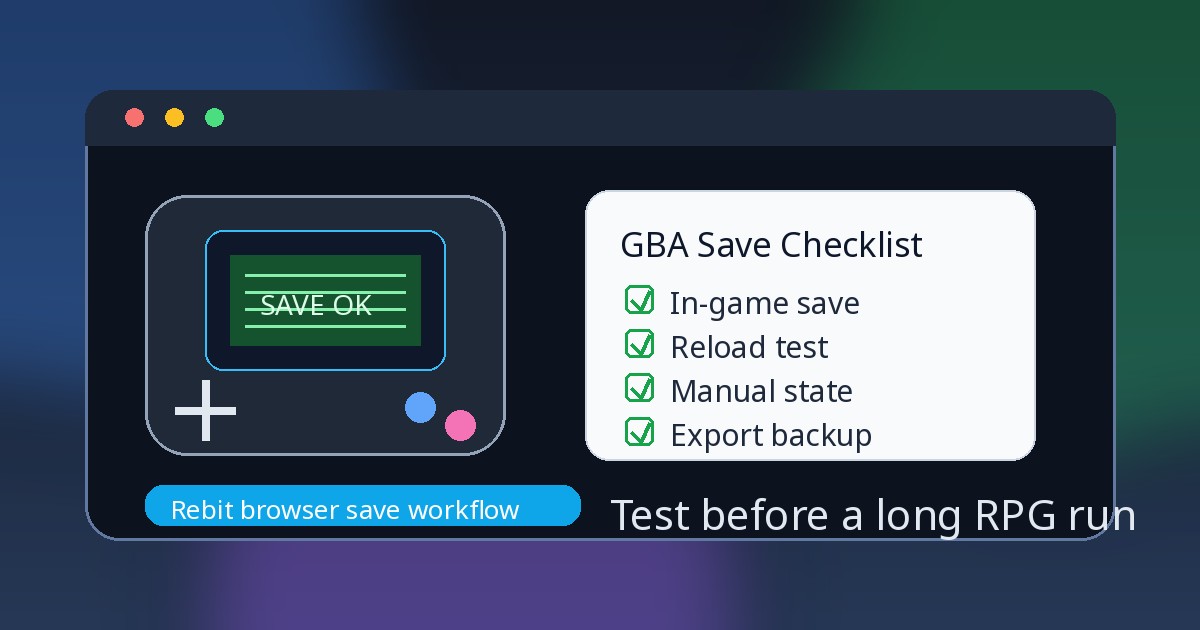
Before a long GBA RPG session, do this once:
- Start from your own legally owned
.gbafile or a patched file you created from it. - Reach the first normal save point or save menu.
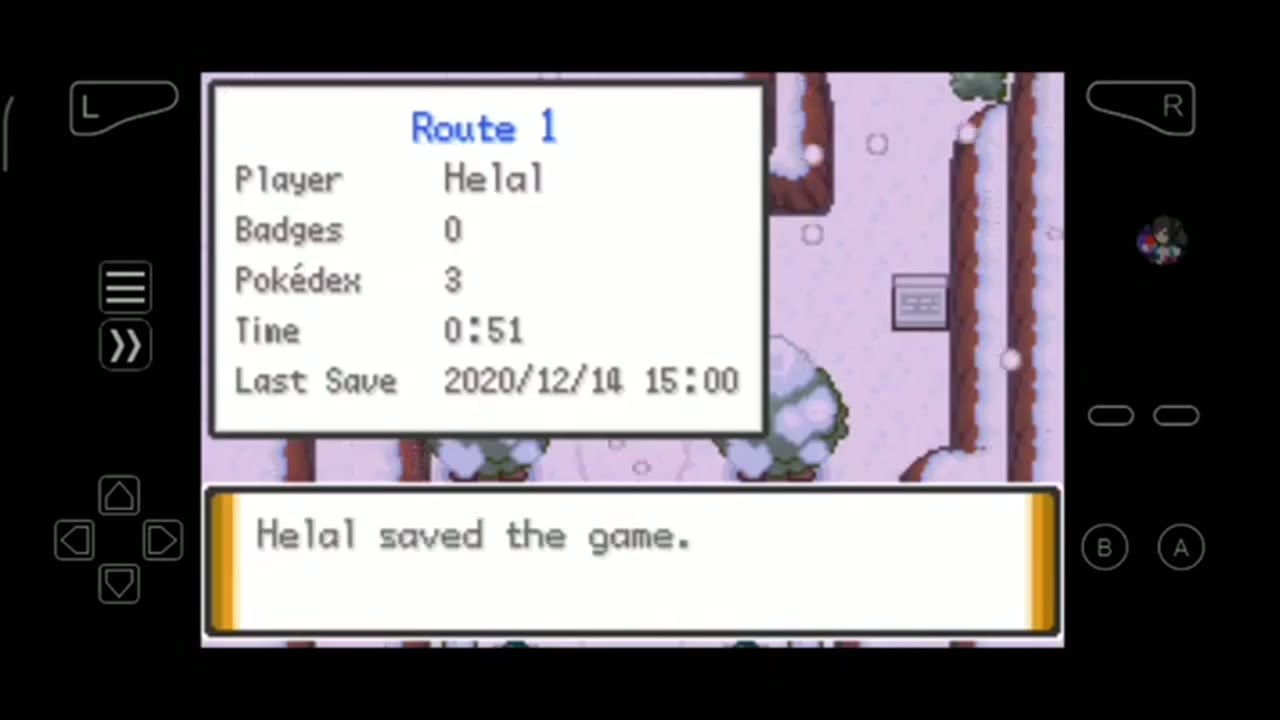
- Save inside the game.
- Quit, reset, or reload once and confirm the game's own Continue or Load screen sees the save.
- Create a manual save state only after that in-game save is confirmed.
- Export or copy the in-game save before patch changes, browser/device changes, important trades, or Link Cable sessions.
If the in-game save fails during this early test, stop and diagnose it before investing hours. A save problem after ten minutes is annoying. A save problem after forty hours is painful.
Why GBA RPG saves deserve extra care
GBA RPGs usually ask for more save discipline than short arcade-style games. Party data, inventory, story flags, map progress, trainer or character state, and post-game unlocks may all depend on the game's own save system. ROM hacks add another variable because patch version, base revision, and compatibility notes can affect whether old progress behaves as expected.
Emulators and browser play add useful tools, but also more layers:
- the game's own in-game save
.savor.srmfiles used by emulator workflows- manual save states
- autosave states
- account-backed or browser-backed storage
- exported backups
- linked-session save behavior
Those layers are not interchangeable. For a deeper general explanation, read Rebit's guide to save states vs in-game saves. This article focuses on the practical GBA RPG routine: save in-game first, reload once, then layer other backups on top.
The three save layers to understand
1. In-game save / SRAM / battery-style save
An in-game save is the progress the game itself writes and expects to load. Players often call this SRAM, battery save, .sav, .srm, or save memory, depending on the emulator and game. For safety, think about the player-facing behavior first: did the game save through its own menu, save point, or normal save routine?
For long RPG progress, this is the foundation. If the game can load the progress through its own title screen or Continue menu, you have a better base for device moves, exports, and future testing.
In Rebit, the save tools separate this layer as In-game. The saves, screenshots, and cheats docs explain how to open Open Saves, review Manual, Auto, and In-game saves, upload compatible .srm or .sav files, and use Export In-Game Save after saving inside the game.
2. Manual save state
A save state is an emulator snapshot of an exact moment. It is useful before a boss, puzzle, trade, route test, difficult dungeon, or interruption. It is not the same as the game's own save file.
A state may depend on the same emulator core, same game file, same patch version, same region or revision, and a stable point in gameplay. That is why the safest order is in-game save first, state second.
3. Autosave
Autosave is a backup layer. It can help if a tab closes or you forget to make a manual state, but it can also capture a bad moment: a failed load, a wrong menu choice, a soft-lock, or a mistake right after it happens.
Use autosave as help in the background. Do not use it as the only proof that a long campaign is safe.
The GBA RPG save checklist
Before starting the real run
Use this routine the first time you launch a GBA RPG, Pokemon-style adventure, tactics game, or legally self-patched ROM hack in a new setup.
- Confirm the file launches as the expected GBA game or patched hack.
- Write down the hack version and base revision if you are testing a patch.
- Reach the first normal in-game save point as soon as the game allows it.
- Save inside the game.
- Quit, reset, or reload once.
- Use the game's own Continue or Load flow to confirm the save appears.
- Create a manual Save State after the in-game save passes.
- If using Rebit, open Open Saves -> In-game and confirm the in-game layer is present where expected.
- Export or copy the in-game save if the run matters.
The key test is not whether the emulator can preserve a moment. The key test is whether the game itself can see and reload its own progress.
Before a ROM hack update or patch change
ROM hacks can be safe and fun to play when you use your own legally owned source file and follow the creator's patch/version notes. They also deserve extra caution because a new patch may change events, maps, save expectations, or compatibility.
Before changing versions:
- Keep the old patched file until the new setup is verified.
- Keep the patch version and base revision notes.
- Save inside the game on the current version.
- Export or copy the current
.sav/.srmin-game save. - Keep any manual save state as a secondary backup, not the only backup.
- Test the new patched file with a copy of the save.
- Reload through the game's own menu before deleting anything old.
- Create a fresh manual state only after the updated setup loads and saves normally.
Avoid changing too many things at once. If you change the patch version, browser, device, filename, and save file all in one move, it becomes much harder to know what broke.
Before moving devices or changing browsers
A browser library can make retro play easier to continue, especially when paired with cloud saves for retro games, but you should still verify important progress before deleting the old setup.
Before switching:
- Save inside the game.
- Reload once on the original setup.
- Export or copy the in-game save.
- Keep save states separately as backup checkpoints.
- Upload or import the in-game save on the new setup.
- Load progress from the game's own menu.
- Create a fresh manual state after the new setup works.
- Keep the old copy until you have played, saved, closed, and reopened successfully.
For a fuller migration workflow, use the guide on how to move retro saves between devices.
Before GBA Link Cable trades or battles
Linked GBA sessions need the right in-game progress available before the room starts. In Rebit, GBA Link Cable sessions use the latest in-game save layer for each player; a regular save state is not the same thing.
Before a trade, battle, or larger room:
- Each player should use a compatible GBA game and revision when possible.
- Each player should save inside the game before joining.
- Confirm the expected party, items, or progress appears from the in-game load screen.
- Start with a short 2P test before high-stakes trades, battles, or larger 3P/4P sessions.
- If something desyncs or looks wrong, restart and test again before saving over important progress.
- After the linked session, use the game save routine and the Link Cable save flow before leaving.
Keep the GBA Link Cable docs nearby if you are setting up a room. Link Cable is powerful, but it is still a feature where matching game revisions and testing early matter.
Common save problems and what they usually mean
The save state loads, but the game has no Continue option
You probably created a state without saving inside the game, or the state is from a moment before the in-game save existed. Load the state if it still works, reach a safe point, save inside the game, then run the reload test.
The in-game save worked yesterday, but fails after a hack update
The patch version, base revision, changed events, or save structure may differ. Return to the old known-good patched file if you still have it, export the in-game save from there, and read the hack creator's migration notes. Do not experiment on your only copy.
The Link Cable room starts from a blank file
The linked session may not have found a current in-game save for that player. Save inside the game, verify it loads normally, then try the Link Cable flow again with matching compatible game files where possible.
A moved save state will not load on another device
That does not automatically mean the in-game save is gone. Save states can depend on emulator details, game file identity, patch version, timing, and state format. Try the in-game save first, then create a new manual state in the new setup.
A safer Rebit workflow for GBA RPGs
If you want fewer scattered folders and a clearer browser save routine, Rebit gives you a practical place to test the layers separately:
- Sign in to Rebit.
- Add your own legally owned Game Boy Advance file, or a patched file you created from your own legally owned game.
- Launch it from your library.
- Save inside the game as soon as the game allows it.
- Reload once and confirm the game's own save appears.
- Create a manual Save State.
- Use Open Saves to review Manual, Auto, and In-game saves.
- Use Upload Save File for compatible
.srmor.savin-game saves you already own from another emulator. - Use Export In-Game Save after saving inside the game and before risky changes.
- For linked play, test current in-game saves before opening important GBA Link Cable sessions.
Rebit does not provide copyrighted game files, and no save tool can guarantee every hack version, emulator state, or linked session will behave the same forever. The value is a more organized workflow: browser play, visible save layers, manual checkpoints, autosave support, and export/import tools for the saves you are allowed to use.
If you are starting a long campaign today, try the checklist with a short test session first. When the in-game save, reload, manual state, and export all work, you can play with much less anxiety.
FAQ
Are GBA save states the same as SRAM saves?
No. A save state is an emulator snapshot. SRAM or in-game save data is the progress layer the game itself expects to load. For long GBA RPGs, use the in-game save as the foundation and save states as checkpoints.
What should I test before starting a Pokemon-style ROM hack?
Use your own legally owned source file, follow the patch creator's version notes, save inside the game early, reload once, create a manual state, and export or copy the in-game save before playing for hours.
Can Rebit upload my existing GBA save file?
Rebit's save tools support compatible .srm and .sav in-game save files through Open Saves -> In-game -> Upload Save File. After uploading, launch the game and verify progress through the game's own load screen before relying on it.
Should I make a save state before every boss?
Use manual states when they help, especially before risky bosses, dungeons, trades, or experiments. Just do not let them replace normal in-game saves. The safest rhythm is in-game save for long-term progress, manual state for convenience, export/copy before risky changes.