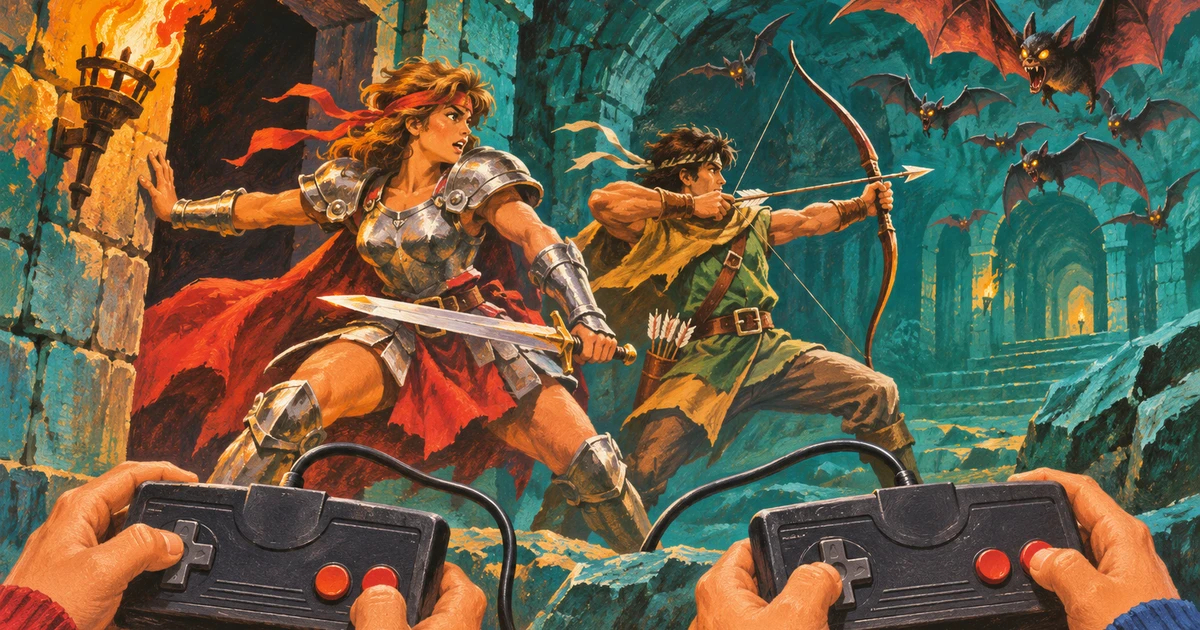
Looking for TurboGrafx 16 multiplayer games where both people actually get to play? Start with Dungeon Explorer for an evening of co-op, Bomberman for short competitive rounds, World Court Tennis for a head-to-head match, or Final Lap Twin for a split-screen race. All four are card games. The important bit isn't the number of players printed on the box. It's whether the mode you pick gives the other person something to do right now.
If you're playing apart, the PC Engine / TurboGrafx-16 browser player supports Stream rooms. The host runs a .pce backup they own. Their friend joins the room and sends input back. Think of it as plugging a second pad into the same game, not as booting two independent copies that find each other online. That distinction explains most of the setup questions people have before the first round.
TurboGrafx 16 multiplayer games: pick the kind of night first
| Game | What player two does | Best time to pick it |
|---|---|---|
| Dungeon Explorer | Fights alongside another adventurer on a shared screen | You want one shared objective rather than a scoreboard |
| Bomberman | Plants bombs and tries to outlast the opposition in battle mode | Someone might have to leave after one round |
| World Court Tennis | Returns serves and rallies across the net | You want clearly separated sides and an easy input check |
| Final Lap Twin | Drives a second car with a separate view | You want a race without fighting over a shared camera |
A good first game is the one that makes success obvious. A second car steering into the grass is a more useful setup signal than two people arguing about whether a flashing character-select cursor moved. If neither of you knows the platform yet, start with tennis or racing to get comfortable. Then load the game you were both saving for a proper evening.
Dungeon Explorer: co-op where staying together matters
Pick the original HuCard Dungeon Explorer, not Dungeon Explorer II for Super CD-ROM². The first game gets at what's wonderful about this little machine: compact rooms, a surprisingly crowded screen, and a group of adventurers who are considerably better off moving together. One player can work on the enemy generators while the other clears the monsters they keep spitting out. You aren't just dividing the screen in half; you're buying each other time.
For a first outing, choose characters you can tell apart at a glance. There's enough going on in a doorway without two people trying to work out whose sprite is wedged behind a wall. Agree which way you're going before someone crosses into the next area. If one player keeps taking hits while adjusting their controls, don't run ahead to see what's in the next chamber. Make a little safe space, let them practice moving and firing in different directions, and tackle the next generator together.
The original hardware's reputation for big multiplayer parties is well deserved, but don't plan a browser session around the maximum player count on an old box. This guide is for a host and one guest. Start from the game's opening menus with both people present rather than opening a room in the middle of a solo run and assuming the second character will appear. A room assigns an input; it's still the game that decides when another character joins the adventure.
Bomberman: choose battle, not the solo campaign
The joy of a Bomberman duel is how a completely empty corridor can become a terrible place to stand in the space of two button presses. Give the newcomer one quiet round to learn bomb placement and escape routes. A bomb's blast runs along the grid. Standing just around a solid corner beats frantically walking backward down the same corridor. Once both people can place a bomb and survive it, the teaching round has done its job.
Choose the battle mode on the original PC Engine/TurboGrafx-16 Bomberman. Don't start the normal single-player adventure and spend the first stage looking for a second hero. Make sure both human participants are represented before beginning a round; watching a computer-controlled character run about is not proof that the guest's pad works. Ask your friend to walk into an identifiable corner before you start blowing up the scenery.
Bomberman is the best of these four for a short visit because nobody has to remember a quest, tune a car or finish a set. It's also the least forgiving of an uneven connection: a late turn that doesn't matter in a menu can be the difference between ducking behind a block and catching your own blast. If movement feels consistently late, try the connection checks below before blaming the guest's reflexes.
World Court Tennis: a match, not the quest
This is the one to put on when someone says they don't know any TurboGrafx games. They already know what a tennis court is. Choose an ordinary two-player match and take opposite sides; the whimsical quest is a different attraction, not the fastest way to get two humans serving and returning balls. Check who controls which end before keeping score. The far player on an old tennis court can feel much smaller than their opponent close to the camera.
Use the first few serves to find a comfortable contact point rather than trying to paint the lines. If your friend can move left and right between points but keeps missing returns, you've already learned something: the directional input is reaching the host. Work on positioning before changing the controller configuration. If they cannot move at all, back out and check whether you selected a human opponent. Those two symptoms feel equally frustrating in the moment and have entirely different fixes.
Final Lap Twin: make sure each driver has a car
Sometimes the best feature for two players isn't co-op at all. It's having your own view. Final Lap Twin splits the race so one driver's trip into the scenery doesn't drag the other driver's camera along. Pick a two-player race rather than the quest. Before the start, have each person identify their half of the screen. Both players see the same composite picture in a Stream room; joining from another device doesn't give the guest a private full-screen dashboard.
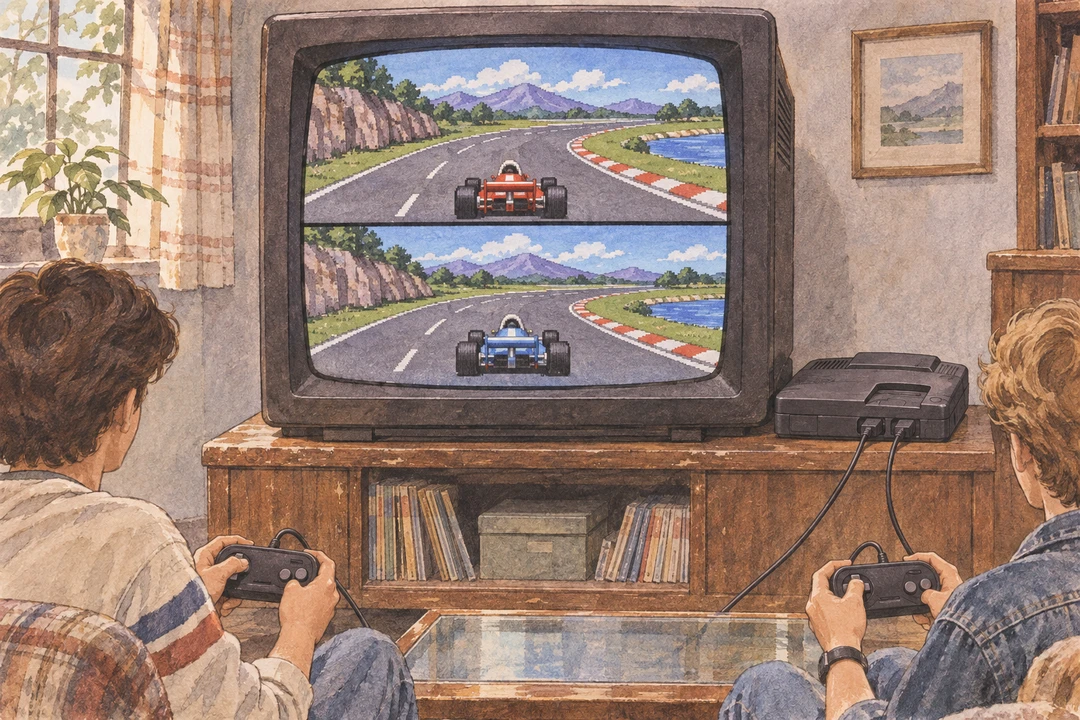
For a first race, agree to finish the lap even after a mistake. Someone new to the controls learns the corners by taking them, not by restarting every time the more experienced player gets a better start. If you're joining on a small display and can't read the road on half a screen, enlarge the game view or switch to a larger screen before changing games. If the split view itself is the problem, tennis or Bomberman leaves more room for the action.
How to host the two-player game in a browser
- Start with a cartridge backup you own. Use the actual
.pcefile for the HuCard release. A.cueplus audio or data tracks belongs to a disc release. See the PC Engine vs TurboGrafx-16 format guide if a sequel's packaging has left you unsure. - The host opens the game first. Add the file to the Rebit library, select PC Engine / TurboGrafx-16 if choosing manually, and launch it in the browser. Get as far as an interactive title menu. There's no point diagnosing a guest connection while the host is still trying to get the game to boot.
- Host a Stream room from the in-game menu. Share the room code with the guest. Only the host needs the game file. PC Engine multiplayer on Rebit is Stream only; instructions for SNES Rollback or Lockstep don't apply here. The Rebit netplay guide covers the general room flow.
- Choose the game's multiplayer mode with the guest present. If you have already started a single-player campaign, return to the game's own menu and select the appropriate battle, match or race. Don't overwrite an existing adventure's progress just to test player two; a fresh short match is a better test.
- Test an action for each player separately. Have the host move while the guest stays still, then reverse roles. In Bomberman, walk in different directions before either player drops a bomb. Once you can distinguish both actions, you have a much stronger signal than a room that merely shows two connected names.
When the guest can see the game but can't play
First ask one concrete question: “Can you see me move right now?” If not, the frozen picture is the problem to solve first. If the host's movement is visible, check whether the software is expecting a second player at this point. Some title screens only accept menu input from player one. A guest failing to start the match from that screen doesn't prove their inputs will fail inside a two-player game. Let the host choose the mode and test again when both characters are on screen.
If both people can move but the guest overshoots corners, separate local input trouble from streaming delay. Does the host also overshoot? Try one deliberate press instead of holding the direction down. If the host feels normal and only the guest sees a late response, pause competing uploads or video streams, and try a wired connection where practical. The route from guest input to host game and back as video takes time. Stream doesn't promise that a remote bomb dodge feels identical to a pad on the original console.
Finally, don't mistake alternating play for simultaneous play. A score screen listing two names can mean “take turns after losing a life.” That's a perfectly good way to trade attempts at a hard arcade game, but opening another room won't turn it into co-op. Pick the kind of evening you meant to have: one more mischievous Bomberman round before dinner, a full tennis match, or two adventurers trying to make it through the same dungeon door alive.