RetroArch Netplay or Browser Private Room? A Decision Checklist
RetroArch netplay is powerful when the whole group is ready to manage a local emulator setup together. A browser private room is better when the real problem is coordination: one friend needs a clear invite path, a Room ID, and a quick way to test a compatible game before the night becomes tech support.
This checklist is for choosing between those paths before you send the invite. It is not a ROM, BIOS, core, or router tutorial. Use your own legally owned game files, follow the current docs for the tool you choose, and avoid promising that any emulator, browser room, game, system, or network will work perfectly every time.
If your goal is simply to play retro games online with friends, Rebit's browser room flow can reduce setup friction for compatible games. If your group wants emulator-level control and already understands local RetroArch setup, RetroArch netplay may be the better fit.
Quick answer
Choose RetroArch netplay when everyone joining can align local emulator details: RetroArch version, compatible cores, legally owned matching content where required, playlists or imports, controllers, player order, and network choices.
Choose a browser private room when the group needs a shorter invite path: launch a compatible game, choose the right room mode, share a Room ID, confirm the guest can join, and test controls before committing to a long session.
Choose a specialized Rebit flow only when it fits the game and system. GB/GBC/GBA link-style play, Nintendo DS multiplayer, NES/SNES lockstep, and rollback modes are not all the same thing as ordinary netplay. Compatibility, matching files, player count, and connection quality still matter.
What the replacement RetroArch netplay source supports
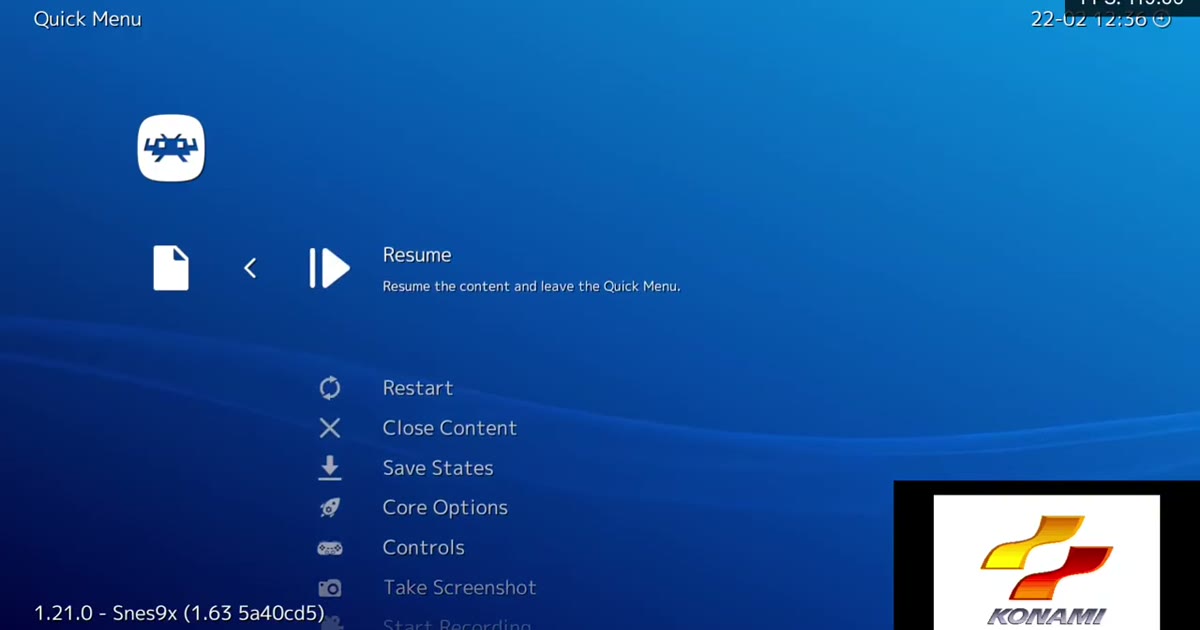
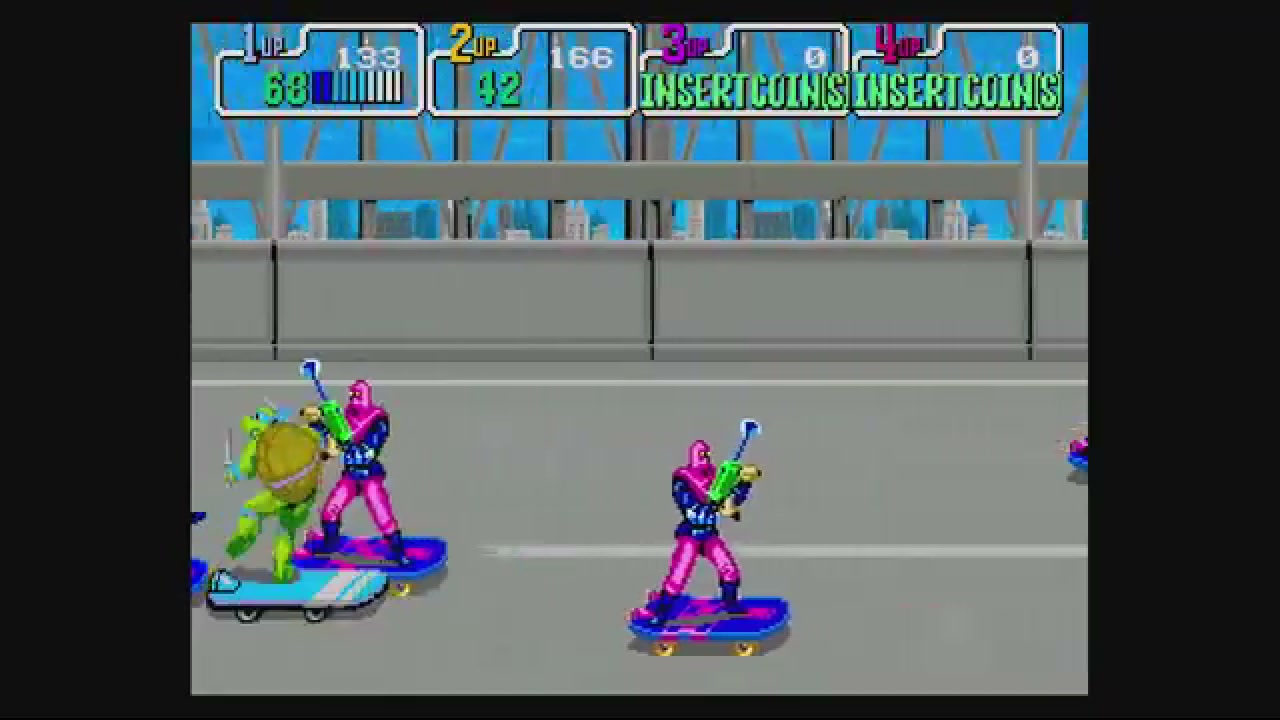
The replacement background source for this comparison is NintendoDuo's "TMNT Arcade Netplay On Wii U RetroArch - 2-Player Online Playthrough". It is useful because it records a RetroArch netplay session reaching active two-player arcade gameplay, not because it proves a universal setup recipe.
That evidence is narrower than a menu-by-menu host tutorial. It supports a simple point: RetroArch netplay can be the right tool for players who already have the required emulator environment, matching expectations, controls, and network assumptions sorted out before the session starts.
That is a perfectly reasonable path for players who like RetroArch and want control. It also shows why a less technical group can struggle before the first round starts. The hard part is not only pressing Host or Join. The hard part is getting every player aligned on local software, content, controllers, discovery, and network assumptions.
Keep the source claim conservative: it is one recorded two-player online playthrough with active gameplay. It does not prove that every game, core, platform, long-distance connection, relay choice, player count, or group setup will behave the same.
Decision checklist: RetroArch netplay or browser private room?
Use this table before you invite friends.
| Question | Choose RetroArch netplay when... | Choose a browser private room when... |
|---|---|---|
| Who is joining? | Everyone is comfortable with RetroArch menus, local emulator setup, cores, playlists, and controller mapping. | One friend needs a simpler browser invite and can follow a Room ID flow. |
| How much setup can the group tolerate? | Players are willing to update software, align versions, prepare content, and troubleshoot before playing. | The group wants fewer local setup decisions before testing a compatible game. |
| What does content matching require? | Everyone can legally use the required compatible or matching content/revision locally and understands the tool's expectations. | You want Rebit to guide the room flow and, where required, ask the guest to pick or upload a matching library game. |
| How private should discovery feel? | A RetroArch lobby, host list, manual server details, or emulator-level room workflow is acceptable. | You want to share a private Room ID in your own chat, or intentionally use Rebit active rooms. |
| Who owns network troubleshooting? | The host is comfortable evaluating relay, UPnP, server, LAN, and other network concepts using current RetroArch/Libretro docs. | The host wants user-facing choices such as Internet vs LAN, a fresh Room ID retry, and connection-quality checks. |
| Which system or mode is involved? | Advanced emulator-level behavior matters more than product simplicity, and the group accepts the setup work. | Rebit has a fitting flow for that compatible game/system/mode: ordinary Netplay, Link Cable, Nintendo DS Cloud Rooms, lockstep, or rollback where supported. |
| How will the group recover progress? | Local emulator save/state files and manual backup habits are fine. | Browser library, cloud saves, manual states, screenshots, and product docs are part of the return-to-play plan. |
The winner is not always the most advanced option. The winner is the setup your group can actually finish before game night turns into a support call.
When RetroArch netplay is the better choice
Use RetroArch netplay when the people joining already want the local-emulator workflow. That usually means they are comfortable keeping RetroArch current, checking core expectations, mapping controllers, reading current RetroArch or Libretro netplay docs, and understanding that compatible or matching game content may be required.
RetroArch is also a stronger fit when emulator-level control is the point. Some groups want to choose exact cores, inspect every setting, use a familiar local library, manage their own files, or experiment with advanced netplay behavior. For those players, the setup is not a burden; it is part of the hobby.
Just keep the invite honest. Do not tell a casual friend, "Join my RetroArch netplay room," if the real preflight is "Update your emulator, confirm the core, make sure the game revision matches, verify controller order, understand the host list, and maybe troubleshoot relay or network behavior." That may be fine for an enthusiast group. It is not a lightweight invite.
When a browser private room is the better choice
Use a browser private room when clarity matters more than emulator-level control. In Rebit, the high-level pattern is easier to explain: start a compatible game, open the appropriate multiplayer flow, choose Internet for remote friends or LAN only for the same local network, start the host room, share the Room ID, and test.
For details, point people to the multiplayer netplay docs instead of rewriting every button in the invite. If the group wants the broader Rebit multiplayer surface, the retro netplay page is the better starting link.
A browser private room does not magically remove latency, compatibility checks, matching files, or bad Wi-Fi. It can reduce the number of things a friend has to understand before the first test round. That is a practical advantage when you are hosting someone who wants to play, not configure.
If a reader wants a step-by-step private-room walkthrough, use the companion browser private-room setup guide. This article is the chooser; that guide is the button-by-button path.
The setup-friction test
Before choosing either path, ask five questions.
1. Can everyone explain what they need to prepare?
For RetroArch netplay, every player should know what local emulator setup, content compatibility, controller mapping, and network expectations apply to the session.
For a Rebit room, the host should know which room flow applies, whether the guest needs to pick or upload a matching game from their library, and whether the session should use Internet or LAN. If the answer is unclear, slow down and read the docs before inviting someone.
2. Is the game forgiving enough for a first test?
Fast fighting games and precision platformers expose delay quickly. Slower co-op games, arcade sports, beat-'em-ups, puzzle games, and turn-taking games are often easier first tests for retro games online multiplayer.
Do a short test round before serious progress. If the first game feels too sensitive, switch to a backup instead of spending the entire night tuning one title.
3. Are files and revisions legal and compatible?
Use legally owned game files only. Do not send friends to ROM, BIOS, core, database, or copyrighted-file sources. Do not treat a matching filename as proof that two files are compatible.
Depending on the tool and mode, matching or compatible files may be required. Rebit's upload path starts from the expectation that players bring your own legally owned game file, and the upload docs cover supported file handling without turning the article into acquisition advice.
4. Is discovery private enough?
Some RetroArch workflows use lobbies, host lists, manual server details, or other emulator-level discovery. That can be fine for public play or experienced groups.
For private retro game rooms, many hosts prefer a smaller mental model: "I made a room; here is the Room ID; join this game." Rebit also has active room discovery through the lobby when that is the intended flow, but a private invite should still be treated as a specific room for a specific compatible session.
5. Who troubleshoots if the first join fails?
If the group chooses RetroArch, the answer is usually: the host and guests follow current RetroArch or Libretro documentation for their exact setup.
If the group chooses Rebit, keep troubleshooting user-facing: verify Room ID, confirm Internet vs LAN, make a fresh room, test strong Wi-Fi or wired Ethernet, close bandwidth-heavy apps, and use the fix retro netplay lag checklist when connection quality looks like the bottleneck.
Rebit special cases: do not collapse every mode into netplay
A common mistake is calling every online retro multiplayer flow "netplay" and assuming every system behaves the same. That creates bad expectations.
For GB/GBC/GBA games that depend on link-style trading or battling, use the GBA Link Cable docs. That is a dedicated flow for compatible games, not ordinary RetroArch netplay in a browser wrapper.
For Nintendo DS multiplayer, use the Nintendo DS Cloud Rooms docs. Do not describe DS sessions as standard RetroArch netplay unless the product docs for that exact feature say so.
For NES and SNES deterministic sessions, Rebit may route users through supported lockstep or rollback flows where available. Keep the wording qualified: supported games, matching checks where required, and realistic network expectations. Do not imply that every NES or SNES title has the same mode, player count, or performance profile.
Legal and safety preflight
Use this checklist no matter which path you choose.
- Use your own legally owned game files.
- Do not use the article, invite, or group chat to share ROM, BIOS, emulator-core, database, or copyrighted-file acquisition links.
- Confirm the game, system, and multiplayer mode are compatible before inviting friends.
- Confirm matching or compatible files/revisions where the chosen flow requires them.
- Save inside the game or create a deliberate checkpoint before serious progress.
- Pick one backup game in case the first game is too delay-sensitive.
- Set expectations: browser rooms can reduce setup friction, but connection quality, host device, distance, game behavior, and mode support still matter.
A practical invite script
Here is the kind of message that keeps the session grounded:
I want to test this compatible game for ten minutes before we start. Use your own legally owned game file. I will make the room, send the Room ID, and we will confirm controls and connection first. If this game feels bad online, we will switch to the backup instead of troubleshooting forever.
For a RetroArch group, add the local setup requirements before the invite goes out. For a Rebit group, link the relevant docs and keep the Room ID visible in the same chat.
Final recommendation
Use RetroArch netplay when everyone already accepts the local-emulator preflight: current software, compatible cores, legal matching content where required, controllers, discovery, and network decisions.
Use a browser private room when the main job is getting a friend into a compatible retro game with less explanation. Rebit is not a universal replacement for every RetroArch feature, and it does not provide copyrighted ROM downloads. It is a browser-first room workflow for compatible games where a clear invite can matter more than emulator-level control.
If your group wants to try that lower-friction path, start with the docs, bring your own legally owned game file, create a room, share the Room ID, and test before the real game night begins.
FAQ
Is browser netplay a RetroArch netplay replacement?
No universal replacement claim is safe. Browser private rooms can be a lower-friction path for compatible friend sessions, while RetroArch remains strong for players who want local emulator control and advanced settings.
Do I need the same game file for RetroArch netplay?
Many netplay workflows depend on compatible or matching content/revisions. Use legally owned files and follow the current docs for the tool you choose. This article does not provide ROM sources or acquisition guidance.
Does Rebit remove port forwarding or relay issues?
Do not treat any browser room as a guarantee that every network problem disappears. Rebit's user-facing flow focuses on Room IDs, Internet vs LAN choices, active rooms where appropriate, and practical troubleshooting. Connection quality and network conditions still matter.
Can I use Rebit for GBA link-cable games?
Yes, where the game and mode are compatible, but it is a separate Link Cable flow rather than ordinary netplay. Use the GBA Link Cable docs and test before a serious session.
Does every retro game work online?
No. Compatibility depends on game, system, mode, emulator behavior, room setup, matching requirements, and network quality. Pick a forgiving first game and keep a backup.
Does Rebit provide ROM downloads?
No. Rebit is for your own legally owned game files and does not provide copyrighted ROM downloads.