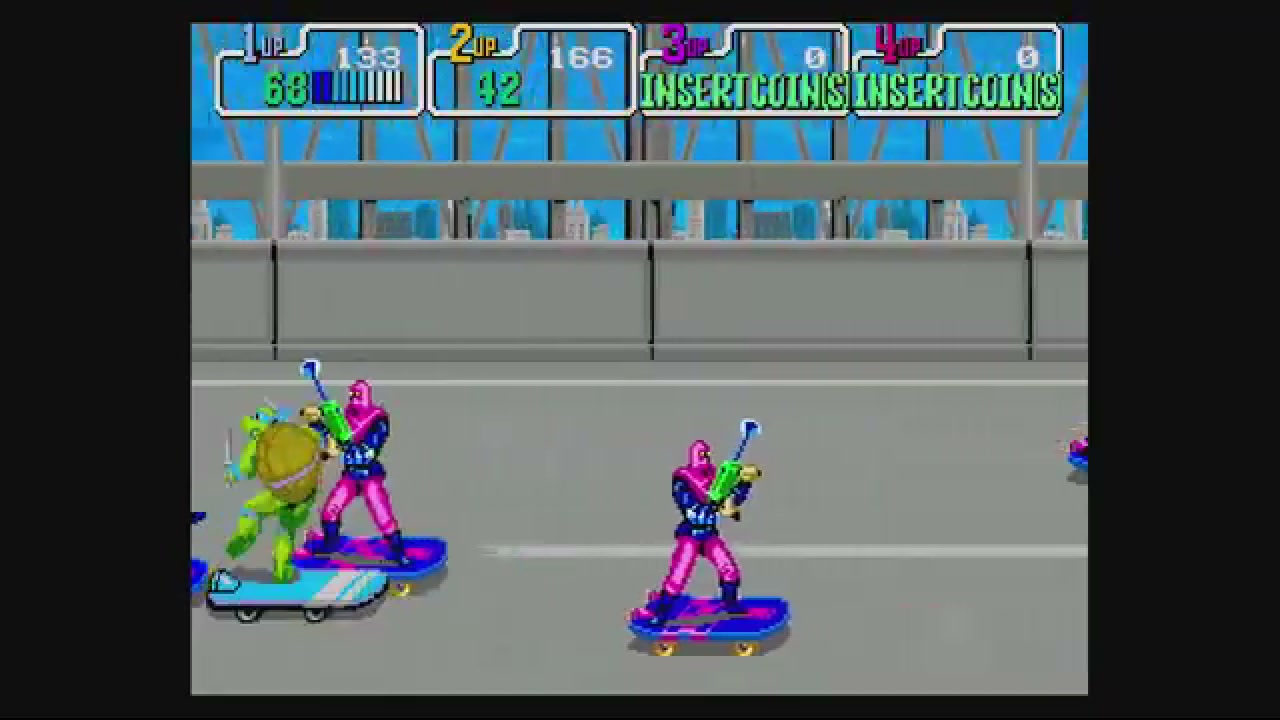
Retro Netplay Private Rooms: Browser Setup vs RetroArch Multiplayer
A private retro multiplayer night should not begin with everyone debugging emulator versions, router settings, player slots, and mismatched game files before the first round starts.
RetroArch netplay is powerful when every player is comfortable with emulator setup and wants detailed control. But if the real goal is to play retro games online with friends tonight, the smoother starting point is often a browser-based retro netplay private room: start a compatible game, choose the right room mode, share a Room ID, test controls, and keep expectations realistic.
Rebit is built around that lower-friction room flow for compatible games. It does not provide copyrighted ROM downloads, and players should bring their own legally owned game files. It also cannot guarantee perfect latency or universal game/core compatibility. The promise is more practical: less setup friction before friends can join.
Quick answer: when should you use a browser private room?
Use this short version if you are choosing a setup for tonight:
- If both players already use RetroArch, can match the same content/core/version, and want emulator-level control, RetroArch online multiplayer can be the right tool.
- If one friend just needs a clear invite path, a browser private room with a Room ID is usually easier to explain.
- In Rebit, the user-facing flow is: start a compatible game, open Netplay, choose Internet or LAN, select the supported player count, optionally enable Performance Mode, tap Start Host, copy the Room ID, and have your friend join by Room ID or from active rooms.
- Use Internet mode for remote friends. Use LAN only when players are on the same local network.
- No netplay setup removes every problem. Connection quality, game choice, player assignment, Wi-Fi, distance, and compatibility still matter.
Why RetroArch online multiplayer setup can feel hard
RetroArch netplay is not hard because the idea is bad. It is hard because a private session asks players to align several details before play can begin.
Depending on the system, core, game, and network, a RetroArch session may involve decisions like:
- whether every player has matching content where required
- whether the same or compatible core and version are being used
- whether the room is public, private, password-protected, or announced somewhere
- whether a relay, UPnP, or port-forwarding path is involved
- whether controllers and player slots are mapped the way the group expects
- whether the connection is stable enough for the game you picked
For hobbyists, that control is part of the appeal. RetroArch can be a great fit when everyone in the group understands the emulator stack and wants to tune it.
For a casual friend session, though, those same choices can turn a quick match into a setup maze. The person hosting is no longer only hosting a game. They are coordinating files, versions, room access, network assumptions, controls, and recovery plans.
That is the gap a retro netplay private-room workflow tries to narrow.
What a Rebit browser private room simplifies
A browser private room changes the shape of the job. Instead of walking a friend through a full local emulator netplay setup, the host can focus on the session path:
- Start the game from Rebit.
- Open Netplay.
- Choose Internet for remote play or LAN for same-network play.
- Use the supported player count for the room.
- Turn on Performance Mode if the game feels slow.
- Tap Start Host.
- Copy the Room ID.
- Send that Room ID to the friend.
- Have the friend enter the Room ID in Join a Game, or join from active rooms when appropriate.
That does not mean the browser magically fixes every netplay issue. It means the invite language becomes simpler:
I started the room. Here is the Room ID. Use Internet mode unless we are on the same Wi-Fi. We will test controls for two minutes before the real match.
That is easier to send than a long checklist about emulator cores, content directories, server visibility, passwords, and router behavior.
The Rebit lobby also gives public or discoverable sessions a place to be seen when you are not running a purely private invite. For this guide, though, the important private-room idea is the Room ID: one code, one expected game, one short preflight before serious play.
Decision framework: RetroArch netplay or a browser private room?
Use this table before you choose the setup for a friend session.
| Situation | Better starting point | Why | Caveat |
|---|---|---|---|
| Both players already use RetroArch and can match core/content/version | RetroArch netplay | More emulator-level control | Private access, relay, port, and controller choices can still take time |
| One friend is not emulator-savvy | Rebit private room | Room ID and browser flow are easier to explain | They still need a legal way to use the right game file/workflow |
| Remote friends are on different networks | Rebit Internet room | Clearer remote-room choice | Distance, Wi-Fi, and host connection still affect play |
| Players are in the same house or on the same Wi-Fi | Rebit LAN room or a local RetroArch path | Local routing can avoid unnecessary internet distance | Use LAN only on the same local network |
| GBA trading, battling, or link-cable play | Dedicated GBA Link Cable flow | Ordinary netplay is not link-cable emulation | Use the GBA Link Cable docs and test with compatible games |
| Precision fighting games or twitch platformers | Test before committing | These expose input delay quickly | Keep a more forgiving backup game ready |
The best choice is not always the most advanced setup. It is the setup your group can actually finish before people lose patience.
Private retro room checklist
Use this checklist when the goal is a private retro netplay room that starts smoothly and stays legal-safe.
Before the invite
- Pick one compatible main game and one simple backup game.
- Make sure players are using their own legally owned game files; Rebit is not a ROM download source.
- Decide whether the session is Internet or LAN.
- Keep the first session short enough to test connection, controls, and audio.
- Avoid promising every game, system, or core will work perfectly.
- If the session is GBA link/trading/battling, use the dedicated Link Cable flow instead of ordinary netplay.
Host the room
- Start the compatible game in Rebit.
- Open Netplay from the game controls.
- Choose Internet for remote players or LAN for same-network players.
- Use the supported player count shown in the room UI; do not assume 3P/4P standard netplay is available for every game.
- Optionally enable Performance Mode if the game feels slow, but do not treat it as a latency guarantee.
- Tap Start Host.
- Copy the Room ID.
Friend joins
- Share the Room ID in your normal group chat.
- Ask your friend to enter the Room ID in Join a Game, or join from active rooms when that is the intended flow.
- Confirm the game, system, and host are what everyone expects.
- Test movement, action buttons, player order, audio, and a short gameplay moment.
- Save inside the game or create a manual state before serious progress when the game supports it.
If the room fails
- Recheck the Room ID for copy/paste mistakes.
- Confirm the mode: Internet for remote players, LAN only for the same local network.
- Ask the host to create a fresh room and send a new Room ID.
- Use wired Ethernet or strong Wi-Fi where possible.
- Close downloads, streams, cloud backups, and other bandwidth-heavy apps.
- Try Performance Mode if the game feels slow.
- Switch to the backup game if the first pick is too sensitive to delay.
- Use the fix retro netplay lag checklist when the connection, Wi-Fi, or game choice is the likely problem.
What still matters even in the browser
A private browser room reduces setup friction, but it does not remove the laws of netplay.
Connection quality still matters
Weak Wi-Fi, long distance, packet loss, a busy host machine, or a crowded network can still cause input delay, visual glitches, or quality drops. Use wired Ethernet when you can. If you cannot, use strong Wi-Fi, stay close to the router, and close bandwidth-heavy apps before blaming the room itself.
Game choice still matters
Some games tolerate online delay better than others. Puzzle games, slower co-op games, turn-taking games, arcade sports, and casual beat-'em-ups are often better first picks than precision platformers or twitch-heavy fighters.
If the night matters, choose a forgiving first game and keep a backup ready.
Compatibility still matters
No article should promise that every retro game, system, core, or multiplayer mode works the same way. Netplay depends on the game, system, emulator behavior, room mode, and connection quality.
GBA Link Cable-style play is a good example. Trading, battling, and link-cable features are not the same as ordinary same-screen netplay. Treat that as a separate workflow and read the docs before planning a high-stakes linked session.
Save safety still matters
If your group is starting campaign progress, save before the session becomes serious. Use the game's own save system where available, then add a manual save state as a recovery point. Rebit's multiplayer netplay docs and saves, screenshots, and cheats docs are useful companions when you want the product-specific flow.
Where Rebit fits
Rebit fits best when the job sounds like this:
I want to host a compatible retro game with a friend without making them configure a full emulator netplay setup first.
The workflow is intentionally direct: upload ROM and play online using your own legally owned game file, launch from the browser, create a room, share a Room ID, and test the session before serious play.
That is not a claim that Rebit replaces every advanced RetroArch setup. RetroArch remains a strong tool for players who want emulator-level control, detailed configuration, and a familiar local environment.
Rebit's advantage is the friend-session path: a browser library, room-based coordination, Room IDs, active-room discovery where appropriate, and a shorter explanation for the person joining.
FAQ
Is Rebit a RetroArch netplay replacement?
Not for every use case. Rebit is a browser-first private-room workflow for compatible games, while RetroArch remains powerful for people who want emulator-level control and advanced configuration. Think of Rebit as a lower-friction path for many friend sessions, not a universal replacement for every RetroArch netplay feature.
Do I need to port-forward for a Rebit private room?
This article focuses on Rebit's user-facing Room ID, Internet, and LAN flow rather than router configuration. That does not mean every network will connect perfectly. If joins repeatedly fail, confirm the Room ID and mode, try a fresh room, improve the connection, and use Rebit's netplay troubleshooting guidance.
Should I use LAN or Internet mode?
Use LAN only when all players are on the same local network, such as the same home Wi-Fi or wired network. Use Internet mode for remote friends or anyone on a different network.
Does every retro game work in online multiplayer?
No. Compatibility depends on the game, system, emulator/core behavior, connection quality, and room setup. Start with forgiving games, run a short preflight test, and keep a backup game ready.
Is GBA Link Cable the same as normal netplay?
No. GBA Link Cable sessions are a separate flow for compatible Game Boy Advance link-style features such as certain trading or battling modes. Use the dedicated Link Cable docs and do not assume ordinary netplay covers those games.
Does Rebit provide ROM downloads?
No. Rebit does not provide copyrighted ROM downloads or ROM sources. Use your own legally owned game files and avoid any workflow that depends on downloading games you are not allowed to use.
Final recommendation
If your group already lives in RetroArch and wants maximum control, use RetroArch netplay and prepare the matching core, content, version, room access, and controller setup before the invite.
If the goal is a private retro room that a friend can understand quickly, start with a browser Room ID flow. Pick a compatible game, use Internet or LAN correctly, share the Room ID, test controls, keep a backup game, and set honest expectations about latency.
For most casual sessions, the best netplay setup is the one that gets everyone from "we should play" to "we are playing" before the night turns into troubleshooting.