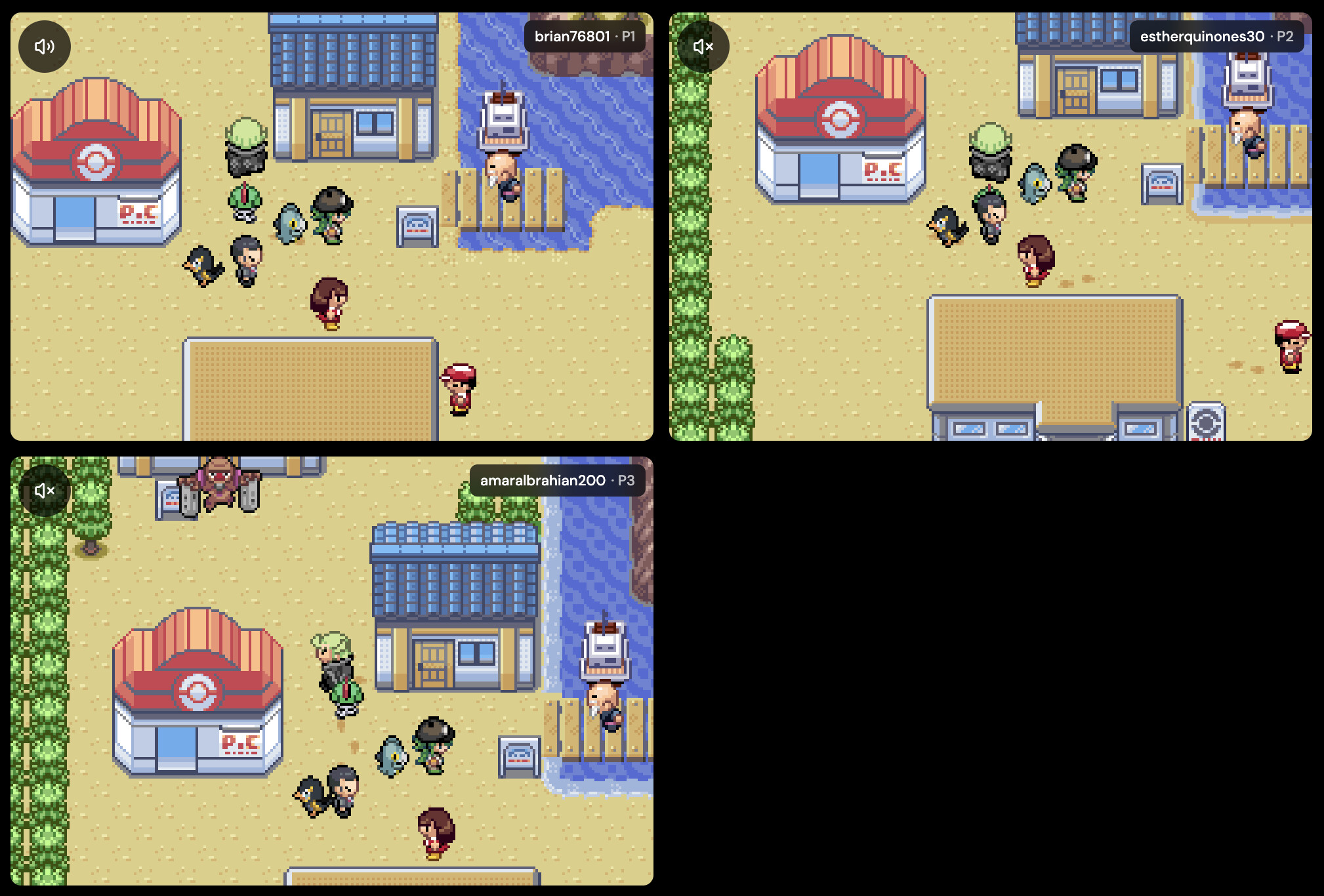
Retro Game Trading With Friends: A Safe Private Room Checklist
If you are planning retro game trading with friends, the room code is not the first thing to solve. Before anyone changes a save, starts a battle, or promises that a link feature will work, the group needs to know whether the game has the right built-in feature, which room type fits it, and how every player will protect their own progress.
This guide is a practical emulator trade battle checklist for compatible games. It is only about your own save data and legally owned game files/backups. It is not a source for games, ROMs, BIOS files, firmware, emulator cores, patches, downloads, torrents, third-party saves, completed saves, device setup, local file paths, credentials, or network configuration.
Quick answer: check compatibility, room type, and saves first
For retro game trading with friends, do not start with the room code. First confirm the game has a built-in trade, battle, or link feature; choose ordinary Netplay for compatible multiplayer games outside the GB/GBC/GBA Link Cable path or Link Cable for compatible Game Boy, Game Boy Color, and Game Boy Advance link games; have every player use their own legally owned game file and save data; save in-game before starting; run a short test; and stop before trading or saving if the room desyncs.
A private room does not add a trade menu to a game that never had one. The safer goal is narrower: the room type matches the game, every player can reach the game's own link/trade/battle menu, no one sees mismatched behavior before a save-changing action, and each player leaves with their own in-game save preserved.
Use this preflight before a trade, battle, tournament round, linked minigame, or long friend session:
- Confirm the game actually supports the trade, battle, or link feature you want.
- Decide whether the session is ordinary Netplay or Link Cable before inviting friends.
- Use Link Cable for compatible GB, GBC, and GBA games with built-in link features; use normal Netplay for other compatible multiplayer games.
- Share private-room details in your own group chat rather than relying on public discovery for a planned friend session.
- Ask every player to use their own legally owned game file and save data.
- Use the same game and ROM revision for best results unless the game itself is designed for the intended cross-version link.
- Save in-game before starting so current SRAM progress is available.
- Export or download important saves before risky linked play where available.
- Run a low-stakes test before trading, battling, overwriting, or saving.
- If Rebit reports desync, screens diverge, or someone disconnects at a critical moment, restart before trading or saving.
- After the session, let every player finish the game's own save routine and use the documented save flow before leaving.
Is this Netplay or Link Cable?
The biggest compatibility mistake is treating every friend session as the same kind of multiplayer. Rebit separates ordinary Netplay from Link Cable because they solve different jobs.
| User job | Rebit path | Safer expectation |
|---|---|---|
| Friends want co-op, versus, or shared-session multiplayer for a compatible non-GB/GB/GBC/GBA game | Normal Netplay | Host a room, share the Room ID, and use the multiplayer Netplay docs. Some games and emulator cores work better than others. |
| Friends want game-native trade, battle, or local-link features in compatible GB/GBC/GBA games | Link Cable | Use Link Cable for compatible GB/GBC/GBA games with built-in link features. This is not an official platform connection or universal trading layer. |
| Signed-in players are testing compatible GBA rollback sessions | Rollback beta inside Link Cable | Rollback is a separate beta GBA mode on supported browsers. Lockstep remains the default, and rollback does not remove latency or prove the room will stay synchronized. |
| A phone only acts as an input device | Remote Controller, outside this guide's main scope | This is a different multiplayer-adjacent feature, not a room-based trade or battle path. |
For Game Boy, Game Boy Color, and Game Boy Advance link-feature games, do not assume ordinary retro netplay is the right path. Rebit's docs route those compatible games through Link Cable, where the game still owns the trade, battle, or local multiplayer menu.
Compatibility checklist before inviting a friend
A private retro game room is only useful if everyone brings a compatible starting point. Before you share a Room ID or Room Code, check the game, system family, player count, and save readiness.
- Confirm the game has the built-in trade, battle, link, co-op, versus, or multiplayer feature your group wants.
- Confirm the system family: GB/GBC Link Cable, GBA Link Cable, or ordinary Netplay for other compatible systems.
- Confirm player count. Rebit docs say GB/GBC Link Cable rooms are 2-player; compatible GBA games can use 2P, 3P, or 4P Link Cable rooms.
- Use the same game and ROM revision for best results unless the game itself is designed for the intended cross-version link.
- Do not assume every cross-version pair works. Follow the game's own design and Rebit's documented system-family boundaries.
- Ask every player to use a game file they are allowed to use.
- Ask every player to start from a known-good in-game save when the linked feature depends on progress.
- Test the room with a low-stakes action before trading, battling, overwriting, or saving.
- If the game behaves differently for each player, recreate the room with the same game and ROM revision before continuing.
- Treat beta features as beta. Have a fallback plan if the game or room does not sync reliably.
This is the heart of retro multiplayer compatibility: a room can connect players, but the game and save data still decide whether the intended trade or battle is safe to attempt.
Private room checklist for trade and battle sessions
For a planned friend session, keep coordination simple and private. The host should tell everyone the exact game, intended mode, player count, and whether the session is ordinary Netplay or Link Cable before anyone joins.
Use this room-flow checklist:
- Decide whether this is private friend coordination or public discovery.
- Share the Room ID or Room Code privately through your group's existing chat.
- Keep a separate way to talk so players can pause before a risky trade, battle result, or save.
- Tell friends whether they should open ordinary Netplay or Link Cable.
- Keep every game tab open while hosting or joined.
- For Link Cable, wait until everyone is connected, then use the game's own link/trade/battle menu.
- For ordinary Netplay, follow the documented host/join flow instead of mixing it with Link Cable expectations.
- Run a short practice connection before any result or save-changing action matters.
If your group wants the broader browser room workflow, Rebit's play retro games online with friends page covers the general social-play surface. If someone is starting from a new browser library, keep the legal boundary clear: upload your own legally owned game file and play online.
Save safety before, during, and after linked play
GBA Link Cable save safety and GB/GBC save safety both start with the same idea: protect the game-owned save before you ask a linked session to change it. A trade or battle can feel social and reversible until progress gets written back.
Use this save checklist before any high-stakes session:
- Use only your own save data.
- Save inside the game before starting if the game supports normal saves.
- For Link Cable, remember that Rebit uses each player's latest in-game SRAM save; a missing in-game save can start as blank.
- Export or download an important backup before a high-stakes trade, battle, or long linked session where available.
- If using Lockstep Edge Link, export before starting if you want a backup because save export is disabled while that session is running.
- During the session, let every player finish the game's own prompts and save routine before anyone leaves.
- If Rebit reports desync, screens diverge, a player disconnects, or the room reaches an unrecoverable state, stop before trading or saving and recreate the room.
- After a Link Cable session, use the documented Link Cable Save action to store the battery-backed in-game save, not a regular save state.
- In Rollback, wait for the confirmed save barrier before resuming or leaving; normal save states are unavailable during rollback.
- Keep a rollback copy for a few sessions. Do not rely on one post-trade save if the room behaved oddly.
For terminology, Rebit's save states and in-game saves docs separate Manual save state, Auto save state, and In-game save. For linked trading or battling, the game-owned in-game save is the layer to protect first when the game supports normal saves.
Save and reload proof: how to know the session is done
Do not treat "the room connected" as proof that a trade, battle, or linked session is safely finished. End with proof each player can understand inside the game.
A safer closing routine looks like this:
- Finish the game's own trade, battle, link, or multiplayer result screen.
- Let every player complete the game's own save prompt or normal save routine where applicable.
- For Link Cable, use the documented Link Cable Save action before leaving the room.
- Wait for any save confirmation or rollback save barrier that Rebit shows.
- Leave the room only after players agree the critical action is complete.
- Reopen or reload the game later and verify the expected progress through the game's own Continue, Load, save-slot, or menu flow.
- Keep older backups until several normal sessions prove the new save is trustworthy.
The last step matters. A successful private session is not only a trade or battle that appeared to finish; it is progress that each player can reload from their own save afterward.
Where browser private rooms fit
Rebit is a qualified product answer for supported user-owned browser play, not a universal compatibility layer. It can help groups coordinate private retro sessions while keeping ordinary Netplay and Link Cable visibly different.
Repo-verified Rebit claims are intentionally bounded:
- Rebit lets players host or join Netplay rooms from their own device for compatible games.
- Rebit docs say to use Link Cable instead of regular Netplay for Game Boy, Game Boy Color, and Game Boy Advance games with built-in link features.
- Link Cable supports compatible GB/GBC/GBA games with built-in link features such as trading, battling, or local multiplayer menus.
- GB/GBC rooms are 2-player; compatible GBA games can use 2P, 3P, or 4P rooms. Rebit's play GBA games online page describes that GBA room surface.
- Link Cable is beta, and some games may not sync reliably.
- Rollback is a separate beta GBA mode for signed-in players on supported browsers; Lockstep remains the default.
- Rebit save docs separate Manual save state, Auto save state, and In-game save.
- Rebit's Link Cable Save stores battery-backed in-game SRAM, not a regular save state.
That makes Rebit useful when your group wants cleaner friend coordination for supported games. It does not make every game trade, battle, link, recover, or sync perfectly.
What this guide intentionally will not cover
To keep this focused on safe friend sessions, this guide does not explain:
- how to obtain ROMs, BIOS files, firmware, emulator cores, patches, copyrighted games, torrents, third-party saves, completed saves, or downloads
- how to configure a handheld device, firmware, desktop emulator, local emulator core, file manager, storage card, local save folder, sync app, credential, account, or network setting
- how to copy a source video's device-specific menu sequence, setup order, update path, save-file demonstration, or physical handheld workflow
- how to promise that any particular game, game pair, ROM revision, save file, state file, browser, room, or beta mode will work
- how to recover every failed trade, desync, disconnect, overwrite, mismatch, or bad save
The useful boundary is simple: use your own save data, use legally owned game files/backups, pick the right room type, test before save-changing actions, and stop if the room behaves differently for different players.
FAQ
Can I do retro game trading with friends online?
Sometimes, if the game has a built-in trade or link feature and the room type supports that system. On Rebit, use Link Cable for compatible Game Boy, Game Boy Color, and Game Boy Advance games with built-in link features. Ordinary Netplay is a different room path for other compatible multiplayer games.
Is retro game trading the same as netplay?
No. Netplay usually means synchronized multiplayer for compatible games. Trading and battling in GB/GBC/GBA games are game-native link features, so Rebit routes compatible Game Boy, Game Boy Color, and Game Boy Advance sessions through Link Cable instead of regular Netplay.
Which Rebit systems use Link Cable?
Rebit docs say Link Cable appears for Game Boy, Game Boy Color, and Game Boy Advance games. GB/GBC rooms are 2-player. Compatible GBA games can use 2P, 3P, or 4P Link Cable rooms.
Do all games with multiplayer or trading work?
No. Compatibility depends on the game having the intended built-in feature, the system family, player count, game/revision matching, save readiness, browser conditions, and whether the feature is still beta. A room cannot add trade or battle menus to a game that never had them.
Should every player use the same game file?
For best results, every player should use the same game and ROM revision they are allowed to use. Some games are designed for cross-version linking, but do not assume every pair works. Rebit docs also distinguish GB/GBC from GBA family boundaries.
Should I use a save state before trading?
For Link Cable, prioritize the game's own in-game save/SRAM. Rebit's Link Cable Save stores the battery-backed in-game save, not a regular save state. Normal save states are unavailable during rollback because loading one player's state would break the linked session.
What should I do before a high-stakes trade or battle?
Save in-game before starting, export or download an important backup where available, run a short low-stakes test, and do not trade or save if the room desyncs, screens diverge, or a player disconnects during a critical moment.
Does Rebit provide games, ROMs, BIOS files, cores, patches, or third-party saves?
No. Rebit is for users bringing their own legally owned game files/backups. This article does not link to or explain how to acquire copyrighted games, BIOS files, firmware, emulator cores, patches, third-party saves, completed saves, or downloads.
Try Rebit for supported private rooms
If your group wants a cleaner way to coordinate supported retro multiplayer, try Rebit with your own legally owned game files. Use ordinary Netplay for compatible multiplayer rooms, Link Cable for compatible GB/GBC/GBA games with built-in link features, and save in-game before and after any trade or battle that changes progress.
Start with the Link Cable room checklist, keep the multiplayer Netplay docs nearby for ordinary rooms, and use this checklist before any private trade or battle where save progress matters.