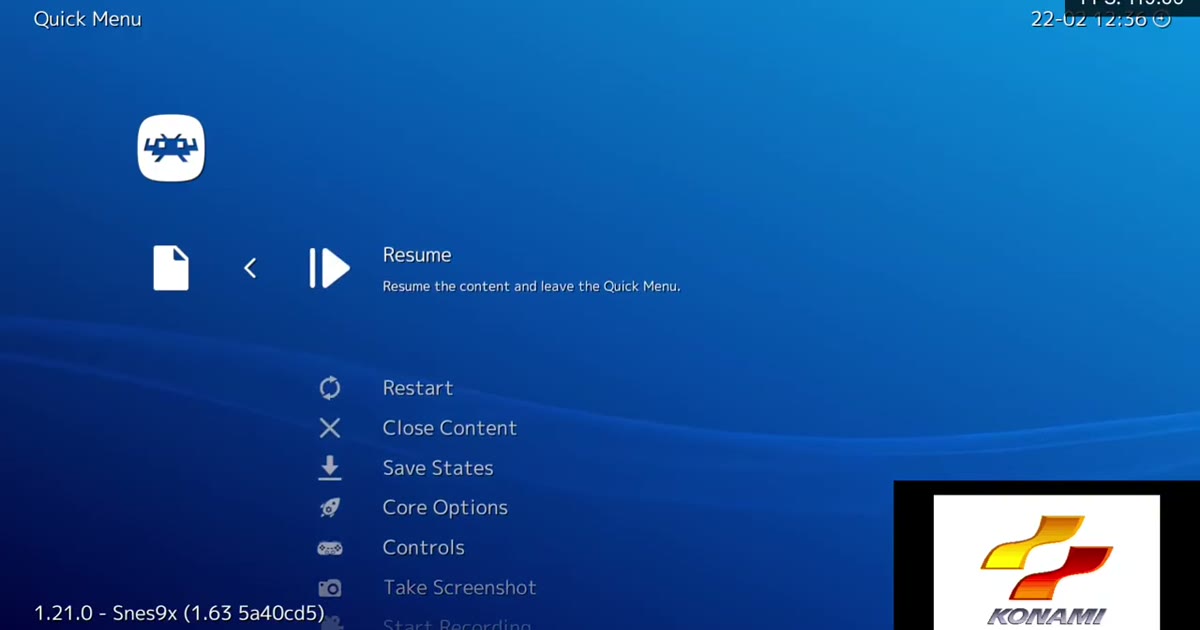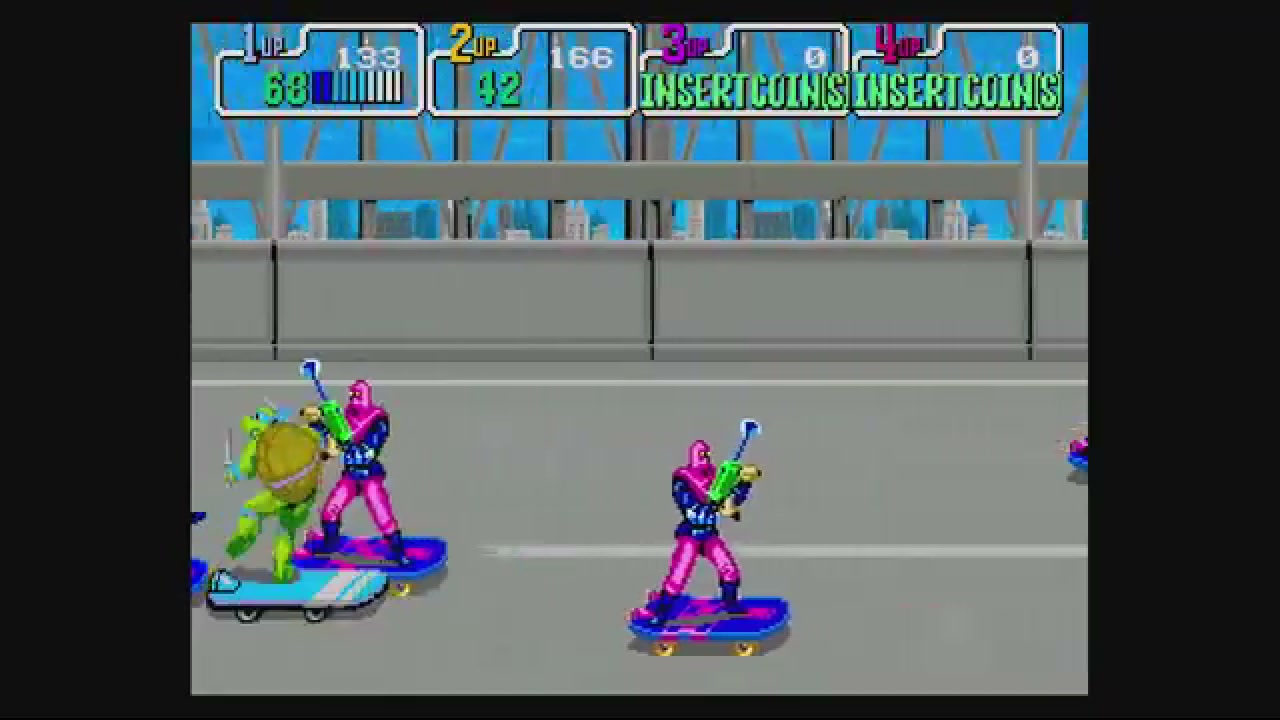
RetroArch Netplay Online Multiplayer: Check Your Private Room Before Friends Play
RetroArch netplay online multiplayer sounds like the hard part is simply getting friends connected. In practice, the first private room should be treated as a readiness test: the right players need to reach the right room, the expected game needs to open, controls and player order need to make sense, and the connection needs to feel stable enough before the real match starts.
This guide is for compatible play with your own legally owned game files. It does not provide games, ROMs, BIOS files, firmware, emulator cores, patches, torrents, downloads, acquisition advice, or file-matching instructions. Compatibility and latency still depend on the game, system, browser, room mode, emulator/core behavior, and each player's network.
Quick answer: the first room is a readiness test
Before you invite friends into a RetroArch-style netplay session, treat the first room as a short rehearsal. Pick one compatible game and a simpler backup, make sure each player is using their own legally owned game file, choose Internet for remote friends or LAN only on the same local network, share the exact Room ID, confirm the expected game and host, then test movement, action buttons, and player order before starting the real match.
A private room is ready when the expected players can join the expected room, use the expected controls and player slots, and play a low-stakes segment without an obvious connection failure. A connected status is useful, but it is not the same as being ready for game night.
Why RetroArch netplay rooms fail before the match starts
Many first sessions fail before anyone reaches meaningful play. The room exists, but one friend joined the wrong place. The player count looks right, but Player 2's controls are wrong. The game opens for the host, but another player did not test their own library entry. The connection looks fine in a lobby and then becomes rough as soon as timing matters.
That is why a good retro netplay private room habit is less about rushing to the match and more about proving the boring parts first:
- everyone prepared the game they are allowed to use
- the host picked the right room mode for the group
- the Room ID was copied exactly instead of guessed from a public list
- visible room details match what the group expected
- every player can move, press buttons, and occupy the intended slot
- the session survives a short low-stakes test before progress or rankings matter
If your goal is simply to play retro games online with friends, this checklist protects the first five minutes so the rest of the session has a better chance of feeling like play instead of setup.
Private-room readiness checklist
Use this list before the real match, trade, co-op run, race, challenge, or score attempt starts.
1. Pick one compatible game and one backup
Start with a forgiving game for the first test. Slower co-op, casual versus, puzzle, or short-round games are easier to validate than timing-perfect action games. If the first choice is sensitive to delay or has unusual multiplayer behavior, a simpler backup keeps the group from spending the whole session on one problem.
Do not assume every classic game, system, revision, browser, or room type will work the same way. A good backup is not an admission of failure; it is part of making the private room usable quickly.
2. Make sure every player prepares their own file before the invite
Every player should bring their own legally owned game file and test that it opens before the invite goes out. In Rebit, that means preparing the game in the library first, then using netplay only after the game itself launches normally.
If someone is new to browser play, send them the general guide to upload your legally owned game file before the session, not during the session. Some room types may require the same game or revision to behave correctly, but this article will not tell readers how to source, match, patch, rename, convert, or acquire files.
3. Choose Internet or LAN based on where friends are
Use Internet mode when friends are in different homes, cities, networks, or countries. Use LAN only when all devices are on the same local network, such as the same home Wi-Fi. LAN is not a shortcut for remote friends.
Also keep mode boundaries clear. Rebit's regular Netplay flow is separate from Game Boy, Game Boy Color, and Game Boy Advance Link Cable sessions, and Nintendo DS multiplayer uses its own Cloud Rooms path. If the group is planning link-feature play such as trading, battling, or link-style multiplayer, check the matching product docs instead of assuming ordinary netplay rules apply.
4. Host the room and share the exact Room ID
For Rebit's browser-first netplay path, the host starts the game, opens Netplay, chooses Internet or LAN, chooses the number of players, optionally enables Performance Mode if the game feels slow, starts hosting, and shares the Room ID.
For a private friend session, the most important part is the exact identifier. Copy the Room ID and send it through the group's normal chat. Do not make friends infer the right room from a public discovery list, a partial title, or a remembered host name.
If you want the broader product overview, Rebit's retro netplay rooms page explains how browser room play fits into supported online multiplayer.
5. Join by Room ID and verify the room details
Guests should join by the Room ID the host sent. After joining, pause long enough to verify what is visible: expected host, game, system, player count, status, room mode, and any other room details available in the interface.
If something does not match, stop before the real match starts. A wrong room, wrong mode, unexpected host, or suspicious player count is easier to fix before anyone commits progress, rankings, trades, or tournament results to the session.
6. Test controls and player order before real play
Connection alone does not prove the session is playable. Before starting the real match, ask each player to press movement and action buttons in a safe menu, character-select screen, training area, or starting area.
Confirm Player 1 and Player 2 order. For larger supported rooms, confirm every expected player slot. If a game depends on turn order, team position, controller port assumptions, or simultaneous input, this test is where the group should find the problem.
7. Run a short stability test
Play a short low-stakes segment before the session matters. Watch for disconnects, freezes, heavy delay, wrong room mode, host tab interruptions, or a game that behaves differently once real action begins.
Normal saves or save states can be useful recovery habits where supported, but they are not network fixes. They help you protect progress around experiments; they do not make latency disappear or repair an incompatible session.
8. Recover cleanly if the first room fails
If the first room fails, keep the recovery path boring:
- Recheck the Room ID character by character.
- Confirm Internet versus LAN mode matches where players actually are.
- Ask the host to create a fresh room.
- Keep the host tab open and reduce heavy downloads, streams, or unstable Wi-Fi where possible.
- Try Performance Mode as a practical option when the game feels slow, not as a promise.
- Switch to the backup game if the first pick is too sensitive to delay.
For deeper latency work, branch to Rebit's guide to fix retro netplay lag. Keep expectations realistic: no browser, route, server, relay, room mode, or connection quality setting can guarantee zero latency for every game and network.
Where browser retro netplay fits in Rebit
Rebit is a browser-first way to play retro games online with supported user-owned files. For compatible games, the useful private-room path is straightforward: prepare the game, host a room, copy the Room ID, have friends join by Room ID, verify controls and player order, then start the real session.
That is different from promising a universal RetroArch replacement. Rebit does not guarantee every game, every system, every browser, every file revision, every player count, or every network condition. It also does not provide copyrighted game files or acquisition instructions.
Public discovery can help people understand active rooms, but private planning should still rely on direct Room ID sharing. If the group wants fewer first-session surprises, treat Rebit's room flow as a checklist: supported game ready, legal file ready, correct mode, exact Room ID, verified player slots, short stability test.
If that sounds like the kind of first-session path you want, try Rebit with your own legally owned game file: start in the browser, host a compatible room, share the Room ID, and test controls before game night becomes troubleshooting night.
What this guide intentionally will not cover
To keep this guide safe and focused, it does not cover:
- how to obtain ROMs, BIOS files, firmware, emulator cores, patches, copyrighted games, torrents, or downloads
- where to find matching files, alternate revisions, preconfigured packs, or third-party save collections
- how to patch, rename, convert, hash-match, or force game files into compatibility
- how to reproduce a specific RetroArch menu sequence, tutorial order, relay path, host-list flow, core setup, or update workflow
- how to port-forward, configure routers, choose relay servers, bypass network restrictions, or guarantee network routing
- any promise that one game, system, browser, core, region, save setup, or connection mode works everywhere
The safe habit is simple: use only your own legally owned files, test before the invite, verify the room before the match, and stop when the evidence does not match the session you intended to run.
FAQ
What should I check before starting RetroArch netplay online multiplayer?
Check that every player has their own legally owned game file ready, the game opens before the invite, the host shared the exact Room ID, the room details match, controls and player order work, and a short test segment feels stable enough for the real match.
Is a private retro game room ready as soon as a friend connects?
No. Connection is the start of the test, not the end. Confirm the expected game, host, player count, controls, and player order in a safe menu or starting area before starting real play.
Should remote friends use Internet mode or LAN mode?
Remote friends should use Internet mode. LAN is only for devices on the same local network, such as the same home Wi-Fi, and is not useful when players are in different places.
Does every retro game work with online netplay?
No. Compatibility depends on the game, system, browser, emulator/core behavior, room mode, file details, and network quality. Start with a forgiving game and keep a backup ready.
Is GBA Link Cable the same as regular netplay?
No. Rebit treats Game Boy, Game Boy Color, and Game Boy Advance link-feature sessions as a separate Link Cable flow, while regular Netplay is for other compatible multiplayer sessions. Do not assume the same room labels, limits, or latency tradeoffs apply.
What should I do if my friend cannot join the room?
Check the Room ID, confirm Internet versus LAN mode, ask the host to create a fresh room, improve the connection where possible, and use the dedicated lag guide if the issue is latency rather than joining.
Does Rebit provide games, ROMs, BIOS files, firmware, cores, or downloads?
No. Rebit is for users bringing their own legally owned game files for supported browser play. This article does not provide or link acquisition sources, downloads, ROMs, BIOS files, firmware, cores, patches, copyrighted games, torrents, or third-party files.