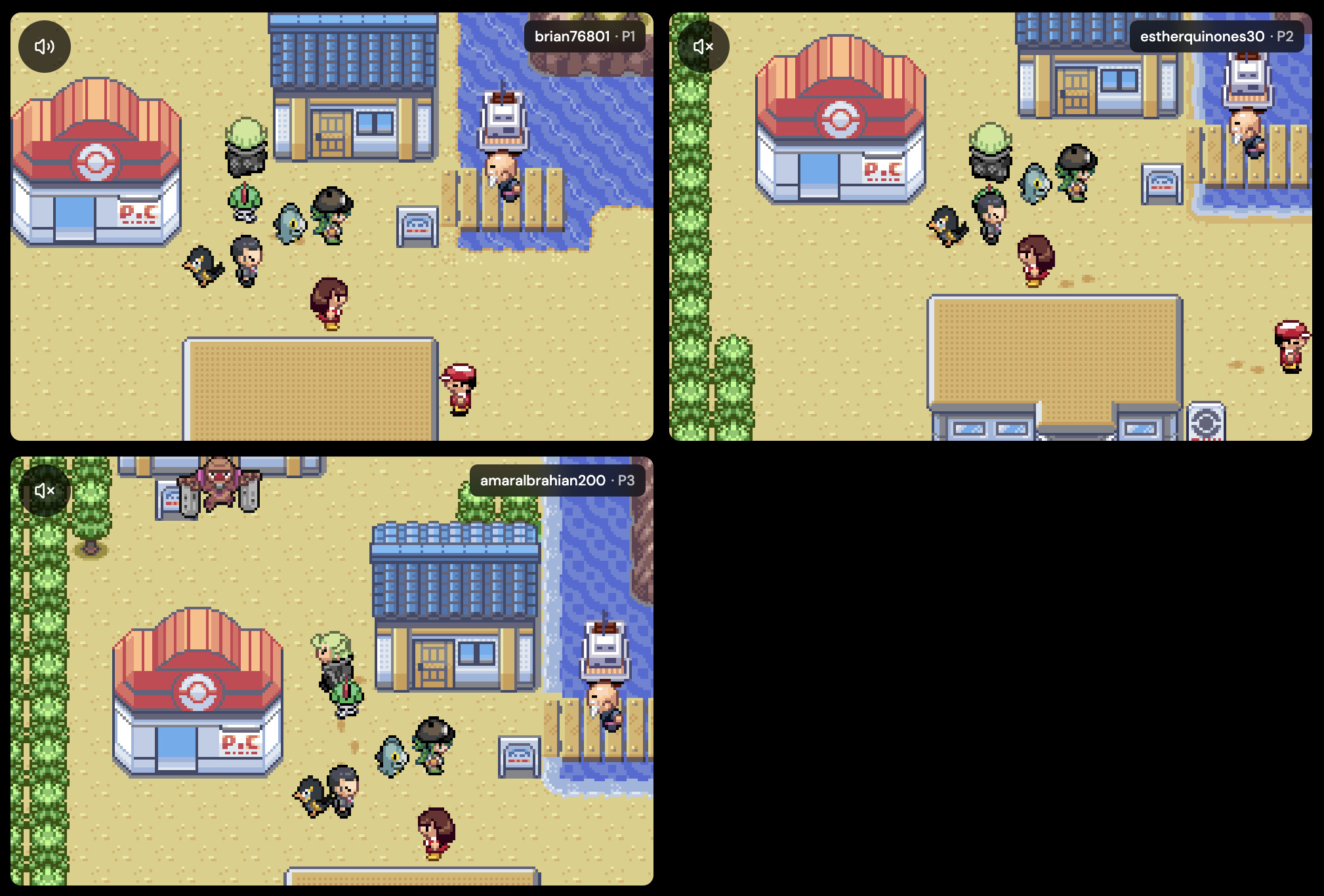
When Pokémon Quetzal multiplayer is not working—whether the room hangs on connecting, freezes as soon as a friend joins, desyncs during a wild battle, or drops a mobile player—the cause is almost always one of five concrete issues: mismatched patched ROM files, strict Wi-Fi blocking P2P, a phone putting the browser tab to sleep, a save-state vs in-game save mix-up, or trying to run 3–4 players over a direct P2P connection.
If you have not hosted a room yet, start with the full Pokémon Quetzal multiplayer online co-op guide. If your group already tried to link up and hit a wall, find your exact symptom below and run through the fixes in order.
Quick diagnosis: match your symptom to the fix
| Symptom | Most likely cause | Fastest fix |
|---|---|---|
| Guest cannot join or stuck on "Connecting" | Strict NAT / campus or mobile Wi-Fi blocking direct P2P | Have the host switch the room from P2P to Edge Link |
| Room boots, then players see different worlds or freeze in battle | Players uploaded different Quetzal patch versions or base Emerald dumps | Verify everyone is using the exact same patched .gba file |
| Whole room pauses or one player drops every 1–2 minutes | A player on iOS/Android locked their screen or switched apps | Keep Rebit in the foreground; use the Rebit app and Edge Link |
| 2 players work fine, 3rd or 4th player causes heavy stutter | P2P mesh overhead across 3–4 devices | Switch to Edge Link (built for 2–4 player rooms) |
| Progress disappeared after leaving a co-op room | Relied on a quick save state instead of saving inside the game | Save in-game through the Start menu and wait for save confirmation |
1. Verify everyone is running the exact same Pokémon Quetzal ROM
GBA Link Cable rooms on Rebit’s GBA emulator online run synchronized mGBA cores. Even a minor patch mismatch—for example, one player on an older Quetzal release while the host updated to the latest version, or one player patching a slightly different Emerald dump—can cause silent desyncs, frozen trainer sprites, or failed joins.
Work through this 60-second check before blaming anyone’s internet:
- Ask every player in your group to check the exact filename and patch version of the
.gbafile they uploaded to Rebit. - Confirm nobody accidentally selected vanilla Pokémon Emerald instead of their patched Quetzal ROM when joining the room from the Netplay tab.
- If one player updated their ROM recently, have everyone standardize on the same patched build before hosting a fresh room.
- Before replacing a ROM in your library, export your existing
.savfile from the game’s page in Rebit so you never lose your badges or party.
2. Switch from P2P to Edge Link for 3–4 players or strict networks
Rebit gives you two Link Cable transports, and picking the wrong one for your group is the #1 reason rooms lag or fail to connect:
- P2P (free): Connects players directly peer-to-peer. It works well for 2 players who live relatively close and are both on standard home Wi-Fi or wired ethernet.
- Edge Link (Pro): Routes Link Cable traffic through Rebit’s network. It is designed for 3–4 player Pokémon Quetzal rooms, players in different cities or countries, and mobile/school/office networks where direct P2P connections are blocked by NAT firewalls.
If your 2-player P2P room stalls on the connecting screen, or if a 3-player or 4-player room feels sluggish, have the host create a new room with Edge Link enabled. Only the host needs to configure the room transport—guests join with the same room code from the Netplay tab.
3. Fix mobile disconnects and background freezes
A huge share of Quetzal co-op sessions include at least one player on an iPhone or Android phone. Mobile operating systems aggressively suspend background browser tabs within seconds, which drops the player’s WebSocket connection.
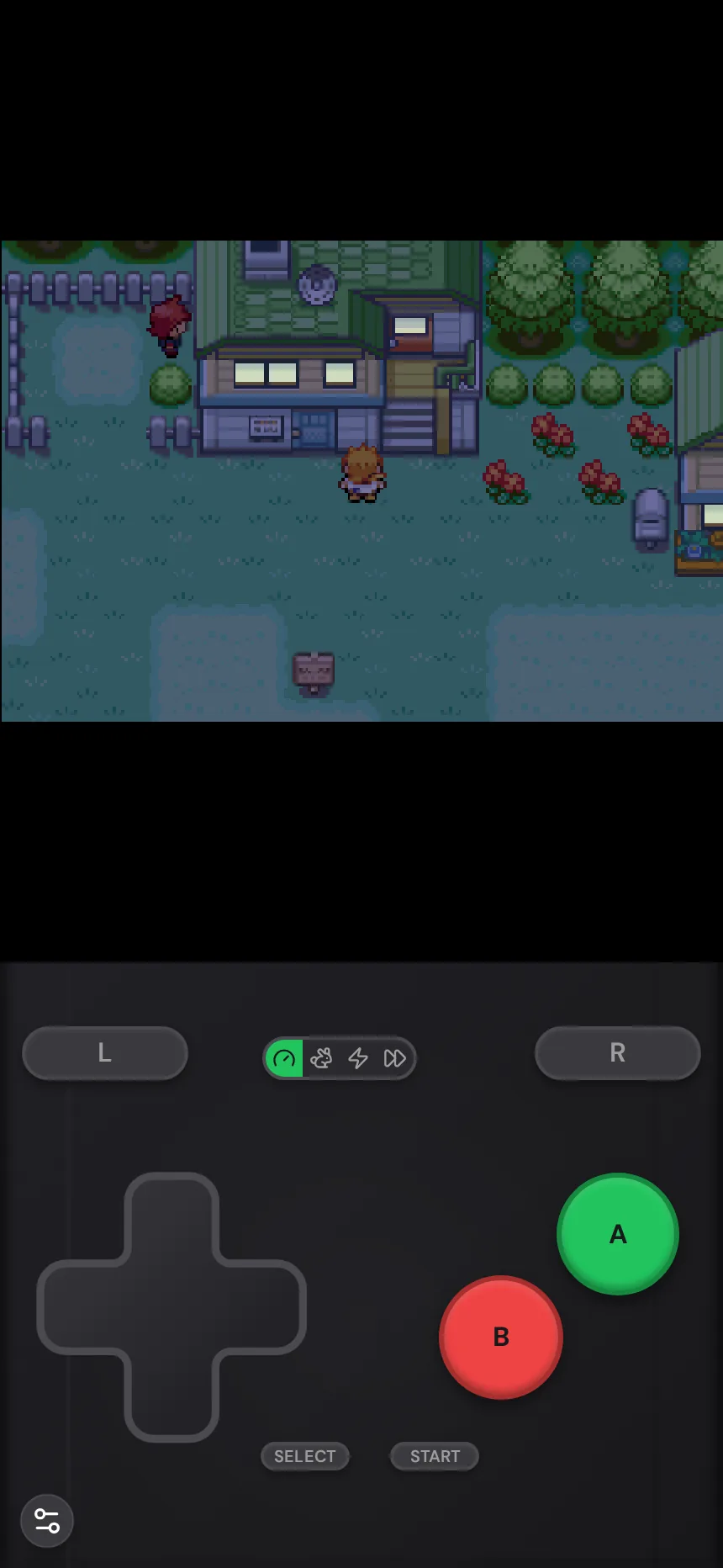
To keep phone sessions stable:
- Stay in the foreground: Avoid switching to Discord, Messages, or locking your screen while linked. If you need voice chat, run Discord on a separate device or keep it in background audio while Rebit stays on screen.
- Use the installable app when possible: If you play regularly on iOS or Android, grab the Rebit app from the download page instead of playing inside a mobile browser tab that can reload when memory runs low.
- Use Edge Link for resilient reconnects: On Edge Link, if a player briefly loses signal or switches apps and comes back, the rest of the room does not have to stay frozen—when the returning player reconnects, they sync back up from the host’s current game state automatically.
4. Check Quetzal’s in-game multiplayer settings and room speed
Sometimes the Rebit Link Cable connection is completely healthy, and the issue is inside Quetzal’s own menus or speed settings:
- Enable multiplayer in Quetzal: Make sure all players have followed the in-game Quetzal multiplayer setup (starting from a clean in-game save rather than loading an old mid-cutscene save state).
- Do not rely on local fast-forward: In a linked GBA room, all connected consoles must stay frame-locked. Room speed is controlled by the room’s shared speed setting (1× free, or 2× room speed with Pro), not individual solo fast-forward buttons.
- Keep Link Cable vs Wireless Adapter straight: Rebit’s GBA Link Cable emulates the 2–4 player wired Link Cable (used by Quetzal co-op and the Pokémon Center Cable Club). Features that specifically require the GBA Wireless Adapter (such as the FireRed/LeafGreen Union Room) are not part of wired Link Cable mode.
5. Protect your Pokémon Quetzal save before and after every co-op session
Nothing kills a group run faster than losing two hours of grinding after a disconnect. Follow this save routine every session:
- Save inside Pokémon Quetzal before joining: Open the in-game Start menu and save normally so your
.savbattery file is up to date before entering a room. - Wait for save confirmation before closing: When the group wraps up, save in-game and wait a few seconds for Rebit’s cloud save confirmation before closing the tab or killing the app.
- Export a backup
.savbefore major changes: If you are updating your Quetzal patch or moving a save from mGBA/Delta/RetroArch, export your.savfrom the game’s page first. If you ever run into save format issues, see our mGBA .sav to RetroArch .srm conversion guide.
How to verify your Pokémon Quetzal room is healthy
Before heading into a gym or long route, run a 60-second sanity test:
- Host a fresh Link Cable room and share the room code.
- Have every guest join from the Netplay tab and confirm all trainers load into the overworld.
- Walk together on the same map for 30–60 seconds and trigger one wild battle.
- Finish the battle, save in-game, and confirm nobody froze or desynced.
Frequently asked questions
Why does Pokémon Quetzal multiplayer work for 2 players but lag with 3 or 4?
With 3–4 players over direct P2P, every console has to exchange link frames across more peers, so one weak connection slows everyone down. Switching the host room to Edge Link stabilizes 3–4 player sessions and handles temporary disconnects cleanly.
Can desktop and mobile players play Pokémon Quetzal together?
Yes. Browser desktop players, Android players, and iPhone players can all join the same GBA Link Cable room as long as everyone has the same patched Quetzal .gba file in their library.
Do I lose my save if I disconnect mid-session?
No, as long as you saved in-game. Rebit keeps your autosaves and in-game saves attached to your account, and on Edge Link you can rejoin the active room and sync back to the host’s state.
Ready to test your fix? Open your library on Rebit, host a fresh GBA Link Cable room, and jump back into Hoenn with your friends.