Blinding White Plus does not leave Unova's opening alone. You still leave Aspertia City with Hugh, but Benga becomes a new companion, progression takes a different route, and the opening stretch has been rebuilt around a much wider range of teams and challenges.
The current release examined here is Demo 2, covering content through the third Gym Leader. The creator's announcement is explicit about that boundary. This is not a guide promising a complete new Unova campaign.
To try Pokemon Blinding White Plus online, prepare its patched Nintendo DS game using the creator's requirements and your lawful base-game backup, then upload the .nds file to Rebit. Nintendo DS is supported; the exact Demo 2 build still needs a boot, controls, and save check on your device.
Blinding White Plus, Blinding White 2, and White 2
Naming is an easy place to pick the wrong file. The creator's current release is titled Blinding White Plus, while the linked project listing uses a blinding-white-2 address and the September showcase displays a Blinding White 2 title screen. The base game is the Nintendo DS White 2 family, not the original White and not a GBA game.
Start from the current release announcement and its documentation links. Do not identify the correct patch using title-screen branding alone, and do not combine a legacy build's walkthrough with Demo 2's progression. Record the exact release name supplied with your patch.
A rerouted adventure, not just stronger trainers
The creator describes the project as an expansion of the Gen 5 games that reroutes progression and sends you through places you would not normally visit during the sequels' corresponding stretch. Hugh remains part of the journey, and Benga has a new companion role.
That changes how you use a guide. A vanilla White 2 map can still help you recognize a place, but its event order is not authoritative. Follow the hack's dialogue and current walkthrough when a character tells you to go somewhere unexpected.
For a first run, avoid skipping every scene simply because you recognize the characters. A rewritten route is exactly where an old memory can send you in the wrong direction. Save after clear story milestones so you can return to a known point if you lose track of the next objective.
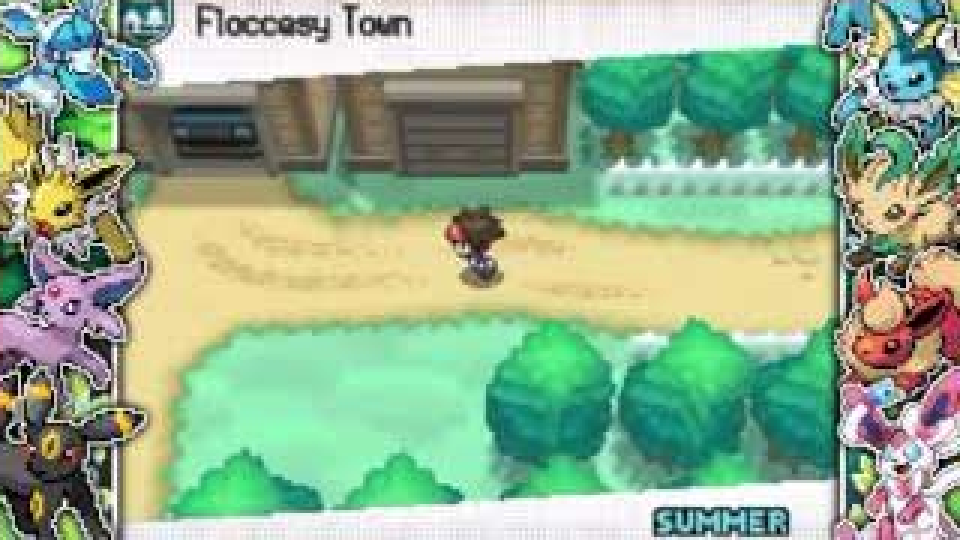
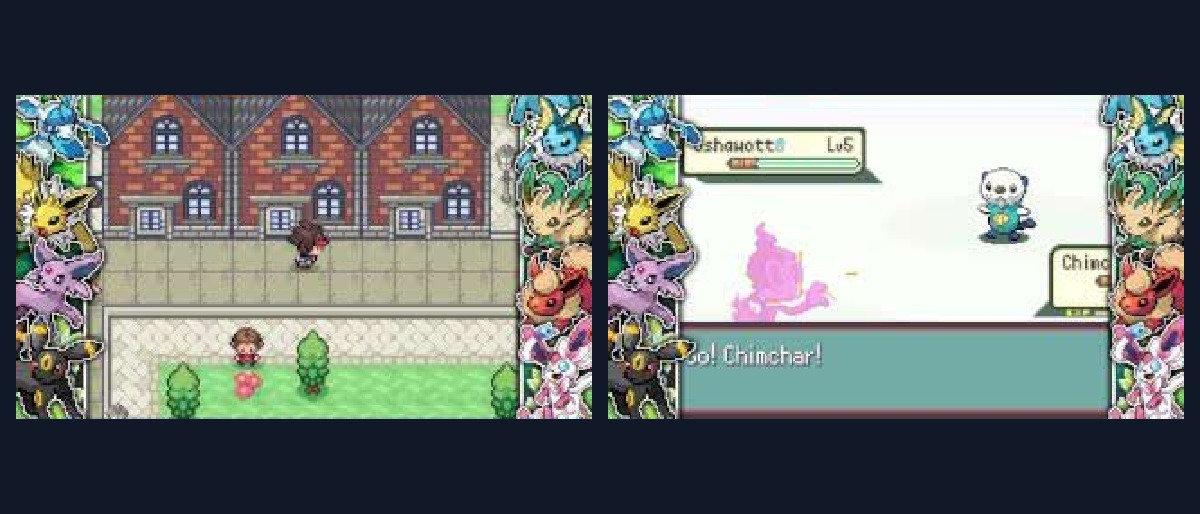
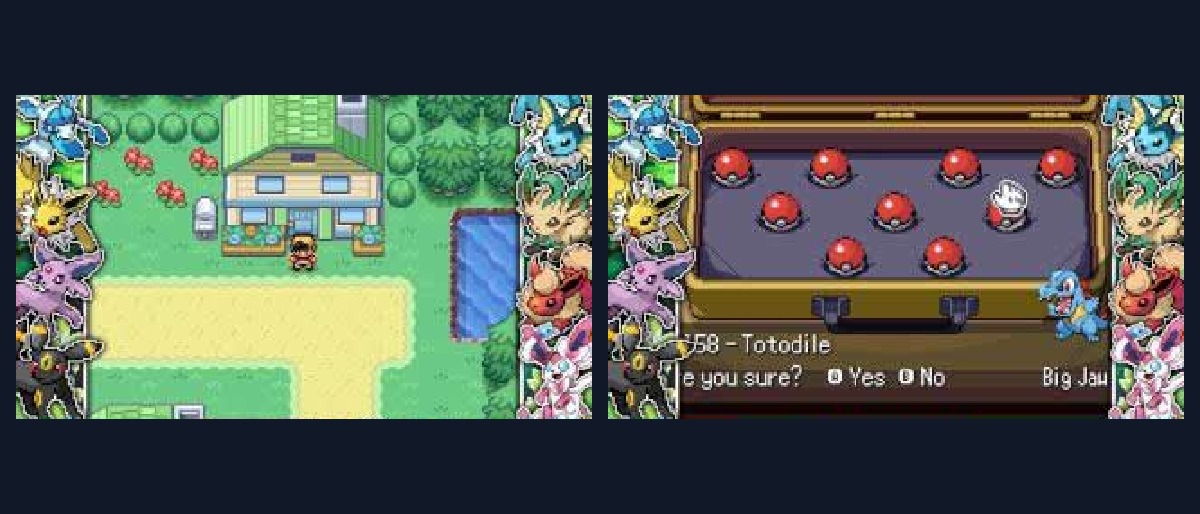
Unova footage from HDvee Plays, around 10:10. The cover and images are cropped video preview frames from the showcase, not Rebit playtest captures.
More than 130 Pokémon lines before Gym 3
The Demo 2 announcement advertises more than 130 unique Pokémon lines before the third Gym, alongside 95 trainers with custom teams. “Lines” is important: this is not the same as counting every evolutionary stage as an unrelated encounter choice.
That breadth gives the opening a different purpose. Rather than accepting a small early-game party and waiting for the interesting captures later, you can experiment while the demo is still building toward its endpoint.
The useful response is not to train everything. Pick a core, identify what it cannot handle, and look for an available line that solves that problem. A teammate offering a defensive switch or a useful support move can matter more than adding another attacker with similar coverage.
The numbers refer to the documented demo. They do not establish an exact encounter location, a guaranteed capture on every route, or availability of every later-generation Pokémon. Use the creator-linked encounter and trainer documentation when planning a specific team.
Minibosses give rewards a purpose
The release describes a new economy that encourages fighting minibosses and exchanging their rewards for useful items. This gives an optional battle a practical role in progression rather than making it only another source of experience.
Before spending a scarce reward, inspect the available exchanges and think about the next problem your party needs to solve. An item that makes a neglected teammate usable may be more valuable than a purchase that only improves an already comfortable matchup.
Exchange rates and available rewards can change during development. Inspect the reward system early and understand what it funds before spending everything on the first option; the best purchase depends on the team you are building and the next battle you need to solve.
Pokémon Centers become team-building hubs
The creator lists an IV maxxer, move relearner, and daycare at every Pokémon Center. That is a substantial reduction in the friction between “I want to try this Pokémon” and “this Pokémon can actually contribute.”
It does not automatically mean every service has no cost or requirements. Read the NPC dialogue and current documentation. What the feature establishes is convenient access to development tools, not a guarantee that every optimization is unlocked for free from the opening scene.
The move relearner is especially useful in a broad early roster. If you capture something above the level where it would normally learn a useful move, inspect its options before giving up on it. Check category, power, accuracy, and role rather than filling four slots with attacks that do the same job.
Animated additions preserve the Gen 5 feel
Demo 2 advertises animated sprites for more than 20 newly catchable Pokémon. That matters in a generation whose battles are defined by moving sprites and a camera that rarely sits perfectly still.
A static replacement can look out of place beside Unova's animated cast. The project's additional animation work helps new species belong visually to the same battle system. New music provides another point of separation from a conventional White 2 replay.
These features are a reason to pause and appreciate the presentation at normal speed. Constant fast-forward can hide both the animation work and the battle information needed to learn a custom team.
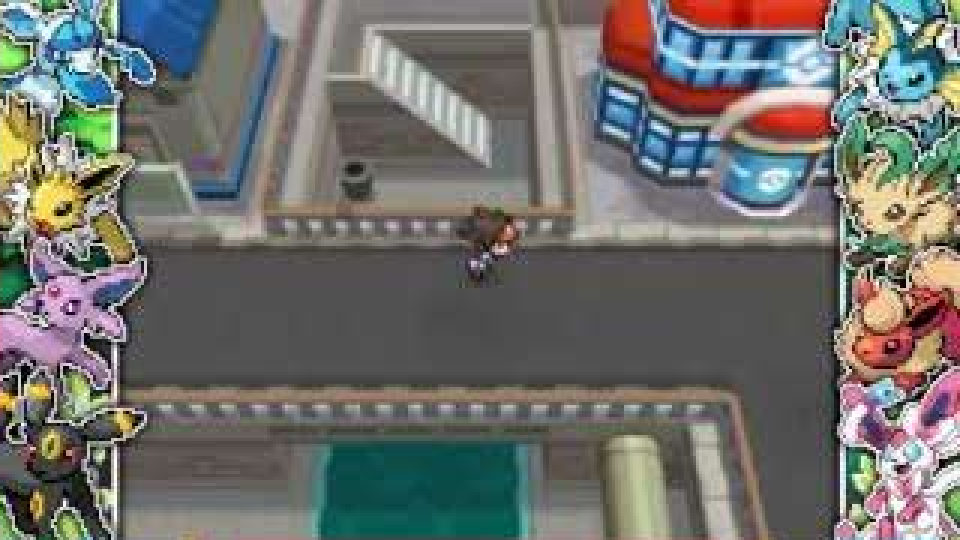
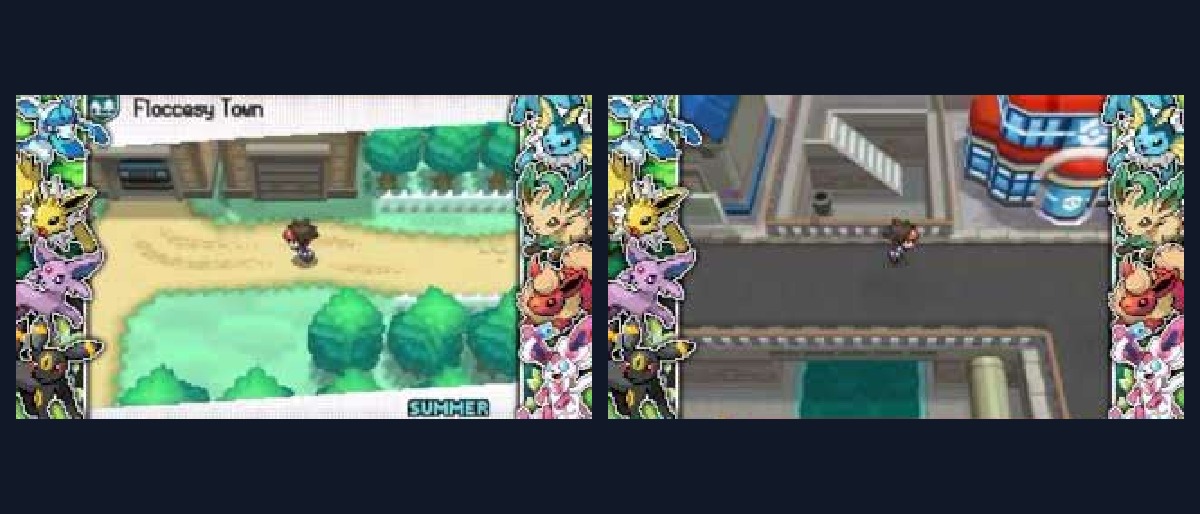
Rerouted Unova footage from around 10:39. Recognizable locations do not guarantee the original White 2 event order.
Difficulty options: distinguish available from planned
The creator describes a heightened level curve with two difficulty options and a third intended later. That wording is not a promise that all three exist in Demo 2.
Start with the setting that fits your tolerance for rebuilding a team. A larger roster and more convenient development tools make experimentation possible; they do not require you to choose the harshest setting. Learn the new trainers before imposing additional personal challenge rules.
If you are following a battle guide, match its release and difficulty. A different setting, revised trainer team, or changed level curve can invalidate a supposedly guaranteed opening strategy.
Prepare Blinding White Plus for Rebit
Rebit does not distribute White 2 or pre-patched copyrighted games. Use the patch and instructions linked by the creator and a backup you are legally entitled to use.
- Confirm the release is the intended Blinding White Plus Demo 2 build.
- Check the required White 2 region, revision, and any clean-file checksum in the instructions.
- Apply the patch outside Rebit, preserving your original backup.
- Open Upload, choose Nintendo DS or Auto, and select the patched
.ndsfile. - Tap Upload ROM and keep the page visible until upload finishes.
- Launch the library entry and test the two-screen layout, movement, and battle command selection.
- Save normally inside the game, then select Export In-Game Save in Rebit's menu.
- Wait for confirmation and reopen to check that Continue restores the correct trainer.
The Nintendo DS browser guide explains the supported-system path, while the upload documentation covers file picking. A ZIP containing only a patch is not a playable DS game.
Avoid the two most frustrating demo problems
The first is mistaking the content limit for a broken game. Demo 2 ends at the documented third-Gym scope; do not use cheats or unrelated story saves to force access to unfinished content.
The second is losing a working save during an update. Keep the exact build and export a normal in-game save before changing versions. Do not assume a save from an older Blinding White 2 release, vanilla White 2, or a different demo contains compatible progression flags.
Use Rebit's save controls to download a backup. Save states are best treated as convenient snapshots for the same build, not a migration method between rewrites.
Is Blinding White Plus complete?
No. The researched release is Demo 2 through the third Gym Leader. Check the developer's updates for later content.
Does “20+ new Pokémon” mean only 20 are available?
No. That figure concerns newly added animated Pokémon in Demo 2. The creator separately advertises more than 130 unique Pokémon lines available before Gym 3.
Can I play multiplayer through Rebit?
This article does not verify DS multiplayer for the hack. It covers a single-player browser session. A DS game should not be set up using a GBA Link Cable co-op guide.
If you want a more familiar DS-region enhancement with a developed postgame, compare Timeless Diamond and Spaceless Pearl. Choose Blinding White Plus for a rebuilt opening and a chance to experiment with Unova while the project continues to grow.
Sources: Negative_Penguin's Demo 2 announcement, its linked documentation, and HDvee Plays' September showcase. Release features are attributed to the creator; no completed Rebit playthrough is claimed.