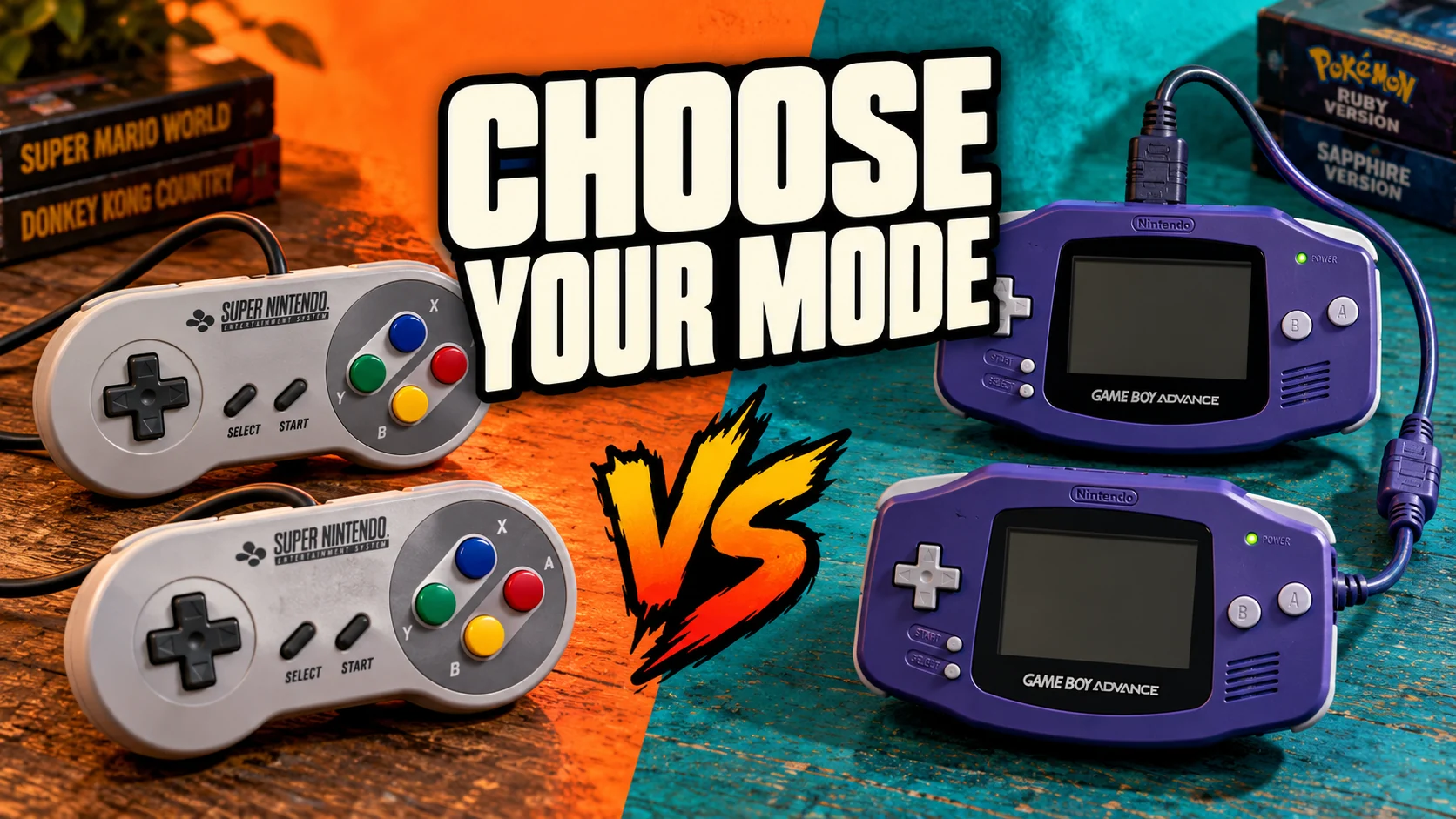
Game Boy Advance multiplayer is more interesting than a normal "join a room" feature.
Some games expect a link cable. Some expect a specific player order. Some care about the exact save data each player brings into the session. When those details are wrong, the session does not feel like a rough online match. It feels like the game is not really linked.
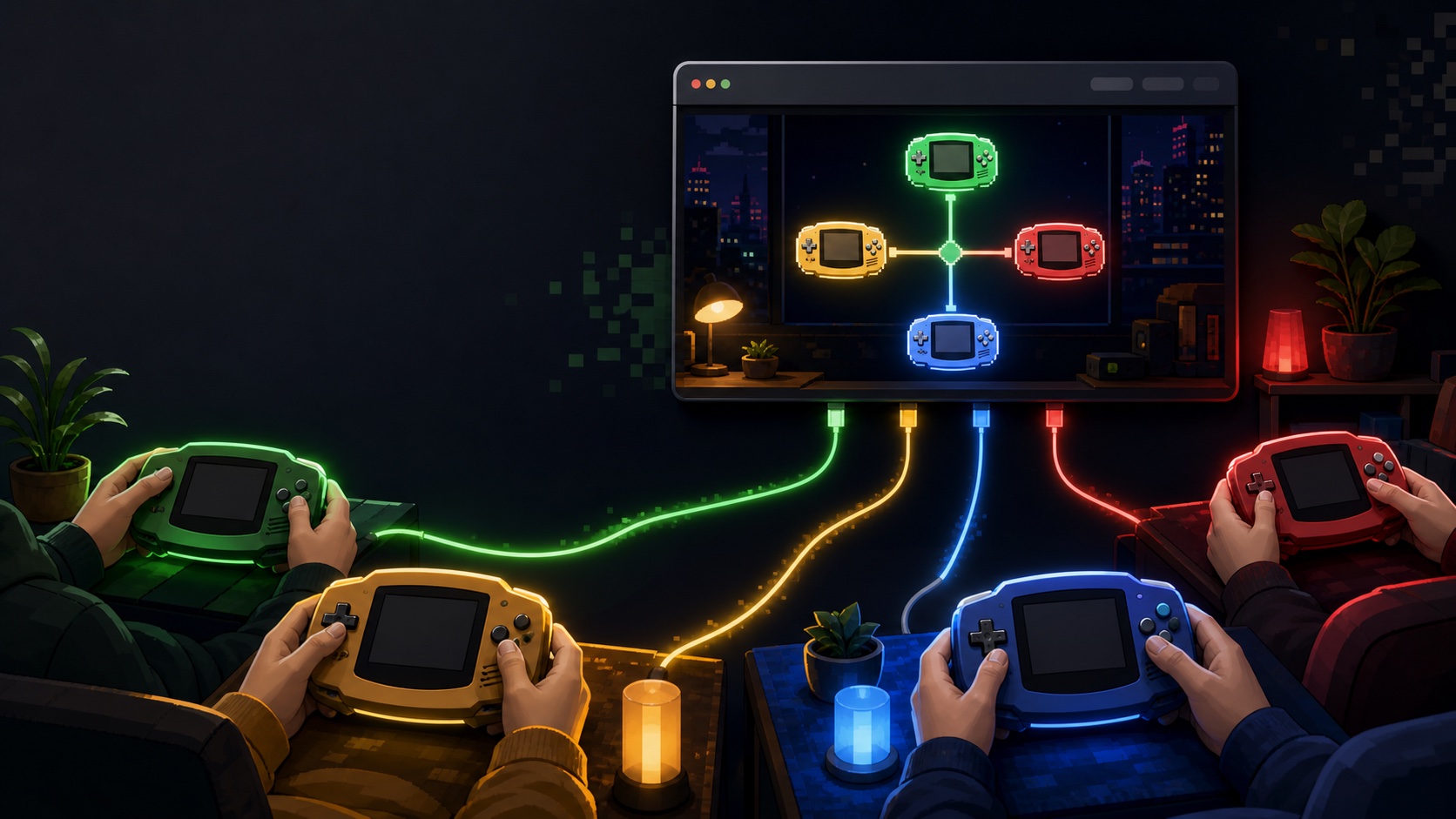
That is why Rebit's GBA Link Cable beta now supports 2P, 3P, and 4P rooms through the bundled mGBA Dual core.
If you already use Rebit for GBA browser play, this gives compatible Game Boy Advance games a more direct path for trading, battling, and local-multiplayer-style sessions without asking every player to configure a desktop emulator first.
What changed
The Link Cable drawer now lets the host choose the room size before starting:
- 2P for a direct two-player session
- 3P for games and groups that need three linked players
- 4P for full four-player GBA link sessions
The host becomes Player 1. Guests join as Player 2, Player 3, or Player 4 depending on the room assignment. The drawer shows the room code, session status, player role, room size, and ping so the group can see what is happening before the game menu starts its own link flow.
Use the full product walkthrough in the GBA Link Cable docs when you want step-by-step setup.
How a 4-player room works
The clean path is:
- Player 1 starts a Game Boy Advance game from their Rebit library.
- Player 1 opens Link Cable from the in-game menu.
- Player 1 selects 4P and starts a Link Cable room.
- Players 2, 3, and 4 start the same compatible GBA game from their own libraries.
- Guests enter the room code and join.
- Rebit exchanges the required player data and loads the linked mGBA session.
- The group uses the game's own link cable menu for the actual trade, battle, race, or multiplayer mode.
The important part is that each player still brings their own game file and save context. Rebit is the browser room and session layer. It is not a source for copyrighted ROM downloads.
Why same game revision still matters
For link cable sessions, "same game" is not always specific enough.
If one player has a different revision, region, patch, or ROM hack build, the game may behave differently once the link starts. For the smoothest session, every player should use the same game and ROM revision they are legally allowed to use.
That is especially important before:
- trading in RPGs
- starting a long battle set
- testing a ROM hack's link behavior
- using save files with meaningful progress
- running a 3P or 4P session where one mismatch can break the whole room
If you are moving saves around before a linked session, read how to move retro saves between devices and keep copies of important SRAM files.
Save before and after the session
Link Cable uses in-game SRAM saves, not a normal save state.
Before starting, save inside the game if you want current progress available in the linked room. If Rebit cannot find an in-game save for a player, that player may start from a blank save inside the linked session.
After the session, open the Link Cable drawer and use Save to store the linked in-game save.
For trades, unlocks, or party changes, do not leave the room immediately after a critical moment. Let every player finish the game's own save routine first, then export the linked SRAM from Rebit.
What this is good for
4P Link Cable rooms are most useful for groups that want the original GBA-style multiplayer structure:
- friends testing a compatible multiplayer mode
- small groups running battle sessions
- players checking whether a ROM hack's link behavior works
- collectors preserving their own save progress while using a browser session
- friend groups that want a short handheld night without local hardware
For games that are not built around GBA link cable behavior, use normal retro netplay or the Rebit lobby instead.
What is still beta
This is still a beta feature.
Some games may not sync reliably. Some games are stricter about timing, save state, revision, or player order than others. Browser performance, Wi-Fi quality, and background tabs can also affect the session.
If a linked session feels wrong:
- Confirm every player is using a compatible GBA game.
- Confirm every player is using the same game revision.
- Start with a 2P test before trying 3P or 4P.
- Save in-game before the link attempt.
- Close unused browser tabs.
- Restart the room before trading or saving anything important.
The Link Cable troubleshooting section covers the common failure cases.
A simple 4-player test plan
For a first group test, keep it short:
- Pick one compatible game.
- Ask everyone to load the same revision.
- Have each player make an in-game save first.
- Start a 4P room and confirm everyone sees their player role.
- Run the game's own multiplayer setup.
- Play one short round.
- Save through the Link Cable drawer.
- Quit and reload once before trusting the session.
That last reload matters. A linked session is not finished until the save survives after the room ends.
For a broader group format, pair this with the 30-minute private retro room plan: five minutes for setup, twenty minutes of play, three minutes to save or recap, and two minutes to decide whether the group should run another room.
Try it from your GBA library
Start with a Game Boy Advance title in your Rebit library, open the in-game menu, and choose Link Cable.
Host a 2P, 3P, or 4P room, share the room code, and keep the first session small enough to test saves safely.
Rebit does not provide copyrighted ROM downloads. Use legally owned game files, keep important saves backed up, and treat 4-player Link Cable as a beta path for compatible GBA games that already know how to link.