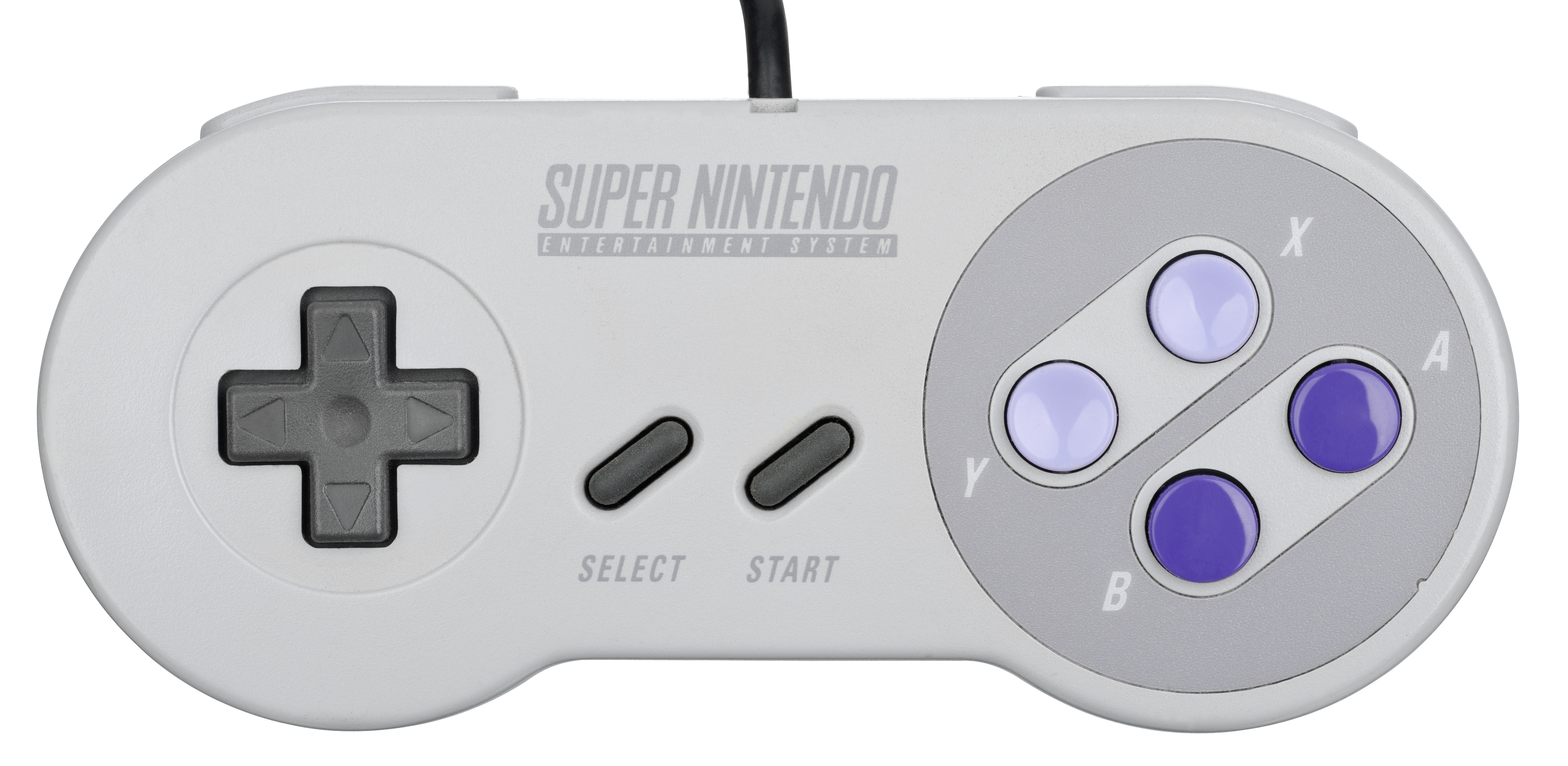
Hey there, fellow retro gaming enthusiasts! If you've been missing those classic couch co-op sessions from back in the day, we've got some seriously exciting news for you. Rebit's Netplay feature is here, and it's a game-changer for anyone who loves retro games but can't always be in the same room as their gaming buddies.
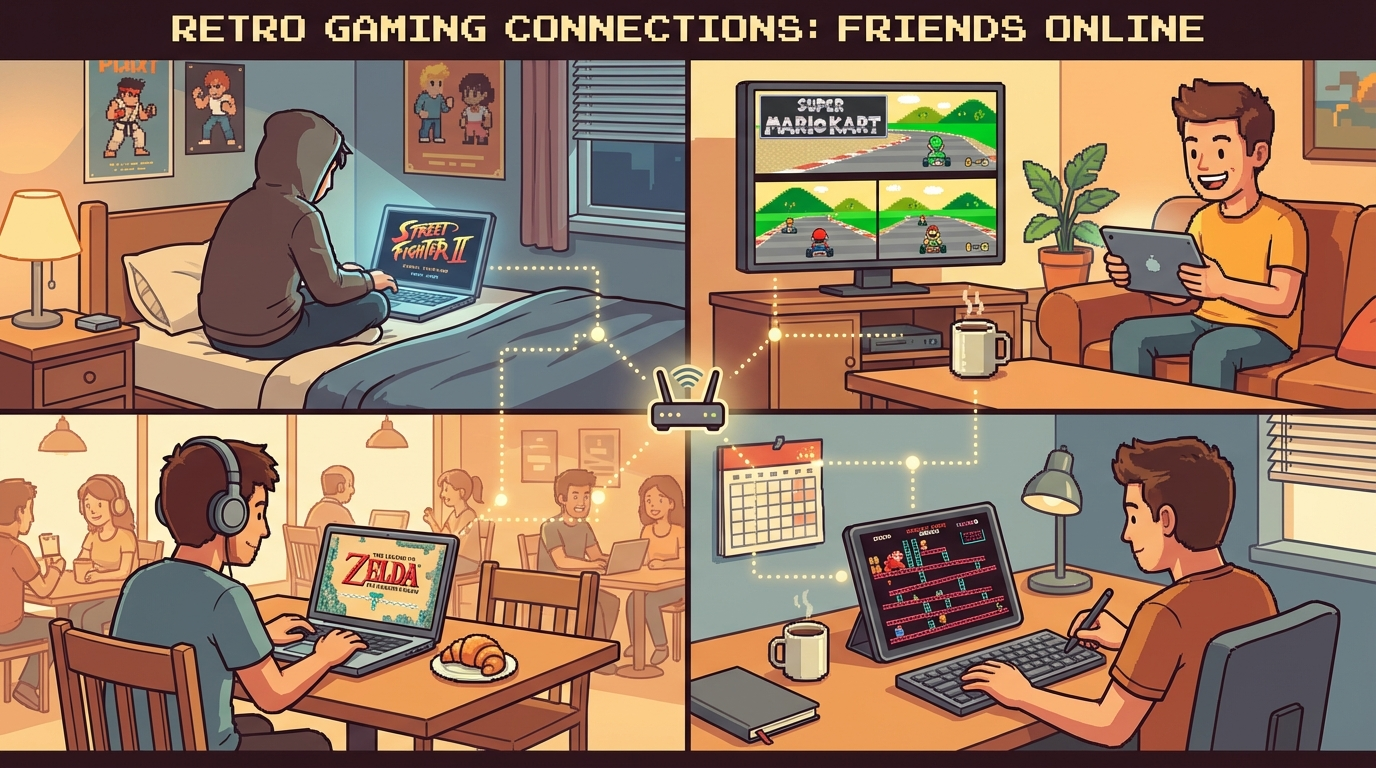
Finally, a way to play all those classic multiplayer games online without dealing with complicated emulator setups or weird networking issues. Just pure, straightforward retro gaming fun with your friends, no matter where they are in the world.
What Exactly is Netplay on Rebit?
So, you might be wondering what the heck netplay actually is. Don't worry — we've got you covered.
Netplay is awesome technology that takes local multiplayer games — you know, the ones originally designed to be played on a single console with multiple controllers — and lets you play them over the internet. It basically syncs up the game state between you and your friends, tricking the game into thinking you're all sitting on the same couch, plugged into the same console.
Pretty cool, right?
What makes Rebit's implementation so special is that we've integrated everything directly into your browser. No need to mess with port forwarding, set up VPNs, or spend hours configuring emulators (we've all been there, and it's NOT fun). You just hop onto our website, create a room, and you're good to go!
Why You Should Be Excited About Retro Gaming Netplay
Look, we get it. Modern multiplayer games are great and all, but there's something special about classic retro games that you just can't replicate. Here's why netplay on Rebit is such a big deal:
Low-Latency WebRTC Technology Means Smooth Gameplay
One of the biggest issues with online gaming has always been lag. You know the feeling — you press a button, and half a second later something happens. It's frustrating and can completely ruin the experience, especially in fast-paced games.
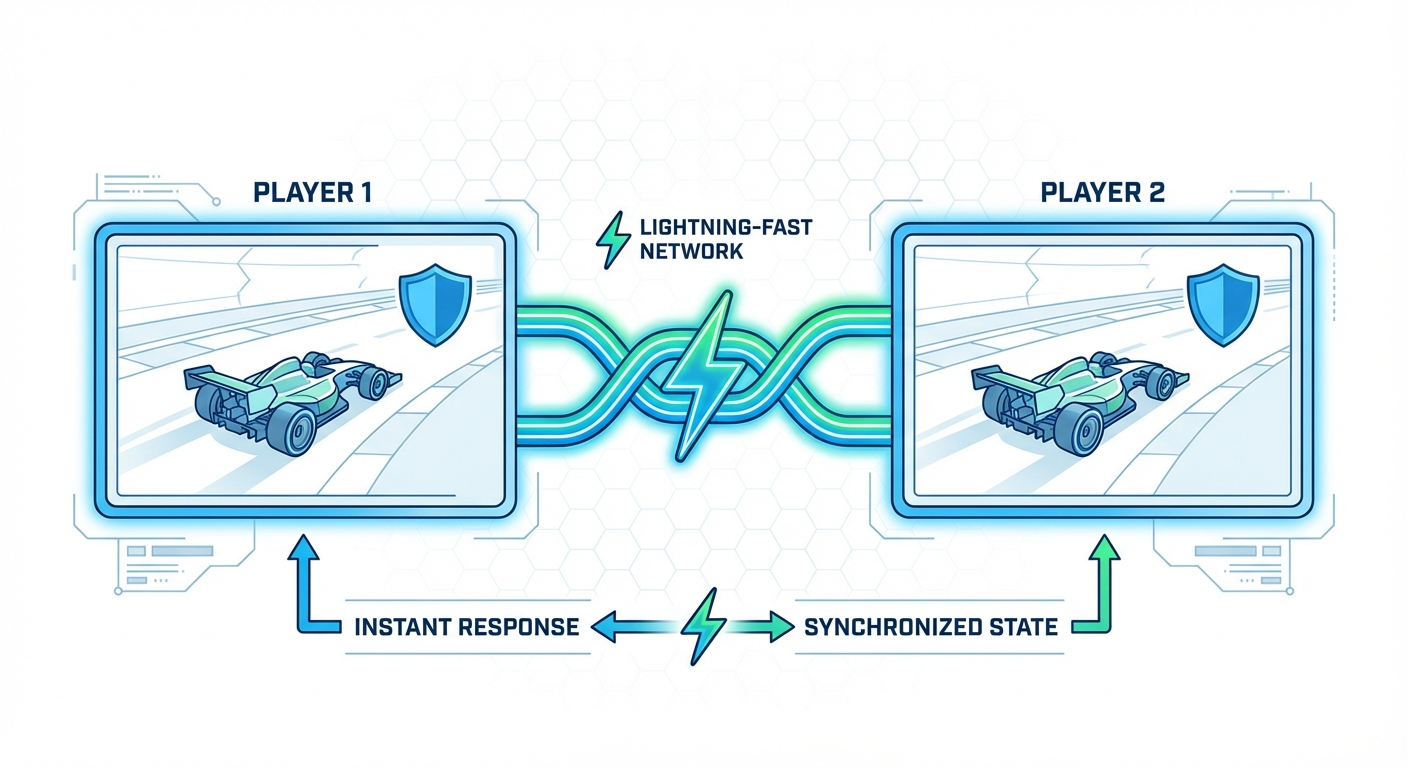
But Rebit uses WebRTC technology with streaming, and honestly, it's a game-changer. The gameplay is butter smooth, even when you're playing with friends on completely different networks. We've tested it with some fighting games where timing is everything, and we were seriously impressed by how responsive it felt.
Play Classic Co-op Games the Way They Were Meant to Be Played
There's something magical about playing through classic games like Contra, Mario Kart 64, or Streets of Rage with friends. These games were designed for multiplayer, and playing them solo just doesn't hit the same way.
With netplay on Rebit, you can:
- Team up for co-op adventures in games like Double Dragon or River City Ransom
- Battle it out in competitive fighters like Street Fighter II or Mortal Kombat
- Race against friends in Mario Kart 64 or F-Zero
- Trade Pokémon and battle with your friends like back in the day
The nostalgia factor alone is worth it, but the gameplay holds up surprisingly well too!
No Technical Headaches Required
Here's the thing that really sold us on Rebit — how incredibly simple it is to use. In the past, trying to set up netplay for retro games meant dealing with:
- Downloading multiple emulators
- Configuring plugins and settings
- Opening ports on your router
- Setting up VPNs or Hamachi
- Dealing with version mismatches and crashes
It was enough to make you want to just give up and play something else.
But Rebit has eliminated all that complexity. Our browser-based system means everything just works. No downloads, no complex setups, no technical knowledge required. If you can use a web browser, you can play retro games online with your friends. It's that simple!
Cross-Platform Freedom
Another awesome feature is that Rebit works on pretty much any device with a web browser. You can be playing on your desktop PC while your friend's on a laptop, and another friend is on their tablet. As long as you've got a browser and an internet connection, you're in!
This flexibility is huge for scheduling gaming sessions with friends who might be traveling, stuck at work, or just away from their main gaming setup.
How to Get Started with Netplay on Rebit
Alright, so you're probably thinking, "This sounds awesome, but how do I actually do it?" Don't worry, we've got you covered. Here's a simple step-by-step guide to get your first netplay session up and running:
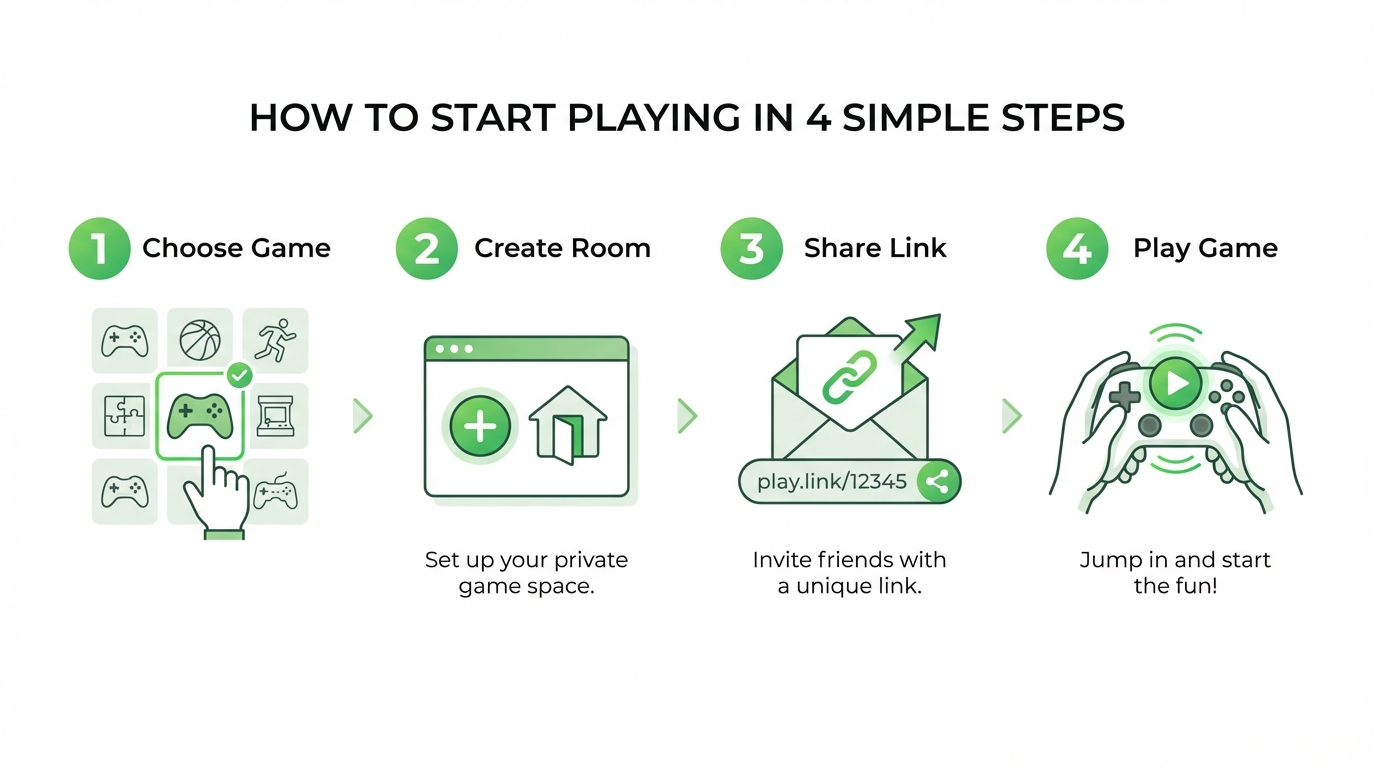
Step 1: Choose Your Game
First things first, head over to your Rebit library or browse our games collection. Look for titles that support 2 or more players. You'll find tons of options across different systems — from NES classics to SNES favorites, Genesis/Mega Drive titles, N64 games, and more.
Some personal recommendations for great netplay sessions:
- Contra (NES) — Classic co-op run-and-gun action
- Street Fighter II (SNES) — Perfect for 1v1 battles
- Mario Kart 64 — Up to 4 players can race together!
- Bomberman — Chaotic multiplayer fun
- Teenage Mutant Ninja Turtles — Beat 'em up co-op at its finest
Step 2: Create Your Netplay Room
Once you've picked your game, look for the "Create Room" or "Host Netplay" button on the game's detail page. This will launch the game and generate a unique lobby for your session.
We love how quick this process is — literally seconds from clicking the button to having your game running!
Step 3: Share the Love (and the Link)
After the game loads, you'll see a Room ID or Share Link in the side menu. Just copy that link and send it to your friends however you want — Discord, WhatsApp, email, carrier pigeon (okay, maybe not that one).
Your friends just need to click the link, and they'll automatically join your session as Player 2 (or Player 3, 4, etc.). No account creation needed on their end, which makes it super easy to get spontaneous gaming sessions started.
Step 4: Configure and Play!
Before you dive in, take a moment to configure your controllers. Rebit supports most modern controllers including Xbox, PlayStation, and 8BitDo controllers. You can map your buttons in the settings menu either before or during the game.
Once everyone's controllers are set up, you're ready to go! The game plays exactly like it would on the original hardware, but now you're all connected over the internet.
Supported Consoles and Systems
One of the coolest things about Rebit is how many different systems we support for netplay. While you'll want to check our library for the most up-to-date list, here are some of the major systems you can expect to enjoy netplay with:
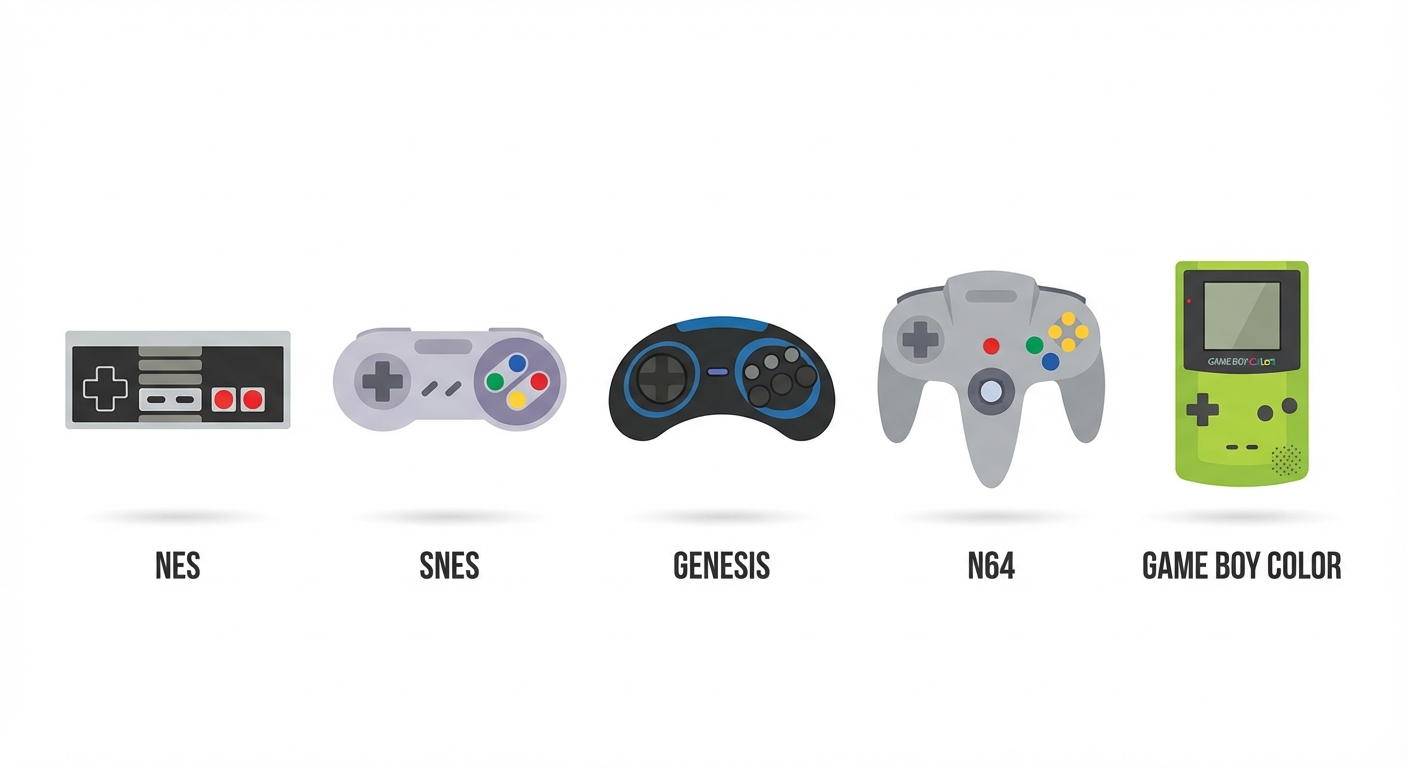
- NES/Famicom — The classics that started it all
- SNES/Super Famicom — 16-bit perfection for multiplayer
- Genesis/Mega Drive — Sega's finest multiplayer experiences
- Nintendo 64 — Four-player madness!
- Game Boy/Color/Advance — Link cable play, reinvented
- and more systems being added regularly!
The variety means you'll never run out of options for game nights with friends. Whether you're into platformers, fighters, racing games, or RPGs, there's something for everyone.
Tips for the Best Netplay Experience
After spending quite a bit of time with Rebit's netplay feature, we've picked up some tips that'll help you get the most out of your sessions:
Connection Matters More Than Speed
Here's something that surprised us — you don't necessarily need the fastest internet connection for good netplay. What matters more is stability. A solid, consistent connection is way better than a super fast one that's all over the place.
For the best experience, we'd recommend:
- Using a wired Ethernet connection if possible
- Sitting reasonably close to your router if on Wi-Fi
- Closing bandwidth-heavy apps while playing (like streaming video)
Start with Games You Know
If you're new to netplay, start with games you're already familiar with. It's one less thing to think about while you're getting used to the system. Plus, it'll help you notice if there are any latency issues right away.
Use Save States Wisely
Rebit supports save state sharing, which is honestly a lifesaver for longer sessions. If someone needs to take a break or you get disconnected, the host can save the state and everyone can pick up exactly where they left off later.
Just make sure everyone's on the same page about when to use them — some players prefer to play through games legit, while others don't mind using save states to practice tough sections!
Consider Headphones for Communication
While voice chat is coming soon to Rebit, right now you might want to set up a separate Discord call or similar with your gaming group. Wearing headphones helps with game audio and lets you communicate strategy (or trash talk) without feedback issues.
Be Patient with Controller Setup
Take a few minutes before starting to make sure everyone's controllers are properly configured. There's nothing worse than getting halfway through a game and realizing Player 2's buttons are all wrong! Trust us, we've learned this the hard way.
Ready to Jump In?
Look, we could go on about how awesome netplay on Rebit is, but honestly, the best way to understand it is to try it yourself. The fact that you can start playing in minutes without any technical hassle makes it so accessible for anyone who loves retro games.
Whether you're looking to relive childhood memories with long-distance friends, introduce your kids to the classics, or just discover great multiplayer games you missed the first time around, Rebit's netplay feature has you covered.
The retro gaming community has been waiting for something like this for a long time — a way to play classic games online that actually works, feels good, and doesn't require a degree in computer science to set up. And honestly? It delivers on all fronts.
So what are you waiting for? Grab your friends, pick a game, and get your netplay on! Trust us, your retro gaming collection has been waiting for this.
Happy gaming, everyone!
Want to try Netplay on Rebit? Head over to rebit.cc and start your first session today! Check out our Netplay documentation for more advanced tips and tricks.