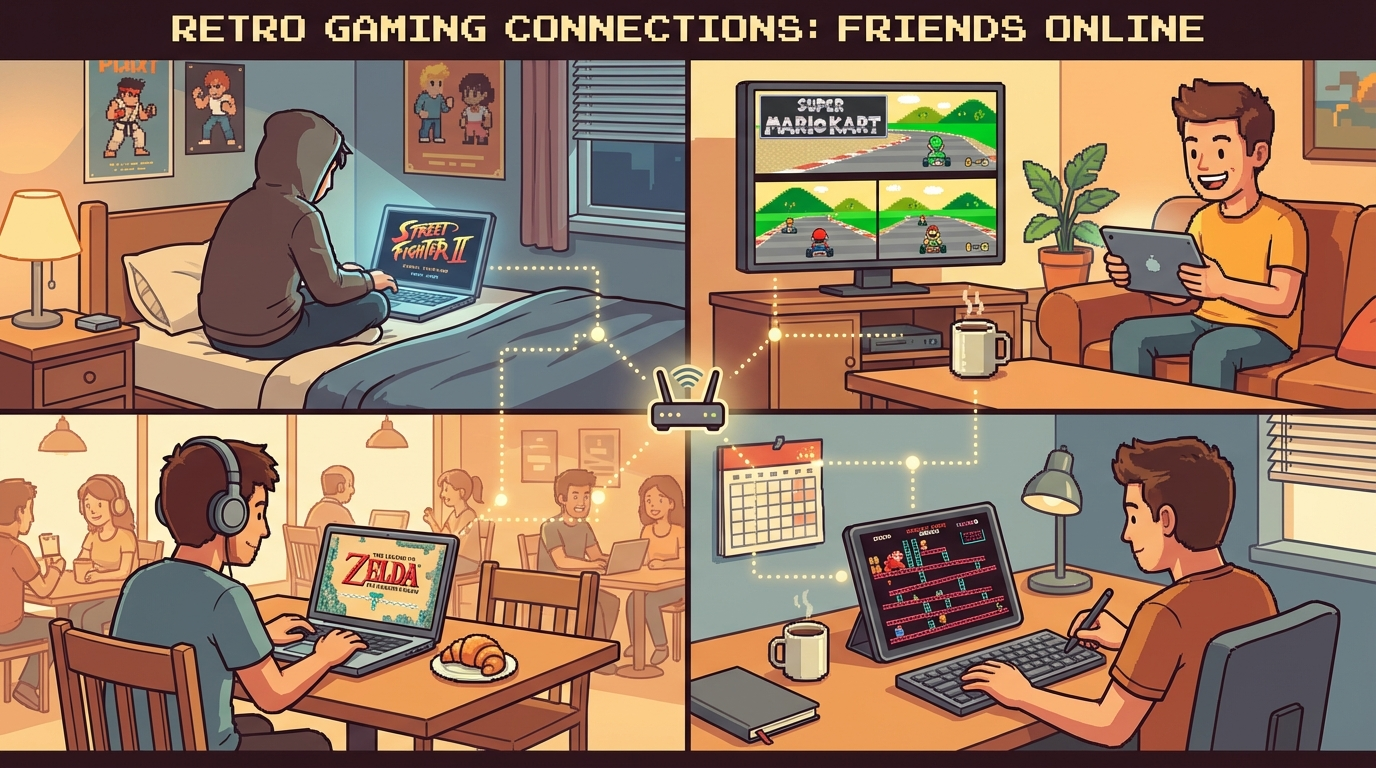
If your goal is to play retro games online with friends after work without turning game night into IT support, you need a repeatable plan. Not a giant setup guide, just a system your group can run in 90 minutes. Start from the core flow at Play Retro Games Online With Friends, keep Fix Retro Netplay Lag open for troubleshooting, and use this post as your exact session blueprint.
This is gamer-to-gamer: practical choices, fast setups, and game picks that stay fun even when people have different skill levels.
Why Weeknight Sessions Usually Collapse
Most groups don’t quit because retro games got boring. They quit because every week starts from zero.
Common failure pattern:
- 25 minutes spent deciding what to play
- one person has audio/input issues and everyone waits
- too many hard games in a row, casual players check out
- no fallback when lag appears
- session ends with "we'll do it better next week"
The fix is simple: pre-pick game roles, lock timing blocks, and set one anti-lag rulebook before the first match.
The 90-Minute Session Template (Copy This)
Use this exact structure in your group chat before session start.
0:00-0:10 — Warm-up and connection check
- launch one low-stakes title first
- verify everyone can move, jump, and hear correctly
- if someone stutters badly, switch host now, not later
Good warm-up games:
- Bomberman (SNES)
- Puzzle Bobble / Bust-A-Move (Neo Geo)
0:10-0:55 — Main co-op block
- run 2-3 games max
- each game gets a clear time cap (12-15 minutes)
- rotate player order each game so no one is always "last in line"
0:55-1:20 — Competitive or chaos block
- switch to one versus game or party game
- keep sets short (FT2 or timed rounds)
- avoid long rematch loops unless everyone agrees
1:20-1:30 — Wrap + next session lock-in
- vote next week’s first game immediately
- choose fallback title in case netplay is unstable
- pin the room plan so no one asks the same setup questions again
This one structure solves 80% of coordination pain.
The Best Game Mix for Reliable Friend Sessions
You need variety, but not chaos. Pick one game from each bucket.
1) Co-op Brawler Slot (easy teamwork, fast fun)
- Teenage Mutant Ninja Turtles IV: Turtles in Time (SNES)
- Streets of Rage 2 (Genesis)
- Final Fight (SNES)
Why this slot works: instant action, obvious roles, and no long tutorial needed.
2) Run-and-Gun Slot (higher intensity)
- Contra III: The Alien Wars (SNES)
- Metal Slug X (Neo Geo/PS1)
- Sunset Riders (SNES)
These are great when your group wants that "one more run" energy. Keep attempts short so weaker players don’t feel stuck watching.
3) Party/Versus Slot (reset the mood)
- Mario Kart 64 battle mode (N64)
- Super Bomberman 2 (SNES)
- Windjammers (Neo Geo)
This slot is your social reset button. If co-op gets sweaty, drop into a fast versus title and keep momentum up.
That’s 9 concrete games already; rotate a few each week instead of replacing everything.
Host and Lag Rules (Non-Negotiable)
If you ignore this section, your session quality tanks no matter how good your game list is.
- Host by stability, not by who suggested the game. Wired, low-jitter connection wins.
- One replay rule. If a match is unplayable, replay once after host check, then move on.
- No heavy background uploads while hosting. This kills consistency.
- Don’t change visual settings mid-session. Lock shaders/filters before starting.
- Have a fallback game ready. If one title struggles, swap instantly.
When someone says "it feels laggy," don’t argue feelings for 15 minutes. Open Fix Retro Netplay Lag and run the checklist.
If you want extra detail for room setup fundamentals, this post helps too: /blog/2026-03-15-retro-netplay-lobby-rules-for-smooth-friend-sessions.
Quick Role Assignments for Friend Groups
Assign tiny roles once and stop repeating logistics every week.
- Host captain: decides host switch when stability drops
- Queue manager: posts game order + time caps
- Patch checker: confirms everyone is on the same game/version
- Mood keeper: calls breaks and prevents salt spirals
Yes, this sounds formal. No, it doesn’t kill fun. It removes dead time.
Practical Setup Checklist (5 Minutes Before Start)
Run this every time:
- close browser tabs/streams you don’t need
- plug in controller before launching game
- test one input-heavy action (dash/jump/combo)
- confirm voice chat level is audible but not clipping
- open room links for your primary and fallback games
If your group is new to Rebit, start here first: Play Retro Games Online With Friends.
For more game ideas and platform-specific posts, browse /blog and build your own rotation list.
What to Do When Skill Levels Are Very Different
Mixed-skill groups are normal. Bad format is the problem, not player skill.
Use these adjustments:
- pair stronger + newer players in co-op slots
- cap versus rematches so beginners still get playtime
- rotate to one "easy onboarding" game every session
- celebrate clears/objectives, not just win-loss records
Great weeknight sessions are measured by "everyone played and wants to return," not by one player’s perfect streak.
Sample Weeknight Rotation You Can Paste Right Now
Theme: Action + Party + Chill (90 min)
- Warm-up: Super Bomberman 2 (10 min)
- Co-op: Turtles in Time (15 min)
- Co-op: Contra III (15 min)
- Versus reset: Windjammers (15 min)
- Co-op push: Streets of Rage 2 (15 min)
- Finale: Mario Kart 64 battle mode (10 min)
- Vote next week opener (10 min)
This keeps pace high and frustration low.
Strong CTA: Run This Format Tonight
If your crew has been saying "we should play more retro together" but sessions keep dying, stop improvising and run a fixed template:
- Start from Play Retro Games Online With Friends.
- Pre-pick 3 games (co-op, run-and-gun, party).
- Apply the 90-minute blocks above.
- Keep Fix Retro Netplay Lag pinned as your emergency playbook.
- End by locking next week’s first game before everyone leaves.
Do this once, and weeknight retro sessions stop feeling random. You’ll spend less time troubleshooting and more time actually playing with your friends.