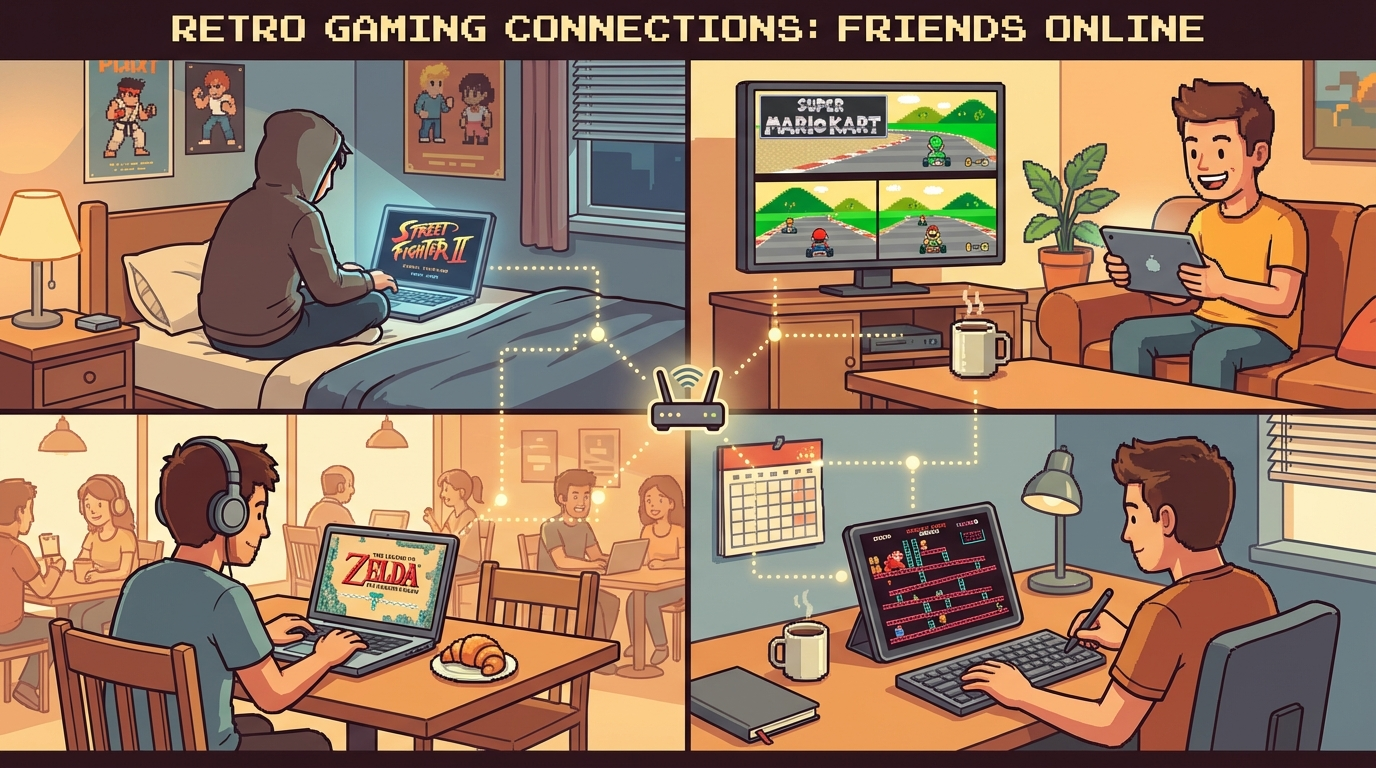
If your group wants to upload ROM and play online without the usual setup chaos, you need one clean flow and a save strategy before match one. Start with Upload ROM & Play Online as the core path, then pair it with Cloud Saves for Retro Games so your progress survives disconnects, browser restarts, and “who hosted last night?” confusion.
This guide is gamer-to-gamer, no fluff: exact steps, common mistakes, and game picks that actually work for fast online sessions.
Why “Quick Upload” Sessions Still Waste 30 Minutes
Most groups don’t fail on emulator performance. They fail on tiny coordination issues:
- everybody uploads a slightly different ROM dump
- the host starts before controller mapping is tested
- save files stay local and vanish after a browser cleanup
- one failed sync forces the whole room to restart
You can avoid all of this with a 10-minute preflight routine and one shared rule: upload once, verify once, save everywhere.
The 10-Minute Preflight (Do This Before Anyone Gets Impatient)
Minute 0-2: Pick the exact game build
Post the game name plus region/version in chat before upload.
Good examples:
- Mario Kart 64 (USA)
- Street Fighter II Turbo (SNES, USA)
- Contra III: The Alien Wars (USA)
- Metal Slug X (PS1)
- Golden Sun (GBA, USA)
If your group skips version locking, you invite desyncs right away.
Minute 2-5: Upload and confirm load
Host uploads once using Upload ROM & Play Online. Everyone else joins and confirms:
- game boots correctly
- sound is clean
- inputs are recognized
No “it should be fine.” Test it immediately.
Minute 5-8: Input and latency sanity check
Run one short movement/combo test:
- Mario Kart 64: quick lap drift test
- Street Fighter II Turbo: quarter-circle + DP input check
- Contra III: jump + diagonal fire test
If a player reports delay, fix host/network now instead of arguing during real matches.
Minute 8-10: Save policy lock-in
Before game one starts, agree where progress lives:
- cloud save as source of truth
- local state only as temporary backup
- sync/checkpoint at game-switch breaks
This is where Cloud Saves for Retro Games stops being “nice to have” and becomes mandatory.
Primary Flow: Upload Once, Run a Multi-Game Session
Use this repeatable format for 60-120 minute rooms.
Block A: Warm-up title (10-15 min)
Pick something forgiving to validate room stability.
Great warm-up options:
- Super Bomberman 2 (SNES)
- Puzzle Bobble (Neo Geo)
- Mario Kart 64 battle mode (N64)
Goal: verify everyone can play, not prove who is best.
Block B: Main co-op or campaign (30-45 min)
Now move to your real session game:
- Contra III for fast co-op pressure
- Teenage Mutant Ninja Turtles IV: Turtles in Time for approachable co-op
- Metal Slug X for stylish chaos and short retries
Every 15 minutes, run a quick save checkpoint to cloud. If someone drops, the session keeps moving.
Block C: Competitive closer (20-30 min)
Finish with short rounds so nobody is stuck spectating:
- Street Fighter II Turbo (FT2 sets)
- Windjammers (first to 5 points)
- Mario Kart 64 (2-3 races only)
Then lock the next session’s opener before closing the room.
What Most Players Miss About Upload Workflows
1) Upload speed is not session speed
Fast upload doesn’t matter if the room spends 25 minutes troubleshooting controllers. Preflight beats raw upload speed every time.
2) Save timing matters more than save frequency
Don’t spam saves every minute. Save at predictable points:
- after each boss clear
- before switching games
- at session end
That pattern cuts human error.
3) Co-op games need role assignment
In Contra III or Turtles in Time, assign simple roles (lead/support, crowd control/boss focus). It reduces panic and repeated deaths.
4) Competitive games need hard time caps
Without caps, one matchup eats the whole night. Keep short structures so everyone plays.
5) Cloud saves are also your cross-device bridge
If your friend joins from laptop tonight and tablet tomorrow, cloud saves make that transition painless. That’s the practical value behind Cloud Saves for Retro Games and cross-device play habits.
Concrete “No-Drama” Game Plan You Can Copy Tonight
Theme: Action + Co-op + Skill test (90 minutes)
- Warm-up: Super Bomberman 2 (10 min)
- Co-op: Turtles in Time (15 min)
- Co-op: Contra III (15 min)
- Save checkpoint + host check (5 min)
- Versus: Street Fighter II Turbo FT2 sets (20 min)
- Finale: Mario Kart 64 (15 min)
- Final cloud save + next room game vote (10 min)
This keeps momentum high and prevents that classic ending: “wait, who has the latest save?”
Troubleshooting Checklist (When Someone Says “It Feels Off”)
Run this in order:
- Confirm everyone loaded the same ROM/version.
- Recheck controller mapping for the affected player.
- Switch host if jitter spikes for multiple players.
- Test one lightweight game (Puzzle Bobble/Bomberman) to isolate network vs game complexity.
- Re-sync cloud save before resuming campaign progress.
If your room keeps hitting avoidable issues, review /blog for practical setup posts, especially:
- /blog/2026-03-07-upload-rom-play-online-guide
- /blog/2026-03-06-cloud-saves-retro-gaming-never-lose-progress
- /blog/2026-03-15-retro-netplay-lobby-rules-for-smooth-friend-sessions
Strong CTA: Set Up Your Next Room the Smart Way
If you want smoother retro nights, do this right now:
- Open Upload ROM & Play Online and pick your first game.
- Agree on one exact ROM version with your group.
- Start the 10-minute preflight checklist above.
- Turn on your save routine using Cloud Saves for Retro Games.
- Lock next session’s first title before logging off.
That’s it. One upload flow, one save policy, and your room stops feeling random. You spend less time debugging and more time actually playing retro games together.