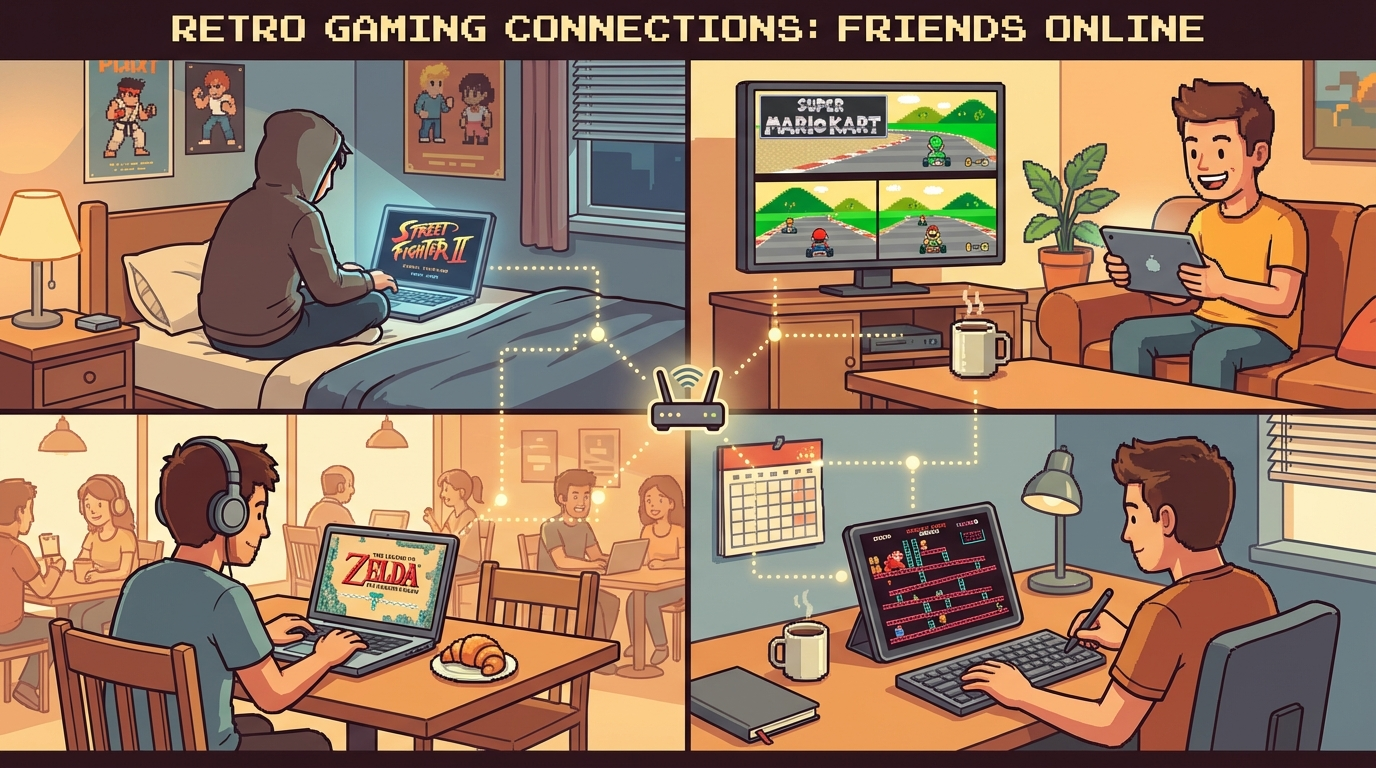
If your group says “we should run retro tonight” and then burns 30 minutes on setup, this guide is your fix. The fastest way to play retro games online with friends is not a magical setting. It’s a repeatable room plan that works across laptop, tablet, and phone so nobody gets blocked by device differences. Start from Play Retro Games Online With Friends, then pair it with Cross-Device Retro Gaming so progress and sessions stay smooth even when players switch screens.
We’re keeping this practical: what to prepare, what to play, and what to do when things go sideways.
Why Friend Sessions Break Before Match One
Most sessions fail for boring reasons, not complex ones:
- one player joins on unstable Wi-Fi from a phone
- another player has a different ROM revision
- everyone wants a different game type right away
- no one defines host rules before launching
- people swap devices mid-session without save discipline
You can avoid this with one shared plan. Think like a mini tournament organizer, not a random open lobby.
The 10-Minute Pre-Session Setup (Copy This)
Run this checklist in your group chat before game night:
- Lock the game list (3 primary titles + 2 backups).
- Pick host policy (best wired connection hosts first).
- Confirm ROM version (same region/revision for all players).
- Assign device roles (desktop for precision, phone for casual rounds).
- Set rotation format (winner stays / queue order / team swap rules).
- Run one warm-up game before ranking anything.
This removes 80% of arguments.
If your crew is new to this workflow, send them: /blog/play-retro-games-online-with-friends-weekly-room-system.
Best Games for Cross-Device Friend Nights
Not every classic game feels good when one player is on keyboard and another is on touchscreen. These are reliable picks with low friction.
1) Fast Competitive Rounds
- Street Fighter II Turbo (SNES)
- Mario Kart 64 (N64)
- Puyo Puyo Tsu (SNES)
Why they work: short rounds, quick rematch loops, easy rotation when players join late.
2) Co-op Crowd-Pleasers
- Teenage Mutant Ninja Turtles IV: Turtles in Time (SNES)
- Streets of Rage 2 (Genesis)
- Double Dragon II (NES)
Why they work: shared objectives and less pressure for perfect frame timing.
3) “One More Round” Party Picks
- Bomberman 64 (N64)
- Super Puzzle Fighter II Turbo (PS1)
Why they work: simple rules and quick match flow when the room has mixed skill levels.
That gives you more than five concrete options, so you can adapt based on who shows up.
Primary/Secondary Device Strategy That Actually Helps
Trying to force identical controls on every device is a mistake. Better approach:
- Primary device (desktop/laptop): precision games, ranked sets, difficult bosses
- Secondary device (phone/tablet): warm-ups, casual rounds, co-op grinding
This is exactly where Cross-Device Retro Gaming matters. Your group doesn’t lose momentum when someone leaves the desk and rejoins from mobile.
Host Rules That Reduce Lag Complaints Instantly
Use this in your room description:
Host is chosen by connection stability, not by skill level or who creates the room first.
Then enforce these rules:
- prefer wired Ethernet host when available
- avoid host switching mid-set unless quality is clearly bad
- if one far-region player joins, run a separate side room
- restart the room once after major settings changes
If your session starts feeling muddy, open Fix Retro Netplay Lag right away instead of debating theories.
Save and ROM Discipline (Unsexy, Critical)
If your group switches between devices, this is non-negotiable:
- Everyone uses the exact same ROM revision.
- No random cheats/mods unless every player matches.
- Exit cleanly before changing devices.
- Wait for save sync before opening the same game elsewhere.
- Keep one active session per game title.
For onboarding new players, this guide is useful: Upload ROM and Play Online.
A Ready-to-Run Weekly Format
Use this timeline for 2-hour friend sessions.
Block A (20 min): Warm-Up + Tech Check
- one easy game (Kart or puzzle)
- confirm audio/input quality
- verify everyone can rematch quickly
Block B (70 min): Main Rotation
- run 3-5 game sets
- cap each set to avoid queue boredom
- move laggy title to backup instead of forcing it
Block C (30 min): Co-op or Chaos Slot
- pick one co-op beat ’em up
- keep it social, no rank pressure
- end with next-week vote while everyone is still online
This structure keeps sessions fun and repeatable instead of random and exhausting.
What to Do When a Match Feels Bad (90-Second Triage)
Don’t argue. Run this sequence:
- Pause and identify if one player is spiking ping.
- Ask everyone to kill background downloads/streams.
- Lower visual filters/shaders on weaker devices.
- Relaunch room once.
- Switch host if issue continues.
For deeper troubleshooting, send this post in chat: /blog/fix-retro-netplay-lag-practical-checklist.
Common Mistakes to Kill This Week
- starting with a high-friction game instead of a stable warm-up title
- ignoring mixed device realities (desktop and mobile need different roles)
- letting players freestyle ROM versions
- changing controls every match
- running no queue rules in a 6+ player room
If your group fixes just these five mistakes, session quality improves immediately.
Strong CTA: Build Your Friend Lobby Kit Tonight
If you want cleaner sessions this week, do this now:
- Open Play Retro Games Online With Friends and lock your baseline setup.
- Share Cross-Device Retro Gaming with your group so device switching stops breaking momentum.
- Pick three games from this guide and announce them before session start.
- Pin your host + queue rules in chat.
- Run one 10-minute dry run tonight, then schedule your full session.
Do this once and your weekly retro nights stop feeling like IT support and start feeling like what they should be: fast rematches, loud reactions, and “same time next week?” energy.