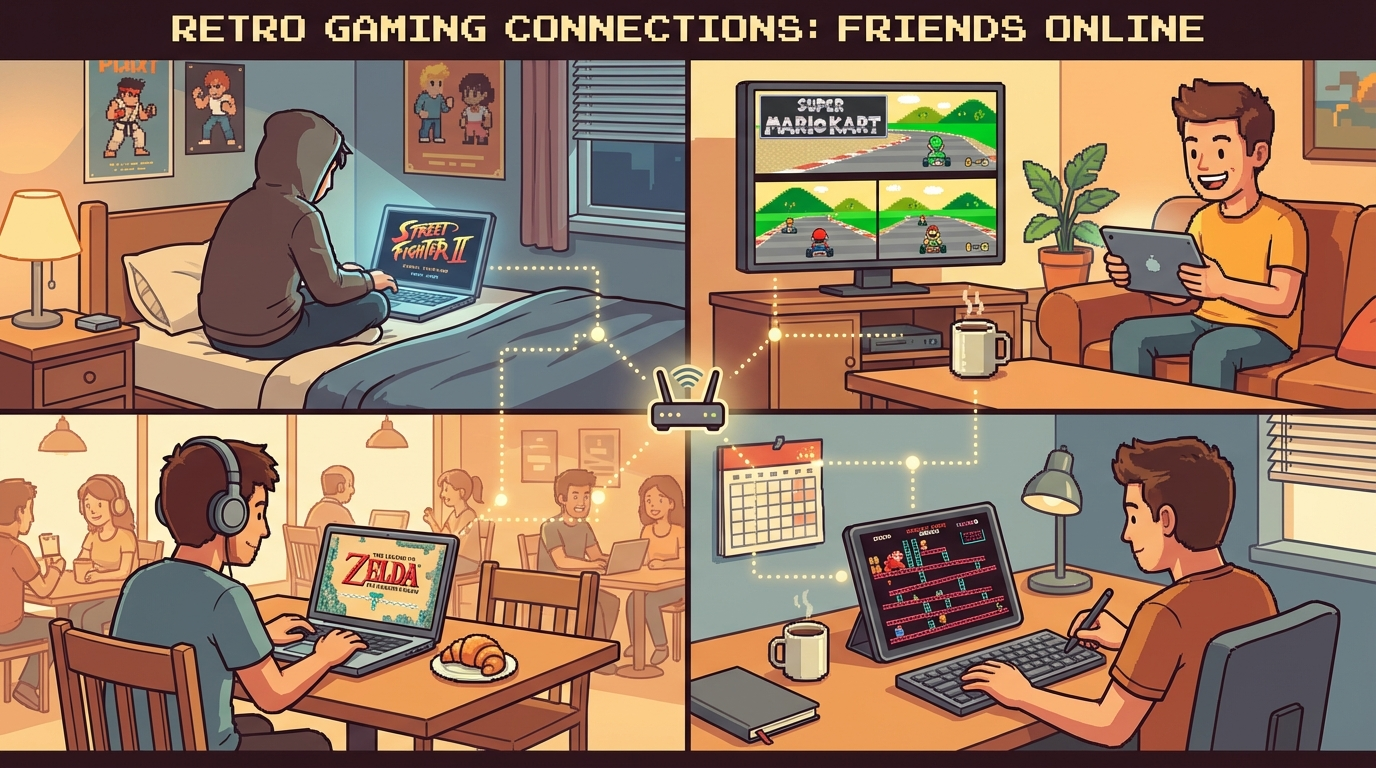
If your crew wants to play retro games online with friends every week, you don’t need a “perfect setup.” You need a repeatable system. Most online retro nights fail for boring reasons: too many game swaps, host changes every 15 minutes, and nobody agreeing on session flow. Fix those and your room suddenly feels stable.
This guide gives you a practical structure we use for consistent sessions. Your primary hub should be play retro games online with friends, and your troubleshooting backup should be fix retro netplay lag.
Why Most Friend Sessions Break by Hour Two
The problem is rarely the game itself. It’s session chaos.
Typical failure pattern:
- no clear host ownership
- random game rotation based on whoever shouts loudest
- no warm-up game before high-precision matches
- zero plan for lag spikes
- nobody tracking what worked last week
Retro games are fast and timing-heavy, so messy coordination gets punished immediately. The fix is to treat your game night like a mini league: light structure, fast decisions, low drama.
The Weekly Room System (Use This Template)
Run the same skeleton every week. Keep it simple.
Phase 1: 10-Minute Stability Check
Before competition starts:
- Lock one host for the first 60-90 minutes.
- Ask host to use wired internet if possible.
- Close background downloads/streams.
- Test one low-stakes round before scorekeeping.
- Confirm everyone’s controls in-game once.
This is boring, yes. It also prevents 80% of “why is this lagging?” arguments.
Phase 2: 45-Minute Core Block
Pick one console focus for the night (NES, SNES, N64, PS1, GBA) and run three to four games max. Limiting swaps keeps the room stable and players focused.
Phase 3: 25-Minute Chaos Block
Now you can rotate party games or rival matches. Keep it quick, loud, and fun. No heavy rules.
Phase 4: 10-Minute Finale
End on one agreed closer game every week. Familiar closers create ritual, and ritual keeps people coming back.
8 Retro Games That Work Great in This Format
Concrete picks that hold up online:
-
Mario Kart 64 (N64)
Great for mid-session rivalries. Short races, instant rematches. -
Street Fighter II Turbo (SNES)
Clean 1v1 structure. Perfect for quick ladder rounds. -
Bomberman ‘94 (PC Engine / retro party vibe)
Excellent chaos-block game. Easy to explain, hard to master. -
Tekken 3 (PS1)
Great for skill expression with friends who like fighting games but still want quick sets. -
Contra (NES)
Co-op warm-up classic. Fast reset loop, high teamwork energy. -
Metal Slug X (PS1/arcade ports)
Co-op action with short, exciting attempts. -
GoldenEye 007 (N64)
Still unbeatable for friendly trash-talk sessions. -
Super Mario World (SNES relay challenges)
Not standard versus, but amazing for relay races and score challenges.
If your group wants console-specific setup help, these pages are worth keeping nearby:
How to Pick Your “Primary Night Console”
Don’t vote every week from scratch. Use this quick rule set:
- If your group likes precision PvP: choose SNES/PS1 nights.
- If your group prefers party chaos: choose N64 nights.
- If your group is mixed skill: choose NES co-op + puzzle nights.
Then rotate in a fixed loop (for example: SNES → N64 → PS1 → NES). Predictable rotation means less pre-game debate and more actual play.
Anti-Lag Rules That Don’t Kill the Fun
Lag rules should be dead simple, not a legal document.
Rule 1: One Host Per Block
Host switching is the fastest way to fragment session quality. Only swap hosts between blocks, not between every game.
Rule 2: Keep Lobby Size Practical
If you have 8+ players, split into two rooms for core matches. Big rooms are fun socially, but they can tank match consistency.
Rule 3: Apply a 2-Minute Recovery Protocol
When a match feels off:
- pause rematch spam
- verify host bandwidth load
- relaunch room once
- resume with same game before switching
If issues continue, use the checklist from fix retro netplay lag instead of guessing.
Rule 4: Avoid Mid-Session Control Remaps
Input confusion gets blamed on latency. Lock control presets early and leave them alone unless absolutely necessary.
The “Scoreboard Lite” Trick That Increases Retention
If you want people to return next week, track tiny outcomes.
Keep one shared note with:
- game played
- winner (or top 2)
- funniest moment
- technical issues noticed
That’s it. No giant tournament brackets needed. People come back when they feel continuity.
Suggested 2-Hour Session Plan (Copy/Paste)
Use this exact structure for your Discord/Telegram invite:
- 00:00-00:10 — room check + test match
- 00:10-00:55 — core block (3 focused games)
- 00:55-01:20 — chaos block (party/rotation picks)
- 01:20-01:50 — rivalry rematches / mini finals
- 01:50-02:00 — weekly closer + next-week console vote
This gives enough structure to avoid drift, but enough freedom to keep the vibe casual.
Related Reads for Better Sessions
If you want to improve your room quality fast, pair this post with:
- /blog/fix-retro-netplay-lag-practical-checklist
- /blog/best-retro-multiplayer-games-to-play-online
- /blog/play-n64-games-online-no-lag-setup-guide
Final CTA: Build Your Weekly Retro Night, Don’t Wing It
If your goal is to play retro games online with friends every week, stop improvising the whole night. Use a stable room structure, pick a primary console, and follow a simple lag protocol. You’ll spend less time troubleshooting and more time actually playing.
Start with play retro games online with friends, bookmark fix retro netplay lag for recovery, and run this format for the next three sessions. By week three, your room quality will feel completely different.


