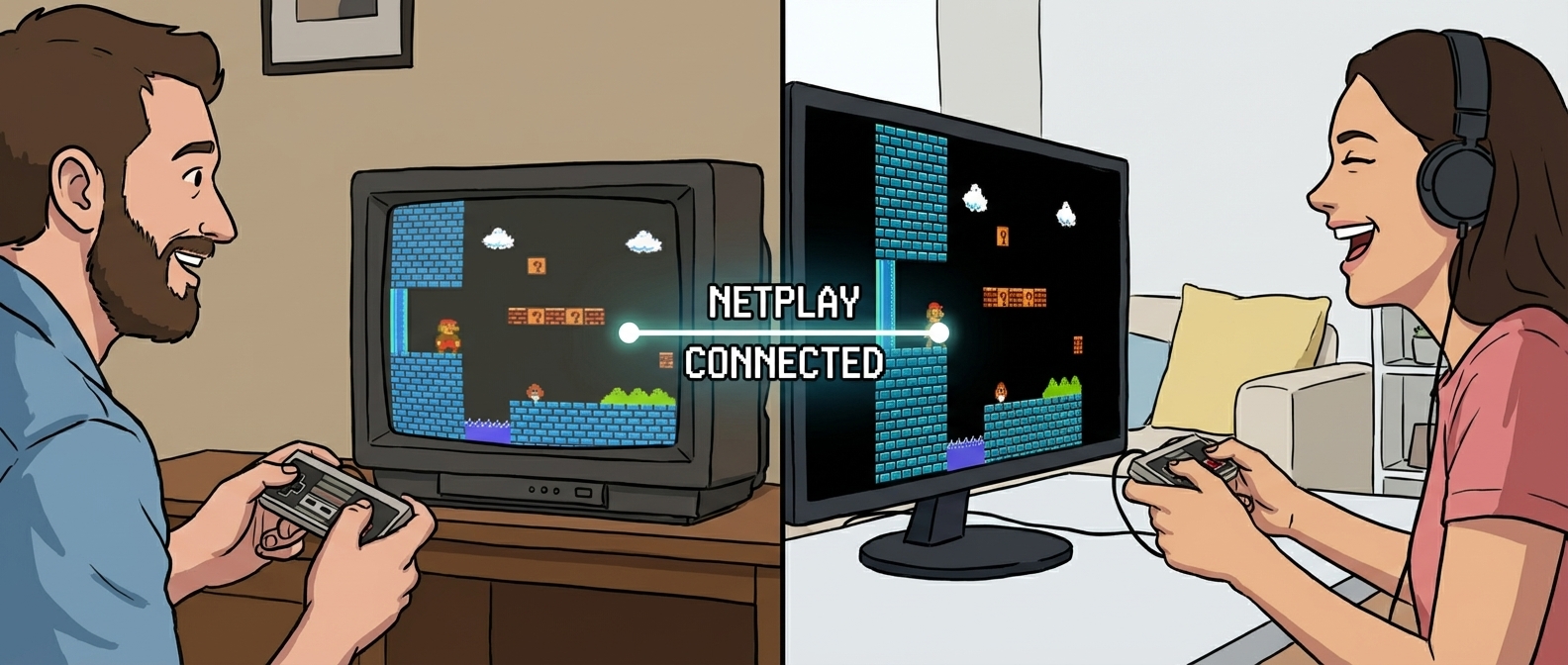
If you want to fix retro netplay lag fast, stop tweaking random settings mid-match and run a repeatable pre-game checklist instead. That one change saves more sessions than any “magic” setting ever will. We use this exact flow when we play retro games online with friends, and it keeps rooms stable even when skill levels, devices, and internet quality are mixed.
This guide is for real match nights: practical steps, what to change first, and what to ignore.
Why Retro Lag Feels Brutal (Even When Ping Looks Fine)
Retro games punish timing mistakes harder than modern games. In a lot of classics, one dropped input means a lost stock, missed combo, or dead run.
You feel it immediately in games like:
- Street Fighter II Turbo (SNES)
- Mario Kart 64 (N64)
- Super Smash Bros. (N64)
- Contra (NES)
- Metal Slug X (PS1)
- Tekken 3 (PS1)
These games are frame-sensitive, and many have short animation windows. So if your room has jitter or inconsistent delay, players call it “lag” even if average ping seems acceptable.
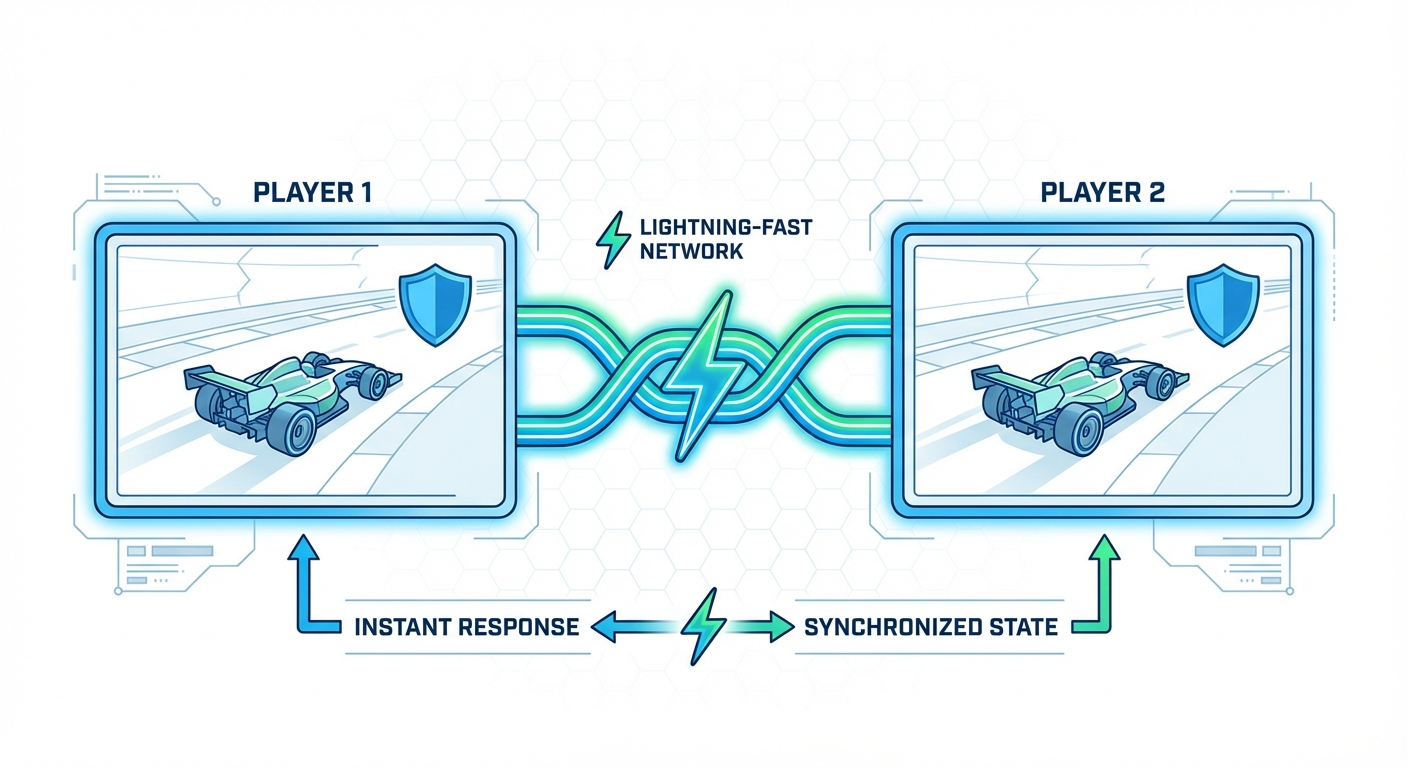
That’s why the goal is not just low ping. The goal is stable input feel.
The 10-Minute Pre-Session Checklist That Prevents Most Lag
Before inviting everyone, do this once:
- Pick one host and stick with it for the first hour. Host swapping every 10 minutes causes unstable session quality.
- Close background bandwidth hogs. Kill cloud sync, big downloads, and background streams.
- Prefer Ethernet for host and at least one competitive player. Wi-Fi can be fine, but unstable Wi-Fi ruins fighters fast.
- Set game list before launch (max 3 games). Constant room switching creates avoidable reconnect spikes.
- Run one warm-up match with everyone silent on voice chat. This reveals pure network issues without extra variables.
- Agree on region grouping. If distance is huge, split into two rotation pools.
- Lock controls and video settings early. Mid-session changes cause desync confusion.
If your room still stutters after this, then start focused troubleshooting using the sections below.
Game-by-Game Lag Expectations (What “Good” Should Feel Like)
Don’t use one standard for every title.
Fighters (Street Fighter II Turbo, Tekken 3)
- Target: consistent feel over absolute responsiveness
- Best practice: longer sets (FT3/FT5) with fixed host
- Bad sign: delay changes between rounds
For fighters, tiny input drift is worse than a slightly higher but stable delay.
Racers and party games (Mario Kart 64, Crash Team Racing)
- Target: predictable race flow and item timing
- Best practice: fixed map rotation + no host change mid-cup
- Bad sign: sudden teleports after item-heavy moments
These games handle minor delay better than fighters, but jitter still kills fairness.
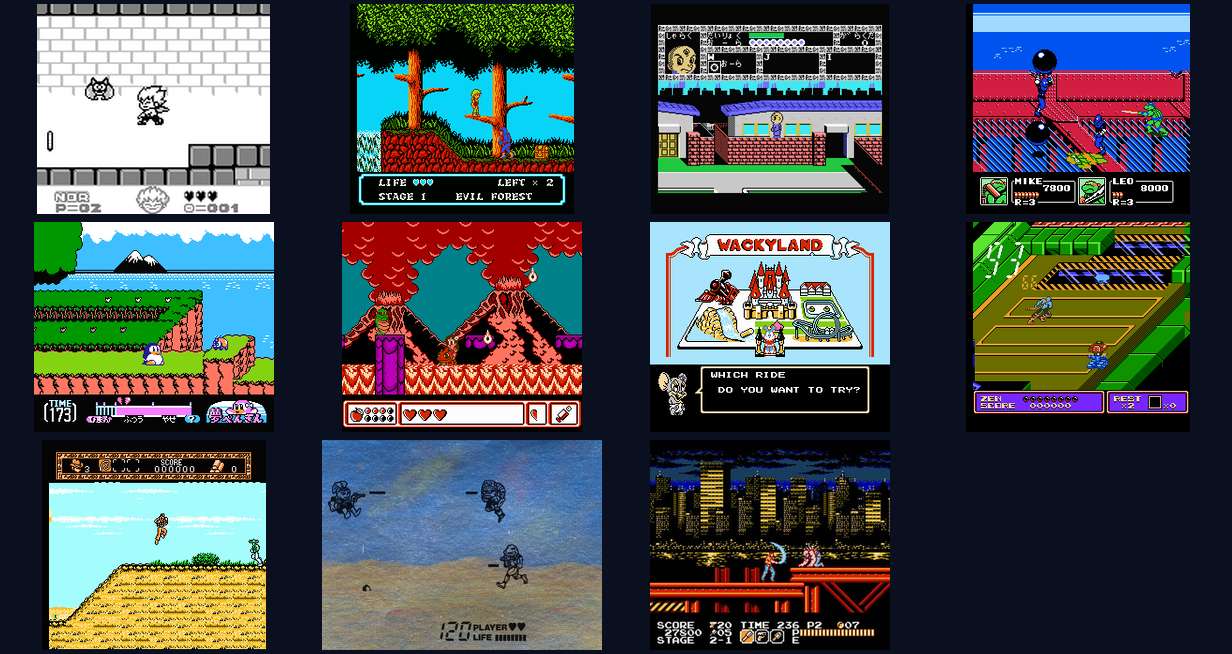
Co-op action (Contra, Metal Slug X, Turtles in Time)
- Target: smooth enemy timing and jump reliability
- Best practice: short checkpoint tests before full runs
- Bad sign: one player sees bullets/projectiles at different timing
Co-op players can tolerate some delay, but not inconsistent enemy sync.
Fast Troubleshooting: Change These in Order
When someone says “it’s lagging,” run this order instead of random guessing.
Step 1: Confirm it’s network, not overload
Ask every player to close unnecessary apps and browser tabs first. CPU spikes and thermal throttling can feel exactly like net lag.
Step 2: Test host replacement once
Swap to one backup host and run a 2-minute test. If quality improves immediately, keep the new host and continue.
Step 3: Reduce room complexity
- Lower player count for 1–2 rounds
- Avoid constant game hopping
- Pause voice/video streaming extras
Step 4: Rebuild the room only once
Full reconnect loops every 5 minutes waste the night. Rebuild once with clear settings, then commit to that room for a session block.
Step 5: Split by latency reality
If you have mixed regions, run two mini-lobbies instead of forcing one bad global room.
If you want the full baseline setup flow, start here: fix retro netplay lag.
Host Rules That Actually Work for Friend Groups
Most “netplay drama” is social process, not networking.
Use these rules and you’ll get cleaner sessions:
- One technical host, one game coordinator. The host handles stability; coordinator handles rotation.
- Announce rotation before match 1. Nobody likes waiting with no queue clarity.
- Use time blocks, not endless votes. Example: 25 minutes fighters, 25 minutes co-op, 25 minutes kart chaos.
- Limit per-round settings changes. Too many tweaks create placebo arguments.
This structure is exactly why group sessions run better on play retro games online with friends: fewer surprises, cleaner flow.
“What Most People Miss” About Lag Fixes
Three truths that save nights:
- Stable > minimal. A consistent input delay beats wildly changing “low ping.”
- Rotation design affects perceived lag. Long waits make every stutter feel worse emotionally.
- Game choice matters as much as settings. Some titles hide minor delay better than others.
If your room keeps failing, choose games that are naturally resilient for that night’s player mix instead of forcing ultra-sensitive fighters.
A Ready-to-Use 60-Minute “No-Drama” Session Plan
Use this when you want quick wins:
- 00:00–00:10 — Warm-up checks, one host, one test match
- 00:10–00:30 — Co-op block (Contra / Turtles in Time)
- 00:30–00:50 — Party/racer block (Mario Kart 64)
- 00:50–01:00 — Short fighter sets (Street Fighter II Turbo or Tekken 3)
This sequence ramps pressure gradually and avoids opening with the most lag-sensitive games.
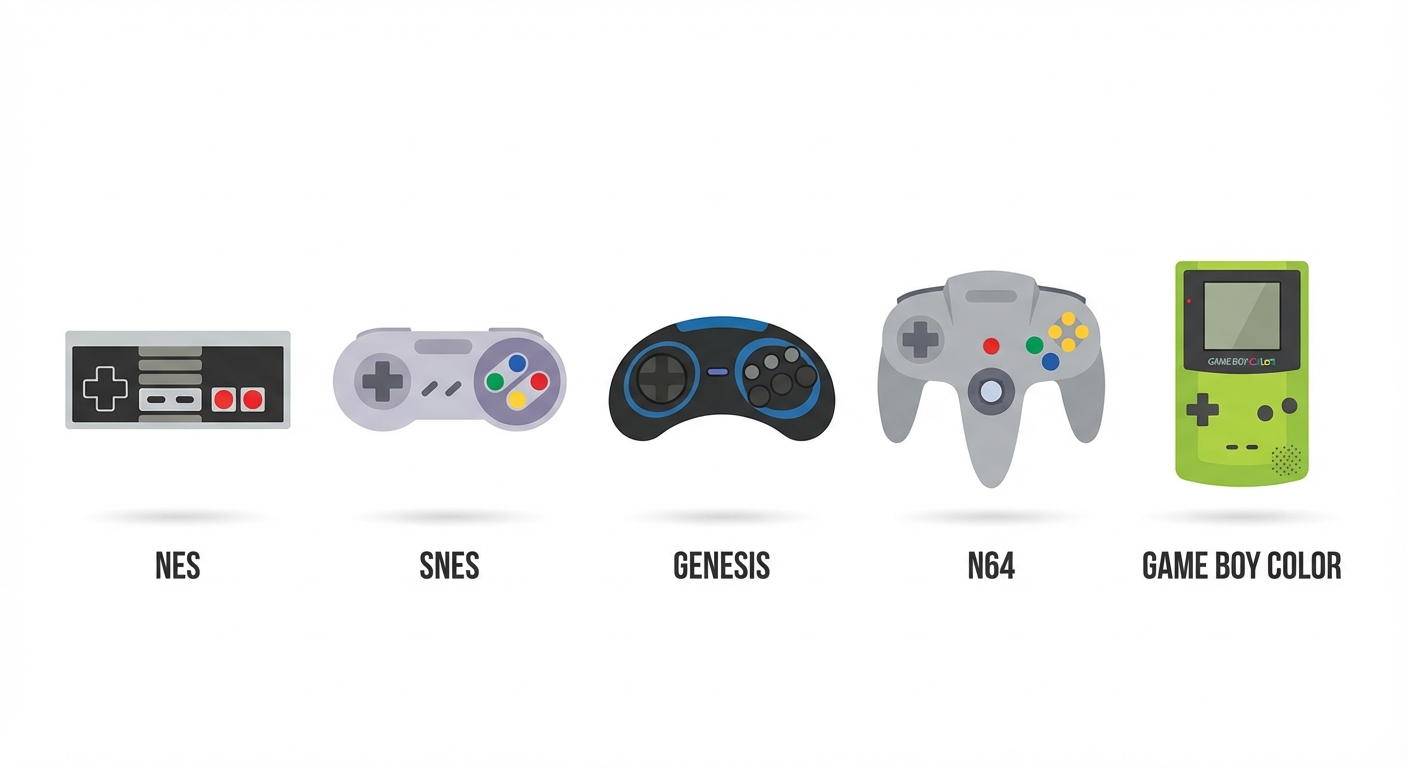
Want more platform-specific game picks? Read: /blog/console-specific-netplay-guide-nes-snes-genesis-n64 and browse more session ideas at /blog.
Final CTA: Run the Checklist, Then Queue the Fun Stuff
If your squad keeps losing momentum to setup chaos, don’t chase random fixes mid-game. Run the 10-minute checklist, lock one host, and play in structured blocks.
Start with the full setup landing page at /fix-retro-netplay-lag, then jump into your next room at /play-retro-games-online-with-friends. You’ll spend less time debugging and more time actually playing.