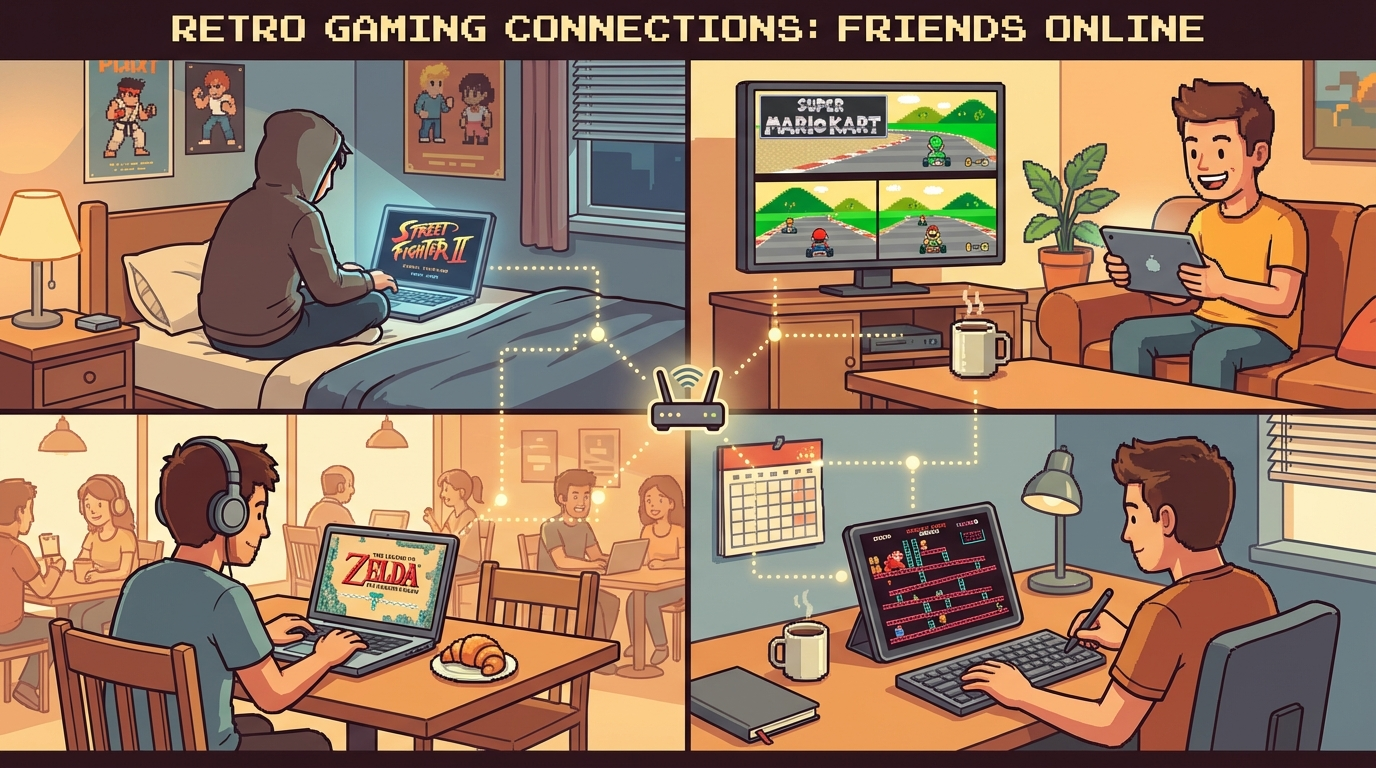
If your group keeps saying “let’s play tonight” and then spends 40 minutes fighting settings, this guide is for you. A clean retro netplay session is less about raw internet speed and more about lobby discipline: game choice, host selection, and pre-match checks that take five minutes. Start with Retro Netplay as your main setup hub, and keep Fix Retro Netplay Lag open for fast troubleshooting when things get rough.
The goal here is simple: less setup chaos, more actual games.
Why Friend Sessions Fail (Even With “Good Internet”)
Most bad sessions are not one big technical failure. They are ten tiny mistakes that stack:
- one player joins on unstable Wi-Fi
- everyone picks different ROM revisions
- the strongest host is not actually hosting
- people change emulator settings mid-lobby
- nobody runs a quick warm-up test before ranked-style matches
You can avoid all of this with repeatable rules. Think of your lobby like a local tournament setup: short checklist, clear roles, no random last-second tweaks.
The 5-Minute Pre-Game Checklist
Run this every session before game one:
- Lock the game + version (same region/revision for all players).
- Pick host by stability, not by who created the room first.
- Set a room rule for voice + ping checks before match start.
- Play one throwaway warm-up round to verify input feel.
- Save a fallback game in case title #1 has issues.
That’s it. Five steps. Most groups skip this and then blame netcode.
If your crew is new, share this onboarding guide too: /blog/play-retro-games-online-with-friends-weekly-room-system.
Best Game Types for Stable Retro Netplay Nights
Some games handle online sessions better than others, especially in mixed-skill friend groups.
1) Fighting Games (Great for Structured Sets)
- Street Fighter II Turbo (SNES)
- Tekken 3 (PS1)
- Mortal Kombat II (SNES/Genesis)
Why they work: short rounds, clear winner flow, easy rematch cadence.
2) Kart / Racing Games (Low Setup Friction)
- Mario Kart 64 (N64)
- F-Zero X (N64)
Why they work: quick race loops and predictable lobby resets.
3) Co-op Beat ‘em Ups (Best for Casual Nights)
- Teenage Mutant Ninja Turtles IV: Turtles in Time (SNES)
- Streets of Rage 2 (Genesis)
- Double Dragon II (NES)
Why they work: forgiving pacing, shared goals, less stress over perfect timing.
4) Party / Mini-Game Picks
- Puyo Puyo Tsu (SNES/PC Engine)
- Bomberman 64 (N64)
Why they work: simple rules and easy rotation when friends join late.
That’s more than five concrete game examples, so your group can build a rotating pool instead of forcing one title all night.
Host Selection Rule That Instantly Reduces Complaints
Use this one sentence in your Discord/Telegram group:
“Host is the player with the most stable upload + wired connection, not the best player.”
Actionable host policy:
- Prefer wired Ethernet when available.
- If everyone is on Wi-Fi, host closest to the geographic center of players.
- Don’t switch hosts mid-set unless performance is clearly broken.
- If new players join from far regions, start a new room for them.
People hate changing hosts because it feels like delay. Do it anyway when needed. Your session quality will jump immediately.
ROM and Save Hygiene (The Unsexy Part That Prevents Desync)
Desync pain usually starts here.
Non-Negotiable Rules
- Everyone uses the exact same ROM dump/version.
- Keep a shared file naming convention for your group.
- Don’t load random save states from solo runs into multiplayer rooms.
- Avoid cheats/mods unless every player has the exact same setup.
If your group frequently swaps games, your best workflow is to keep uploads tidy in one place and launch from there: Upload ROM and Play Online.
Lag Triage: What To Do in the First 90 Seconds
When a match feels bad, don’t argue. Run this sequence:
- Check if one player is spiking (voice breakup and delayed inputs are clues).
- Reduce background bandwidth (pause cloud backup, streams, downloads).
- Lower visual overhead (disable heavy shaders/filters).
- Restart room once after adjustments.
- Switch host if issue persists after one retry.
Detailed diagnostics are here: Fix Retro Netplay Lag.
The key is speed. Don’t spend 20 minutes theorizing while everyone gets tilted.
Practical Lobby Roles (Yes, Assign Roles)
A chaotic friend group benefits from lightweight roles:
- Host Captain: creates room, confirms host stability.
- Version Checker: verifies game/version before launch.
- Queue Manager: rotates players and calls next set.
- Backup Picker: chooses fallback game when issues appear.
This sounds over-organized, but it saves time, especially with 4-8 players.
Weekly Session Format That Actually Works
Try this template for recurring nights:
Block A (20 min): Warm-Up + Tech Check
- one casual game
- confirm controls/audio feel normal
- fix obvious issues early
Block B (60 min): Main Rotation
- run 3-5 game sets
- keep each set short
- log “keep” games for next week
Block C (20 min): Crowd Favorite / Chaos Pick
- party game or co-op title
- no ranking pressure
- easy join/leave flow
This keeps energy high and prevents the “one bad game kills the whole night” problem.
Common Mistakes to Kill Immediately
- starting with the most technical game instead of a stable warm-up title
- inviting too many players without queue rules
- ignoring one player’s repeated lag reports
- changing controller mappings every match
- refusing to drop a bad room and recreate it
A smooth retro netplay culture is mostly habits. Once your group has rituals, sessions feel effortless.
What Most Groups Miss
The best online retro nights feel social first, technical second. If setup friction is high, people stop showing up consistently. If matches start fast and run clean, your weekly room becomes routine.
That consistency is exactly what turns “we should play sometime” into “same time next week?”
Strong CTA: Build Your No-Drama Lobby Kit Tonight
If you want better sessions this week, do this right now:
- Save this post in your group chat.
- Set your default stack with Retro Netplay.
- Pin Fix Retro Netplay Lag for emergency triage.
- Add one related read for new players: /blog/fix-retro-netplay-lag-practical-checklist.
- Run the 5-minute checklist before your next match.
Do this once and you’ll spend less time debugging, more time landing combos, winning races, and laughing through classic co-op chaos.