So you've got a folder full of ROMs sitting on your hard drive. Maybe you dumped them from your old cartridges, maybe you've been collecting for years, or maybe you just downloaded a bunch back in the day when the internet was the wild west.
Here's the thing: those ROMs are doing absolutely nothing for you sitting in a folder.
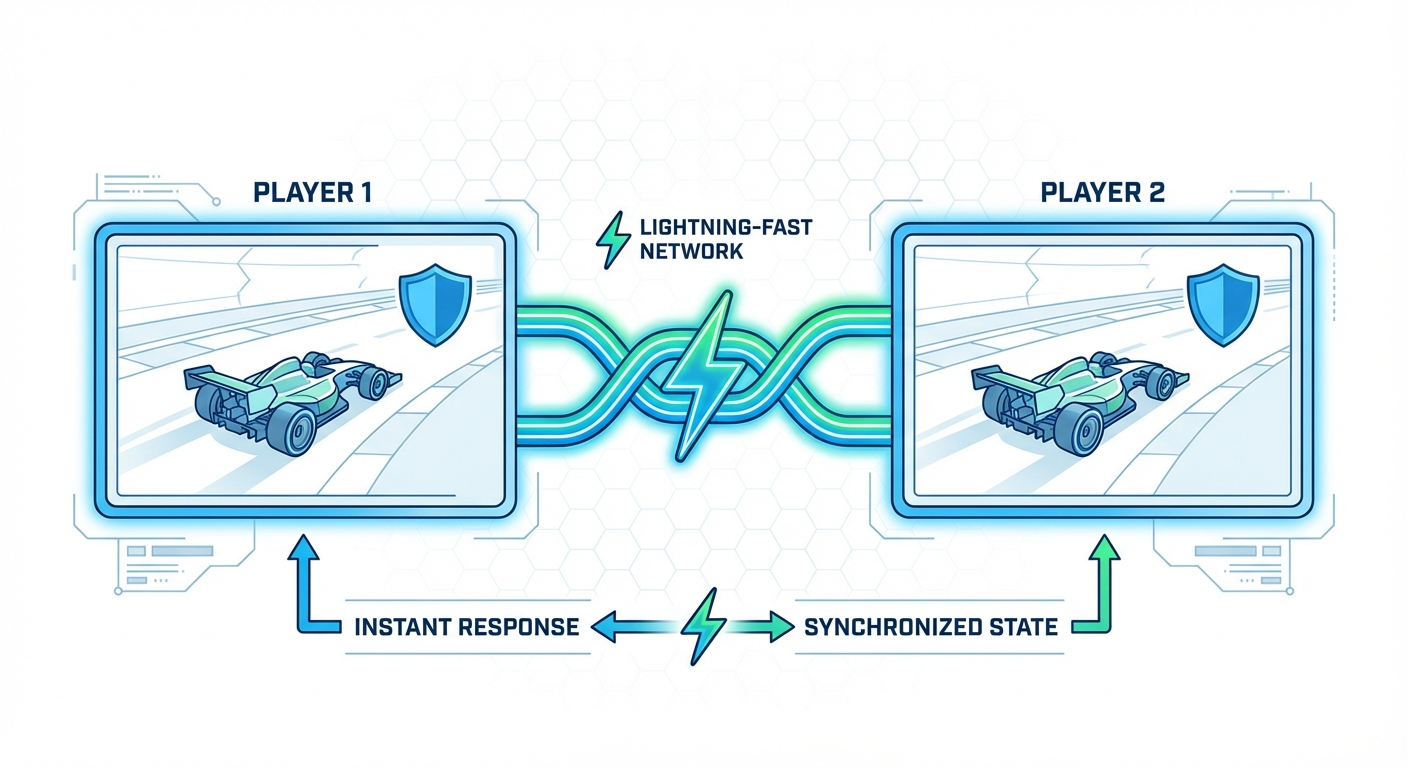
You could fire up a local emulator and play alone—boring. Or you could figure out netplay the old way: install emulators, configure ports, deal with desync, argue over which emulator version, spend 45 minutes troubleshooting before you even press start.
Or you can upload your ROMs to Rebit and be playing Contra with a friend in three minutes.
Let's walk through exactly how to upload your ROMs and play retro games online—the frictionless way.
Why Upload Your ROMs Instead of Using Pre-Hosted Libraries?
When you upload your own ROMs to play online, you get advantages pre-hosted libraries can't match:
You own your experience. Your exact ROM version, your save data tied to your account, access anywhere—phone, tablet, desktop, TV. No waiting for someone else to host the game you want.
Privacy and security. ROMs are private to your account unless you explicitly share. Encrypted storage, no sketchy downloads, no data mining.
Full library access. Import your entire collection—obscure titles, translations, hacks, whatever you've got. No "we don't have that game" limitations.
You already own the games. If you dumped cartridges you own or you've had ROMs for years, uploading to a private service is the ethical way to go.
Quick Start: Upload and Play in Under 5 Minutes
Here's the no-nonsense workflow:
Step 1: Create Your Rebit Account
Head to rebit.cc and create a free account. This takes about 30 seconds.
Step 2: Navigate to Upload
Click the "Upload ROM" button or go directly to /upload-rom-play-online. Drag and drop your ROM.
Step 3: Upload Your ROM File
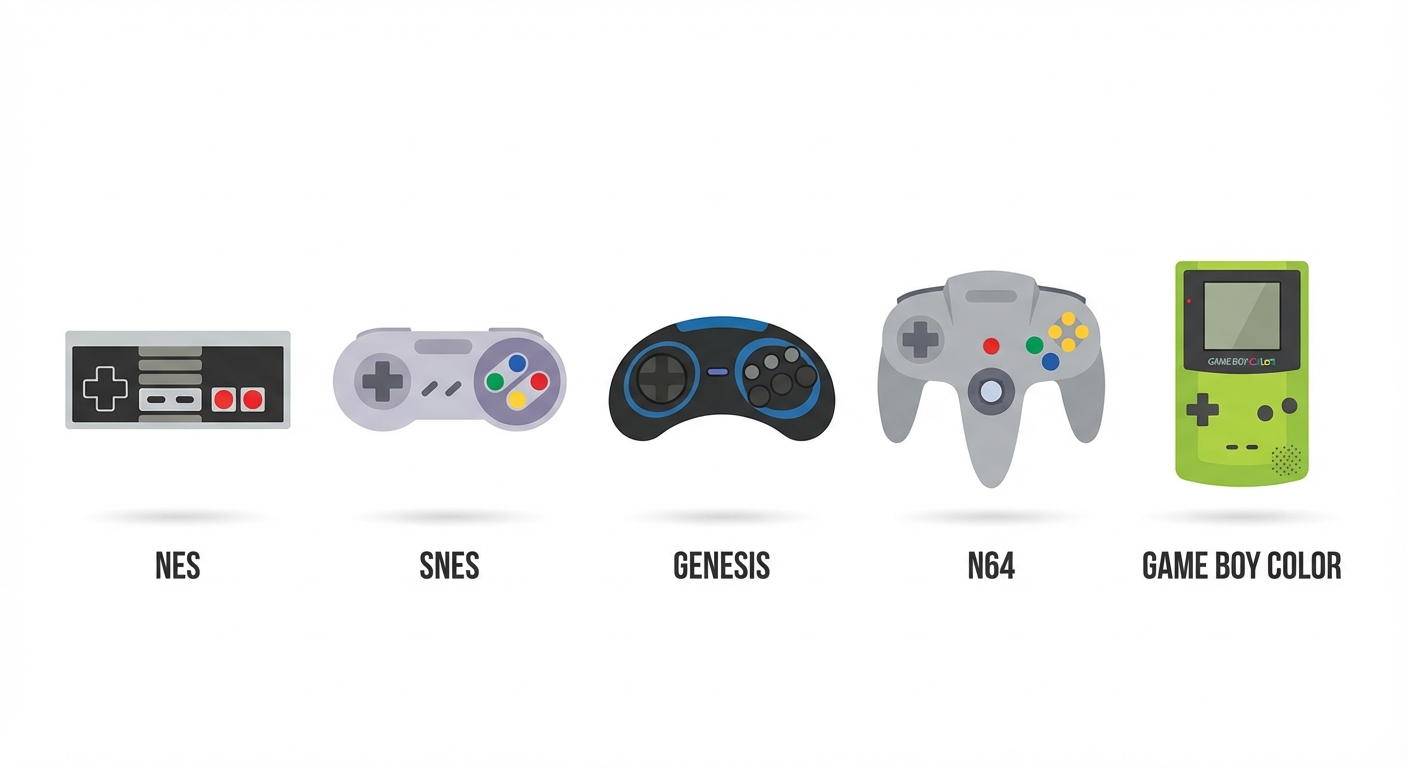
Supported formats include .nes, .smc, .md, .z64, .gba, .iso, and more. Most ROMs finish in under 10 seconds.
Step 4: Game Appears in Your Library
Once uploaded, your game appears instantly in your personal library. No waiting for processing, no manual metadata entry. We auto-detect the game and pull cover art, descriptions, and configuration.
Step 5: Start Playing or Invite Friends
Two options:
- Solo: Click the game and play immediately in your browser
- Multiplayer: Generate a share link and send it to a friend. They join, you play. That's it.
No port forwarding. No VPN. No "can you host? I can't host."
Real-World Examples: Games That Sing Online
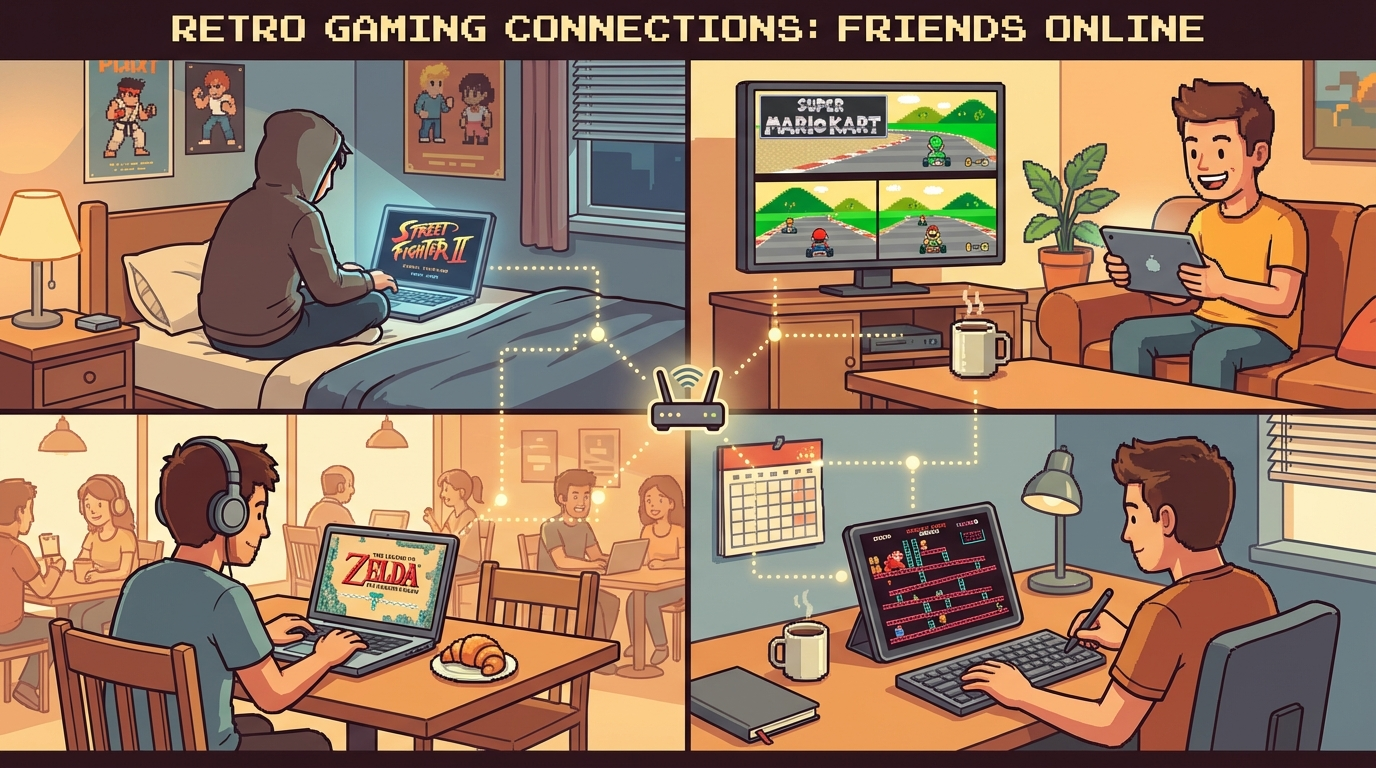
Some games are meant to be played online. Here are five that absolutely shine once you've uploaded them to Rebit:
1. Contra (NES)
The ultimate co-op run-and-gun experience. Upload Contra, generate a link, and you and a friend are blasting through levels in minutes. Zero-lag netplay means you'll actually hit those jump shots.
2. Street Fighter II Turbo (SNES)
Fighting games die with lag. Rebit's /retro-netplay handles rollback properly, so your inputs land when you press them—not three frames later.
3. Mario Kart 64 (N64)
Four-player battle mode chaos. Upload MK64, share the lobby link, and relive the dorm room days. Items sync properly, blue shells work, and nobody gets disconnected mid-race.
4. Secret of Mana (SNES)
Three-player action RPG that deserved better than the buggy multiplayer adapter on original hardware. Online netplay fixes the limitations and lets you enjoy this co-op masterpiece.
5. Tekken 3 (PS1)
One of the greatest fighting games ever made. Upload your Tekken 3 ISO, invite a friend, and settle those "who's actually better" debates. No lag excuses.
Managing Your Uploaded ROM Library
Once you've uploaded more than a few games, organization matters. Create collections like "Co-op Games" or "Fighting Games." Your library is fully searchable—type "Mario" and see every Mario game across consoles.
We automatically detect bad dumps and problematic ROM versions, flagging anything that seems off. For bulk uploads, drag entire folders and we'll sort by console automatically.
Playing With Friends: The Complete Flow
Option 1: Quick Drop-In
Go to your game's page, click "Host Netplay Session," copy the share link, and send it to your friend. They click, join, and you're playing in about 90 seconds.
Option 2: Scheduled Sessions
For regular groups, create a recurring lobby link that stays the same every week. No "who's hosting tonight?" confusion—everyone bookmarks the same link and shows up at game time.
Option 3: Public Sessions
Make your lobby public in the /retro-netplay browser to let random players join. Great for finding partners for less popular games.
Advanced Configuration: Power User Tips
Controller Mapping: Upload your controller profiles once, use them everywhere. Create separate profiles for different genres—tight d-pad for platformers, face-button-heavy for fighting games.
Save State Management: Create manual save slots, export save states for backup, or roll back to earlier saves if you mess up.
Netplay Quality Settings: If you have slow internet, reduce audio quality or disable visual effects. Auto-settings work fine most of the time.
ROM Hacks and Translations: Upload patched ROMs, translations, or redesigns. Both players need the exact same ROM version for netplay.
Common Upload Issues (And Fixes)
"ROM Not Supported" Error: Make sure you're uploading a valid ROM file, not a zip archive. Try re-dumping or re-downloading from a trusted source.
Netplay Desync: You and your friend have different ROM versions. Both players need the exact same ROM—check MD5 or SHA1 hashes if unsure.
Slow Upload Speed: Large files take time. If it's stuck, refresh and retry—we don't re-upload existing files.
Game Won't Load: Test the ROM in a local emulator first. If it doesn't work there, it won't work here. Get a clean dump.
From Upload to Netplay: Real Example
Want to play Contra with a friend? Test your ROM in a local emulator first, then upload to /upload-rom-play-online—takes about 8 seconds. Host a netplay session, copy the lobby link, send it to your friend. They click, join, and you're playing in under 3 minutes.
What About ROM Files You Don't Own?
If you don't own the game, don't upload it. Rebit is a platform for playing games you already have. If you dumped cartridges you own, or you've had ROM files for years, uploading to a private cloud service is fair use in most jurisdictions.
Buy original cartridges and dump them yourself, support official re-releases, or check out homebrew and public domain games. Use your own judgment.
Upload Once, Play Everywhere
Upload from your PC, play on your phone with touch controls or Bluetooth controller during your commute, then continue on your TV when you get home. Your saves and ROMs sync everywhere—no cables, no file transfers. This is how retro gaming works in 2026.
Troubleshooting: When Things Go Wrong
Upload stuck at 99%? Refresh the page—we don't re-upload completed files. Check your internet connection.
Friend can't join? Make sure they're using the correct lobby link, both of you have the same ROM version, and your browser allows WebRTC.
Game crashes on load? Test the ROM in a local emulator first. Try a different browser—Chrome and Firefox have best WebRTC support.
Desync during netplay? Both players must have identical ROM files. Check file hashes—md5sum contra.nes should match.
Controller not working? Make sure the controller is connected before opening the game, check browser permissions for gamepad access, or map controls manually.
Most issues resolve with a browser refresh or ROM re-upload.
Ready to Upload Your First ROM?
Getting started is free. Head to /upload-rom-play-online and drag in your first ROM. Within minutes, you'll be playing online with zero friction.
Already uploaded your library? Jump into /play-retro-games-online-with-friends and start hosting sessions. Your friends are waiting.
Got questions about specific ROM formats, edge cases, or advanced configuration? Check out our /blog for deeper dives, or dive into the /retro-netplay documentation.
Your ROM collection deserves better than sitting in a Downloads folder. Upload it, play it, share it. That's what retro gaming is all about.